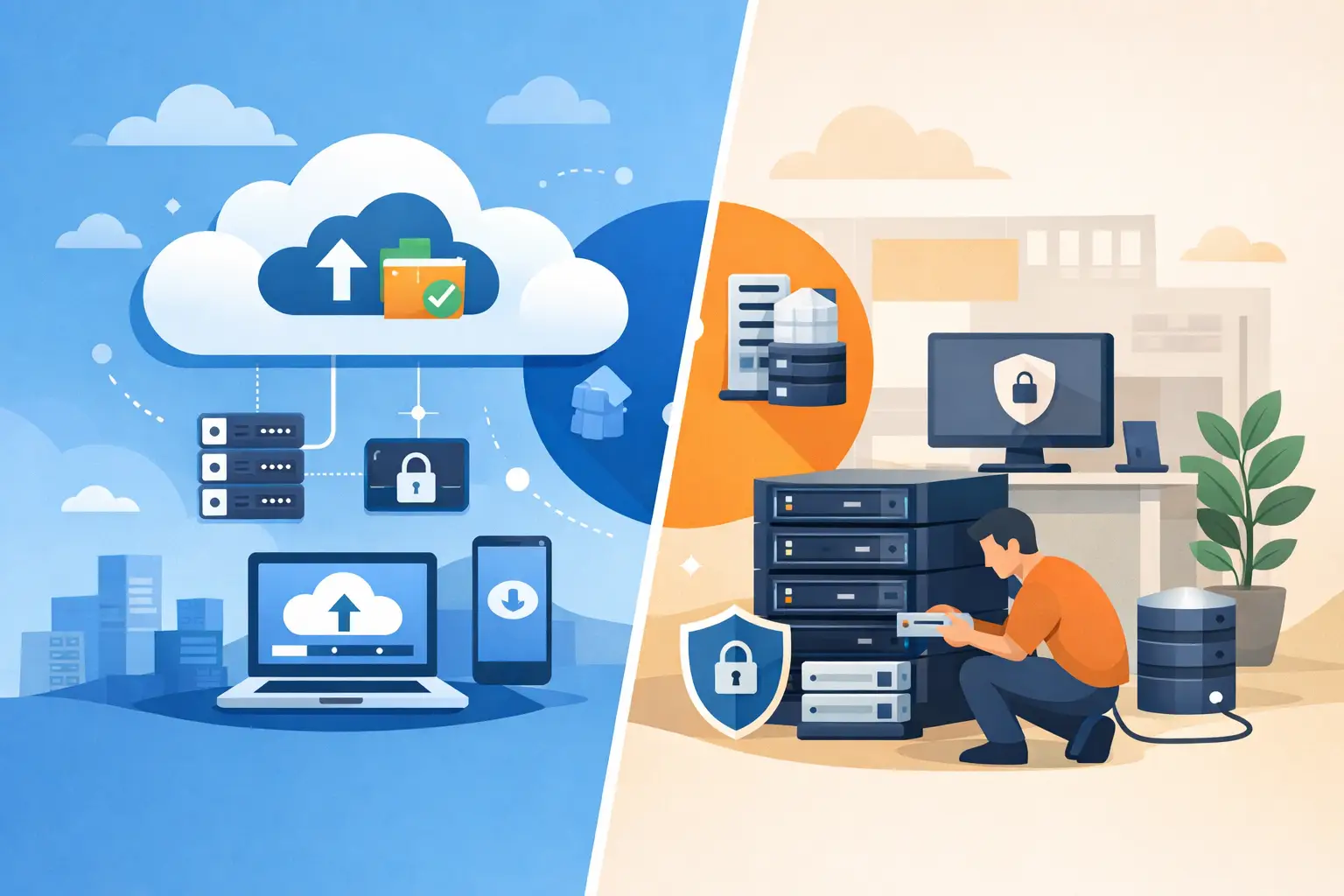

If your team is still relying on ageing servers in a comms room, scattered file storage, or software that only works when one specific PC behaves itself, the question is not just what is cloud migration in cloud computing. It is whether your business can afford to delay it. For most SMEs, cloud migration is less about chasing new technology and more about reducing risk, improving access, and keeping day-to-day operations running.
What is cloud migration in cloud computing?
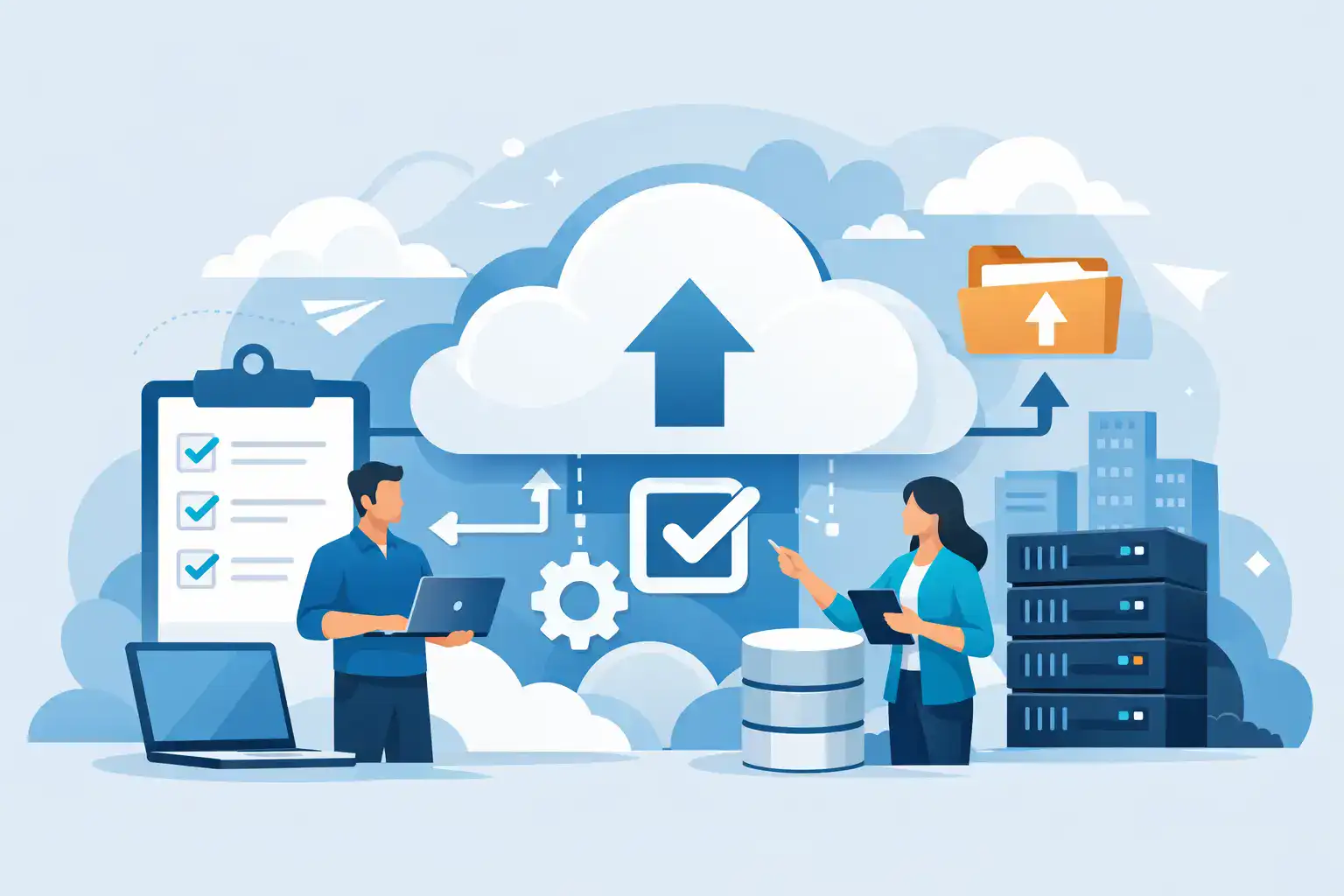
Cloud migration in cloud computing is the process of moving digital business assets from one environment to another, usually from on-premises infrastructure to a cloud-based platform. That can include files, applications, email, databases, virtual servers, backups, or whole workloads.
In practical terms, it means shifting systems away from hardware you own and maintain in-house, and into services hosted in secure data centres and delivered over the internet. Depending on the business, that might be as simple as moving email to Microsoft 365, or as involved as migrating line-of-business applications, telephony, file servers, and backup systems into a managed cloud environment.
The aim is not to move everything for the sake of it. The aim is to give the business better resilience, easier access, stronger continuity planning, and fewer points of failure.
Why businesses move to the cloud
Most SME leaders do not wake up wanting a cloud project. They want staff to work without interruption, customers to be served on time, and systems to stay available. Cloud migration becomes relevant when current IT starts getting in the way.
A local server may be out of warranty. Remote access may be awkward or insecure. Backups may exist, but recovery may be unclear. Office moves, hybrid working, and growth across multiple sites often expose how dependent the business is on old infrastructure.
The cloud can help by removing some of that dependency. Staff can access systems securely from the office, home, or on the road. Data can be stored with built-in redundancy. Updates and maintenance can be handled more consistently. Disaster recovery planning usually becomes far stronger because services are no longer tied to one physical location.
That said, cloud migration is not a magic fix. If poorly planned, it can create disruption, overspend, or security gaps. The value comes from moving the right systems, in the right order, with the right controls in place.
What actually gets migrated?
When people hear the term, they sometimes assume cloud migration means moving every system at once. In reality, the scope varies.
Some businesses begin with communication tools such as email, calendars, Teams, or VoIP. Others start with file storage and document collaboration, especially if staff are dealing with version issues or limited remote access. More mature projects may involve moving virtual servers, databases, backup platforms, or industry-specific applications.
There is also a difference between moving data and moving operations. You can place files in the cloud, but if your key application still relies on an old server under someone’s desk, the business is not truly cloud-enabled. A proper migration looks at how people work, what systems they depend on, and where the operational risks sit.
Types of cloud migration
Not every migration follows the same model. Sometimes an existing server or application is moved largely as it is into a cloud-hosted environment. This is often called a lift-and-shift approach. It can be useful when speed matters or when replacing the application is not realistic in the short term.
In other cases, a business moves from a traditional system to a cloud-native service. For example, replacing an in-house file server with SharePoint and OneDrive, or moving from an on-site phone system to hosted VoIP. This often delivers more long-term value, but it may require users to adapt to new ways of working.
A hybrid setup is also common. Some systems remain on-site because of compliance, performance, licensing, or integration reasons, while others move to the cloud. For many SMEs, this is the most practical route rather than an all-or-nothing change.
The business benefits, without the sales gloss
The biggest benefit of cloud migration is usually resilience. If a server fails in your office, operations may stop. If a service is hosted properly in the cloud with redundancy and monitoring, the risk is spread more effectively.
There is also a productivity benefit. Staff can work from different locations more easily, share documents without awkward workarounds, and access business tools on approved devices. For growing businesses, this flexibility matters.
Cost is more nuanced. Cloud services can reduce capital spend on hardware refreshes, but they do not always mean lower monthly costs. In some cases, they increase visibility and predictability rather than lowering spend outright. That can still be a strong outcome, especially if it removes surprise repair bills and emergency replacements.
Security is another reason businesses migrate, but this needs careful handling. A cloud platform can improve security through centralised controls, identity management, encryption, and better monitoring. However, moving to the cloud does not automatically make a business secure. Weak passwords, poor permissions, and unmanaged devices can still create serious exposure.
Common risks and where projects go wrong
Most cloud migration problems are not caused by the cloud itself. They come from weak planning.
One frequent issue is poor discovery. Businesses underestimate how many systems are in use, who relies on them, and what integrations sit in the background. An application may look outdated but still feed accounts, stock, or customer records. If that dependency is missed, migration day becomes far more painful than expected.
Another problem is assuming every workload belongs in the cloud. Some applications perform badly when moved, particularly if they were never designed for remote access or modern hosting models. Others may require redevelopment, not relocation.
User change is often overlooked too. Even when the technology works, people need clear communication, training, and support. A migration that makes sense to IT can still cause friction if staff do not understand where files have gone, how access works, or what has changed.
How a cloud migration should be approached
A good migration starts with a proper assessment. That means identifying systems, users, dependencies, risks, licences, and security requirements before any move takes place. The question is not simply what can be moved, but what should be moved first to reduce disruption and improve resilience.
From there, the migration plan should be phased. Critical services need clear timelines, fallback options, and testing. Backups should be verified before changes begin. Access controls should be reviewed, not copied across blindly. Where possible, pilot groups can help expose issues before a full rollout.
Security should be built into the process from the start. Multi-factor authentication, device policies, permissions, backup design, and recovery planning all need attention. This is especially important for SMEs that may not have a full in-house IT team checking every setting.
Support after go-live matters just as much. The first few days often reveal practical issues that did not appear during testing. Responsive follow-up keeps disruption low and helps staff settle into the new setup more quickly.
What is cloud migration in cloud computing for an SME?
For a smaller or mid-sized business, what is cloud migration in cloud computing really about? It is about reducing reliance on fragile systems and giving the business a more dependable foundation.
That may mean enabling secure hybrid working, improving backup and recovery, replacing unsupported hardware, or making an office move less disruptive. It may also mean bringing together cloud, connectivity, communications, and security under one managed approach so there are fewer gaps between suppliers.
For many firms, the real value is not technical elegance. It is knowing that if a device fails, an office loses power, or staff need to work elsewhere tomorrow morning, the business can continue.
When is the right time to migrate?
Usually earlier than businesses think. The right trigger might be a server nearing end of life, rising support issues, a cybersecurity concern, a planned relocation, or a push towards hybrid working. Waiting until something breaks tends to limit options and increase pressure.
That does not mean rushing into a full migration. It means planning before urgency forces the decision. A staged approach often gives better results than a dramatic overnight switch.
For SMEs across Ireland, this is where a service-led partner can make the difference between a controlled transition and an expensive disruption. The cloud works best when it supports the business model, not when it becomes a project with no clear operational outcome.
Cloud migration is not really about where your servers sit. It is about whether your systems are fit for the way your business needs to operate now, and whether they will still hold up when the next challenge arrives.