
If you are comparing cloud computing vs cloud infrastructure, you are probably not looking for a textbook definition. You are trying to work out what your business actually needs, what you are paying for, and where the risks sit if something goes wrong.
That matters, because these two terms are often used as if they mean the same thing. They do not. One describes how IT services are delivered. The other refers to the underlying foundation those services run on. For an SME making decisions about systems, security, remote working or disaster recovery, that distinction affects cost, resilience and day-to-day support.
Cloud computing vs cloud infrastructure: what is the difference?
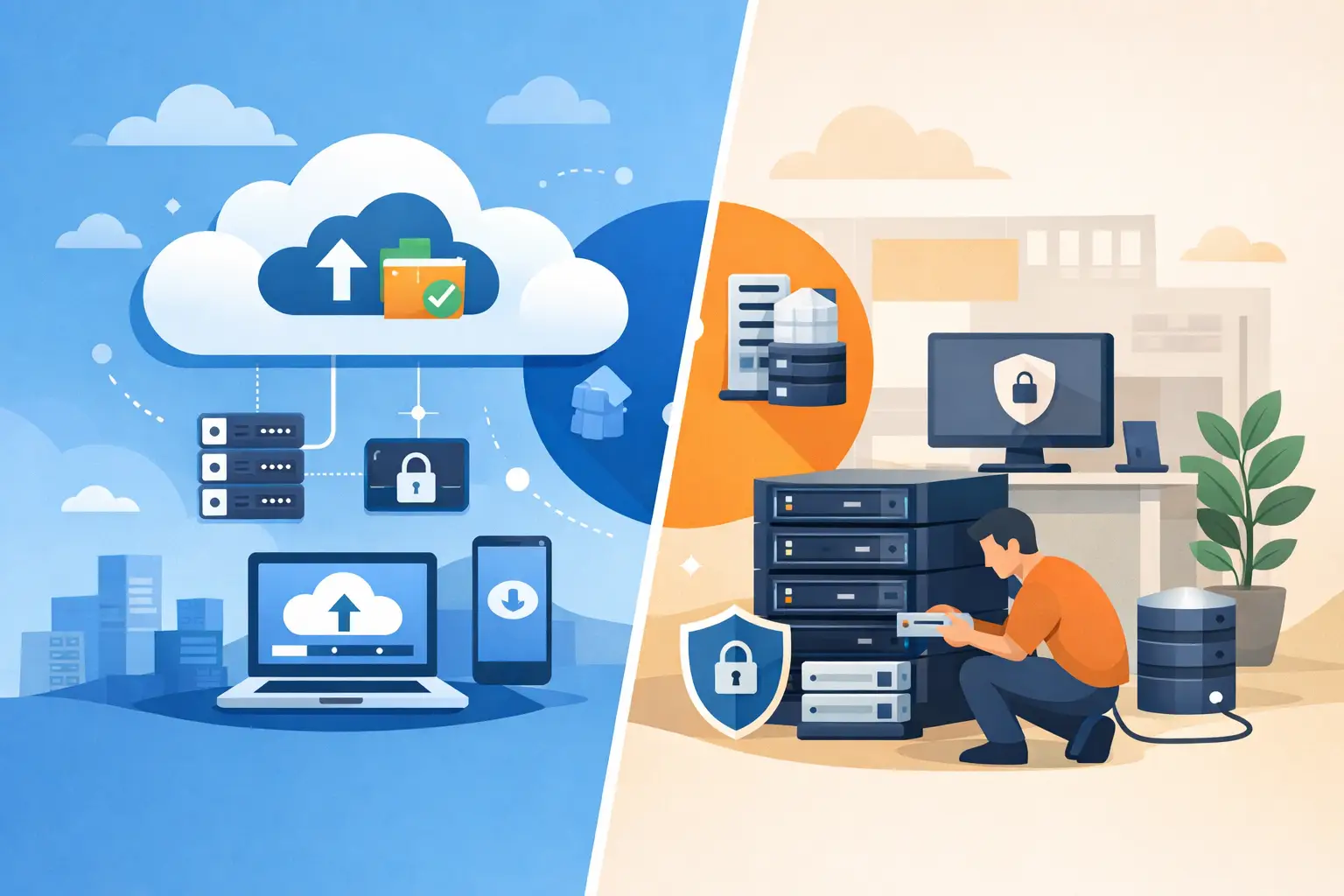
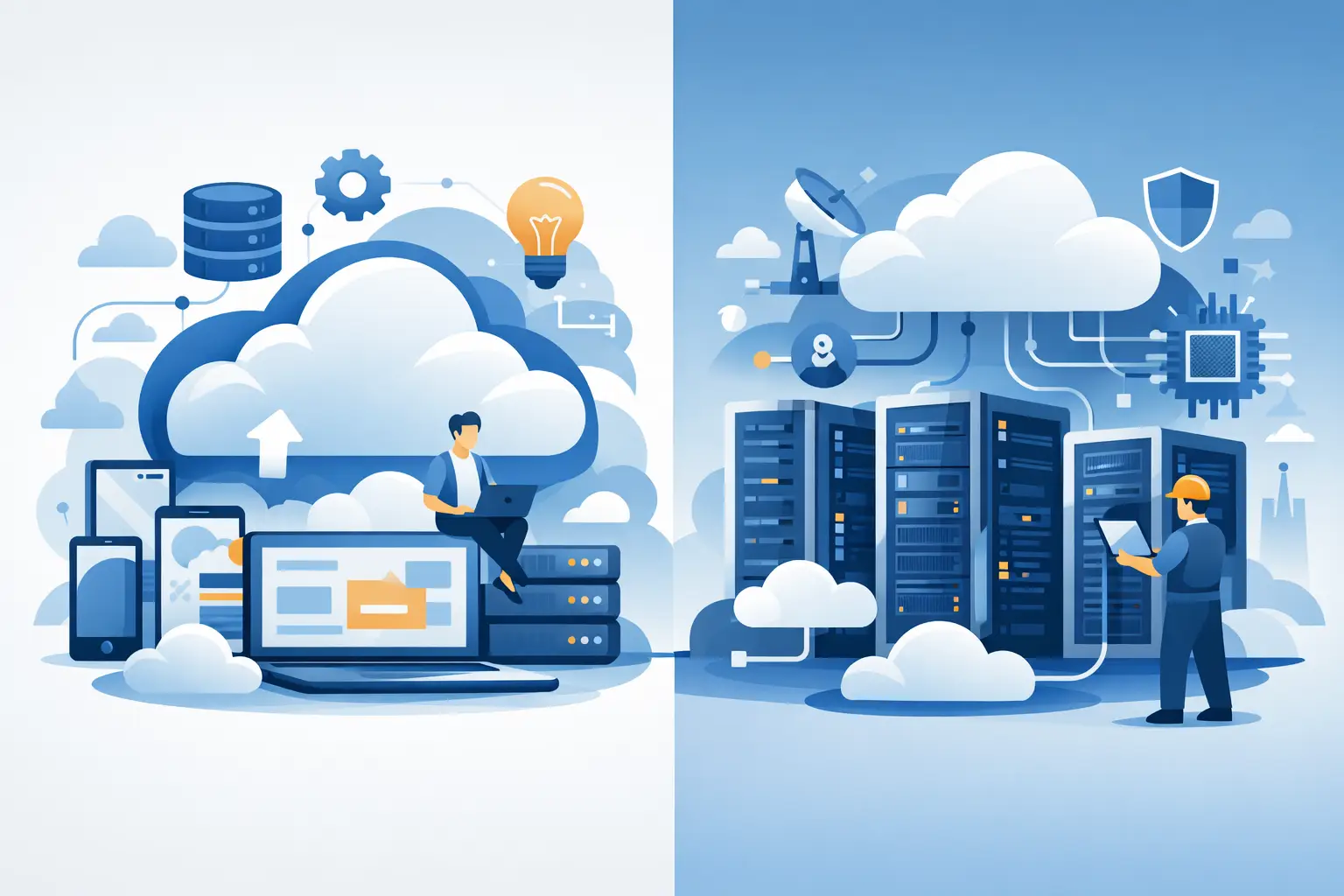
Cloud computing is the use of computing services over the internet. That can include file storage, hosted applications, virtual desktops, backup platforms, email, collaboration tools and more. Instead of buying and managing everything on-site, your business accesses services as needed.
Cloud infrastructure is the underlying environment that makes those services possible. It includes servers, storage, networking, virtual machines, firewalls and the management layers that keep everything available and secure. If cloud computing is the service your team uses, cloud infrastructure is the engine room behind it.
A simple way to think about it is this: cloud computing is what the user experiences, while cloud infrastructure is what IT relies on to deliver that experience.
Why SMEs often mix them up
The confusion is understandable. Most providers sell outcomes, not architecture. A business owner is told they can move to the cloud, improve flexibility and reduce hardware costs. All of that may be true, but it bundles together the front-end service and the back-end platform.
In practice, SMEs rarely buy one without some level of the other. If you move your files to a cloud platform, there is infrastructure behind it. If you deploy cloud servers for a business application, that infrastructure exists to deliver a computing service. The overlap is real, but the roles are still different.
This matters most when you are budgeting, planning support, or trying to understand responsibility. If your staff cannot access a hosted system, is the issue with the application, the internet connection, user permissions, the virtual server, or the wider infrastructure design? Clear language helps avoid expensive assumptions.
What cloud computing usually includes
For most SMEs, cloud computing shows up as the services staff use every day. That may include Microsoft 365, cloud backup, hosted telephony, file sharing, remote desktop access, line-of-business applications or accounting platforms.
The appeal is clear. You can scale more easily, support hybrid working, reduce reliance on ageing office hardware and shift some costs into predictable monthly spend. Updates are often simpler, deployment is faster and staff can work from different locations without the same dependency on a single office server.
That said, cloud computing is not automatically cheaper or safer just because it is in the cloud. Poor permissions, weak authentication, unclear backup arrangements and unsupported legacy integrations can create just as many problems as an old on-premises setup. The delivery model changes, but the need for proper management does not.
The business case for cloud computing
When cloud computing is well planned, it helps SMEs stay productive. Staff can access systems securely, downtime can be reduced, and new users or locations can be added without rebuilding everything from scratch.
It can also improve continuity. If your office is inaccessible, your operations are not tied to a single building in the same way. That is often one of the strongest reasons smaller businesses move key systems into cloud-based services.
What cloud infrastructure usually includes
Cloud infrastructure sits beneath those user-facing services. It covers the virtual servers that run applications, the storage that holds data, the network design that connects systems, the security controls that protect access, and the monitoring tools that identify faults before they become business outages.
For a growing SME, cloud infrastructure may replace or supplement physical servers in the office. Instead of buying, housing and maintaining hardware locally, you use hosted infrastructure that can be provisioned, expanded and protected more flexibly.
This is where resilience planning becomes more technical. Infrastructure choices affect performance, backup, disaster recovery, access control, compliance and cyber risk. Two businesses may both say they are hosted in the cloud, but one may be running on a carefully managed, secure and monitored platform while the other is held together by minimal configuration and hope.
Infrastructure is where reliability is built
If your priority is keeping the business running, cloud infrastructure deserves close attention. The right setup supports redundancy, secure connectivity, segmented access, tested backup and recovery, and a clearer response path when something fails.
This is also where managed support becomes valuable. Infrastructure is not just a one-off deployment. It needs patching, monitoring, capacity planning, security review and practical troubleshooting. SMEs often do not need a large in-house IT department, but they do need someone accountable for keeping that foundation stable.
Cloud computing vs cloud infrastructure in real business terms
The difference becomes clearer when you look at common scenarios.
If your team uses hosted email, cloud file storage and online collaboration tools, that is cloud computing. If your business application runs on a hosted virtual server with managed networking, backup policies and firewall rules, that relies on cloud infrastructure.
If you adopt a cloud-based phone system, the service itself is cloud computing. The underlying hosted platform, network quality and security controls form part of the infrastructure that supports it.
In other words, cloud computing answers, “What service are we using?” Cloud infrastructure answers, “What is this running on, and how well is it protected?”
Which one should your business focus on?
For most SMEs, the honest answer is both, but not in equal depth.
If you are deciding how staff will work, collaborate and access systems, cloud computing is usually the starting point. You look at productivity, mobility, licensing and user experience. If you are dealing with performance issues, business continuity concerns, compliance requirements or legacy systems that need careful migration, cloud infrastructure becomes the more critical conversation.
The right priority depends on where your risks are. A small office with outdated servers and no meaningful disaster recovery may need infrastructure planning first. A business already running stable hosted systems may gain more by reviewing the cloud services staff use every day and tightening how those services are managed.
The trade-offs to consider
Cloud services can reduce the burden of maintaining physical hardware, but they do not remove responsibility. Your business still needs security policies, user management, backup clarity and support when something breaks.
Cloud infrastructure gives flexibility and scalability, but it can become unnecessarily complex if it is over-engineered. Not every SME needs bespoke hosted environments, multiple virtual networks and intricate failover design. The goal is a setup that suits your size, risk profile and operational needs.
Cost also needs careful handling. Public cloud services can appear inexpensive at the start, then grow quietly through licences, storage use, support charges and add-ons. On the infrastructure side, poorly scoped environments can lead to paying for capacity you do not need. Good planning keeps spend aligned with business value.
How to make a sensible decision
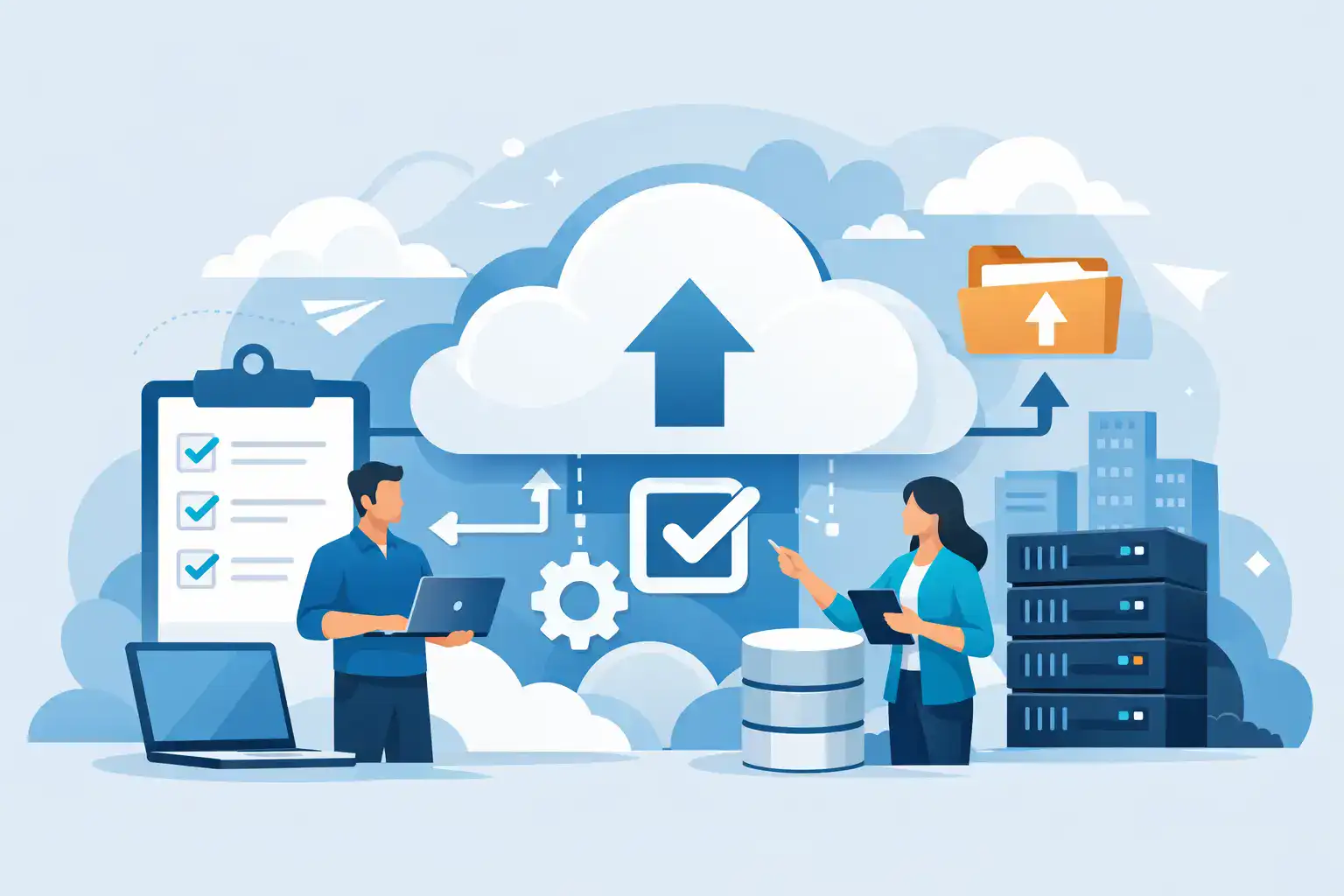
Start with the business outcome, not the technology label. Are you trying to support remote staff, replace old servers, improve security, recover faster from incidents, or reduce disruption during growth?
From there, map the systems your business depends on most. Identify what can move to cloud-based services easily, what needs hosted infrastructure, and what may need to stay local for now. Many SMEs end up with a hybrid model, and that is often the sensible middle ground rather than a compromise.
It also helps to clarify who is responsible for what. If you buy a cloud application, who manages user access, backup, security settings and support? If you move servers into hosted infrastructure, who monitors performance, patches systems and tests recovery? The technical platform matters, but accountability matters just as much.
A dependable IT partner should be able to explain the difference in plain language, design around your operational realities, and support the full picture rather than just selling a platform. For businesses that value continuity, that joined-up approach usually delivers better results than piecing services together from multiple suppliers.
At Host-It, that is often where the real value sits – not in using more cloud for the sake of it, but in building a setup that keeps people working, protects business data and reduces avoidable downtime.
The best cloud decision is rarely the most fashionable one. It is the one that gives your business the right balance of flexibility, protection and support when the pressure is on.