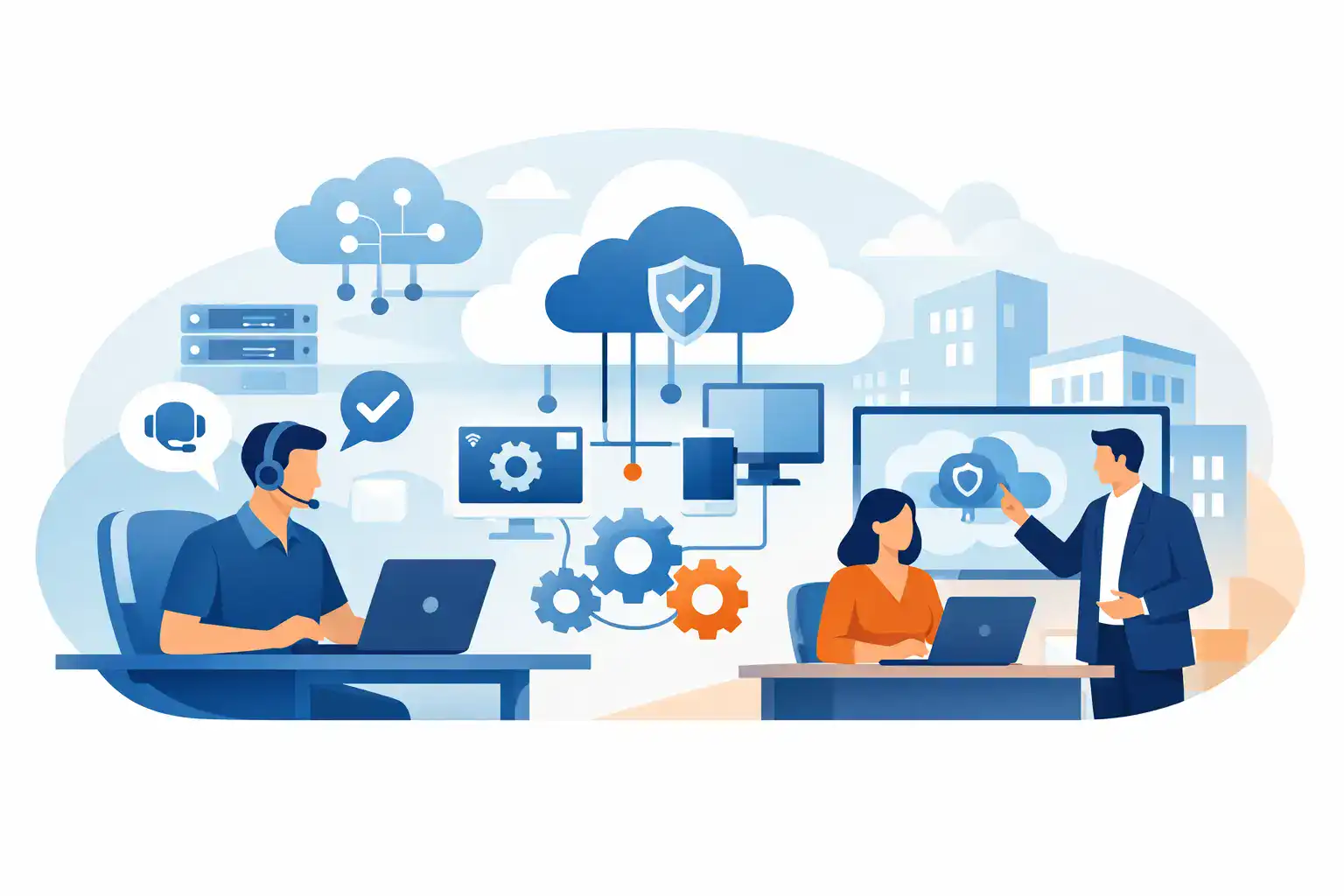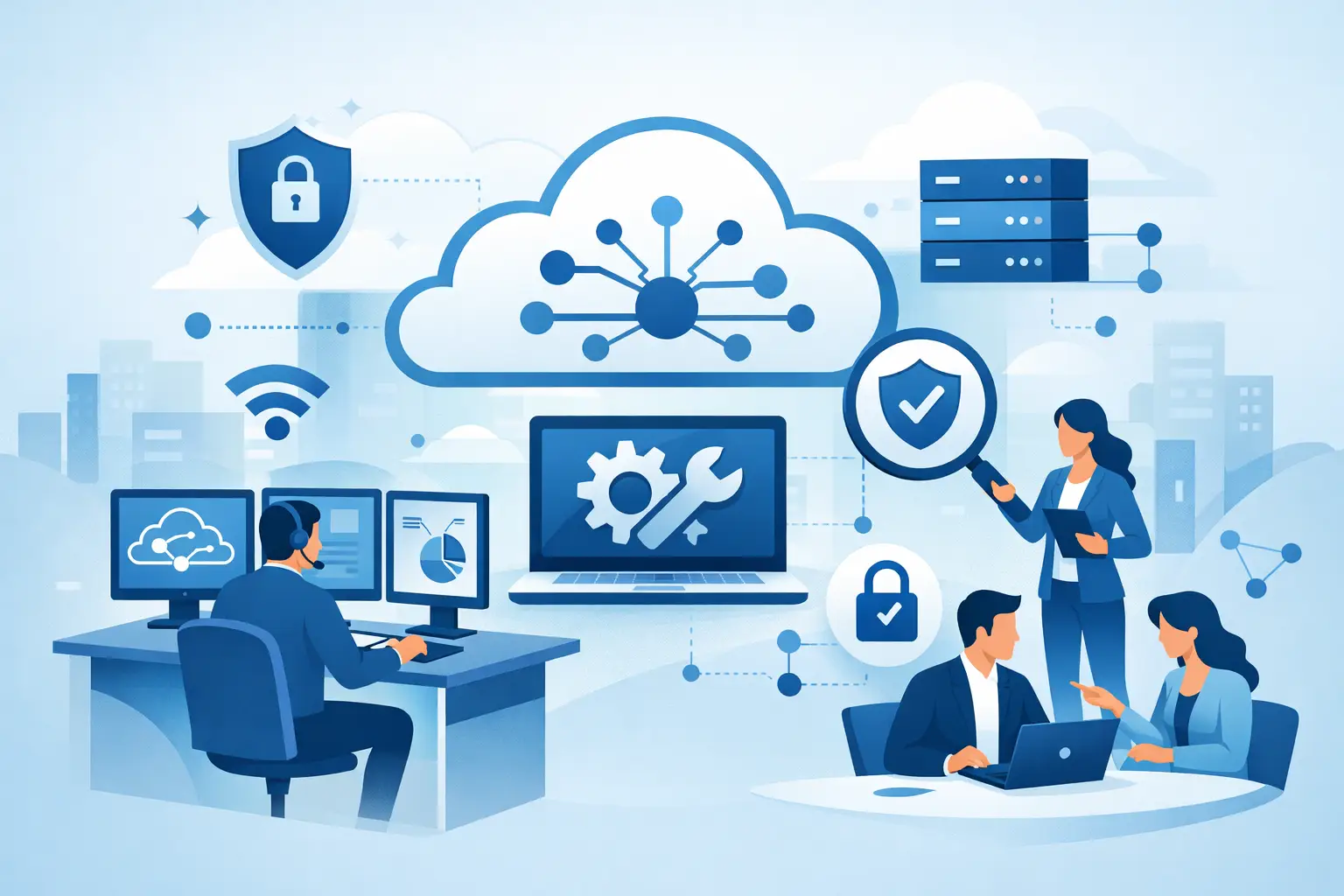

If your team is losing time to password resets, slow laptops, patchy Wi-Fi, email issues and security worries, the real question is not whether you need support. It is what does managed IT include, and whether the service in front of you actually covers the day-to-day work that keeps a business running.
For most SMEs, managed IT is not one thing. It is an ongoing service relationship built around prevention, support and continuity. Instead of calling for help only when something breaks, you have a partner monitoring systems, resolving issues, keeping devices secure and making sure your staff can work without constant disruption. The exact scope varies between providers, but the strongest managed service covers both the visible problems users feel and the behind-the-scenes work that prevents those problems in the first place.
What does managed IT include in practice?
At a practical level, managed IT usually includes user support, device management, network oversight, cyber security, backup, Microsoft 365 or cloud administration, and strategic guidance. For some businesses, it also extends into VoIP telephony, secure remote access, office moves, procurement and lifecycle management.
That matters because many SMEs do not suffer from one big IT problem. They suffer from ten small ones at once. A printer stops talking to the network, a new starter has no laptop ready, a phishing email lands in a finance inbox, backups have not been tested in months, and nobody is quite sure whether the firewall is up to date. Managed IT brings those moving parts under one accountable service.
The value is not simply technical cover. It is reduced downtime, faster response when issues arise, clearer ownership and fewer gaps between suppliers.
The core services most managed IT contracts cover
Helpdesk and day-to-day support
This is the part your staff notice first. Users need somewhere to turn when they cannot log in, files will not sync, Outlook misbehaves, or a machine starts slowing them down. Managed IT support usually includes remote helpdesk assistance for common user issues, along with escalation for more complex faults.
The difference between basic support and a well-run managed service is consistency. Good support is not just answering tickets. It is setting priorities, responding within agreed timeframes, documenting recurring issues and spotting patterns before they become widespread disruption.
For an office manager or business owner, this means less time acting as the unofficial IT middleman.
Device and endpoint management
Every laptop, desktop and mobile device in your business is a potential productivity tool and a potential security risk. Managed IT commonly includes setup, configuration, patching, antivirus or endpoint protection, hardware monitoring and asset tracking.
This is where a lot of hidden value sits. A provider should know which devices are ageing, which machines are missing updates, which users need replacements soon, and which endpoints may be vulnerable. Without that oversight, businesses often drift into a reactive cycle where hardware is only addressed after failure.
Network and connectivity management
If your internet drops, your Wi-Fi struggles under load, or your firewall is poorly configured, the whole business feels it. Managed IT often includes monitoring and support for routers, switches, wireless access points and firewalls, as well as secure connectivity for remote staff and multi-site operations.
In smaller firms, connectivity problems are often underestimated because they seem intermittent. But an unreliable network affects calls, cloud access, printing, file sharing and customer service. A managed provider should treat network stability as a business issue, not just a technical one.
Microsoft 365 and cloud administration
For many SMEs, cloud platforms are now central to day-to-day operations. Managed IT may include user account management, licence administration, Teams and SharePoint support, mailbox setup, permissions control and general Microsoft 365 oversight.
This area is often overlooked because cloud tools feel self-service. In reality, poor permissions, inconsistent setup and weak security controls can create real operational and compliance risks. Cloud administration is not just about adding users. It is about making sure the environment is secure, usable and properly managed as the business changes.
Security is usually a major part of managed IT
Cyber security controls and monitoring
If you are asking what does managed IT include, cyber security should be near the top of the answer. Most providers now include at least baseline protections such as endpoint security, patch management, firewall oversight, multi-factor authentication support and email protection.
Depending on the service level, you may also see more advanced monitoring, threat detection, vulnerability management, user awareness training and incident response support. Not every SME needs every layer from day one. But every SME does need a realistic view of risk.
A common mistake is assuming cyber security sits outside managed IT as a separate project. In practice, security works best when it is built into everyday support, device management and access control. Otherwise, it becomes another disconnected service with unclear ownership.
Backup and disaster recovery
Many businesses think they have backup because files sync to the cloud or because an old backup device sits in a comms cupboard. That is not the same as having a tested recovery plan. Managed IT often includes backup monitoring, backup management and recovery support for servers, endpoints and cloud data.
What matters here is not just whether data is copied somewhere. It is whether it can be restored quickly, cleanly and in the right order when something goes wrong. A strong provider will talk about recovery time, recovery priorities and testing, not simply storage.
This is especially relevant for SMEs that cannot absorb long outages. One lost day can mean missed revenue, reputational damage and significant operational strain.
What managed IT may include beyond support and security
Strategic planning and IT advice
A reliable managed service should not stop at ticket resolution. Many providers include ongoing advice around budgeting, hardware refreshes, licensing, risk reduction and future planning. That can take the form of account reviews, reporting and recommendations based on your business needs.
For SMEs without an internal IT manager, this function matters. You need someone thinking ahead about ageing infrastructure, cloud readiness, office growth and security gaps before they become urgent.
That said, the depth of strategic input varies. Some providers are highly proactive. Others are mainly reactive with light reporting. It is worth clarifying what level of planning support is actually included.
VoIP, office setup and wider operational IT
Some managed IT providers also support business phone systems, meeting room technology, office moves, cabling, new site setup and secure disposal of retired hardware. This broader operational support can make a real difference if you want one partner who understands your environment end to end.
There is a practical advantage here. When infrastructure, communications and security are handled together, there are fewer handovers and fewer grey areas when problems arise. For businesses managing growth, relocation or hybrid working, that joined-up model is often easier to run.
What managed IT does not always include
This is where expectations need to be clear. Not every managed IT agreement includes unlimited onsite support, major project work, hardware procurement, compliance consulting or out-of-hours cover. Some services include these items as standard. Others price them separately.
That is not necessarily a problem. It depends on your business. A smaller firm with a stable setup may not need extensive onsite engineering every month. A business with multiple sites, compliance pressure or frequent staff turnover may need broader coverage.
The key is to separate core managed service from project work. Day-to-day support and maintenance are one thing. A full cloud migration, office relocation or firewall replacement is another. Both matter, but they are often scoped differently.
How to tell if a managed IT service is right for your business
The best test is not the provider’s brochure. It is your current reality. If your staff lose time to recurring issues, if security feels uncertain, if backups are untested, or if no one has a clear view of your devices and systems, managed IT is likely to add value.
You should also look at internal capacity. If technology decisions are being made by whoever is least busy that day, the business is already carrying risk. Managed IT gives you access to a wider support function without the cost of building a full internal team.
For many Irish SMEs, the strongest arrangement is one where support, cloud, communications, backup and security are aligned under a single accountable partner. That is often where providers such as Host-It can make the biggest difference – not by selling isolated fixes, but by keeping the wider business operational, protected and prepared.
A good managed IT service should feel less like an emergency number and more like part of how your business stays productive. If you are reviewing providers, ask not only what they support, but what they actively manage, monitor and improve. That is usually where the real value begins.