
At 8.45 on a Monday morning, the problem usually shows up as a simple call or message: someone cannot get into the system from home, a director is travelling and needs a file urgently, or a team member has found a workaround because the approved method is too slow. That is where secure remote access for staff stops being an IT extra and becomes a business continuity issue.
For most SMEs, the challenge is not whether staff should be able to work remotely. That decision has already been made by customer expectations, hybrid working patterns and the need to keep operations moving during disruptions. The real question is how to give people access without creating gaps that lead to downtime, data loss or a security incident.
What secure remote access for staff actually means
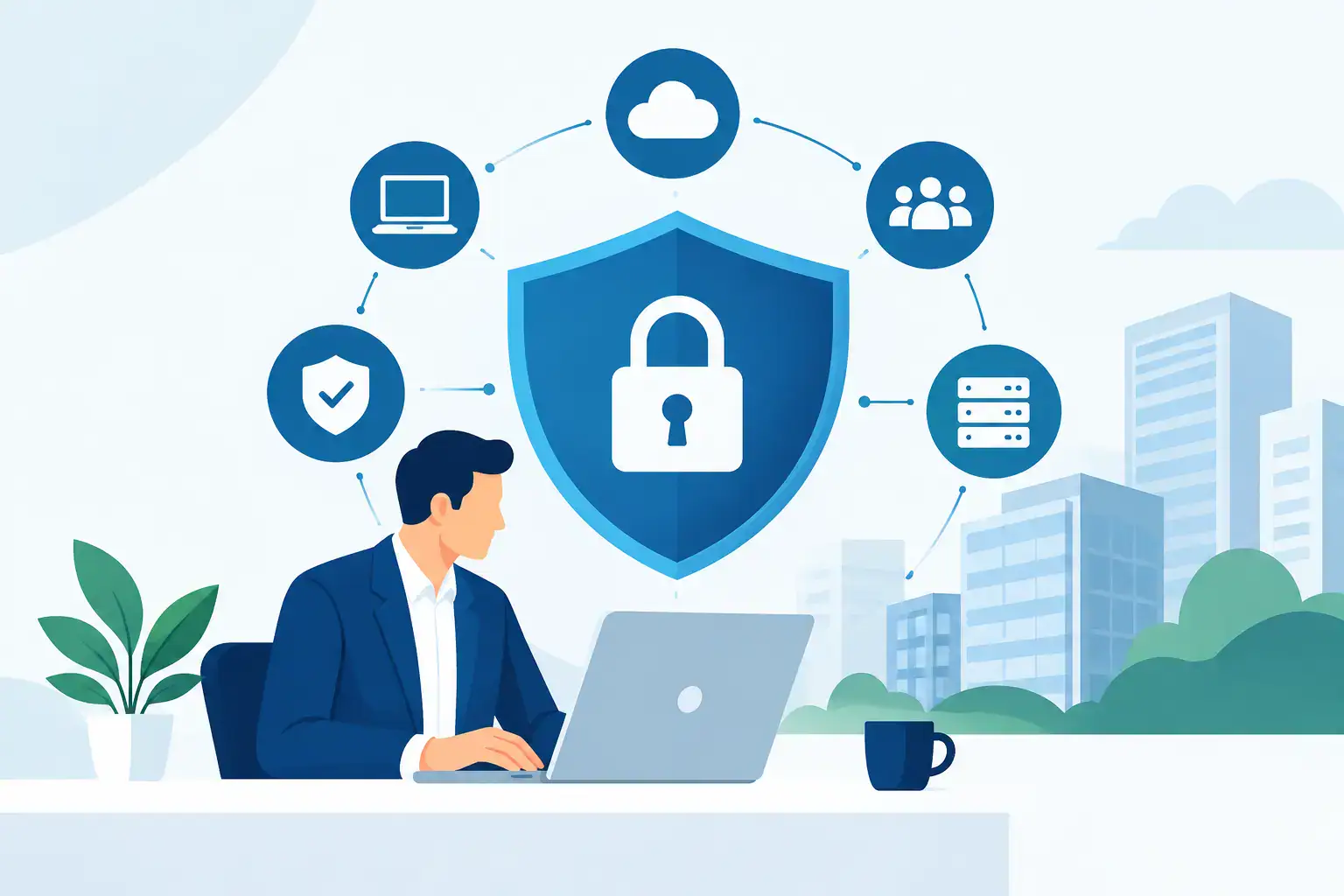
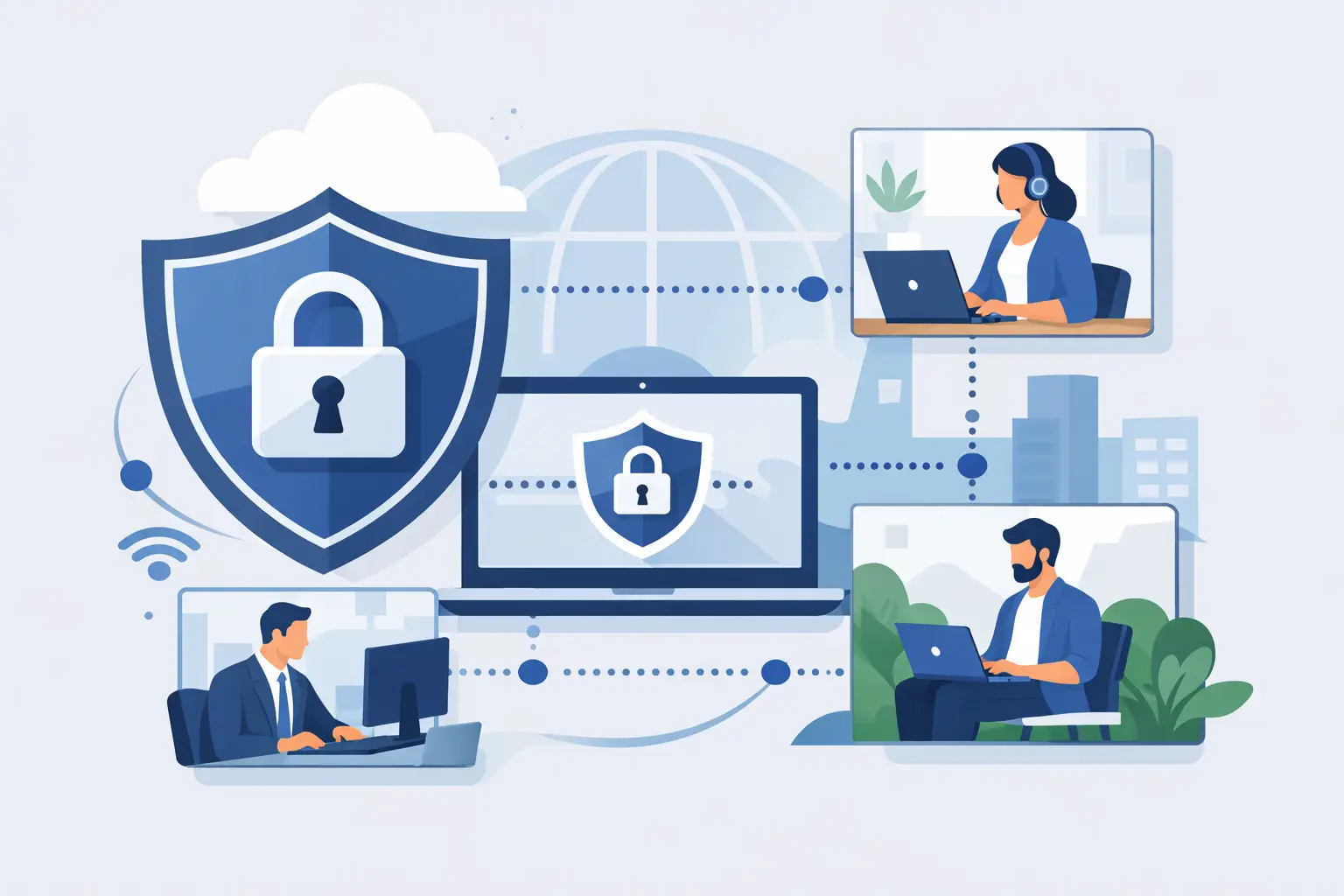
Secure remote access is not just a staff member logging in from home. It is the combination of identity checks, device security, connection controls and user permissions that allows people to work from outside the office without exposing business systems unnecessarily.
That distinction matters because many businesses think they have remote access sorted when they really have a patchwork of tools. One person uses Remote Desktop, another saves files locally and emails them back, and someone else shares credentials to get around a blocked login. Staff stay productive for a while, but the business takes on risk quietly in the background.
A secure setup should let authorised users reach the systems they need, on approved devices, with the right level of access, and with visibility for IT if something looks wrong. It should also be manageable. If it is too awkward, people will find another way.
Why SMEs get caught out
Large organisations often have dedicated internal teams to manage remote access policy, identity controls and security monitoring. SMEs usually do not. The responsibility often sits with an office manager, operations lead or a business owner who already has too much on their plate.
That is why remote access decisions are often made quickly and with good intentions. A VPN is added to solve one problem. A cloud app is introduced to solve another. Personal devices are tolerated because the business needs flexibility. None of that is unusual. The issue is that each shortcut adds complexity, and complexity makes support harder and security weaker.
There is also a common assumption that Microsoft 365 or a cloud migration, on its own, has solved the remote working question. In reality, cloud services help, but they do not remove the need for proper access control, endpoint protection, multifactor authentication and clear policies around who can access what.
The main risks behind poor remote access
When remote access is put together reactively, the first signs of trouble are often operational rather than technical. Staff complain about slow logins, files being in the wrong place or systems only working from certain devices. Those issues affect productivity directly.
Behind that, the security risks are more serious. Weak passwords, reused credentials, unmanaged laptops and unsecured home networks all increase the chances of compromise. If an attacker gets into one account and there is little segmentation or monitoring, the problem can spread quickly.
There is also the compliance issue. If staff are accessing sensitive data remotely, the business needs to know where that data is, who can reach it and how it is protected. For many SMEs, that becomes difficult once people start downloading files locally or using unapproved apps to stay efficient.
Choosing the right model for your business
There is no single answer that suits every business. A professional services firm handling confidential client records will have different needs from a small distributor whose staff mainly require access to email, stock systems and phones. The right setup depends on your systems, the sensitivity of your data and how your team actually works.
For some businesses, a properly configured VPN paired with company-managed devices is appropriate. For others, a cloud-first approach with identity-based access controls makes more sense. In some cases, secure remote desktop access to office-based applications is still the practical option, especially where older line-of-business software cannot easily move to the cloud.
The mistake is treating these tools as interchangeable. A VPN can be useful, but it does not automatically make access safe. Cloud platforms improve accessibility, but poor permissions still create exposure. Remote desktop can support legacy systems, but it needs careful hardening and monitoring. Good remote access design is about fit, not fashion.
The controls that matter most
If there is one place to start, it is identity. Staff should have individual accounts, strong password policies and multifactor authentication enabled as standard. Shared logins create avoidable risk and make it harder to trace issues when something goes wrong.
The next priority is device control. If a member of staff is using a laptop to access business systems, that device should be encrypted, patched, protected by security software and capable of being managed remotely. Allowing unrestricted access from any personal device may feel flexible, but it often creates more support problems than it solves.
Access should also be limited by role. Not every employee needs the same systems, folders or admin rights. Restricting permissions reduces the impact of mistakes and narrows the potential damage if an account is compromised.
Monitoring is another area SMEs often overlook. You do not need an enterprise security operations centre to improve visibility, but you do need a way to detect unusual sign-ins, repeated failed access attempts or devices falling out of compliance. Without that, remote access becomes a blind spot.
Making remote access easier for staff, not harder
Security that gets in the way of work will be bypassed. That is not a people problem so much as a design problem. If staff have to remember too many steps, connect to the office in a specific order or call support every time they change location, frustration builds quickly.
The best remote access setup is one that feels consistent. Staff know how to sign in, they understand what is expected of them, and the process works whether they are at home, on site with a client or working from another office. Clear guidance matters as much as technical controls.
This is where managed support makes a practical difference. A business does not just need technology in place. It needs someone keeping it current, troubleshooting problems quickly and adjusting access as roles change. New starters, leavers and temporary contractors all create access decisions that should be handled properly and without delay.
Where many businesses should tighten up first
For SMEs reviewing their current position, the fastest gains usually come from a handful of improvements. Remove shared accounts. Enforce multifactor authentication. Review who still has access to what. Make sure business data is not being stored casually on personal devices. Confirm that laptops are patched and encrypted. Check that backups and recovery plans cover remote working scenarios as well as office-based ones.
It is also worth testing your setup in realistic conditions. What happens if a staff member loses a laptop? What happens if your office internet goes down? What happens if a phishing email captures a password? A secure remote access plan should support the business through those moments, not only when everything is behaving normally.
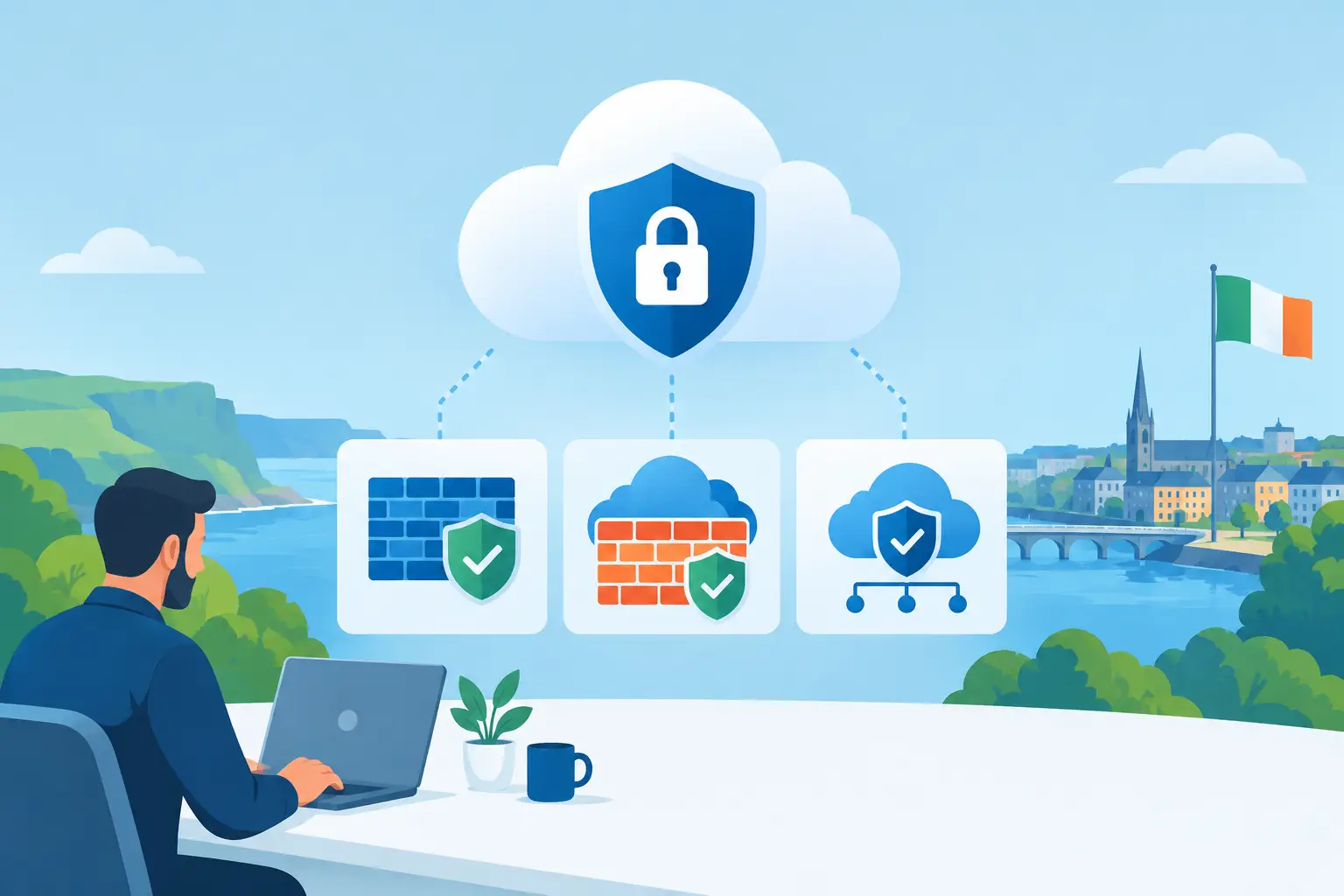
For businesses around Dublin with a mix of office-based systems, cloud tools and hybrid staff, this review is often overdue. Growth tends to expose the weaknesses in a setup that once felt good enough.
Secure remote access for staff as part of continuity planning
Remote access should not sit in isolation from the rest of your IT planning. It connects directly to backup, cybersecurity, telephony, device management and day-to-day support. If one area is weak, the whole experience suffers.
For example, a secure login process means little if staff cannot reach the files they need after a system failure. Equally, cloud calling helps maintain service when people are away from the office, but only if user access is managed properly and devices are supported. This is why SMEs often benefit from working with one provider that can see the whole picture rather than treating each issue as a separate fix.
Host-It works with businesses in exactly this position: growing teams that need staff connected, protected and supported without building a large in-house IT function. The value is not just in setting up access. It is in reducing friction, tightening security and keeping operations moving when conditions are less than ideal.
Remote working is no longer the exception, and secure access should not be an afterthought. The businesses that handle it well are usually not the ones with the most complicated technology. They are the ones with a clear plan, the right controls and support that keeps pace with how their staff actually work.
If your current setup relies on workarounds, memory and good luck, that is usually the sign to fix it before a minor inconvenience turns into a bigger operational problem.