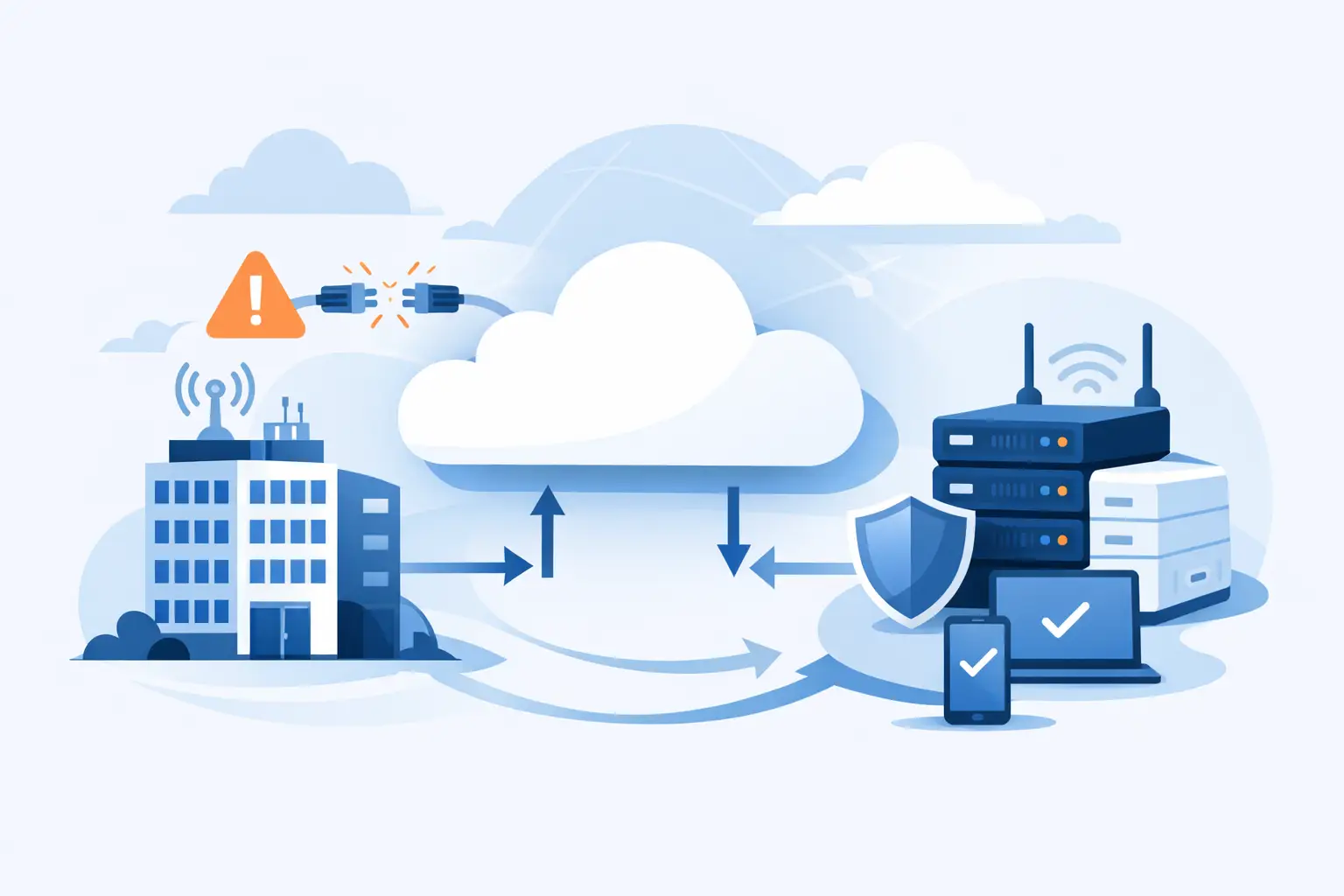

When the internet drops in the middle of the working day, most businesses feel it straight away. Phones stop ringing through, card payments fail, cloud systems stall, and staff lose access to the tools they rely on. A business broadband backup solution is there for that exact moment – not as a nice extra, but as a practical safeguard against lost time, lost revenue and avoidable disruption.
For many SMEs, broadband is now as essential as electricity. If your team works in Microsoft 365, uses hosted phones, relies on line-of-business apps, or serves customers through online systems, even a short outage can create a knock-on effect across the whole business. The issue is not only whether your primary connection is fast enough. It is whether your business can keep going when that connection fails.
What a business broadband backup solution actually does
At its simplest, a backup connection gives your business a second path to the internet if the main one goes down. That secondary path is often delivered through 4G or 5G, though it can also be another fixed-line service depending on the site, budget and level of resilience required.
The key point is speed of failover. If the backup is configured properly, traffic switches across automatically or with minimal intervention. That means staff can stay connected to cloud platforms, calls can keep routing, and customer-facing services do not grind to a halt while someone waits on hold to report a fault.
This matters because many outages are not dramatic headline events. They are often local faults, accidental cable damage, exchange issues, router failures, or provider-side problems that take hours rather than minutes to resolve. In a small or medium-sized business, that can wipe out a day’s productivity surprisingly quickly.
Why SMEs are more exposed than they think
Larger organisations tend to build resilience into their networks from the start. SMEs often do the opposite. They may have one broadband line, one router and no formal continuity plan for connectivity. It works fine until it does not.
That approach leaves little room for error. If your VoIP phones run over the same connection as everything else, an outage affects both internal productivity and customer communication. If your team processes orders through cloud software, one line fault can stop operations. If you support hybrid working, home-based staff may be unaffected while the office is effectively offline.
The cost of that downtime is usually higher than expected. It is not just idle staff. It includes delayed customer responses, missed sales, failed transactions, disrupted meetings and the administrative time spent chasing fixes. For some businesses, the reputational damage is harder to recover from than the technical fault itself.
Not every backup option suits every business
The best business broadband backup solution depends on how your business operates. A small office with ten staff mainly using email and web applications has different needs from a busy site running cloud telephony, CCTV, guest Wi-Fi and large file transfers.
A mobile backup using 4G or 5G is often the most practical option for SMEs because it is quick to deploy and avoids dependence on the same physical line infrastructure as the main connection. If a street cabinet fault takes out your fibre line, a mobile network can provide genuine separation.
That said, mobile backup has trade-offs. Signal quality varies by location, performance can fluctuate, and heavy data use may require carefully managed allowances. In rural or signal-challenged areas, a second fixed line may be the better answer, though it can take longer to install and may cost more.
There is also a difference between basic backup and proper continuity. Some businesses only need enough capacity to keep critical systems alive during an outage. Others need near-normal performance so the whole office can continue working without noticeable compromise. Those are two very different design choices.
What to look for in a business broadband backup solution
Automatic failover should be high on the list. If your backup depends on somebody noticing the outage, finding the right equipment and manually changing settings, valuable time is already lost. A managed router or firewall that detects a connection failure and switches traffic over is usually the safer option.
You also need to think about traffic priority. During backup mode, not every service needs equal access. Critical systems such as VoIP, remote access, payment platforms and core cloud applications should come first. Non-essential traffic can be restricted so the backup connection supports the services the business actually needs.
Security matters just as much as continuity. A backup link should sit within the same managed network and security controls as your primary connection. If staff are forced onto ad hoc mobile hotspots every time there is an outage, oversight drops and risk rises. A proper setup keeps firewall policies, content filtering, VPN access and device controls in place even when traffic shifts to the secondary line.
Monitoring is another overlooked factor. If no one is watching the connection estate, a backup service can fail silently and go unnoticed until the day it is needed. The most reliable setups are tested regularly and monitored as part of a broader support arrangement.
Common mistakes that lead to avoidable downtime
One common mistake is buying a backup router but never configuring proper failover rules. The hardware is there, but the switchover process is not. Another is assuming that any mobile signal is good enough without testing real performance in the office environment.
Some businesses also underestimate bandwidth requirements. If twenty people suddenly move onto a small backup connection while continuing video calls and cloud syncing as normal, performance will suffer. That does not mean the backup has failed. It means it was never sized for actual business usage.
There is also the issue of single points of failure inside the office. A second internet path helps, but if the core network equipment is old, poorly configured or unsupported, resilience is still limited. Broadband continuity works best when the router, firewall, switching and wireless setup are treated as part of one system rather than separate boxes installed over time.
How to decide what level of resilience you need
Start with a simple question: what stops if the internet stops?
For some businesses, the answer is email and browsing, which is inconvenient but manageable for a short period. For others, it is phones, customer support, scheduling, stock systems, payment processing, remote access and internal collaboration all at once. The more central internet-based tools are to daily work, the more important backup becomes.
Then consider how long you can realistically tolerate an outage. Ten minutes is very different from half a day. If every hour offline creates financial loss or operational backlog, stronger resilience is easy to justify.
Finally, look at the business by priority rather than by technology. Which services must stay live no matter what? Which users need access first? Which functions can wait until the main line returns? That thinking leads to a backup plan that reflects business reality rather than technical guesswork.
The case for managed support rather than a standalone fix
A broadband backup service is only as dependable as the planning behind it. That is why many SMEs benefit more from a managed approach than from buying connectivity in isolation. The connection itself is only one part of the picture. Configuration, failover behaviour, security policy, testing, monitoring and support all affect whether the solution performs properly under pressure.
Working with one provider across connectivity, network setup and ongoing support can reduce that complexity. It means there is clearer accountability when faults happen and less finger-pointing between telecoms, IT and security suppliers. For businesses with limited in-house IT resource, that joined-up support model is often what turns a backup line into a genuine continuity measure.
For example, Host-It would typically look at the wider business impact, not just the line speed. That includes how broadband resilience supports cloud applications, VoIP reliability, remote working, cyber security controls and the ability to keep staff productive during disruption. That broader view tends to produce better results than treating backup broadband as a separate purchase.
A sensible next step for any SME
If your current setup depends on one connection and hope, it is worth reviewing before the next outage makes the decision for you. A practical assessment should cover your current broadband dependency, the quality of mobile coverage or alternative line options at your site, and how your key systems behave if the main connection fails.
The right answer may be a simple 4G or 5G failover service. It may be a second fixed line for a more demanding environment. It may be a wider refresh of the network edge so backup, security and performance are handled together. The important part is making the choice deliberately, with a clear view of your operational risk.
Downtime rarely arrives at a convenient moment. A well-planned backup connection gives your business a better chance of carrying on regardless, which is often the difference between a minor disruption and a costly day lost.