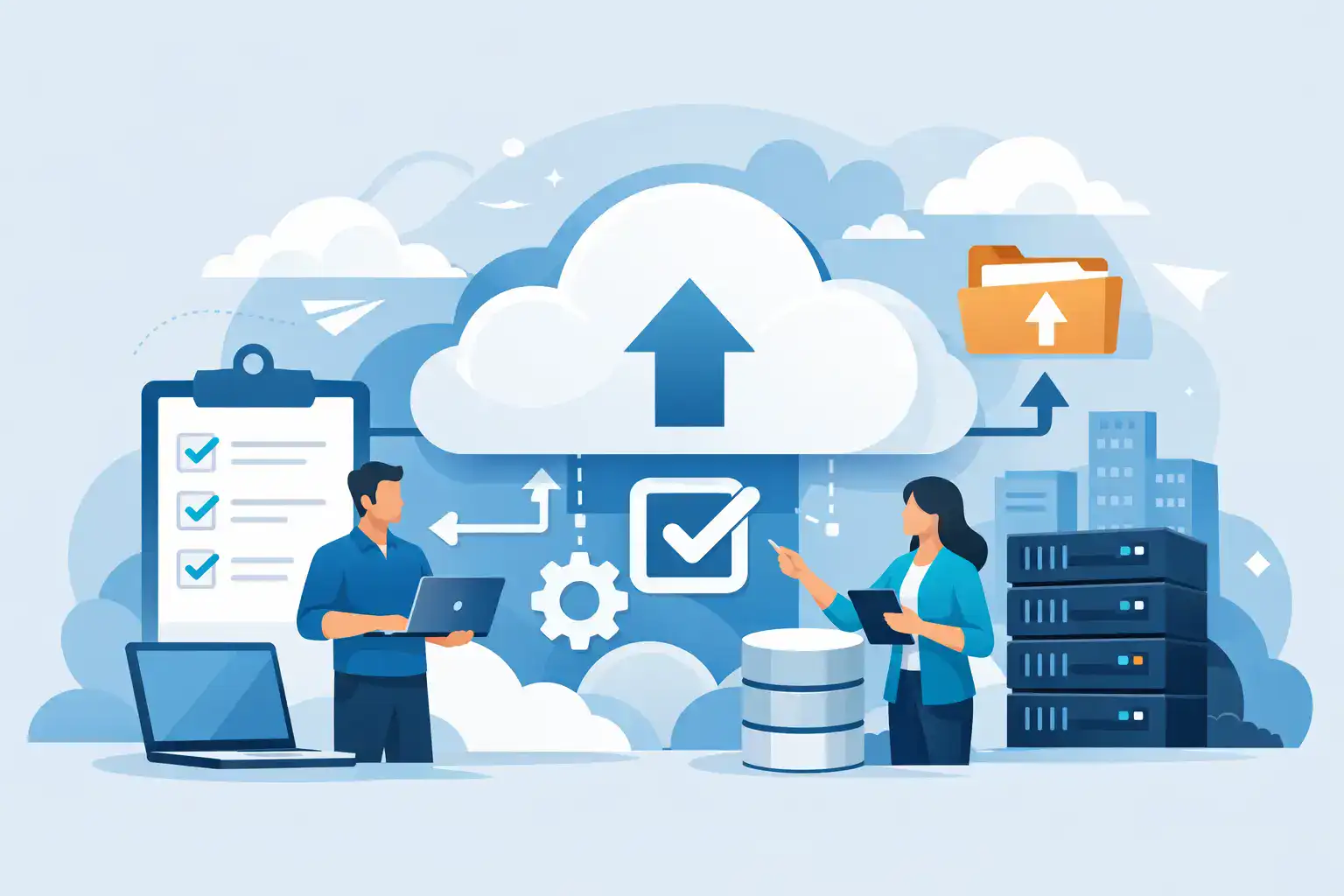

When a server fails at 10.15 on a Tuesday morning, the debate around cloud backup vs onsite backup stops being theoretical. What matters then is how quickly your team can get files back, whether your accounts system will open, and how much trading time you lose before normal service resumes.
For most SMEs, backup is not really about where copies of data sit. It is about business continuity. The right approach protects revenue, keeps staff working, and limits the operational damage caused by hardware failure, accidental deletion, ransomware, or a simple human mistake. That is why the choice between cloud and onsite backup should be based on recovery needs, risk exposure, and day-to-day practicality rather than headline storage costs alone.
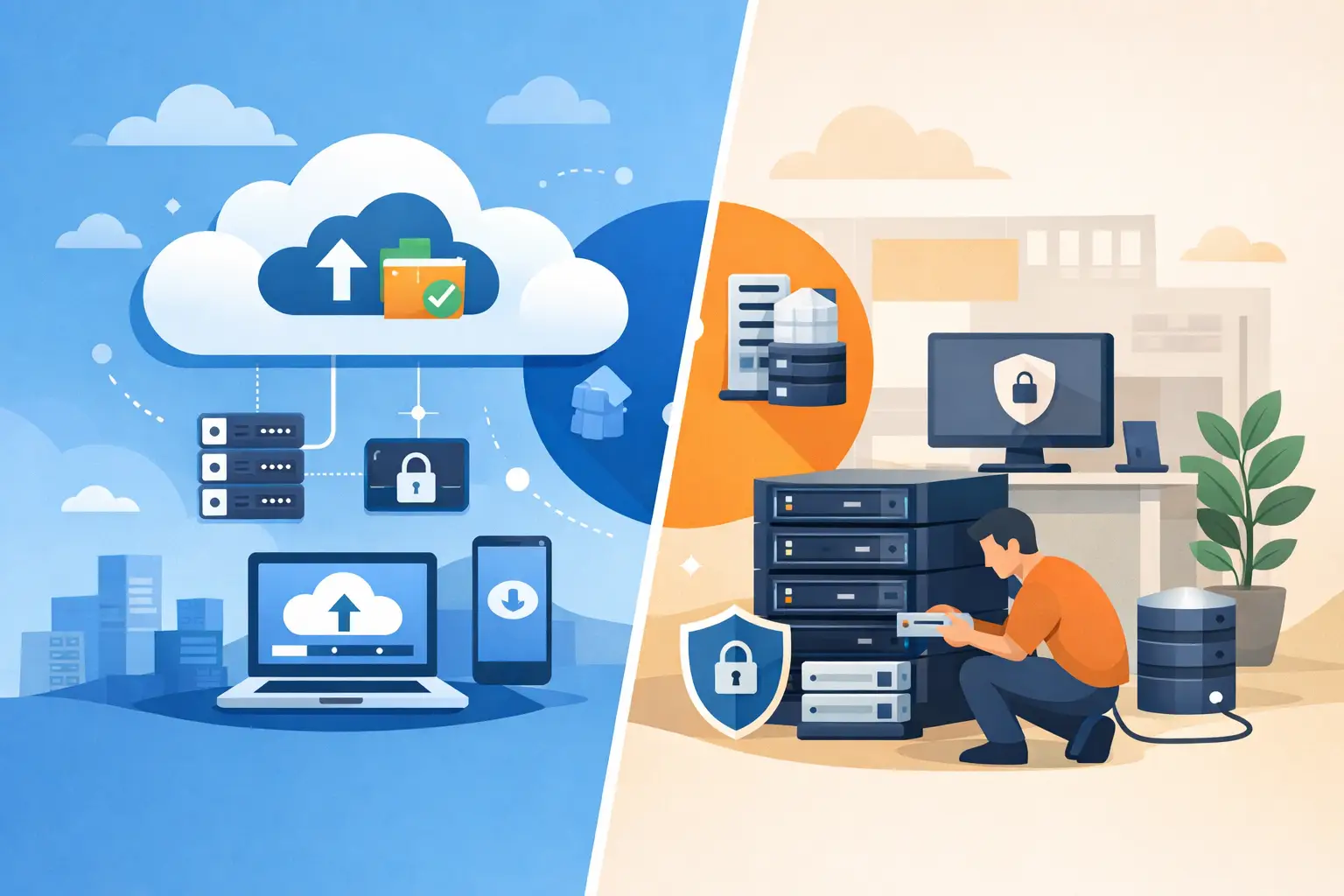
Cloud backup vs onsite backup: what is the difference?
Cloud backup stores copies of your data in a remote data centre, typically managed by a third-party provider and accessed over an internet connection. Backups can run automatically on a schedule, and recovery can usually be managed remotely without needing someone in the office to handle tapes, drives, or local appliances.
Onsite backup keeps backup data at your premises, usually on a NAS device, backup server, dedicated appliance, or external storage system. Because the data is local, recovery can be very fast for larger files or whole systems, provided the onsite hardware remains available and undamaged.
Both methods serve a valid purpose. The better option depends on what you need to recover, how quickly you need it back, and what level of risk your business can accept.
Why the wrong backup choice causes real business risk
Many businesses assume they are protected because a copy of data exists somewhere. In practice, that is not enough. A backup only does its job if it can be restored quickly, reliably, and in the right order.
A local backup may look cost-effective until theft, fire, flood, or ransomware affects both production systems and the backup device in the same building. Cloud backup may look flexible until a poor internet connection turns a large-scale restore into a slow and frustrating process. The problem is not cloud or onsite in isolation. The problem is relying on one method without understanding its limitations.
For an SME, downtime often costs more than the backup platform itself. Missed orders, delayed invoicing, interrupted phone systems, and staff standing still all add up quickly. That is why backup planning should always be linked to recovery planning.
Where cloud backup works best
Cloud backup is often the stronger option for resilience. Because data is stored offsite, it protects against building-level incidents that onsite systems cannot. If your office becomes inaccessible, your backup still exists elsewhere.
It also reduces dependence on manual processes. Scheduled backups can run automatically, reporting can be centralised, and there is less risk of someone forgetting to rotate drives or check whether jobs completed properly. For businesses with hybrid working, multiple sites, or Microsoft 365 data to protect, cloud backup can be easier to manage consistently.
From a security point of view, cloud backup can also add useful separation from your main environment. With the right controls in place, including encryption, access restrictions, and immutability where available, it can form part of a stronger defence against ransomware.
The trade-off is recovery speed. Restoring a small number of files is usually straightforward. Restoring several terabytes after a major outage can take much longer, particularly if your internet bandwidth is limited or shared across the business.
Where onsite backup still has an advantage
Onsite backup remains valuable when recovery speed is the priority. If a file server fails and you need to restore a large dataset quickly, pulling that data across your local network is often much faster than downloading it from the cloud.
For businesses running line-of-business applications with large databases, design files, or local virtual machines, onsite backup can reduce disruption during a hardware failure. It may also suit environments where internet connectivity is unreliable, capped, or simply not fast enough to support large backup windows and full restores.
There can also be a cost advantage for high-volume local storage, depending on retention requirements. If you are backing up substantial amounts of data every day, cloud storage and bandwidth costs may rise over time.
The weakness is concentration of risk. If the backup device sits in the same office as the systems it protects, a single event can affect both. That makes onsite backup alone a risky choice for any business that takes continuity seriously.
Cloud backup vs onsite backup on cost
Cost comparisons are rarely as simple as they first appear. Onsite backup often involves upfront hardware spend, replacement cycles, monitoring, maintenance, power, and secure configuration. Cloud backup is usually subscription-based, spreading cost over time but potentially increasing with storage growth, retention periods, and advanced recovery features.
SMEs sometimes focus too heavily on monthly price and not enough on operational impact. A cheaper backup system that fails during recovery is expensive in all the ways that matter. A slightly higher monthly cost can be entirely justified if it reduces downtime, improves testing, and gives you confidence that recovery will actually work.
The more useful question is not which one is cheaper. It is which one gives your business the most dependable protection for the systems you rely on every day.
Security and compliance considerations
Security should not be treated as a tie-breaker. It should be built into the decision from the start. Backups contain critical business data, and if they are poorly secured, they become another route for compromise.
Cloud backup platforms can provide strong controls, but only if they are configured properly. Encryption at rest and in transit, multi-factor authentication, role-based access, and restricted deletion rights all matter. Onsite systems need the same attention, including network segregation, patching, hardened credentials, and protection against unauthorised access.
There is also a compliance angle. Depending on your sector, you may need to understand where backup data is stored, how long it is retained, and who can access it. This is especially relevant for firms handling financial records, client information, or regulated personal data. A backup strategy should support governance, not create uncertainty around it.
The best answer for most SMEs is not either-or
For most small and medium-sized businesses, cloud backup vs onsite backup is not a straight choice. The strongest position is usually a hybrid approach.
An onsite backup gives you fast local recovery for common incidents such as deleted files, failed servers, or corrupt systems. A cloud backup gives you offsite protection if the building is compromised, local hardware is encrypted by ransomware, or you need a separate recovery path. Used together, they cover each other’s weaknesses.
This approach aligns with the practical needs of SMEs. You reduce downtime for routine recovery while also protecting the business from larger disruptions. It is a more dependable model because it reflects how real incidents happen – sometimes small and frequent, sometimes serious and disruptive.
How to choose the right backup model
The right decision starts with a few practical questions. How much data do you need to protect? How quickly do key systems need to be restored? How much downtime can the business tolerate before operations are materially affected? Could your current internet connection handle a large restore inside that timeframe?
You should also look at where your workloads sit. If your business relies heavily on cloud services, remote users, and distributed access, cloud backup may be central to the solution. If you still run core systems locally and need rapid restores, onsite backup probably needs to be part of the plan.
Most importantly, test the recovery process. Backup success reports do not prove that applications will come back properly, permissions will map correctly, or staff will be able to continue working. Recovery testing is where confidence is built.
A managed IT partner can help map these decisions against actual business risk rather than assumptions. That usually means setting recovery objectives, identifying critical systems, checking retention policies, and building a backup design that supports continuity rather than simply storing copies of data. For businesses that want one provider to keep protection, infrastructure, and day-to-day support aligned, Host-It would typically approach backup as part of the wider resilience picture, not as a standalone product.
If you are weighing cloud and onsite backup, the real question is simple: when something goes wrong, how quickly do you need your business back? Start there, and the right backup strategy becomes much clearer.