
A member of staff logs in from a kitchen table, a shared workspace, or a hotel room, and suddenly your security perimeter is no longer your office. That is why so many SMEs ask how to secure remote workers without slowing people down or creating more work for already stretched teams. The challenge is not remote work itself. It is unmanaged access, inconsistent devices, weak home networks, and the assumption that staff will spot every risk before it becomes a problem.
For most businesses, the answer is not one product or one policy. It is a set of sensible controls that work together. If your team can access email, files, finance systems, customer data, and internal platforms from anywhere, your protection has to follow them wherever they are working.
How to secure remote workers without disrupting the business
The most effective approach starts with a simple principle: trust the user less, support them more. Remote staff need secure access to the systems they use every day, but they also need clear rules, reliable devices, and backup plans when something goes wrong.
Many SME leaders worry that tighter security will frustrate staff and hurt productivity. That can happen if controls are bolted on after the fact. In practice, good remote security should reduce downtime, prevent avoidable lockouts, and make it easier to support users consistently. The right setup gives people a straightforward way to work while limiting the damage a compromised password, lost laptop, or unsafe network can cause.
Start with managed devices, not personal ones
If employees are using personal laptops for company work, your risk rises quickly. You lose visibility over patching, antivirus, local admin rights, and what else is installed on the machine. A family computer used for business might also be used for gaming, personal downloads, or shared between multiple people in the household.
Company-managed devices give you far more control. You can apply security updates, encrypt the drive, set screen lock policies, deploy endpoint protection, and remotely wipe data if a device is lost or stolen. You can also standardise settings, which makes IT support faster and more reliable.
There are exceptions. Some businesses allow bring-your-own-device arrangements because of cost or flexibility. If that applies to your organisation, it needs tighter boundaries. Access should be limited to approved apps, business data should be separated where possible, and the device should still meet minimum security standards before it connects.
Secure the device before the user logs in
A secure remote setup begins with the endpoint. Full-disk encryption, modern endpoint protection, automatic patching, and restricted administrator access should be standard. If a member of staff can install any software they like, delay updates for weeks, or work on an unencrypted laptop, your exposure increases long before an attacker tries to log in.
It is also worth checking basics that are often missed, such as automatic screen locking, strong local passwords, and the ability to track or disable devices remotely. These controls are not glamorous, but they prevent a large share of avoidable incidents.
Control access with multi-factor authentication and least privilege
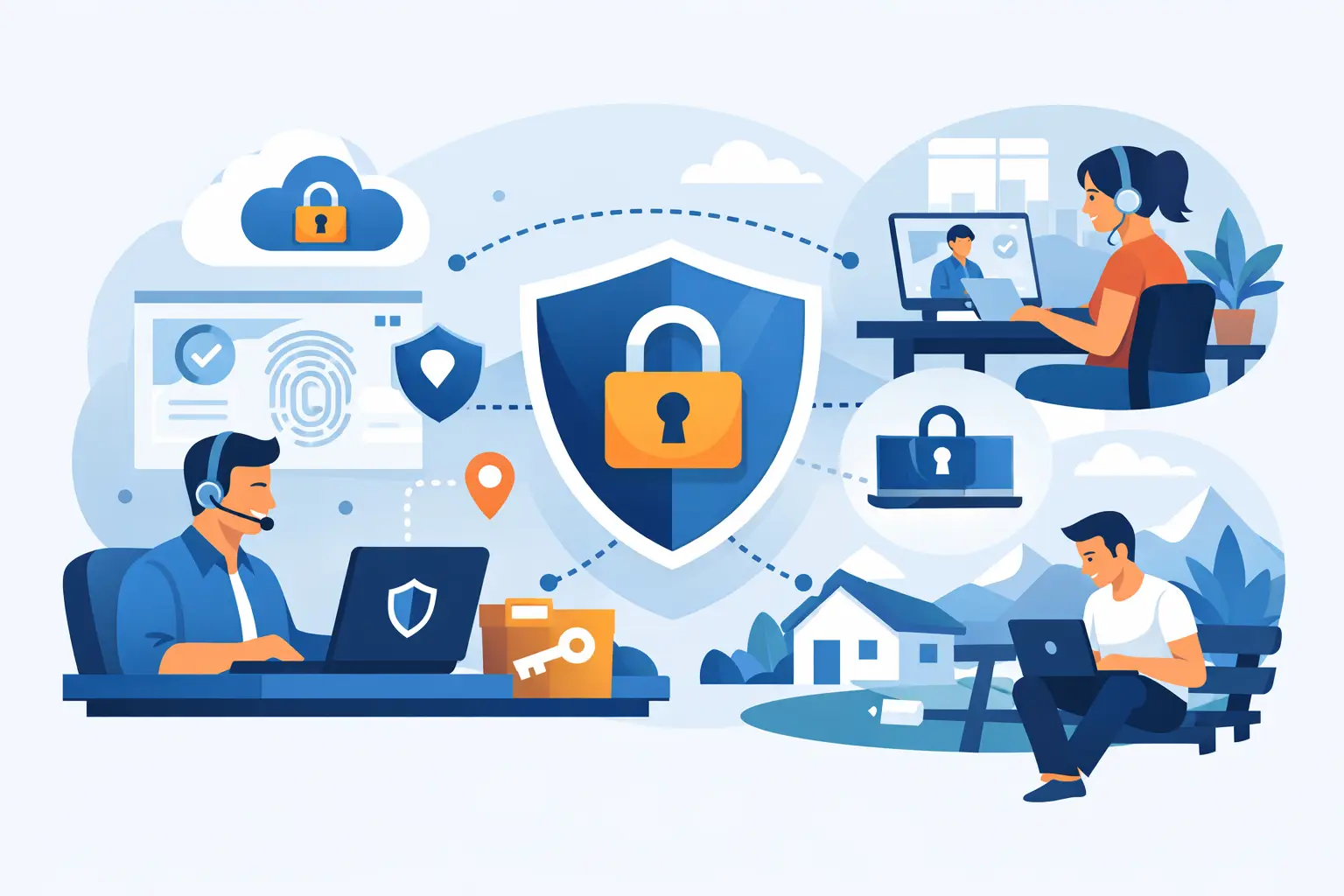
If you want a practical answer to how to secure remote workers, start with identity. Passwords alone are not enough, especially when staff are logging in from multiple locations and devices. Multi-factor authentication should be enabled across email, cloud platforms, VPN access, and any system holding sensitive business or customer data.
Not all multi-factor methods offer the same level of protection. App-based authentication and hardware keys are generally stronger than SMS. What matters most is that the system is switched on consistently and not left optional for certain users because it feels inconvenient.
Access rights also need attention. Staff should have access only to the systems and data they need for their role. That reduces risk if an account is compromised and makes offboarding much cleaner when someone leaves. Too many businesses still operate with broad permissions because it is quicker in the short term. It rarely feels quicker after an incident.
Review who can access what
Permissions tend to grow over time. A person changes role, helps on a project, or needs temporary access that never gets removed. A quarterly access review can catch this drift before it becomes a problem. This matters even more for finance systems, shared document stores, customer records, and administrative accounts.
Privileged access deserves extra controls. Admin accounts should be separate from everyday user accounts, tightly monitored, and used only when necessary.
Protect connections, not just office networks
Remote workers do not always connect from safe environments. Home routers may be outdated, café Wi-Fi is inherently risky, and public networks often leave users exposed to interception or spoofing attempts.
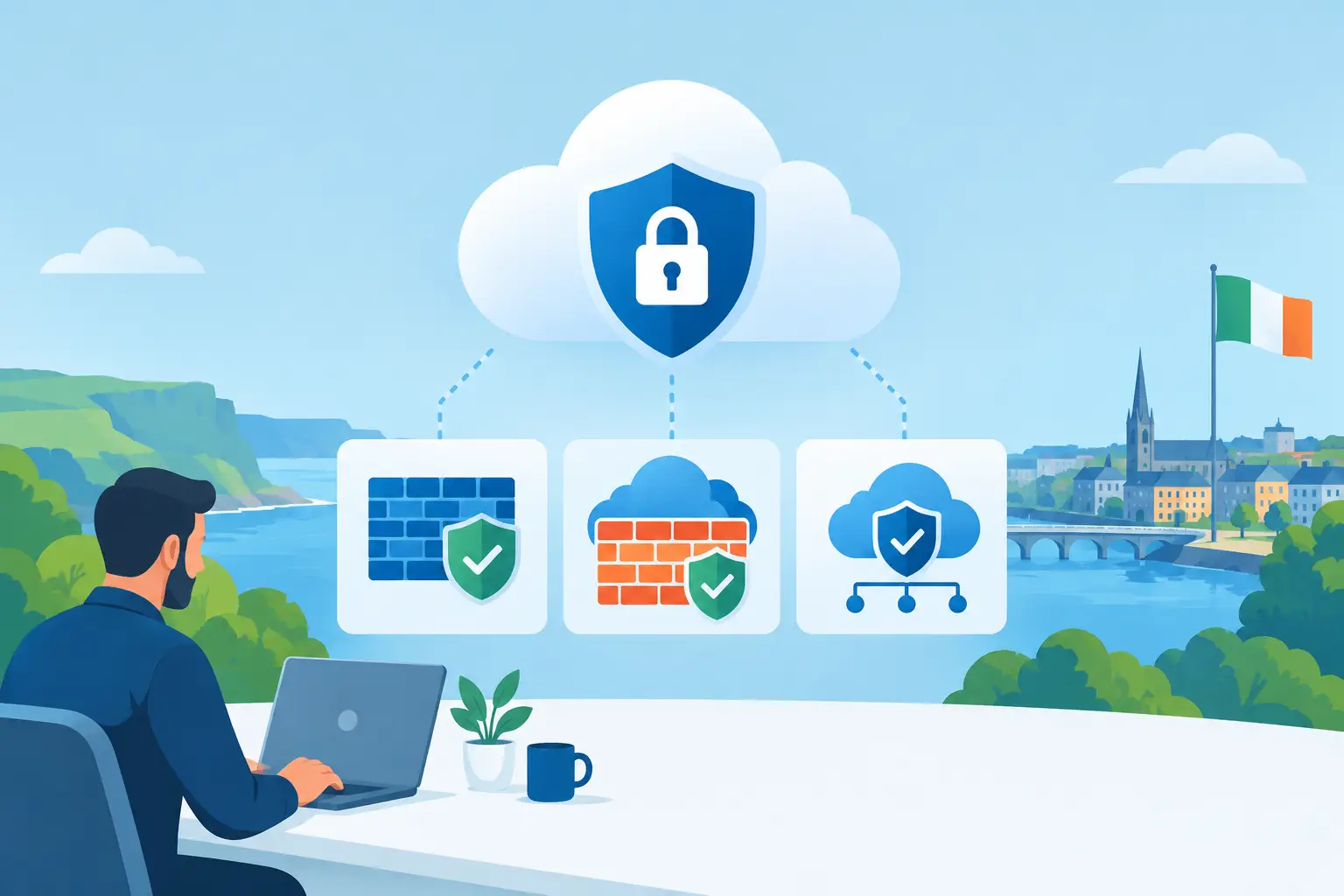
A secure remote access setup should include encrypted connections, whether through a properly configured VPN, secure cloud access controls, or a zero-trust model that verifies users and devices continuously. The right choice depends on the business. A smaller company with a handful of line-of-business systems may be fine with a well-managed VPN and cloud security policies. A larger or more regulated business may need tighter segmentation and more advanced conditional access controls.
Staff also need practical guidance. They should know not to use open public Wi-Fi for sensitive work unless protected by approved security tools. Home routers should have strong passwords, current firmware, and default settings changed. These are simple measures, but they close common gaps.
Train staff for real risks, not generic theory
Remote workers face a different pattern of threats from office-based teams. They may receive fake courier messages on a mobile, sign into systems while travelling, or handle urgent payment requests without a colleague nearby to sense-check them. Security awareness training needs to reflect that reality.
Short, regular training works better than a once-a-year presentation everyone forgets. Focus on phishing, password hygiene, suspicious prompts, business email compromise, and what to do if a device is lost or an account behaves oddly. People should know how to report a concern quickly and without feeling they are causing trouble.
This is where many security plans fall down. They tell staff what not to do, but not what to do instead. If someone is unsure whether an email is legitimate, there should be a simple reporting route. If multi-factor authentication fails while they are travelling, there should be a support process that does not encourage risky workarounds.
Monitor, patch and back up continuously
Remote security is not a one-off project. Devices move, software changes, users install updates late, and threats evolve. Continuous monitoring helps you spot issues before they become outages or breaches.
That includes endpoint monitoring, patch management, alerting on suspicious sign-ins, and checking that backup policies cover remote users as well as central systems. If staff save work locally and the laptop fails, encryption will protect the data from theft, but it will not recover the files. Backups still matter.
Patching deserves special attention. Remote devices are often missed when businesses rely on office-based update habits. A machine that rarely returns to site can quietly fall behind for months. Centralised patch management removes that dependency and keeps your estate in a healthier state.
Prepare for the moment something goes wrong
Even well-protected businesses have incidents. A laptop is left in a taxi. A user approves a fraudulent login prompt. A malware alert appears on a home-based device. The quality of your response often determines whether the issue becomes a minor interruption or a serious breach.
Every SME should have a clear incident response process for remote users. Staff need to know who to contact, what details to provide, and what immediate steps to take. IT should be able to disable accounts, revoke sessions, isolate devices, and investigate promptly. If this process exists only in one technician’s head, it is not a process.
Business continuity also comes into play. Remote working can be a strength during disruption, but only if the underlying systems are stable and support is available. That is where a managed IT and security partner can make a practical difference, not just by putting controls in place, but by keeping them maintained and responding quickly when something needs attention.
The right level of security depends on your business
There is no single checklist that fits every organisation. A company handling financial data, healthcare information, or confidential legal records needs tighter controls than a business with lower-risk systems. A fully remote team has different needs from a business where staff work from home one day a week.
What should stay consistent is the standard of care. Managed devices, strong identity controls, secure connectivity, user training, active monitoring, and tested recovery plans are the foundations. From there, the level of depth depends on your risk, your regulatory obligations, and how much operational strain your team can realistically absorb.
If you are working out how to secure remote workers, the priority is not to chase every new security tool. It is to build a dependable setup that protects access, reduces downtime, and gives your staff a safe way to work wherever business takes them. The best remote security feels calm in day-to-day use, because the hard work has already been done in the background.