
A suspicious sign-in at 02:00, an employee clicking a convincing invoice attachment, or a laptop quietly communicating with an unknown server can become a serious incident before the working day begins. The question, what does managed detection include, matters because most SMEs do not have a security team watching every alert around the clock. They need protection that identifies credible threats, investigates them properly and helps contain them before operations are affected.
Managed detection is commonly delivered as Managed Detection and Response, or MDR. It brings together security technology, continuous monitoring and human expertise. The exact service varies by provider, but its purpose is consistent: reduce the time between a threat appearing and decisive action being taken.
What does managed detection include in practice?
A well-designed managed detection service does more than send notifications when software spots something unusual. It should give a business an active security function, with clear responsibilities for both the provider and the client.
Continuous monitoring of relevant systems
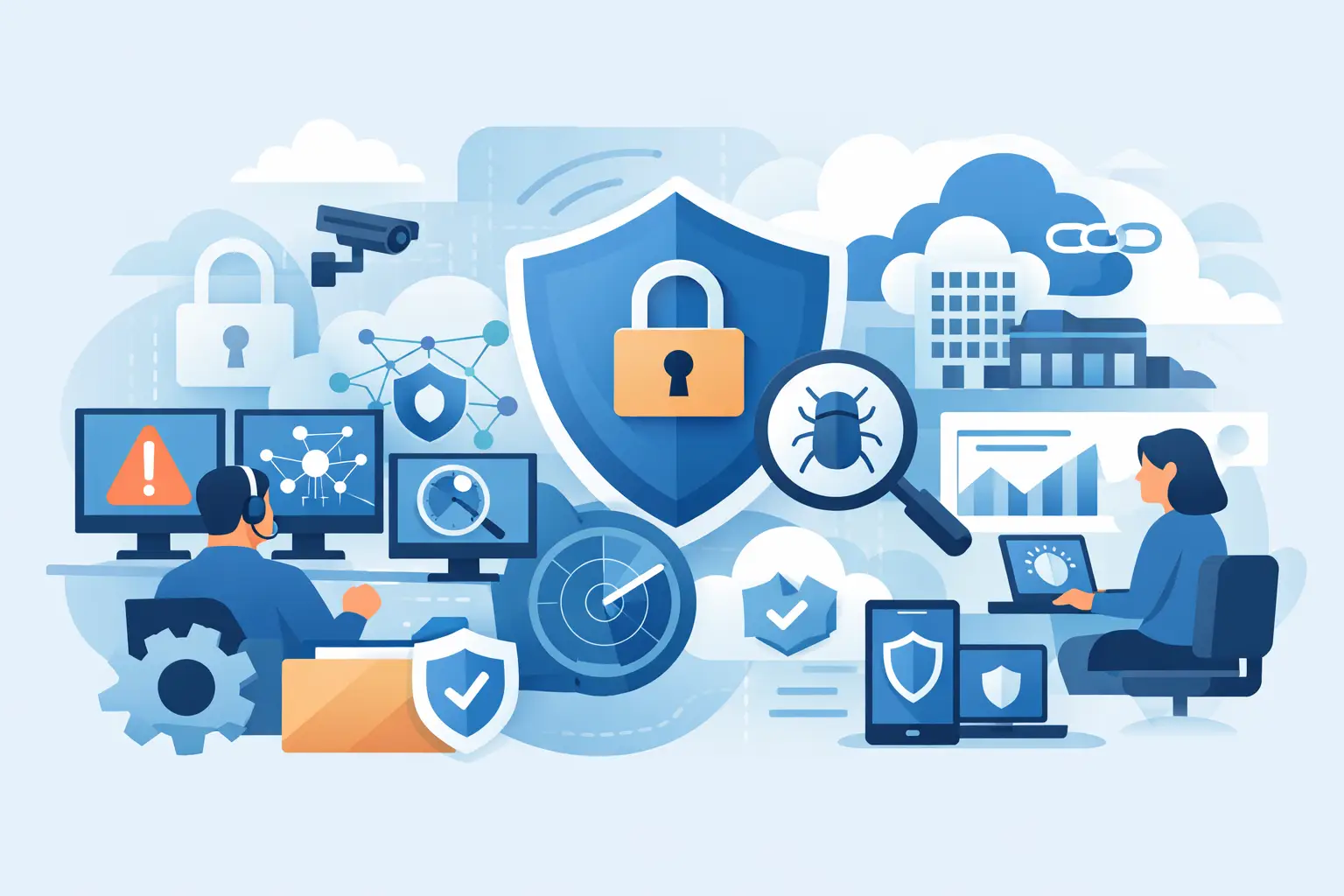
The service normally starts with collecting security information from the systems attackers are most likely to target. This may include employee laptops and desktops, servers, Microsoft 365 accounts, cloud services, firewalls, email security tools and network devices.
Endpoint Detection and Response, often called EDR, is a common component. It records activity on devices and can detect behaviour associated with malware, ransomware, credential theft or unauthorised access. For example, it may identify a process attempting to encrypt large volumes of files or an unknown program trying to disable security controls.
The value is not simply having agents installed on devices. Monitoring needs to be continuous, including outside office hours, because cybercriminals do not work to a business timetable. Coverage should also reflect where your data and users actually sit. A business operating largely in Microsoft 365 faces different risks from one relying heavily on local servers and specialist applications.
Detection, correlation and threat intelligence
Security tools produce a great deal of noise. A failed login may be a forgotten password. A new application may be legitimate. A useful managed detection service filters this activity, correlates events from different sources and prioritises the signs that could indicate genuine compromise.
Threat intelligence helps the monitoring team compare activity against known malicious infrastructure, attack techniques and emerging campaigns. That context can reveal why a seemingly minor event matters. A login from an unfamiliar location alone may not justify urgent action, but a login followed by unusual mailbox rules and file downloads may point to account takeover.
This is where managed detection differs from receiving a stream of automated alerts. The objective is fewer, more meaningful escalations, supported by evidence and a recommended next step.
Human investigation and validation
Experienced analysts should review significant alerts rather than leaving every decision to automation. They assess what happened, which accounts or devices are involved, whether the activity is malicious and how far it may have spread.
That investigation may involve checking process activity on an endpoint, examining identity logs, reviewing email events or looking for similar behaviour elsewhere in the environment. It is particularly important for SMEs, where an internal administrator may be responsible for IT alongside finance, operations or customer service.
A provider should be clear about what is monitored, the hours of analyst coverage and the escalation path. Some services provide 24/7 monitoring and response, while others monitor during defined hours with an out-of-hours notification process. Neither model is automatically right or wrong, but the arrangement must match the business’s exposure and recovery requirements.
Containment and response support
Finding a threat is only useful if it leads to action. Managed detection commonly includes recommendations to contain an incident, such as isolating a compromised device, disabling a user account, revoking active sessions or blocking a malicious domain.
The critical detail is whether the provider can take those actions directly or only advises your team to do so. For a small business without in-house security staff, waiting for approval chains can increase the damage caused by ransomware or a compromised email account. Pre-agreed response permissions can therefore make a material difference.
Response should be proportionate. Automatically isolating a device can prevent further spread, but it may also interrupt a member of staff who is working remotely or supporting a customer. A mature service balances speed with an understanding of the operational impact, using agreed playbooks for common scenarios.
Incident communication and practical guidance
During a security incident, technical terminology is less helpful than clear direction. Decision-makers need to know what has happened, what systems are affected, what action has been taken and what they need to do next.
Good managed detection includes timely escalation through agreed contacts, with communication that is understandable to non-specialists. It should also advise on related actions, such as resetting passwords, notifying affected users, restoring a device or engaging cyber insurance and legal advisers where appropriate.
For businesses with distributed teams, a defined communications plan prevents uncertainty. The person receiving an alert at night should know whether they are being asked to approve action, inform colleagues or simply acknowledge that containment is under way.
Reporting and service improvement
Monthly reporting is often included, but the report should do more than count alerts. It should show trends, notable incidents, response times, gaps in coverage and recommended improvements. That could include expanding endpoint coverage, strengthening multi-factor authentication, removing unused accounts or addressing devices that are no longer receiving updates.
These findings are most useful when managed detection is connected to wider IT support. Security issues frequently expose operational weaknesses: old hardware, inconsistent user access, poorly configured cloud services or backup arrangements that have not been tested. Host-It can help Dublin SMEs turn those findings into practical changes across their wider IT environment, rather than leaving them as a report to review later.
What managed detection does not automatically include
MDR is a major part of a cyber security strategy, but it is not a substitute for every security control. It may not include managed firewall administration, email filtering, vulnerability management, security awareness training, backup and disaster recovery, compliance support or full incident recovery unless these elements are specifically agreed.
It also cannot guarantee that no attack will succeed. A determined attacker may exploit a previously unknown weakness, steal a valid user’s credentials or target a supplier. Managed detection reduces risk by improving visibility and response speed. It does not remove the need for reliable backups, strong access controls and sound day-to-day IT management.
This distinction matters when comparing proposals. A lower-cost service may monitor only endpoints, while a broader service also covers identity, cloud activity and network signals. Endpoint coverage is often a sensible starting point, but it may not detect every form of account compromise or cloud-based abuse.
Questions to ask before choosing a service
When reviewing managed detection, focus on the operating model rather than the product name. Ask whether monitoring is genuinely 24/7, which data sources are included, and whether every company device is covered. Confirm how serious incidents are escalated and who has authority to isolate devices or disable accounts.
You should also ask how the provider handles onboarding, how quickly new staff devices are protected and whether reports include useful recommendations. Finally, establish where managed detection fits alongside your backups, Microsoft 365 security, firewall management and business continuity planning.
A service that works in isolation can identify a problem. A service integrated with the people responsible for your systems can help resolve it faster.
Building detection into business continuity
The strongest reason to invest in managed detection is not fear of alerts or compliance pressure. It is continuity. A compromised account can interrupt customer communications, delay payments, expose confidential information and consume days of staff time. Early detection and decisive containment help limit that disruption.
For SMEs, the right arrangement depends on the systems you use, the sensitivity of your data, the availability of internal IT skills and the cost of downtime. Start by identifying the services your business cannot afford to lose, then make sure the detection and response model protects them with clear ownership. When an incident occurs, certainty about the next action is often as valuable as the technology that raised the alarm.