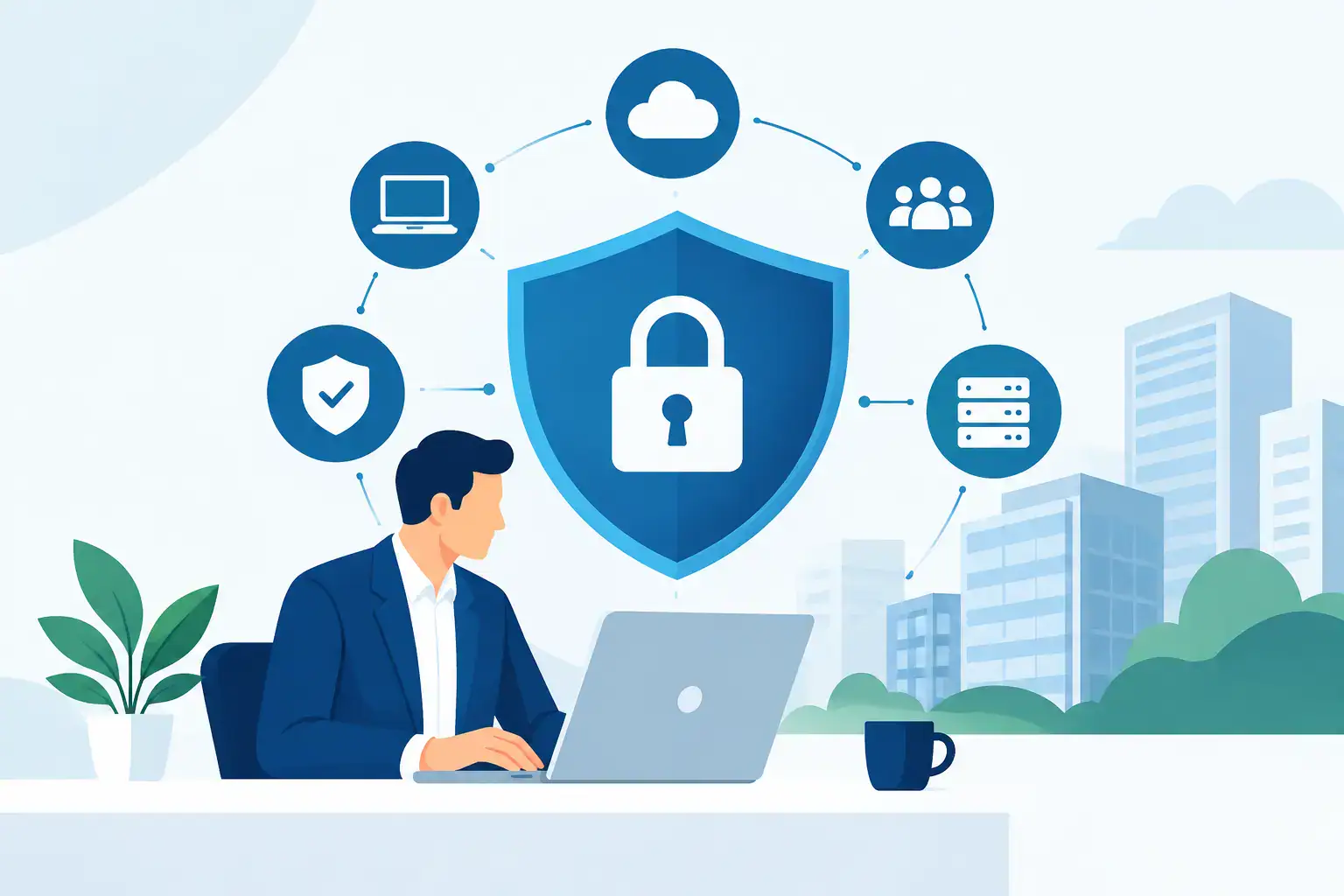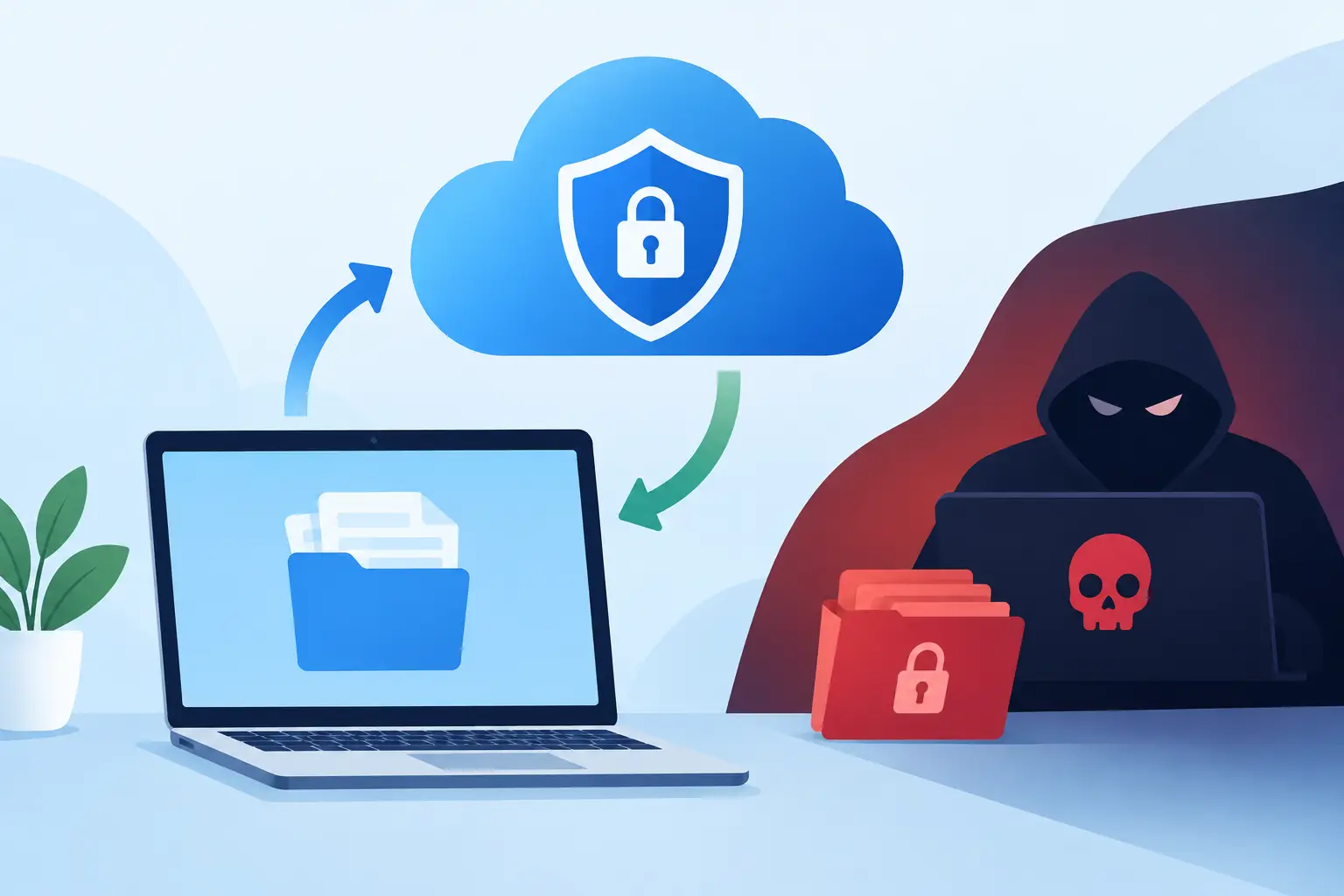

A ransomware incident rarely begins with a dramatic warning. It may start with one convincing email, a reused password or an unpatched device. By the time staff cannot open customer files, accounts data or shared documents, the question becomes urgent: can cloud backups stop ransomware?
The honest answer is no. Backups do not stop an attacker getting in, and they do not replace sensible cyber security controls. What they can do is prevent an attack from becoming a business-ending event. With clean, protected and tested backup copies, an SME can restore its systems without relying on criminals to provide a working decryption key.
That distinction matters. Ransomware prevention reduces the chance of an incident. Backup and recovery reduce the damage if one happens. A sound continuity plan needs both.
Can cloud backups stop ransomware damage?
Cloud backups can significantly limit ransomware damage when they are designed for recovery, rather than simply used as an extra place to store files. If encrypted data can be rolled back to a known-good point before the attack, your business has a route back to normal operations.
This is particularly valuable for businesses that rely on shared files, Microsoft 365 data, line-of-business applications, financial systems or customer records. A few hours without access can delay orders, prevent invoicing and leave staff unable to serve customers. A prolonged outage can affect cash flow, reputation and contractual commitments.
However, a cloud backup is only as useful as its security and recoverability. If ransomware encrypts the live data and the backup system immediately overwrites its copies, you may simply have a cloud-based copy of the damage. If an attacker gains administrator access to the backup platform, they may attempt to delete recovery points before triggering encryption.
The goal is not merely to have data stored elsewhere. The goal is to have copies an attacker cannot easily alter or remove, with a recovery process that works under pressure.
What makes a backup ransomware-ready?
A ransomware-ready backup strategy separates recovery data from everyday business systems. It also restricts who can manage that data and preserves versions long enough to identify a clean restore point.
Immutability is one of the most valuable controls. An immutable backup cannot be changed or deleted for a defined retention period, even by an administrator account. This gives the business a protected recovery option if a criminal compromises the production environment.
Versioning is equally important. Ransomware may sit unnoticed for days or weeks before encryption begins. Keeping only the latest backup can be risky because it may already contain compromised or corrupted files. Multiple restore points allow your IT team to select a version from before the incident.
A sensible design normally follows the 3-2-1-1-0 principle:
- Keep at least three copies of important data.
- Store those copies on two different types of media or platforms.
- Keep one copy off site.
- Keep one copy offline or immutable.
- Aim for zero backup errors after regular verification and testing.
The exact technology will vary by business. A small office with cloud applications has different requirements from a company running on-site servers and specialist software. The principle remains the same: do not let one compromised account, device or location control every copy of your data.
Cloud backup is not the same as cloud synchronisation
This is a common and costly misunderstanding. Services such as OneDrive, SharePoint and Google Drive are excellent for collaboration, but synchronisation is not always backup.
When an encrypted or deleted file synchronises, that change can quickly spread across connected devices and cloud folders. A recycle bin and version history may help in a limited incident, but their retention periods, recovery scope and administrative controls may not meet the needs of a serious ransomware event.
A dedicated backup service creates independent recovery points and applies retention rules outside the normal working environment. It should cover the data your teams rely on, including cloud mailboxes, shared files, servers, databases and critical applications where appropriate.
Before assuming anything is protected, ask what is backed up, how often, for how long, and whether recovery has been tested. These questions expose gaps far more reliably than a tick box marked “cloud enabled”.
Recovery speed matters as much as backup quality
A backup that takes several days to restore may protect the data but still leave a business under severe pressure. Recovery planning must therefore consider recovery time objectives, or how quickly systems need to be available, alongside recovery point objectives, or how much recent data the business can afford to lose.
For example, a company may accept restoring archived documents overnight, while its accounting system, phones or order processing platform needs priority within hours. The recovery plan should reflect those business realities. There is little value in restoring low-priority data first while the tools needed to trade remain unavailable.
This is where a documented recovery sequence is essential. It should identify the systems to restore first, the people authorised to make decisions, the contact details for suppliers and the practical steps staff will follow while systems are unavailable. It should also account for clean devices and credentials. Restoring data onto an infected network can lead to the same problem happening again.
Why testing is the difference between confidence and hope
Many organisations discover weaknesses in backup arrangements only during an outage. A job may have been failing silently, the required database may not have been included, or the restore may be much slower than expected. These are manageable issues during a planned test. They are far more damaging when customers are waiting for answers.
Regular recovery testing confirms that backups are complete, readable and available to the right people. It also gives the business a realistic view of recovery times. Tests do not need to cause major disruption, but they should include restoring representative files and, periodically, a full system or application recovery.
Testing also helps clarify responsibilities. In a ransomware incident, uncertainty wastes time. Your team should know who contacts your IT provider, who communicates with staff and customers, and who approves recovery decisions. A managed IT partner can monitor backup health, investigate failed jobs and support a controlled restoration when an incident occurs.
Backups work best alongside layered security
No single tool can provide complete protection. Strong backups are a final line of defence, not an excuse to overlook the controls that make an attack less likely.
For most SMEs, the essentials include multi-factor authentication, managed endpoint protection, prompt patching, email filtering, restricted administrator privileges and staff awareness training. Network segmentation can further limit the spread of an attack, while active monitoring can identify suspicious activity sooner.
Identity security deserves particular attention. Attackers often target email accounts and privileged user credentials because these can open the door to cloud services, backups and sensitive data. Using multi-factor authentication, separate backup administration accounts and the least access necessary makes that route more difficult.
There are trade-offs. Longer retention and immutable storage can increase cost. More frequent backups may require more capacity and planning. Yet these costs are generally easier to manage than unplanned downtime, lost data, ransom demands and the disruption of rebuilding systems from scratch.
Build recovery around your business, not a generic checklist
The right approach starts with understanding what would stop your business from operating. Identify the systems that generate revenue, hold customer information, enable communication and support compliance. Then set recovery priorities and protection levels around them.
For Dublin SMEs without a large internal IT department, this work is often best handled with practical external support. Host-It can help assess existing backup arrangements, identify recovery gaps and put a managed, tested business continuity plan in place.
A ransomware attack creates enough uncertainty. Your ability to recover should not be one of them. Review your backups before an incident forces the decision, and make sure the copies you depend on are secure, recoverable and tested.