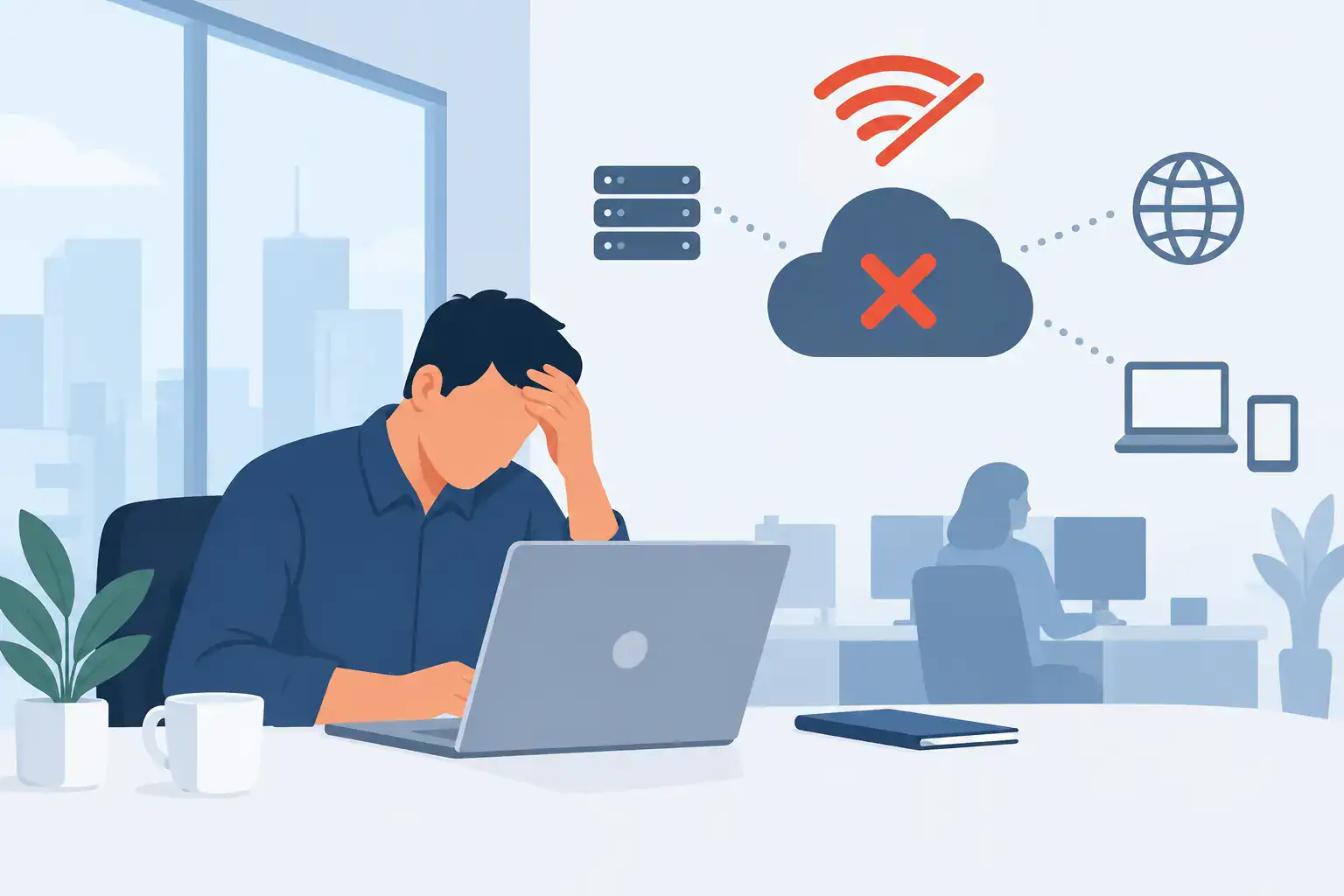

A remote-working problem rarely starts with remote working. It starts when a key application will only run on an office server, a laptop is lost, performance drops at month end, or staff need access during a disruption. Azure Virtual Desktop versus RDS is therefore not simply a technical comparison. For an SME, it is a decision about availability, security, cost control and how easily the business can keep operating when circumstances change.
Both platforms can give employees secure access to Windows desktops and business applications from different locations. The right choice depends on the systems you use, the way your team works and the level of flexibility your business needs.
What Azure Virtual Desktop and RDS actually do
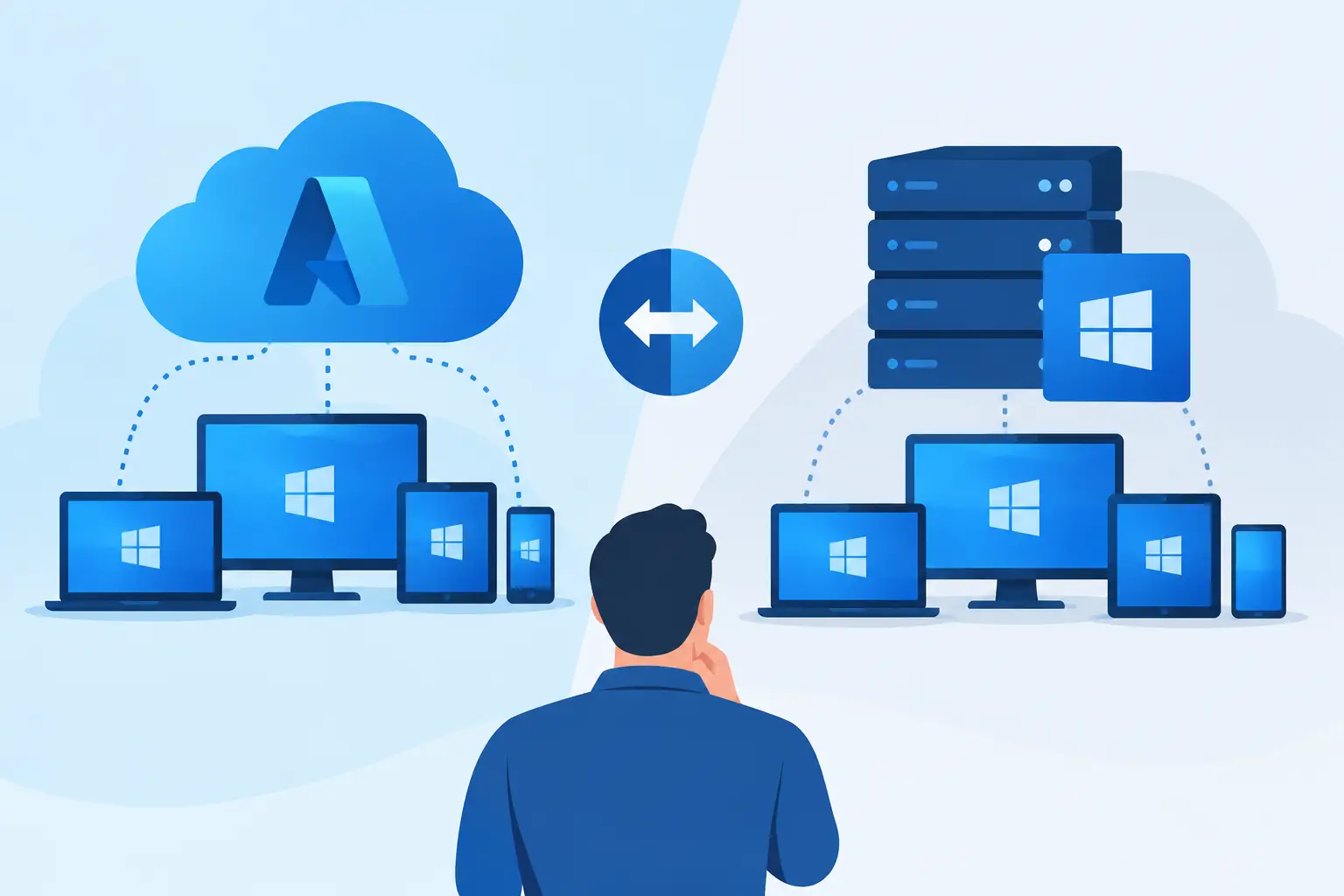
Azure Virtual Desktop, often shortened to AVD, is Microsoft’s cloud-based desktop virtualisation service. Your desktops and applications run in Microsoft Azure rather than on a server in your office. Staff connect through an approved device and receive a managed Windows environment, with the same applications and files available wherever they are authorised to work.
Remote Desktop Services, or RDS, is Microsoft’s long-established technology for delivering remote desktops and applications from Windows Server infrastructure. It can be hosted on servers in your own premises, in a private data centre or with a hosting provider. RDS remains a practical and capable option, particularly where a business already has suitable server infrastructure and a stable, predictable user base.
Neither option is automatically better. AVD is designed around cloud flexibility and can reduce dependence on a physical office server. RDS offers greater control over a more traditional server environment and may make sense where cloud migration is not yet appropriate.
Azure Virtual Desktop versus RDS: the key differences
The clearest distinction is where the service runs and who manages the underlying capacity. With AVD, the virtual machines are hosted in Azure. This makes it easier to increase or reduce capacity without purchasing and installing additional server hardware. It also supports Windows 10 and Windows 11 multi-session, allowing multiple users to work on the same virtual machine while maintaining separate sessions. For many organisations, this can improve cost efficiency.
With RDS, the infrastructure is generally more fixed. You choose the servers, storage, licensing and capacity in advance, whether they sit in your office or a hosted environment. This can be beneficial for businesses with consistent demand and specialist applications that need close control of the server setup. However, expansion may require new hardware, configuration work and planned downtime.
Scalability and flexibility
AVD is often the stronger choice for organisations with changing headcount, seasonal demand, contractors or a hybrid workforce. A business can create desktop pools for different departments, publish only the applications each group needs and scale resources to match demand. When configured correctly, virtual machines can be switched off outside business hours to help manage consumption costs.
RDS can also be scaled, but the process is less immediate. Capacity planning matters because under-sized servers can lead to slow sessions, while over-sized infrastructure means paying for resources that are not being fully used. A well-designed RDS environment can serve an SME reliably for years, but it is less adaptable when requirements move quickly.
Costs and budgeting
RDS may appear less expensive initially if you already own suitable servers and licences. Yet the full cost includes hardware refreshes, warranties, power, backups, server-room resilience, monitoring and the time required to maintain the environment. A failure in a single on-site server can have a significant operational impact if there is no suitable redundancy.
AVD replaces much of that capital expenditure with ongoing Azure consumption and management costs. This can be attractive, but it is not a blank cheque for lower spending. Virtual machine size, storage, network usage and operating hours all affect the monthly bill. Poorly configured AVD can become unnecessarily expensive, especially if systems run around the clock when they are only needed during office hours.
For an SME, the most useful comparison is not licence price alone. Compare the total cost of delivering a secure, supported desktop service over three to five years, including recovery capability and the cost of disruption.
Security and business continuity
Both AVD and RDS can be secured to a high standard. The result depends on design and day-to-day management rather than the name of the platform. Multi-factor authentication, conditional access policies, least-privilege permissions, endpoint protection, patching and monitored backups should be part of the baseline.
AVD works closely with Microsoft identity and security services, making it well suited to businesses already using Microsoft 365. It can help keep data within the virtual desktop rather than on unmanaged home devices. If a laptop is lost, the business can disable access without relying on locally stored files being removed.
RDS can provide the same controlled working environment, but an on-premises deployment demands careful attention to perimeter security, remote access gateways, patching and backup protection. Exposing a poorly secured RDS server to the internet creates avoidable risk. Remote access should always be designed as part of a wider cybersecurity plan, not treated as a standalone convenience feature.
Business continuity is another important factor. Azure offers geographically distributed infrastructure and options for resilient designs, although these must be planned and funded. An on-site RDS platform needs equivalent thinking: what happens if the office loses power, internet access or access to the building? A backup that cannot be restored quickly does not protect productivity.
Application compatibility and performance
Some legacy line-of-business applications are happier in a traditional RDS environment, particularly when they rely on older server components, local network connections or specialist peripherals. Before moving any workload, test the application with realistic user numbers and normal workloads. A cloud desktop that looks fine in a demonstration can perform poorly if database connectivity, printing or profile management has not been properly assessed.
AVD is a strong fit for modern Microsoft 365-based businesses, staff who need a consistent desktop from multiple locations and applications that can operate effectively in Azure. It can also make office moves and disaster recovery arrangements less dependent on physical servers.
The quality of the user experience in either platform depends on connectivity. Staff need reliable broadband, and the office network must be sized for the traffic involved. Graphics-intensive software, large design files, voice applications and multiple monitors all need specific assessment. There is no benefit in choosing a flexible platform if staff experience lag that prevents them doing their jobs.
When RDS is the sensible option
RDS can be the right choice when your business has a stable office-based workforce, existing server investment and applications that are difficult or costly to move into Azure. It may also suit organisations that need highly specific server configurations or have limited cloud readiness.
That does not mean leaving the environment unchanged. An RDS setup should have documented recovery procedures, tested backups, secure remote access and a lifecycle plan for the server hardware. The question is not whether the system works today. It is whether it can keep working after a hardware failure, cyber incident or office disruption.
When Azure Virtual Desktop is the better fit
AVD is often the more strategic choice for SMEs that want to support hybrid working, reduce reliance on office hardware and standardise the experience for staff across locations. It is particularly useful where new employees, temporary workers or acquisitions need to be brought into a secure environment quickly.
It can also support a phased cloud migration. Instead of moving every system at once, a business can virtualise selected applications and desktops while retaining other services where they are until the timing is right. This reduces the risk of a rushed migration and allows the organisation to learn from each stage.
Make the decision around your operating needs
Before selecting a platform, assess how many users need access, which applications they depend on, their location, expected growth and the consequences of an outage. Review your current licences, server age, broadband resilience, backup arrangements and security controls. These details usually reveal whether an RDS refresh, an AVD deployment or a hybrid approach offers the best value.
A managed IT partner can also model likely costs, test critical applications and design the controls around the platform. Host-It helps Dublin SMEs approach these decisions through the lens that matters most: keeping people productive and business systems protected, not simply choosing the newest technology.
The best remote desktop solution should disappear into the working day. Staff should be able to sign in, reach the tools they need and continue serving customers, whether they are in the office, at home or responding to an unexpected disruption.