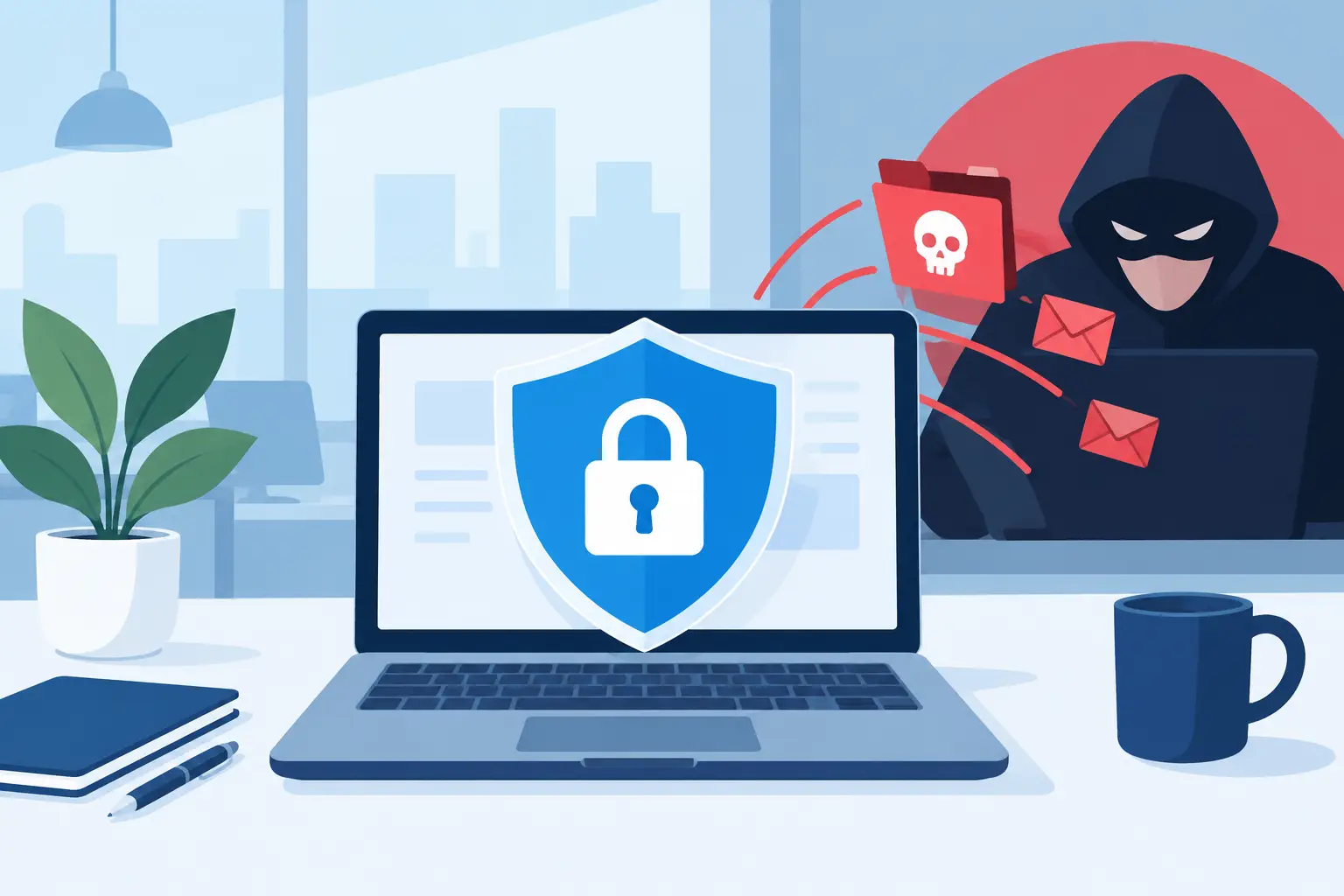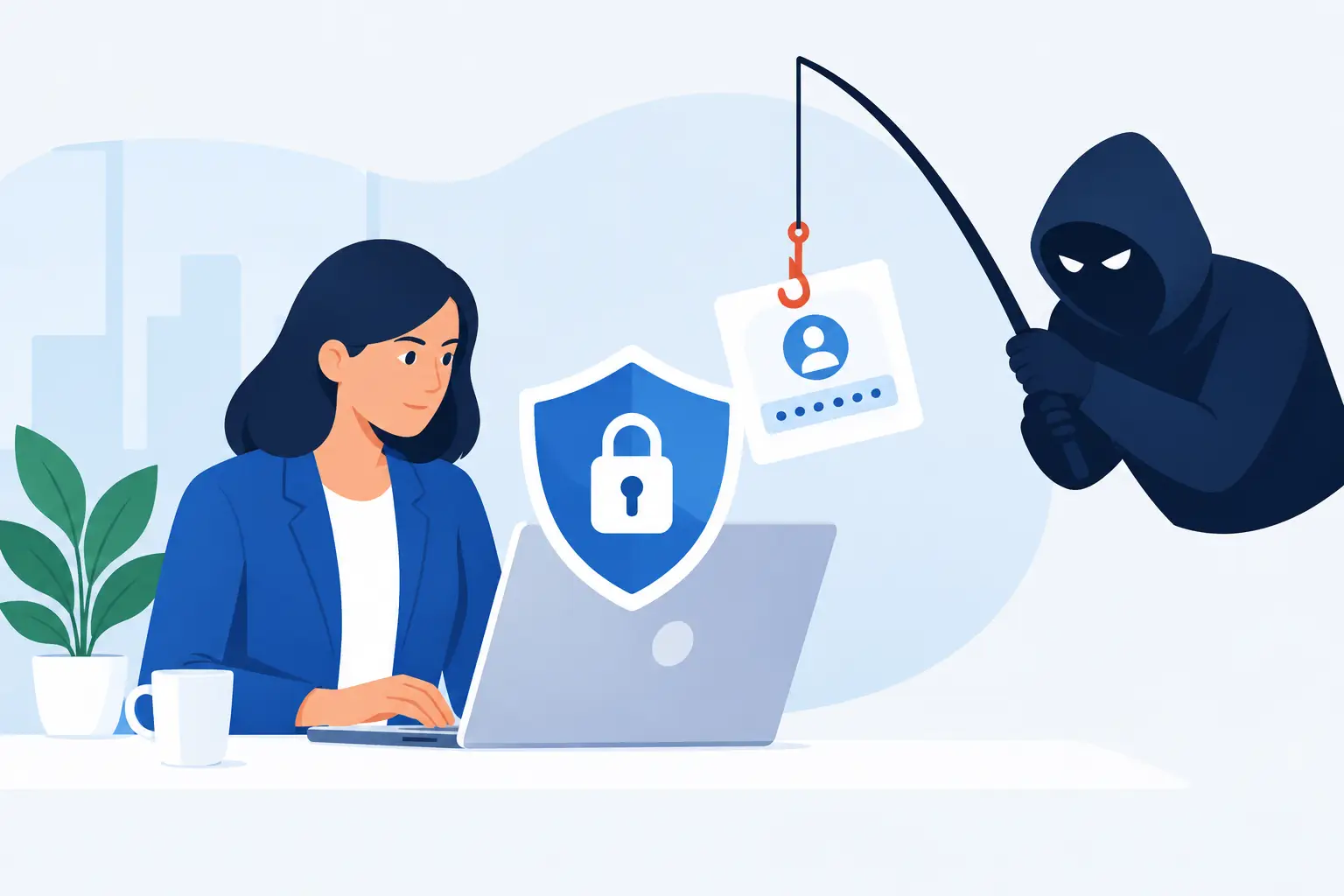

A convincing phishing email rarely looks like a threat. It looks like a supplier chasing an invoice, a director asking for help between meetings, or Microsoft requesting that someone signs in again. Knowing how to prevent phishing attacks means building protection around the people, systems and processes that keep your business moving – not expecting every employee to spot every fake.
For SMEs, the impact can be disproportionate. A compromised account can expose customer information, redirect a supplier payment, spread malicious software or stop staff accessing core systems. The right controls reduce that risk without making everyday work needlessly difficult.
How to prevent phishing attacks with layered protection
Phishing works because it targets trust, urgency and routine. Attackers study company websites, social media profiles, supplier relationships and job titles. A message addressed to the right person, sent at a busy time and framed as an urgent request can bypass even sensible caution.
That is why a single measure, such as staff training or spam filtering, is not enough. Effective protection combines secure email, strong account controls, informed users and a clear response plan. If one layer fails, another should limit the damage.
The balance matters. Overly restrictive controls can delay legitimate work, especially where teams exchange files or communicate with new customers regularly. A managed approach should protect the business while allowing staff to do their jobs efficiently.
Secure email before a message reaches an inbox
Email filtering is the first practical line of defence. A business-grade email security service can identify suspicious sender domains, dangerous attachments, impersonation attempts and known malicious links before they reach users. It should also scan messages after delivery where possible, because harmful websites can be created or altered after an email arrives.
However, filtering cannot catch everything. Sophisticated business email compromise attacks often use legitimate accounts that have already been taken over. The message may contain no attachment or obvious malware at all – just a credible request to change bank details or purchase gift cards.
Domain protection is equally valuable. Email authentication standards help receiving systems verify whether a message claiming to come from your domain is genuine. Correctly configuring these controls reduces the chance of criminals impersonating your business to customers, suppliers or colleagues. It also protects your reputation when a fraudulent email appears to come from your organisation.
Make stolen passwords far less useful
Passwords remain a common route into business systems. Employees may reuse credentials, enter them into a convincing fake sign-in page or approve access after being pressured by an attacker. Multi-factor authentication, or MFA, makes a stolen password much less useful by requiring a second form of verification.
MFA should be enabled on email, cloud storage, finance platforms, remote access tools and any service holding business or customer data. App-based authentication or security keys generally provide stronger protection than text messages, although the best option depends on the systems you use and the needs of your workforce.
Be alert to MFA fatigue attacks. These occur when a criminal repeatedly sends authentication prompts hoping that a tired or distracted employee approves one. Staff should know that an unexpected prompt is a warning sign, not an inconvenience to clear. They should deny it and report it promptly.
Access should also be limited according to role. An employee does not need full administrative rights simply because they occasionally work from home. Restricting access reduces the damage if one account is compromised, and separate administrator accounts help protect critical settings from everyday phishing risks.
Give staff realistic phishing awareness training
Generic annual training is easily forgotten. Phishing awareness works best when it is brief, regular and relevant to the situations your team faces. Finance staff may need to recognise invoice fraud and payment diversion. Reception and operations teams may receive delivery, supplier and document-sharing scams. Senior leaders are frequent targets for impersonation because their names carry authority.
Training should teach people to pause before acting, particularly where a request creates urgency, confidentiality or financial pressure. Encourage staff to check the full sender address rather than the display name, inspect unexpected links without opening them, and verify unusual requests using a known phone number or a fresh message – never by replying to the suspicious email.
Simulated phishing exercises can be useful, but they should support learning rather than embarrass people. The objective is to build a reporting culture. A staff member who reports a suspected message quickly gives IT the chance to protect everyone else before the same campaign spreads.
Protect payment and supplier-change processes
Many phishing incidents are not technical in the traditional sense. They exploit gaps in business processes. A criminal may monitor an email account, then send a realistic request asking your finance team to update a supplier’s bank details. The wording will often mirror the real supplier’s tone and reference an existing invoice.
No email alone should authorise a change to payment instructions. Establish a written verification process that requires an independent call to a trusted contact using a number held in your records. The same principle applies to urgent payment requests, payroll amendments and requests from directors to buy goods or release funds.
This can feel slower than acting immediately, but it is a sensible trade-off. A two-minute verification call is far less disruptive than recovering funds after they have been sent to a fraudulent account.
Keep devices and cloud systems properly managed
Phishing often provides the initial access point, but poor device management allows an attacker to go further. Keep operating systems, browsers, security software and business applications updated. Older software may contain weaknesses that turn a clicked link into a more serious incident.
Managed devices should have endpoint protection, encrypted storage and the ability to be locked or wiped if lost. Staff working remotely need the same level of protection as those in the office. Personal devices can be convenient, but they introduce extra risk unless access, updates and data storage are carefully controlled.
Cloud platforms also require active management. Review sign-in activity, mailbox forwarding rules, sharing permissions and administrator changes. Criminals who compromise an email account may create hidden forwarding rules so they can keep reading messages even after the password is changed. Regular monitoring helps uncover this activity quickly.
Make reporting simple and act quickly
Every employee should know exactly what to do when something looks suspicious. The process should be straightforward: report the message, do not forward it to colleagues, and do not delete it until IT has advised. A dedicated reporting button or a clear internal contact route removes uncertainty when someone is busy.
If a person has clicked a link, opened an attachment or entered their password, they should report it immediately. Delayed reporting is usually more damaging than the original mistake. A supportive response encourages honesty and gives your IT team time to contain the issue.
When a phishing incident is suspected, the immediate actions are usually to:
- isolate any affected device if malware is suspected;
- reset the account password and revoke active sessions;
- review mailbox rules, sign-in logs and account permissions;
- identify whether other users received the same message; and
- assess whether customer data, payments or other business systems may be affected.
The exact response depends on the incident. A fake delivery email clicked on a protected device is different from a compromised finance mailbox used to redirect payments. What matters is having qualified support available to investigate quickly, preserve evidence and restore safe operations.
Test the plan before you need it
Business continuity is not just about backups and recovery after a major outage. It includes being ready for the smaller incidents that can become major disruptions if nobody knows who is responsible. Define who can disable accounts, contact suppliers, approve customer communications and engage external support.
Backups remain essential, particularly where phishing leads to ransomware. They should be protected from routine user access, checked regularly and tested for restoration. A backup that has never been tested is an assumption, not a recovery plan.
For businesses without a large internal IT team, ongoing managed support can bring these controls together. Host-It helps Dublin SMEs manage email security, MFA, endpoint protection, backup and incident response as part of a practical approach to reducing downtime and keeping systems protected.
Phishing will continue to evolve, but your response does not need to be complicated. Build sensible safeguards into normal work, make it easy for people to ask questions, and treat every reported concern as an opportunity to stop a larger problem before it reaches your business.