
A ransomware incident rarely starts with a dramatic technical failure. More often, it begins with one convincing email, a reused password or an unpatched laptop. Knowing how to prevent ransomware attacks means closing those everyday gaps before they become a business-stopping event.
For an SME, the consequences reach far beyond the ransom demand. Staff can lose access to customer records, accounts systems, files and mobile phones. Operations slow down, clients may be left waiting, and recovery can take days if backups and response plans have not been tested. Prevention is therefore not one product or one policy. It is a set of practical controls that work together.
Start with the routes attackers use most
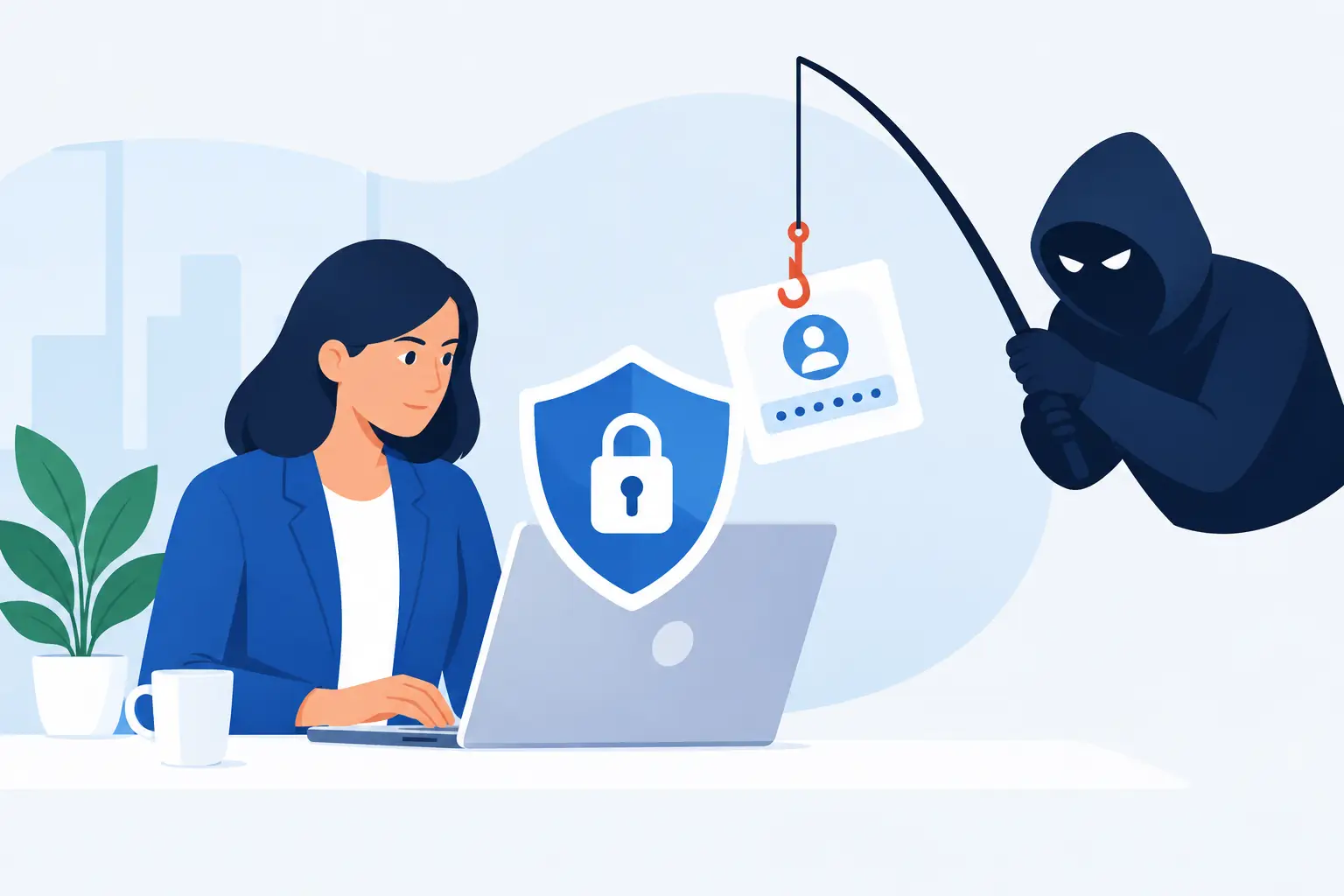
Ransomware groups look for the quickest path into a business. Phishing emails remain a common entry point, particularly messages that imitate suppliers, Microsoft sign-in pages, delivery notifications or invoice reminders. A staff member who enters their details on a fake page may give an attacker access without realising it.
Remote access services, weak passwords, unpatched software and poorly secured administrator accounts are also frequent causes. Attackers do not always need to break in through sophisticated means. They often exploit systems that have been left exposed, credentials used across several accounts, or security updates that were delayed during a busy period.
The first objective is straightforward: reduce the number of ways an attacker can gain access, then limit what they can do if one account is compromised.
How to prevent ransomware attacks with layered security
A layered approach is more dependable than relying on antivirus software alone. Each control addresses a different point in an attack, so a single mistake does not have to become a major outage.
Protect identities first
Multi-factor authentication should be enabled for email, cloud applications, remote access and administrator accounts. A stolen password is far less useful when the attacker cannot complete the second verification step. App-based authentication is generally preferable to SMS where practical, and privileged users should have stronger controls still.
Password management matters too. Staff need unique, long passwords for every service, supported by a password manager rather than spreadsheets, browsers shared between users or handwritten notes. Remove accounts promptly when employees leave, and review who has administrative access. Many businesses have more privileged accounts than they need, creating unnecessary risk.
Keep devices and software maintained
Operating systems, browsers, firewalls, business applications and network equipment all require regular patching. Some updates are minor; others close actively exploited security flaws. The challenge for SMEs is balancing security with continuity, particularly where older line-of-business software is involved.
A managed patching process helps make that balance manageable. Updates can be tested where necessary, applied on a schedule, and prioritised when a serious vulnerability emerges. Unsupported systems should be identified and given a replacement, isolation or risk-reduction plan. Leaving a legacy device connected because it still works is not a security strategy.
Use endpoint protection that can detect behaviour
Traditional antivirus tools remain useful, but ransomware protection should also look for suspicious behaviour. Endpoint detection and response tools can identify unusual encryption activity, credential theft attempts, unauthorised remote tools and lateral movement between devices. They can then alert support teams or isolate a device before the attack spreads.
This is especially valuable for businesses with hybrid working arrangements. A laptop on a home network can still provide a route to cloud data and company systems. Every managed device should have the same baseline protection, wherever it is used.
Secure email and web access
Email security should filter malicious attachments, spoofed sender addresses and dangerous links before they reach users. Domain protection settings reduce the likelihood that criminals can impersonate your organisation to customers or colleagues. Web filtering provides another layer by blocking known malicious websites and risky downloads.
No filtering service catches everything, however. Staff must still know how to pause before opening an unexpected attachment, approving a payment request or entering credentials. Security controls and user awareness are partners, not alternatives.
Make staff part of the defence
Training should be short, relevant and repeated. An annual presentation is unlikely to change behaviour when staff are under pressure and a convincing phishing email arrives months later. Use regular guidance, simulated phishing exercises where appropriate, and clear reporting routes for suspicious messages.
Employees should understand that reporting a mistake quickly is the right response. If someone enters credentials into a suspicious page or opens an attachment, the priority is to tell IT immediately. Blame and embarrassment give attackers more time; early reporting can prevent a contained incident becoming a widespread one.
Focus training on the situations employees genuinely face: altered bank details from a supplier, unexpected shared files, urgent requests from a director, fake password-expiry notices and invoices they were not expecting. A practical example is more memorable than a long list of technical terms.
Keep ransomware from moving through the network
Once inside, attackers often try to reach file servers, backups and other computers. They want valuable data and the ability to cause maximum disruption. Network segmentation limits that movement by separating systems and restricting access between them.
For example, guest Wi-Fi should not sit on the same network as business devices. Finance systems, servers, mobile phones, CCTV and everyday workstations may also need separate access rules depending on the organisation’s size and setup. The aim is not to make the network difficult to use. It is to ensure a compromised reception laptop cannot freely reach every critical system.
Review remote access as well. Avoid exposing remote desktop services directly to the internet. Use a properly configured VPN or secure remote-access solution, enforce multi-factor authentication, and restrict access to the people and systems that genuinely require it. Logs should be monitored for unusual sign-ins, particularly failed login attempts or access from unexpected locations.
Backups are your recovery option, not an afterthought
A ransom demand is designed to make a business feel it has no choice. Tested, protected backups restore that choice. If attackers encrypt production data but you can recover clean copies reliably, their leverage is reduced.
A sound approach follows the 3-2-1 principle: keep at least three copies of important data, on two different types of storage, with one copy held off-site or offline. Cloud backups can be highly effective, but they must be protected with separate credentials, multi-factor authentication and retention settings that prevent attackers from simply deleting the backup copies.
Back up more than documents. Include servers, cloud data, configuration settings, finance systems and any application data needed to resume operations. Then test restoration. A backup that completes successfully is not necessarily a backup that can restore a working system within an acceptable timeframe.
Decide in advance which systems must return first. For some businesses, it is email and customer communications. For others, it is stock control, bookings, production systems or accounting. Recovery priorities should reflect the real cost of downtime.
Prepare for the moment something looks wrong
Even well-protected organisations need an incident response plan. The plan does not need to be complicated, but it should state who can make decisions, how to contact IT support, how to isolate affected devices, and how staff will communicate if email or mobile phones are unavailable.
If ransomware is suspected, disconnect the affected device from the network immediately, but do not switch it off unless advised by your IT team. Preserve evidence, stop the spread and assess the scope. Do not contact the attacker or make payment decisions in haste. Paying does not guarantee data recovery, and it may encourage further extortion.
Your IT partner should be able to help investigate the incident, contain affected systems, restore clean data and support communications with relevant insurers, legal advisers or authorities. Host-It works with Dublin SMEs to put the controls, backup arrangements and recovery planning in place before an urgent call is required.
Review protection as the business changes
Ransomware prevention is not a project to complete once and forget. New starters, cloud migrations, office moves, acquisitions, new suppliers and remote-working changes can all introduce risk. A regular review of accounts, devices, backups, access permissions and security alerts keeps protection aligned with the way the business actually operates.
The most useful next step is to identify one realistic failure point in your own environment – such as an untested backup, an unmanaged laptop or an administrator account without multi-factor authentication – and fix it this week. Small, consistent improvements create the resilience that keeps a difficult security incident from becoming a business crisis.