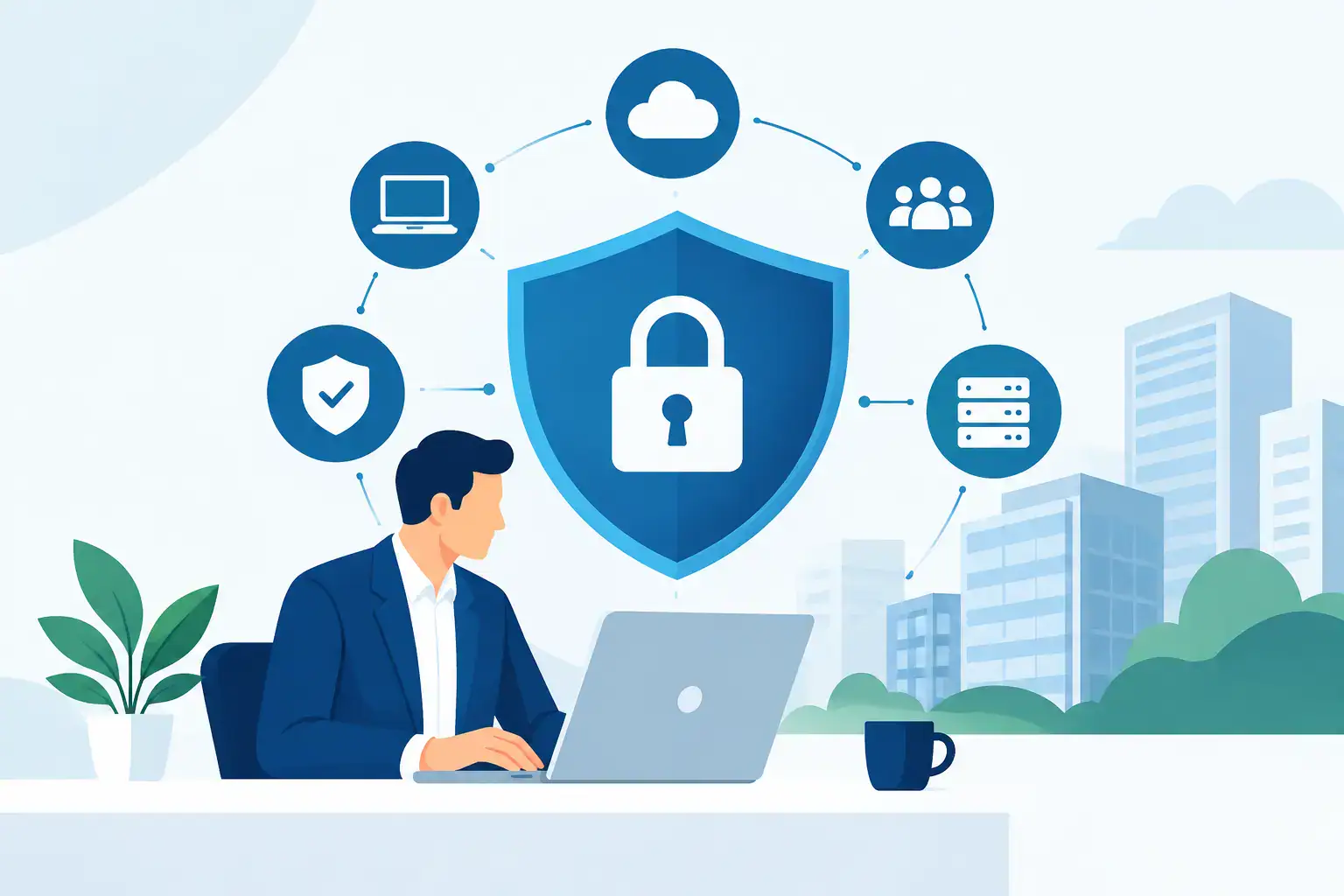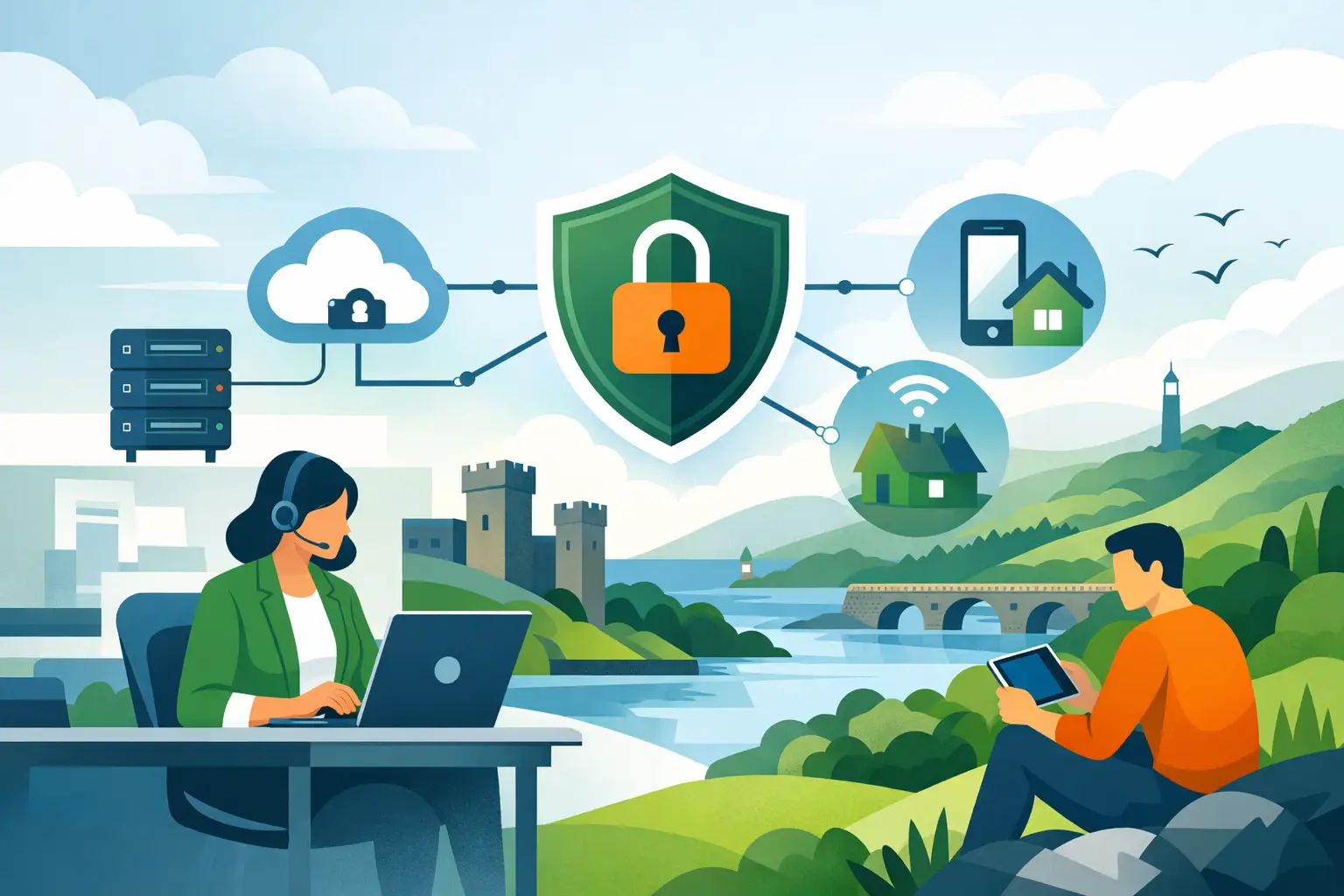

A staff member working from home should be able to reach the files, applications and phone systems they need without creating a shortcut into your business for criminals. That balance is the purpose of this secure remote access guide. For SMEs, remote access is no longer a specialist arrangement reserved for senior staff or emergencies. It is part of normal operations, whether someone is working from home, visiting a customer, covering an office closure or responding outside standard hours.
The risk comes when convenience becomes the only design principle. Shared passwords, personal laptops, exposed remote desktop services and broad administrator access can turn a simple login into a route to ransomware, data loss and lengthy downtime. Secure remote access should support productive work while giving the business clear control over who can connect, from which device, to which systems and for how long.
Start with the work people actually need to do
The right solution depends on your business, not on a single product label. A finance colleague may need access to a cloud accounting platform and a document store. An engineer may need a managed laptop, secure access to a line-of-business application and an internal file share. An external accountant may only require time-limited access to one folder.
Begin by mapping roles rather than granting access person by person. Record the systems each role genuinely requires, the data involved and whether access is needed every day or only occasionally. This makes it easier to remove unnecessary permissions and avoids the common problem of former roles retaining access long after responsibilities have changed.
The same review should identify high-risk systems. Servers, payroll data, customer records, backups and network management tools need tighter safeguards than a general collaboration platform. Staff should not routinely sign in with administrator accounts simply because it is quicker. Everyday work and privileged administration should use separate accounts, with elevated access granted only when required.
Secure remote access guide: build the essentials first
A dependable remote access arrangement rests on a small number of controls working together. Leaving out one can undermine the rest. A strong password is useful, for example, but it is not enough if a stolen password alone can open a company account.
Use multi-factor authentication everywhere it matters
Multi-factor authentication, or MFA, should protect email, cloud services, remote connections and administrator accounts at a minimum. It adds a second check beyond the password, such as an authenticator app, security key or approved sign-in prompt.
Authenticator apps and hardware security keys generally offer stronger protection than SMS codes, which can be vulnerable to phone number fraud. The practical choice may vary by workforce, but the priority is to make MFA universal and manageable. Keep recovery methods controlled too. A bypass code stored in an unprotected spreadsheet is not a recovery plan.
Manage the device, not just the login
A valid user account does not make an unmanaged personal device safe. Business laptops used for remote work should be enrolled in device management so your IT team can apply security updates, require screen locks, encrypt storage, deploy protection software and remove business data if a device is lost.
Bring-your-own-device arrangements can work for lower-risk activity, particularly where staff use browser-based applications. They require clear boundaries. Avoid copying sensitive data to local personal devices, and use application controls or secure mobile management where appropriate. For access to internal systems or regulated information, a company-managed device is usually the safer and more supportable option.
Choose the connection method carefully
A virtual private network, or VPN, remains a sensible option where staff need to reach resources held on your office network. It creates an encrypted connection between the user and business network. However, a VPN can provide a broad route into that network if it is poorly configured or paired with excessive permissions.
For many cloud-first businesses, identity-based access to specific applications may be a better fit. This approach verifies the user, device and sign-in context before granting access to an application rather than placing the user broadly onto the network. It can reduce exposure, though it may require planning where older systems depend on local network access.
Remote desktop services deserve particular care. They should never be left directly exposed to the public internet. If remote desktop is necessary, protect it behind MFA, restricted access rules, monitored gateways and least-privilege permissions. In some cases, publishing an application securely is safer than providing a full remote desktop.
Apply least privilege without slowing people down
Least privilege means people receive only the access needed for their role. It is one of the most effective ways to limit the effect of a compromised account. If a receptionist’s account is phished, the attacker should not inherit the ability to alter backup settings, access payroll folders or administer cloud users.
This is not about making every request difficult. It is about making access deliberate. Establish an approval process for new users, role changes, temporary contractors and elevated permissions. Review access regularly, especially after staff leave, change department or return from a project.
For supplier access, use named accounts rather than shared credentials. Set an expiry date, restrict access to the required system and disable the account when the work is complete. Supplier connections are often overlooked because they are infrequent, yet they can carry significant risk.
Keep remote endpoints updated and visible
Remote workers can miss the routines that protect office-based devices. A laptop that has not connected to the corporate network for months may be behind on patches or security policies. Central management gives the business visibility of devices wherever they are being used.
At a minimum, ensure operating systems, browsers, business applications and security tools update promptly. Use endpoint protection capable of detecting suspicious behaviour, not simply known viruses. Monitor whether encryption is active, firewall settings are enabled and devices are still supported by the software provider.
Visibility also means logging. Your IT support partner should be able to investigate unusual sign-in locations, repeated failed MFA prompts, unexpected access attempts and changes to high-value accounts. Logs are not useful only after an incident. They help identify a problem early enough to prevent a larger disruption.
Protect the home working environment
You cannot manage every home broadband router in the same way as an office firewall, but you can reduce predictable risks. Staff should change default router passwords, apply firmware updates when available and use WPA2 or WPA3 wireless security. Open public Wi‑Fi should not be used for sensitive work unless the connection is protected and the device is managed.
Human behaviour remains a major factor. Remote staff are more likely to receive convincing phishing messages when they are working independently and communicating through email or collaboration tools. Training should focus on realistic scenarios: fake document-sharing notifications, fraudulent MFA prompts, urgent payment requests and calls claiming to be from IT support.
Make reporting easy and judgement-free. A colleague who reports a suspicious sign-in prompt quickly gives the business a chance to act. A colleague who worries about blame may wait until damage has already been done.
Design for an incident, not just a normal day
Even well-managed access can be targeted. The difference between a security event and a serious business interruption often comes down to preparation. Your team should know who can disable an account, revoke active sessions, isolate a device and contact key decision-makers when suspicious activity is reported.
Backups are part of remote access security because ransomware often seeks to encrypt or delete them. Keep protected backup copies separate from everyday user access, test restoration regularly and confirm that critical cloud data is included. A backup that has never been tested cannot be relied upon when systems are unavailable.
Business continuity planning should also account for the loss of an office, internet connection or core application. Where can staff work? Which communications channels remain available? Which systems must be restored first? Clear priorities reduce confusion when time matters most.
Make secure access an ongoing service
Remote access is not a project you complete once and forget. Staff join and leave, software changes, devices age and attackers adapt. Regular reviews keep controls aligned with how your business now operates rather than how it worked two years ago.
For SMEs without a large internal IT team, a managed partner can provide the day-to-day oversight that makes this practical: onboarding and offboarding users, monitoring devices, managing patches, reviewing permissions and responding when an account needs to be secured quickly. Host-It supports Dublin businesses with this joined-up approach, connecting security, cloud services, backup and responsive IT support around the needs of the business.
The most useful next step is not to buy more technology blindly. Review one real employee journey, from switching on their device to accessing a critical system, and ask where trust is assumed rather than verified. That is often where a safer, more reliable way of working begins.