
A former employee can still access a shared mailbox. A temporary contractor may retain permissions to financial files long after a project ends. An office manager might be using an administrator account for routine work because it was the quickest way to solve a problem. These are common gaps in growing businesses, and they create avoidable risk.
Knowing how to create access controls means deciding who can enter systems, view information, make changes and approve payments – then applying those decisions consistently. Done properly, access control protects your business without turning every working day into a string of permission requests.
Start with the business risk, not the technology
Access controls are often treated as an IT configuration task. The settings matter, but the real starting point is understanding what needs protection and what would happen if the wrong person gained access.
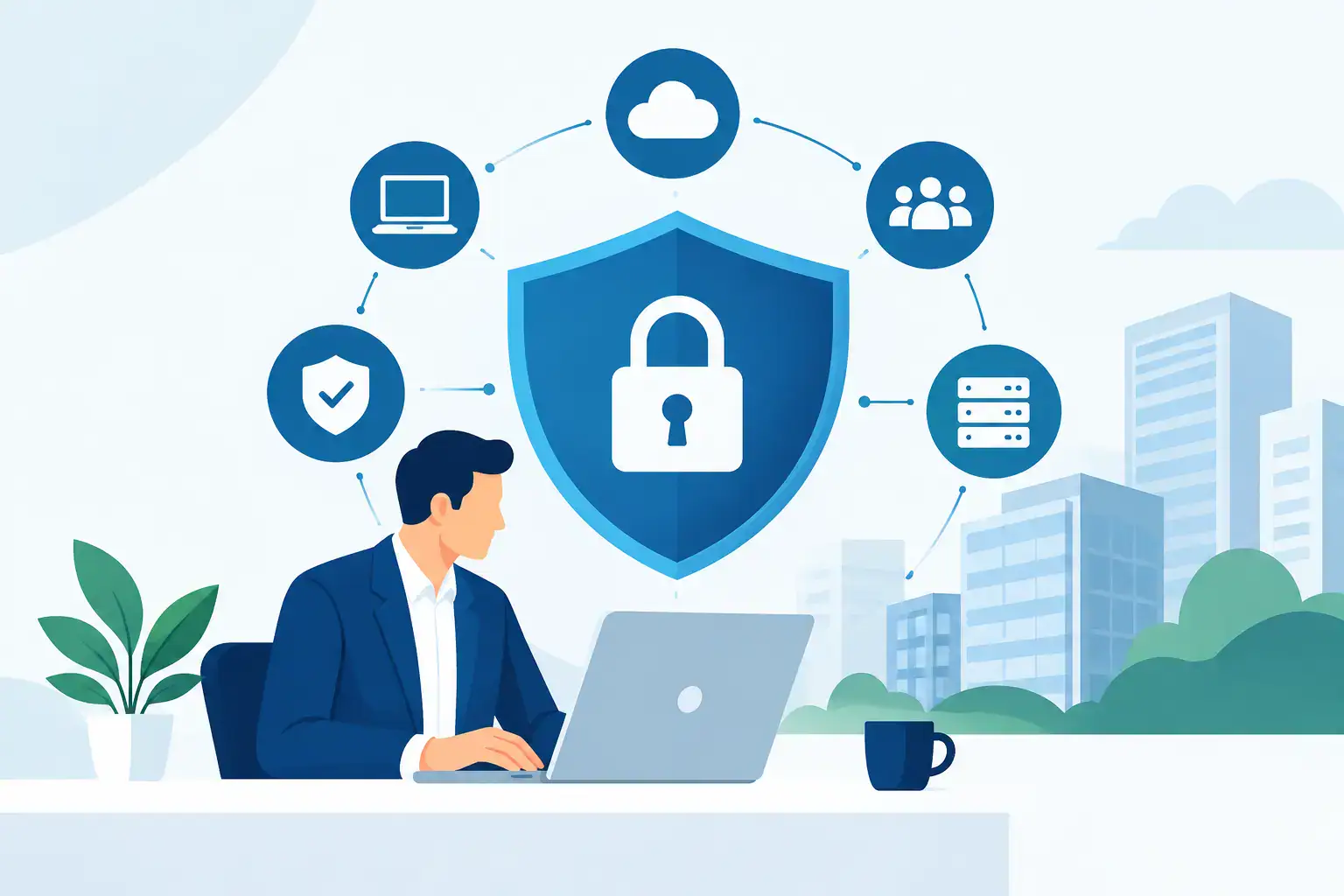
For an SME, the priority is usually email, cloud storage, accounting software, customer records, payroll, banking, line-of-business applications and administrative systems. Physical access also matters: a server cupboard, reception area, paper files and company devices can all expose sensitive information or provide a route into your network.
Ask practical questions. Who genuinely needs to see employee salary data? Who can create a new supplier in the accounts system? Who should be able to delete files from shared storage? Who needs access when working remotely? The answer should reflect each role, not a person’s seniority or the convenience of a one-off request.
This process helps you identify the systems where a mistake would cause financial loss, operational disruption, regulatory exposure or reputational damage. It also prevents an overly complicated programme. Not every shared folder requires the same level of control as payroll or banking.
Build access around roles and least privilege
The most manageable approach is role-based access control. Instead of setting permissions individually for every employee, create access groups based on job function. For example, finance staff may need accounting and payroll applications, while the sales team needs customer relationship management records but not finance folders.
Each role should receive the minimum access required to do its work. This is known as the principle of least privilege. It reduces the damage that can result from a compromised account, an accidental deletion or deliberate misuse.
Least privilege does involve a trade-off. If permissions are too restrictive, staff will share passwords, use unapproved tools or bypass the process to get work done. If they are too broad, you lose control of sensitive data. The aim is not to make access difficult. It is to make authorised access straightforward and unauthorised access unlikely.
Keep privileged accounts separate from everyday accounts. A user who manages Microsoft 365, servers or security tools should not use their administrator credentials for email and web browsing. If that daily-use account is compromised, the attacker should not automatically gain control of the wider environment.
Define who owns each system
Every important system needs a business owner as well as technical support. The owner confirms who should have access, approves higher-risk requests and helps review permissions when roles change. For example, the finance lead may own the approval process for the accounting platform, while IT administers the technical controls.
Clear ownership prevents access requests from sitting unanswered and avoids IT making business decisions it is not best placed to make.
Use strong identity checks before granting access
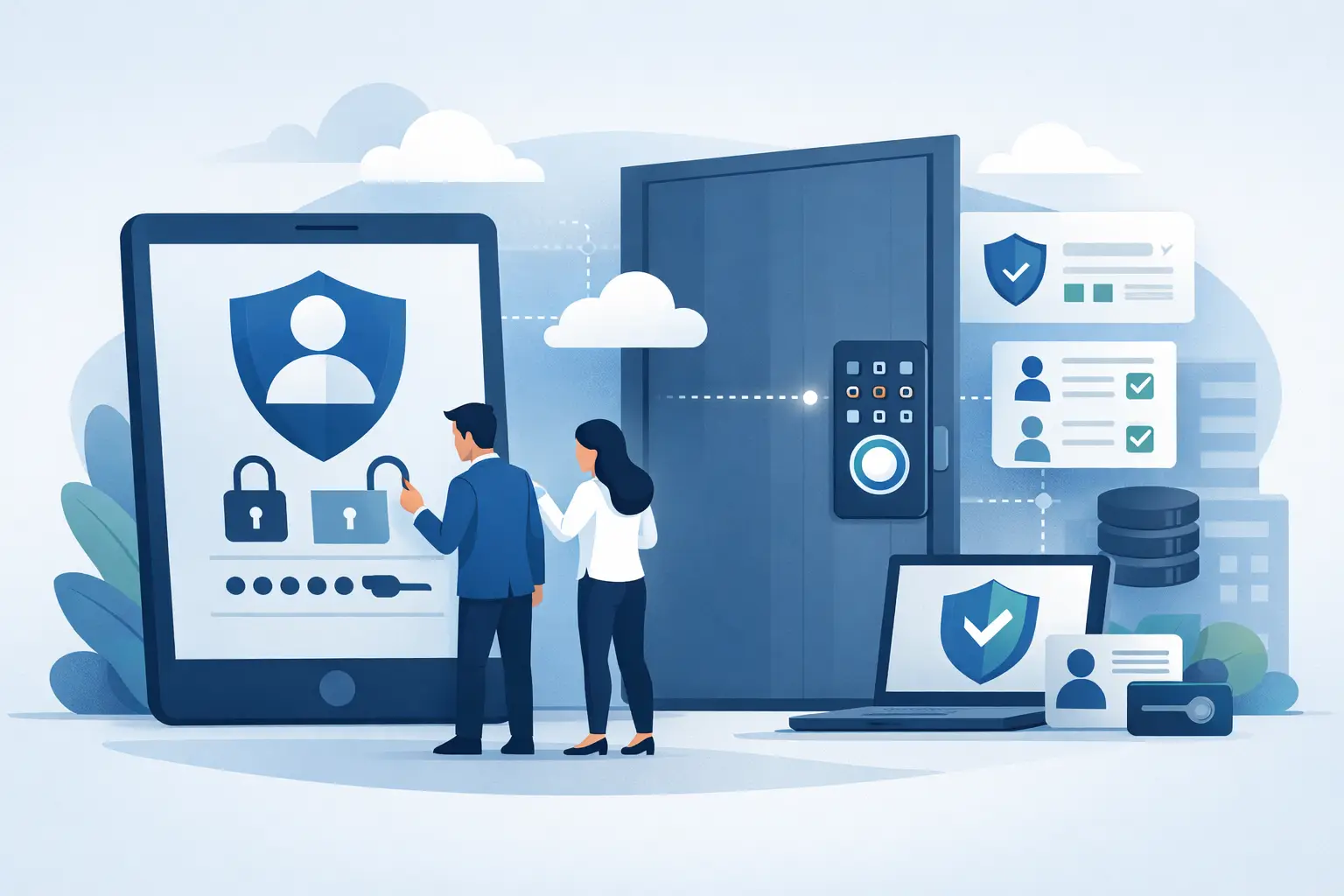
A username and password alone are no longer sufficient protection for business systems. Passwords are regularly stolen through phishing, reused across services or exposed in data breaches. Multi-factor authentication adds another check, such as an authenticator app, security key or approval notification on a managed device.
Apply multi-factor authentication first to email, remote access, cloud administration, finance applications and any system holding personal or confidential data. These are frequent targets because one compromised identity can give an attacker a foothold across the business.
Where possible, use single sign-on through a central identity platform. It gives staff one controlled identity for approved services and makes it easier to remove access quickly when someone leaves. It can also improve the user experience by reducing password fatigue.
However, single sign-on concentrates risk in one identity provider. It needs careful configuration, multi-factor authentication and a protected emergency access process. A break-glass administrator account, held securely and monitored closely, can be appropriate where a service outage or configuration error would otherwise lock administrators out.
Make joining, moving and leaving a controlled process
The strongest access policy fails if it is not connected to how people join, change roles and leave the business. User lifecycle management should be a shared process between HR, line managers and IT.
For new starters, the line manager should request an agreed role profile before the employee’s first day. IT can then provide the right account, device, applications and shared folders without defaulting to broad access.
When someone changes department or takes on new responsibilities, review what they no longer need as well as what they now require. Permission creep is common: people collect access over several years, even though their current role no longer justifies it.
Leavers need particular attention. Disable accounts promptly on their final working day, revoke active sessions, collect company devices and remove access to shared passwords, cloud services, remote tools and business phone systems. Where notice is short or risk is high, access may need to be removed immediately while preserving business continuity through mailbox delegation or document handover.
A simple documented checklist makes this repeatable. It also provides evidence that your business has acted responsibly when handling personal data and confidential information.
Control access to devices, networks and premises
Access control is wider than applications. A managed laptop with full disk encryption, screen lock, security updates and endpoint protection is safer than an unmanaged personal device accessing the same files. Mobile device management can enforce these standards and remove company data from a lost or departing employee’s device where necessary.
Network access should separate sensitive systems from general office traffic. Guest Wi-Fi should not provide a route to internal files or printers. Remote workers should connect through an approved, secured method rather than an exposed remote desktop service or personal file-sharing account.
Physical controls deserve the same discipline. Restrict keys, fobs and alarm codes to people who need them. Keep network equipment and backup media in locked areas. Maintain a record of issued access cards, particularly where staff, contractors and visitors come and go regularly.
Review access regularly and monitor exceptions
Access is not a set-and-forget task. Carry out a scheduled review of high-risk systems, typically quarterly or at least twice a year depending on the size of the business and the sensitivity of the data. System owners should confirm that each user still needs their current level of access.
Focus on administrator accounts, finance approvals, payroll, email delegation, remote access and shared folders containing personal or commercially sensitive data. Look for dormant accounts, duplicate users, generic logins and accounts belonging to former employees or suppliers.
Generic accounts should be avoided wherever possible because they make activity difficult to trace. If a shared account is unavoidable for operational reasons, restrict its use, protect the credentials in an approved password manager and maintain a record of who can use it.
Logging also matters. Your systems should record successful and failed sign-ins, privilege changes, unusual locations and access attempts to sensitive resources. Monitoring does not mean someone must read every log each day. It means alerts and review procedures are in place so suspicious activity is noticed before it becomes a serious incident.
Document the rules and prepare for urgent requests
A concise access control policy turns good intentions into an agreed way of working. It should explain the role-based approach, approval responsibilities, multi-factor authentication requirements, password standards, review frequency and offboarding process. It should also state how staff request access and what happens when a request is declined.
Include an emergency route for genuine urgent cases, such as restoring access during an out-of-hours incident or enabling a key employee to complete a time-sensitive payment. Emergency access should be time-limited, approved after the fact where necessary and reviewed promptly. Convenience is not a reason to create a permanent exception.
For many SMEs, the challenge is less about choosing a security tool and more about coordinating people, processes and existing systems. Host-It can help businesses in Dublin establish practical controls across cloud services, devices, networks and day-to-day IT support, without losing sight of how staff need to work.
Well-designed access controls give your people what they need to do their jobs and no more. That balance protects the business quietly in the background, leaving your team free to focus on the work that keeps it moving.
See how we apply access controls and permissions reviews for law firms and accountancy practices.