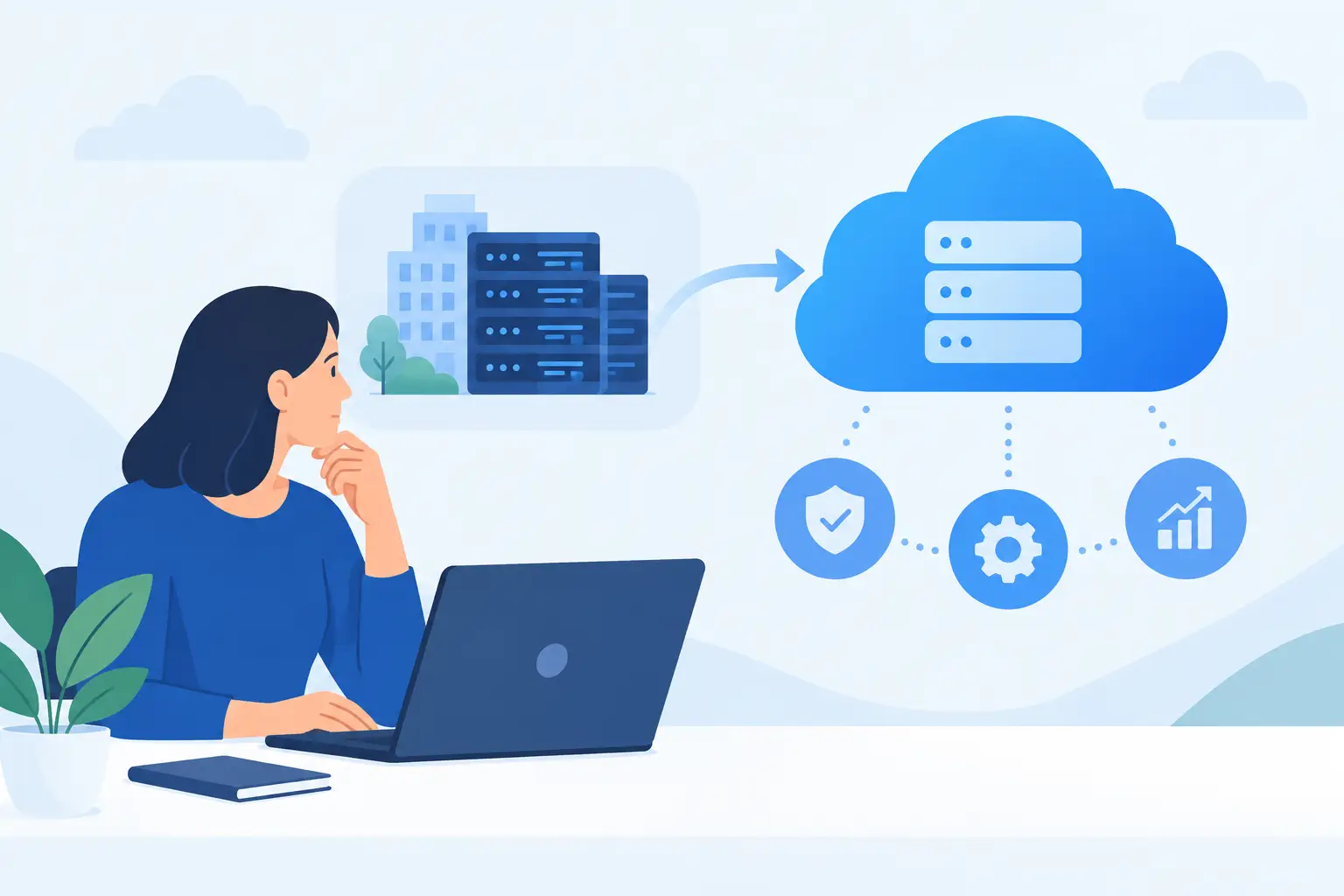

A cloud move can solve real business problems, but only when it is planned around the way your people actually work. If you are considering how to plan cloud adoption, the priority is not simply moving files or servers elsewhere. It is protecting access to critical systems, keeping staff productive and ensuring the business can recover quickly if something goes wrong.
For SMEs, cloud adoption is often prompted by a practical pressure: ageing hardware, remote and hybrid working, unreliable backups, a growing team or a need for stronger cyber security. Those are valid reasons to act. The risk comes when cloud is treated as a one-off technology purchase rather than a change to the way systems, data and responsibilities are managed.
Start with the business outcome, not the platform
Before choosing a cloud service, define what needs to improve. A business that needs staff to collaborate securely has a different requirement from one that needs to replace an on-site server, protect line-of-business applications or establish reliable disaster recovery.
Set clear outcomes in plain terms. You may need to reduce downtime during hardware failure, give authorised staff secure access from different locations, improve backup recovery times, or make costs more predictable as the business grows. These outcomes become the tests for every decision that follows.
It also helps to identify what should not change. For example, a busy office may need its finance platform, phones and customer systems available throughout the working day. If a migration would interrupt these services, it needs a phased approach, a suitable maintenance window and a fallback plan. The best technical option is not always the best operational option.
Build a clear picture of your current environment
Cloud projects fail when hidden dependencies appear late. An application that seems straightforward may rely on a local database, an old file share, a particular printer, a third-party integration or a user account no one has reviewed for years.
Create an inventory of your technology estate before moving anything. This should cover servers, applications, data stores, devices, licences, internet connections, user groups and suppliers. Record who uses each service, how important it is, where its data sits and what happens if it is unavailable for an hour, a day or longer.
Pay particular attention to information that may be sensitive or regulated, such as payroll records, customer data, financial documents and health information. Know where it is stored, who can access it and how access is currently removed when a staff member leaves. Moving data into the cloud without improving these controls simply moves the same risk to a new location.
This assessment also exposes workloads that should not be moved immediately. Some legacy applications are expensive to redesign, perform poorly over an internet connection or require specialist support. In those cases, keeping the application on-site temporarily while improving backups, security and connectivity may be the sensible decision.
How to plan cloud adoption around risk and resilience
A useful cloud plan separates workloads by priority. Critical services need tighter controls and more testing than systems that can tolerate a short interruption. This prevents a low-risk pilot from being mistaken for proof that every system is ready to move.
For each workload, agree its recovery requirements. Ask how quickly it must be restored after an incident and how much recent data the business can afford to lose. These two answers shape the backup design, replication approach and cost of the solution.
Cloud storage is not automatically a complete backup strategy. Files can still be deleted, accounts can be compromised and configuration errors can spread quickly. Independent, monitored backups and regular recovery testing remain essential. A backup that has never been restored is an assumption, not a recovery plan.
Security must be designed in from the start. Use multi-factor authentication, least-privilege access, device management and centralised monitoring where appropriate. Review administrative accounts carefully, as these are often the most valuable target for attackers. Staff also need clear guidance on sign-ins, password management, suspicious messages and what to do if a device is lost.
Choose the right migration approach
There is no single route to the cloud. Some businesses can move email, collaboration tools and file storage first, gaining quick benefits with relatively low disruption. Others may need to modernise an application, replace it with a cloud-based alternative or move a server into hosted infrastructure as an interim step.
A phased migration is usually the safest route for an SME. Start with a contained workload, validate performance and user experience, then use what you learn to improve later stages. This gives the business time to resolve issues before they affect core operations.
A typical plan might progress through four stages:
- Prepare the environment by reviewing identities, licences, data quality, connectivity and security settings.
- Pilot with a small group of users or a non-critical workload, using agreed success measures.
- Migrate in controlled waves, with communications, support cover and recovery steps in place.
- Optimise after the move by removing redundant services, refining permissions and monitoring usage and costs.
The pace depends on your risk tolerance and available internal capacity. A fast move may make sense when hardware is failing or a lease is ending. A slower programme is often better where there are complex applications, heavy compliance requirements or limited tolerance for downtime.
Plan for people, connectivity and support
Cloud adoption is as much an operational change as a technical one. Staff need to understand what will change, when it will happen and where to get help. Even a well-configured service can create frustration if users arrive on Monday unable to find shared documents or sign in from their usual device.
Communicate early and in practical language. Tell users what they need to do, what will look different and what support is available. Give managers a clear escalation route for issues affecting their teams. Short training sessions can prevent a large volume of avoidable support requests after go-live.
Do not overlook the internet connection. Cloud services depend on reliable, secure connectivity, particularly for voice, large file transfers and hosted applications. Assess bandwidth, resilience and Wi-Fi coverage at every location. A secondary connection may be justified for businesses where an outage would halt customer service, sales or remote access.
Support arrangements should be equally clear. Decide who owns the relationship with each supplier, who manages user accounts, who monitors alerts and who has authority to approve changes. A fragmented setup can leave gaps between providers when an incident occurs. Working with one accountable IT partner can simplify this responsibility, especially where cloud, security, backup and communications overlap.
Control cost without weakening protection
Cloud spending is flexible, but it is not automatically lower. Monthly charges can grow through unused licences, oversized resources, duplicated storage, premium support tiers and services that were left running after a project ended.
Build a cost model that includes more than the advertised subscription price. Include migration work, connectivity, security tools, backup, staff training, support and any remaining on-site infrastructure. Then review consumption regularly after migration. The aim is not to choose the cheapest option, but to pay for the level of availability, performance and protection the business genuinely needs.
It is also wise to establish ownership before costs become unclear. Someone should review new subscriptions, approve additional capacity and remove licences promptly when staff or requirements change. This creates discipline without slowing down the business.
Test recovery before declaring success
A successful migration is not complete when data appears in the new platform. It is complete when authorised people can work securely, the service performs as expected and the business can recover from a realistic failure.
Test sign-in controls, permissions, backups, restores and access from normal working locations. Simulate practical scenarios: a deleted folder, a lost laptop, an unavailable internet connection or a compromised account. Document what worked, what did not and who is responsible for each next step.
For Dublin SMEs, local, responsive support can be particularly valuable during a migration or recovery test, when a problem needs hands-on attention rather than a ticket passed between suppliers. Host-It can help businesses plan the technical work around continuity, security and everyday operations.
Cloud adoption should leave your business more prepared for change, not more dependent on guesswork. A measured plan, tested controls and clear support responsibilities give your team the confidence to move forward while keeping customers, staff and critical services protected.