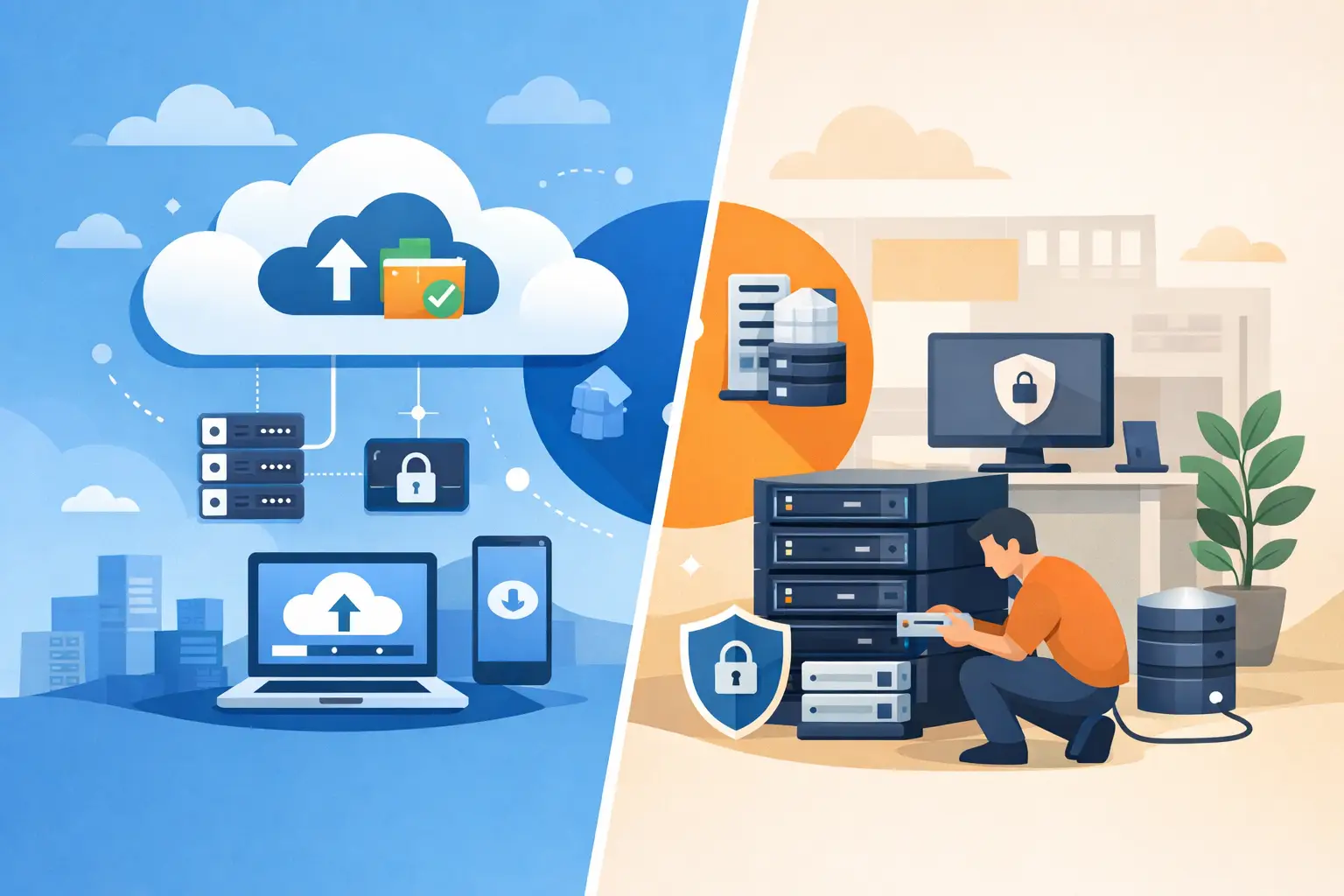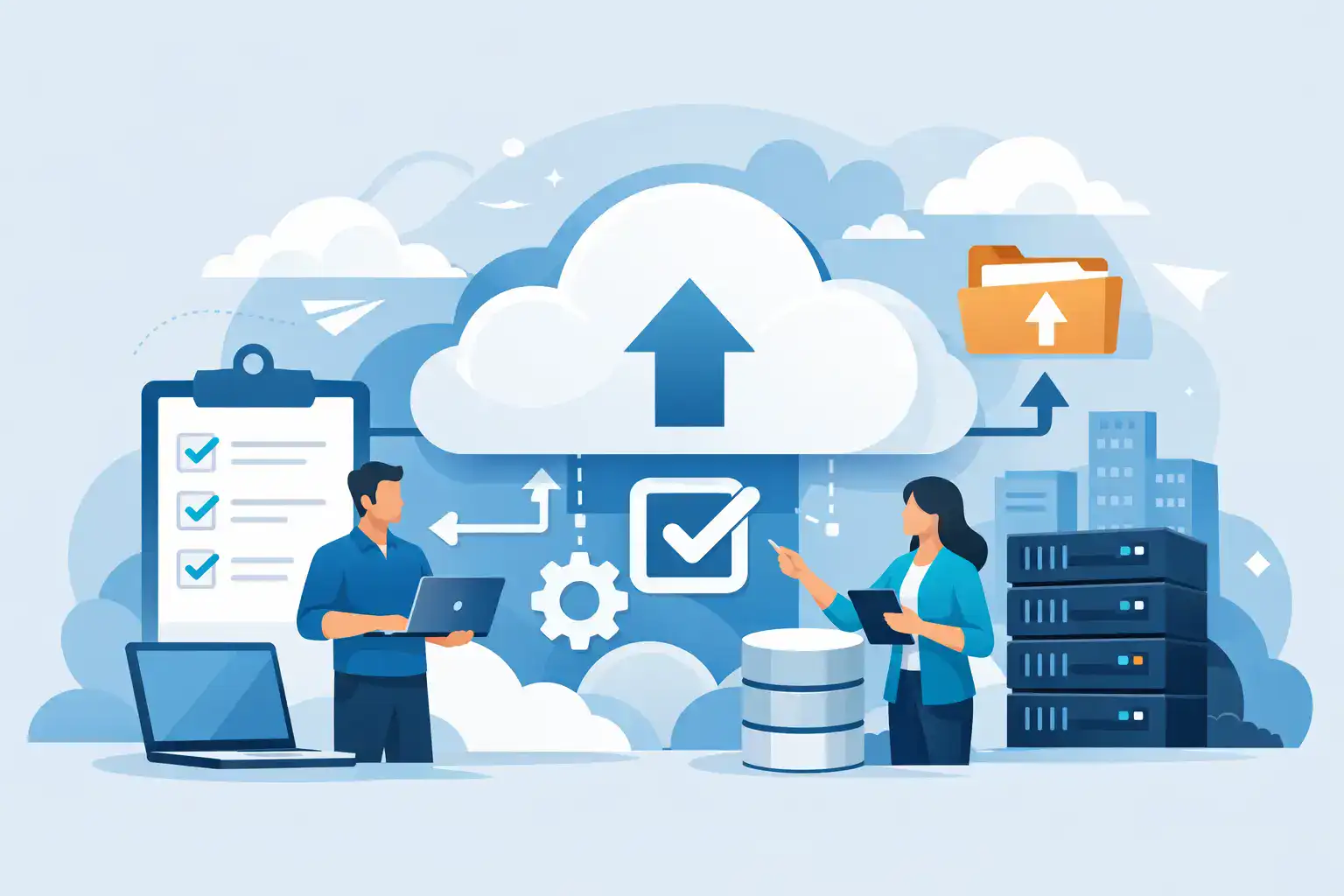

Moving a live business system is rarely where problems start. They usually start earlier – with unclear ownership, old data no one has reviewed, and a timeline built around hope rather than operational reality. A proper cloud migration checklist helps SMEs avoid that pattern. It turns a high-risk IT change into a managed project with clear decisions, fewer surprises and better protection for staff, systems and customers.
For most small and medium-sized businesses, the question is not whether cloud services have a place in the business. It is whether the move is being planned with enough care. Cloud migration can reduce reliance on ageing hardware, improve resilience and support flexible working, but only if the migration is aligned with how the business actually operates. A rushed move can create downtime, expose gaps in security and leave teams working around avoidable problems.
What a cloud migration checklist should cover
A useful checklist is not just a technical worksheet. It should connect business priorities, operational risks, security requirements and post-migration support. If the only focus is copying data from one place to another, critical issues get missed.
Before any migration starts, define what success looks like. That might be reducing server maintenance, improving remote access, replacing unsupported systems or strengthening backup and recovery. Different goals lead to different migration decisions. A firm moving file storage and Microsoft 365 has a different risk profile from one shifting line-of-business applications, telephony and shared databases.
It also helps to identify what should not move yet. Some legacy systems are deeply tied to old software, specialist hardware or third-party providers. In those cases, forcing everything into the cloud in one phase can increase disruption rather than reduce it. A staged approach is often the safer option.
Cloud migration checklist: the planning stage
Start with a full audit of your current environment. That means servers, laptops, user accounts, shared drives, applications, licences, broadband capacity, security tools and backup arrangements. Many SMEs discover at this point that they are carrying duplicate systems, dormant accounts or software that nobody has formally approved.
Once the environment is mapped, classify your data. Not all business information should be treated the same way. Financial records, HR documents, contracts and customer information need stronger controls than general working files. This affects where data is stored, who can access it and what compliance measures need to be in place.
You also need to confirm dependencies. If one application relies on another service, a local server, a printer workflow or a specific internet connection, that must be known in advance. A migration can appear successful on paper while still breaking day-to-day processes the moment staff log in on Monday morning.
At this stage, assign internal ownership. Even with external IT support, someone in the business needs to sign off priorities, user access, cutover timing and departmental impact. Projects lose momentum when responsibility is spread too widely.
Questions worth settling early
Settle a few commercial and operational points before the technical work begins. What is the approved budget? What downtime is acceptable? Which teams can tolerate after-hours work, and which cannot? Are there busy periods, payroll deadlines or customer commitments that make certain migration dates unsuitable?
This is also the time to review vendor contracts and licensing. Some cloud migrations fail to deliver savings because the old costs are never fully removed. You may end up paying for hosted services while still carrying on-premise software, support contracts or unused telecoms.
Security and compliance cannot be bolted on later
Security is often treated as a later phase, but for SMEs it needs to be part of the migration design from the start. Moving workloads to the cloud does not remove responsibility for protecting access, devices and data. It changes how that protection is managed.
Review identity and access controls before migration. Multi-factor authentication, role-based permissions, secure password policies and conditional access rules should be in place before users begin working in the new environment. If you migrate poor account hygiene into the cloud, you simply carry the same risk into a more exposed platform.
Backup strategy matters just as much. Many businesses assume cloud platforms automatically provide everything required for recovery. That is not always the case. Retention periods, deleted item recovery, ransomware resilience and full restore options vary between services. The migration plan should specify what is backed up, how often, where it is stored and how recovery will be tested.
Compliance should be reviewed in practical terms. If your business handles customer records, financial data or sensitive employee information, check data residency, retention rules and access logging. For regulated sectors, these details are not optional.
Build the migration around users, not just systems
Technology projects fail when they ignore how people work. A sound cloud migration checklist includes communication, training and realistic support arrangements.
Staff need to know what is changing, when it is changing and what they need to do differently. That may be as simple as learning a new login process or as significant as switching from local file storage to cloud collaboration tools. If users are left to figure this out themselves, productivity drops and support requests spike.
It is also wise to identify power users or department leads early. They can help test access, confirm business workflows and flag practical issues before the wider rollout. Finance, operations and customer-facing teams often spot problems that are invisible in a purely technical review.
Training should be proportionate. Not every migration requires formal sessions, but every migration does require clear guidance. Short, relevant instructions usually work better than long technical documents that nobody reads.
Testing is where risk gets reduced
Testing deserves more time than many SMEs expect. It is tempting to focus on the migration date itself, but the real protection comes from validating the environment beforehand.
That means testing user accounts, shared data access, application performance, printing, remote connectivity, mobile access and backup success. If your business relies on integrations between systems, those should be tested under normal working conditions rather than assumed to function.
A pilot group is often the best approach. Migrate a small cross-section of users first, review issues, then refine the process before the full cutover. This adds time to the project, but it usually reduces business risk and support pressure.
The rollback plan matters too. If a key service fails after migration, what is the route back? Who authorises that decision? How long can the business operate in a degraded state? A rollback plan is not pessimism. It is basic continuity planning.
The go-live checklist that often gets missed
On migration day, clarity matters more than speed. Confirm who is leading the cutover, who is available for approvals and how users will report issues. Keep communication simple and frequent.
Make sure backups are current before any final data transfer. Freeze changes where necessary so files are not being edited in two places at once. Confirm DNS changes, mailbox routing, device policies and access permissions in the right order. Small sequencing errors can cause disproportionate disruption.
It is also worth scheduling extra support cover immediately after go-live. Even a well-managed migration generates questions. Quick response at this stage protects confidence and keeps staff productive.
After migration, the job is not finished
A cloud migration checklist should always include post-migration review. This is where businesses confirm whether the move delivered the expected benefit or simply changed where the problems live.
Review system performance, support tickets, login security, storage structure, licence use and backup reports within the first few weeks. Remove old accounts, decommission redundant equipment and cancel services that are no longer needed. If you skip this clean-up, costs and risks remain higher than they should be.
It is also the right time to tighten standards. Many SMEs use migration as the point to improve device management, formalise user permissions and bring communications, security and infrastructure under one support model. That often creates the biggest long-term value, because the cloud itself is only part of the result. The real gain is a more manageable, resilient IT environment.
For businesses without in-house capacity, this is where a managed IT partner can make the difference. A provider such as Host-It can plan the migration, protect business continuity and stay involved after go-live so the environment remains secure and supported rather than left to drift.
A practical way to judge readiness
If you want a quick test of whether your business is ready to migrate, ask three questions. Do you know exactly what is moving? Do you know how users will be affected? Do you know how the business will recover if something goes wrong? If any of those answers are vague, the migration needs more planning before it needs more momentum.
Cloud migration works best when it is treated as a business continuity project, not just an IT task. The right checklist brings structure, accountability and protection to a change that can otherwise become expensive and disruptive. Get the groundwork right, and the move becomes far easier to manage – both on day one and long after the migration is complete.