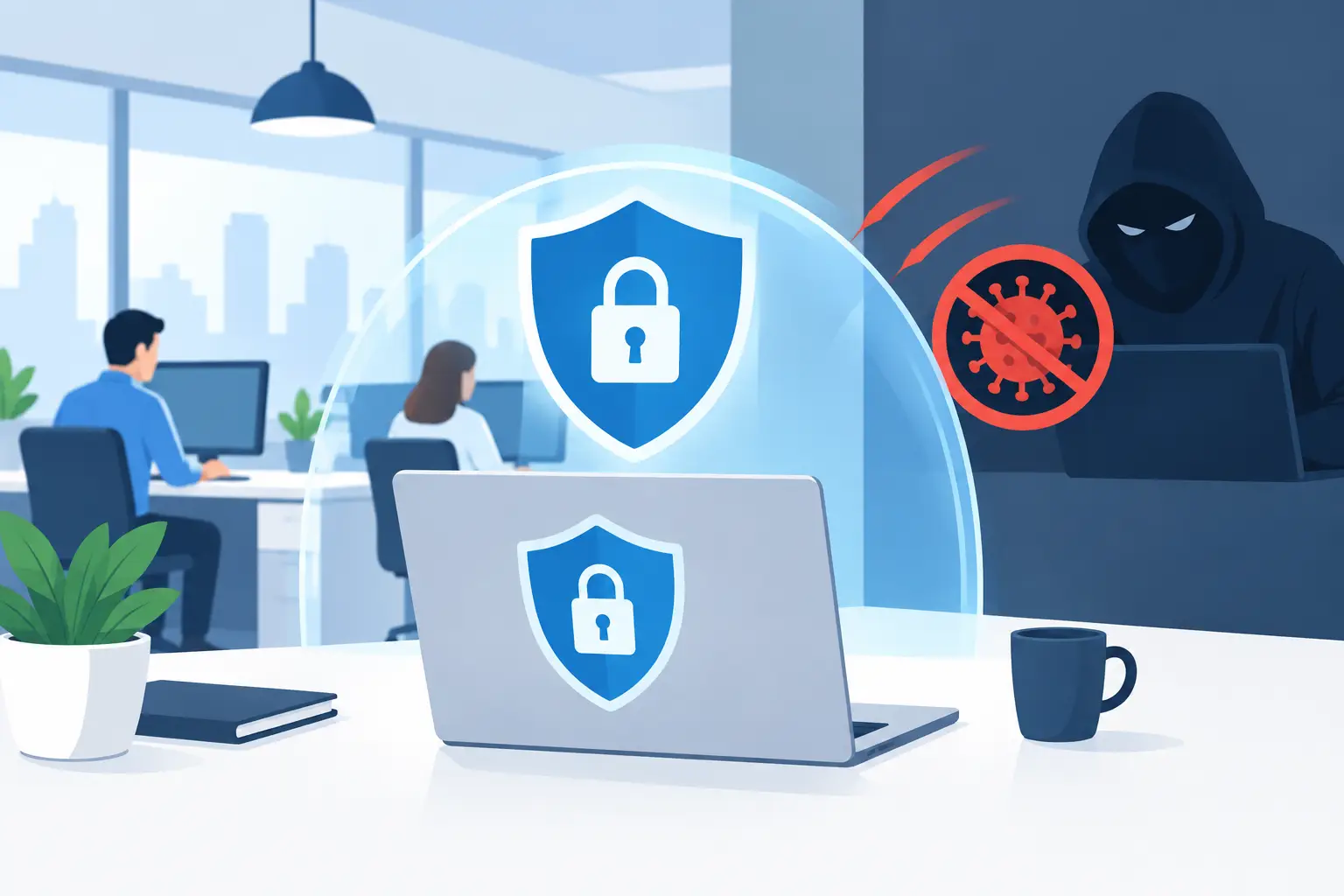

A ransomware attack rarely begins with a dramatic breach of your office network. More often, it starts with one convincing email, a reused password or an unpatched laptop. To prevent ransomware in offices, SMEs need to reduce those everyday opportunities while making sure the business can recover quickly if one control fails.
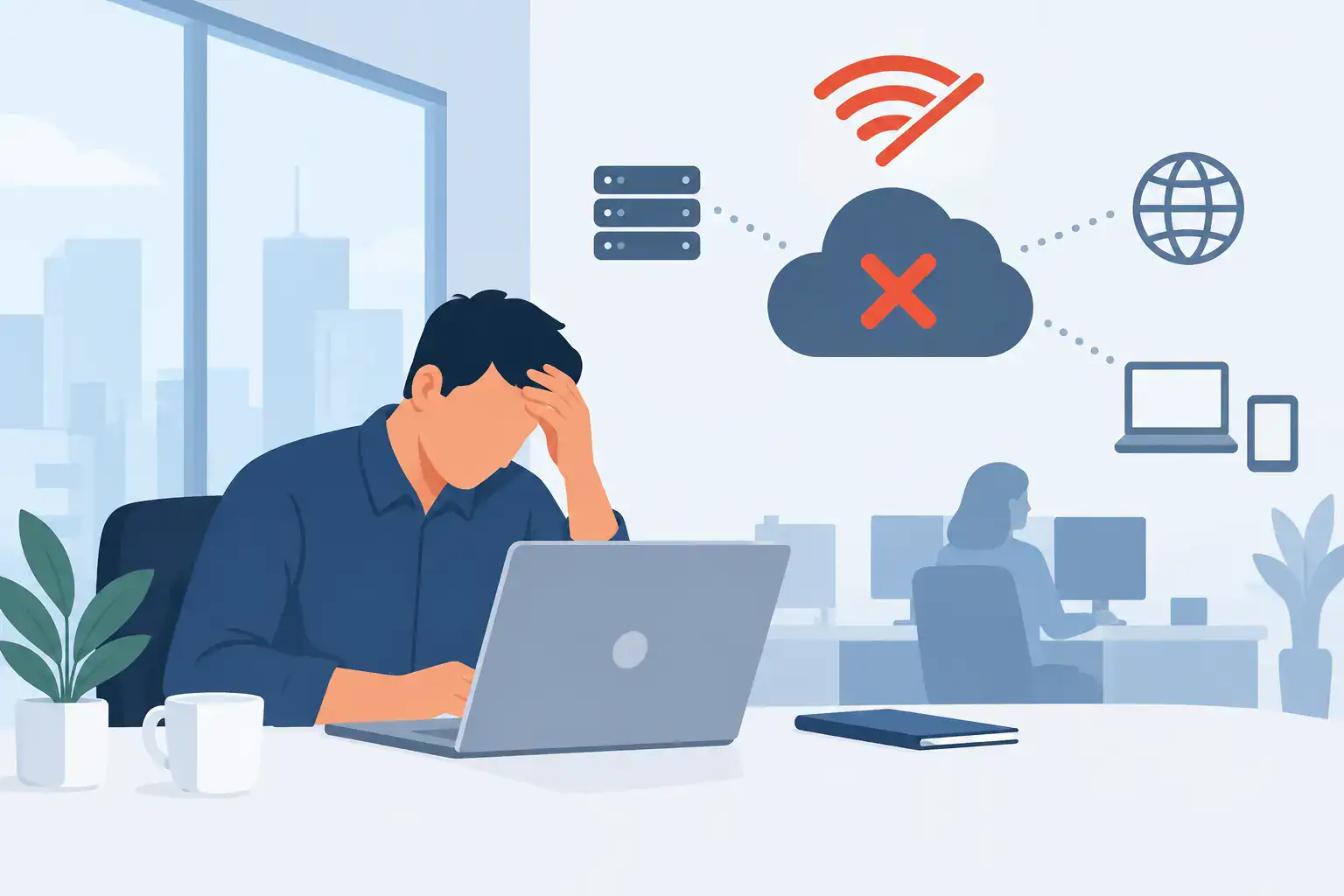
Ransomware is designed to disrupt operations, not merely inconvenience IT. Criminals encrypt files, lock systems or threaten to publish stolen data unless a payment is made. For a business, that can mean staff unable to work, customers waiting for answers, missed deadlines and serious reputational damage. The right response is a layered approach that combines people, technology and tested recovery planning.
Start with the routes attackers use most
Email remains one of the most common entry points. A message that appears to come from a supplier, director or delivery company can persuade a busy employee to open a malicious attachment or enter their credentials into a false sign-in page. Attackers are patient and increasingly skilled at making these messages look credible.
Protecting email should include spam and malware filtering, impersonation protection and multi-factor authentication on every business account that supports it. Multi-factor authentication matters because a stolen password alone should not be enough for an attacker to access Microsoft 365, remote systems or cloud storage.
However, technology cannot replace staff awareness. Employees should know how to pause when an email creates urgency, requests a payment change or asks for a password. They also need a straightforward way to report suspicious messages without worrying that they are wasting someone’s time. A prompt report can stop a single phishing attempt becoming a company-wide incident.
Keep every device patched and properly managed
Unpatched operating systems, browsers, firewalls and business applications give attackers known weaknesses to exploit. Delayed updates are understandable when a business fears disruption, particularly where older software supports a core process. Yet leaving critical security updates outstanding for weeks or months creates a far greater risk.
A managed patching process gives updates a defined owner, a timetable and a record of what has been completed. Critical security patches should be prioritised quickly, while routine updates can be tested and scheduled around business operations. This is especially useful for offices with a mix of desktop PCs, laptops, mobile devices and staff working remotely.
Device management should also cover antivirus or endpoint detection, disk encryption, screen locks and the removal of local administrator rights where they are not necessary. Staff do not need unrestricted access to install software in order to be productive. Limiting privileges reduces the damage that can be caused if an account is compromised.
Prevent ransomware in offices with access controls
Ransomware spreads fastest when users have more access than their role requires. If every employee can edit every shared folder, one infected account can encrypt a large volume of business data within minutes. Segregating access is a practical way to contain that risk.
Review who can access finance, HR, management and client folders, and remove permissions that no longer serve a business need. Pay particular attention to former employees, temporary contractors and shared accounts. Each person should have an individual account so activity can be traced and access can be removed immediately when their role changes.
Remote access deserves the same attention. Remote desktop services exposed directly to the internet are a frequent target. A secure remote access solution, protected by multi-factor authentication and monitored for unusual sign-ins, is a safer option. If your business uses cloud applications, ensure access rules cover unmanaged devices and log-ins from unexpected locations where appropriate.
Backups are your recovery plan, not just a copy of files
A backup that is permanently connected to the network can be encrypted along with the production data. A backup that has never been restored may not contain the files you expect. A backup held in only one location can be lost through a separate hardware failure, fire or theft.
A sound backup strategy includes multiple copies of essential data, with at least one protected from normal network access. This may include immutable cloud backups, offline copies or a combination suited to your systems and recovery requirements. The correct approach depends on the amount of data you hold, how quickly systems must be restored and the cost of downtime to the business.
It is also vital to define priorities. Some organisations need email and file access restored first; others depend on a line-of-business application, phone system or customer database. Without agreed priorities, recovery becomes slower at the point when every minute matters.
Test restores regularly. A successful test should prove more than the existence of a backup file. It should confirm that the right data can be recovered, that applications work after restoration and that your team can complete the process within an acceptable timeframe.
Make security awareness part of normal office practice
Annual tick-box training has limited value if staff forget it the following week. Short, regular sessions and realistic phishing simulations help employees recognise the risks they face in their actual roles. Finance teams may need to identify payment diversion fraud, while administrators may need to understand the risks of new user requests or password resets.
Training should be practical rather than accusatory. The purpose is not to blame someone who clicks a convincing link. It is to make reporting quick and to give staff clear actions: do not enter credentials, disconnect a device from Wi-Fi or the network if suspicious activity is noticed, and contact IT support immediately.
Senior staff should follow the same rules. Attackers often target directors and business owners because their accounts can authorise payments, access sensitive information and influence others. Leadership participation shows that security is an operational responsibility across the business, not an issue delegated solely to office staff.
Prepare an incident response plan before you need it
When ransomware is suspected, rushed decisions can make the damage worse. An incident response plan gives staff a simple route to follow, including who has authority to isolate devices, contact IT support, communicate with customers and engage insurers or legal advisers if necessary.
The first priority is usually containment. Disconnect affected devices from the network, but do not immediately wipe or restart them unless advised by your security provider. Evidence can help identify how the attack entered and whether data was accessed or removed. IT teams can then assess the scale of the incident, protect unaffected systems and begin recovery from clean backups.
The plan should account for communications too. If email is unavailable, how will managers contact staff? If your phone system depends on the same infrastructure, what is the alternative? A printed contact list and a basic out-of-band communication method can make a meaningful difference during a major outage.
Get visibility across your IT estate
Many SMEs have grown their systems over time. Files may sit across local servers, cloud platforms and personal devices. Different suppliers may manage internet connectivity, phones, security software and backups. This fragmentation makes it harder to identify gaps and respond quickly when something goes wrong.
A regular security review should map key systems, user accounts, data locations, backup coverage and external access. It should also identify unsupported software, dormant accounts and devices that are no longer managed. This is not about buying every available security tool. It is about ensuring the controls already in place work together and support the way your people work.
For Dublin businesses without a large internal IT team, a managed IT partner can provide the monitoring, patching, backup oversight and support needed to keep these activities consistent. Host-It helps SMEs bring those operational responsibilities together, with business continuity at the centre rather than as an afterthought.
Treat resilience as an ongoing business discipline
No organisation can guarantee it will never receive a phishing email or face an attempted attack. The aim is to make a successful attack less likely, limit its reach and ensure the business can continue operating if an incident occurs. That requires regular checks, not a one-off security project.
The most useful next step is often a focused review of your current position: who has access to critical data, whether multi-factor authentication is consistently applied, when backups were last restored and whether staff know who to call. Addressing those questions now gives your office a stronger chance of staying productive when attackers come looking for an easy target.
See how we deliver these protections through our cyber security services.