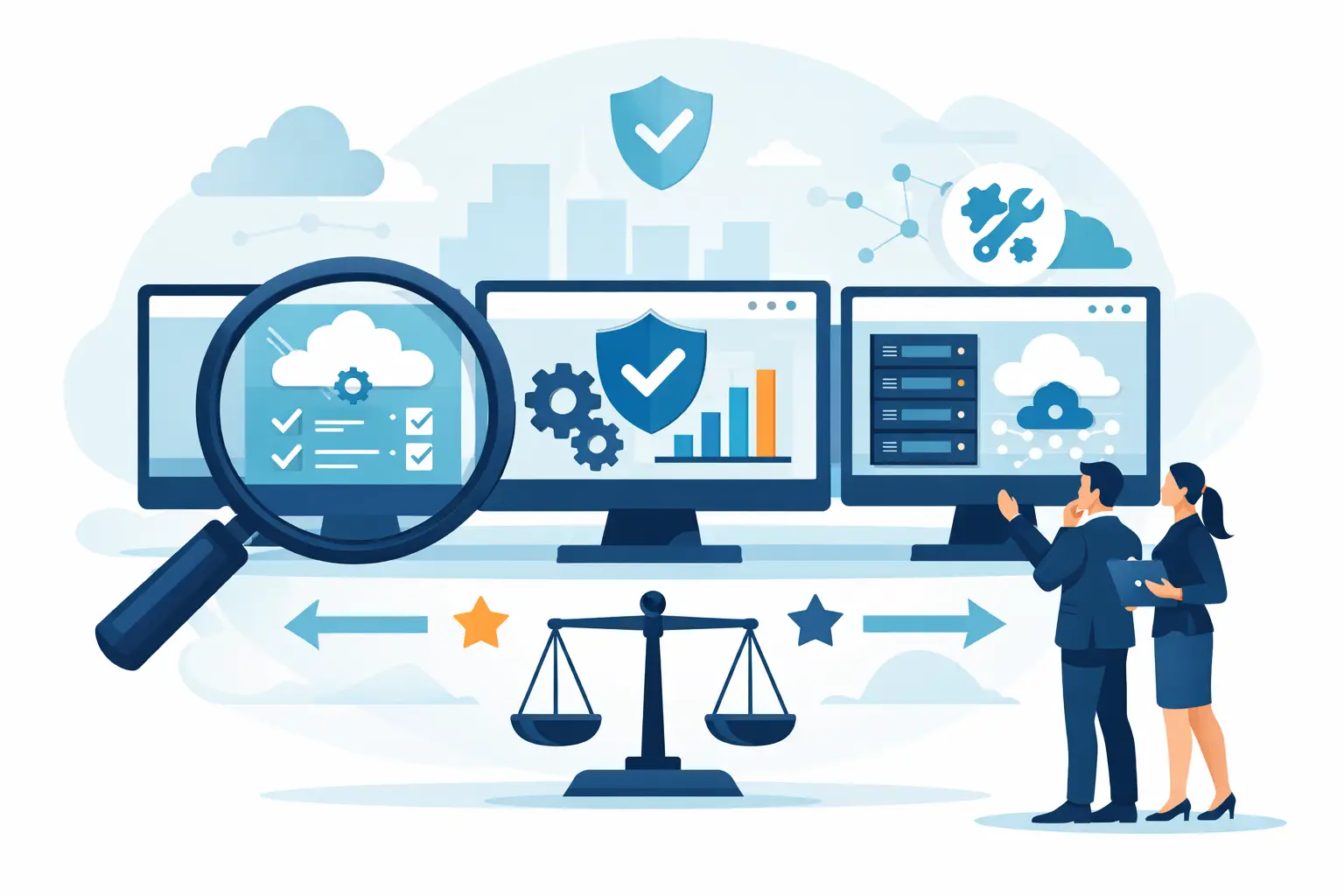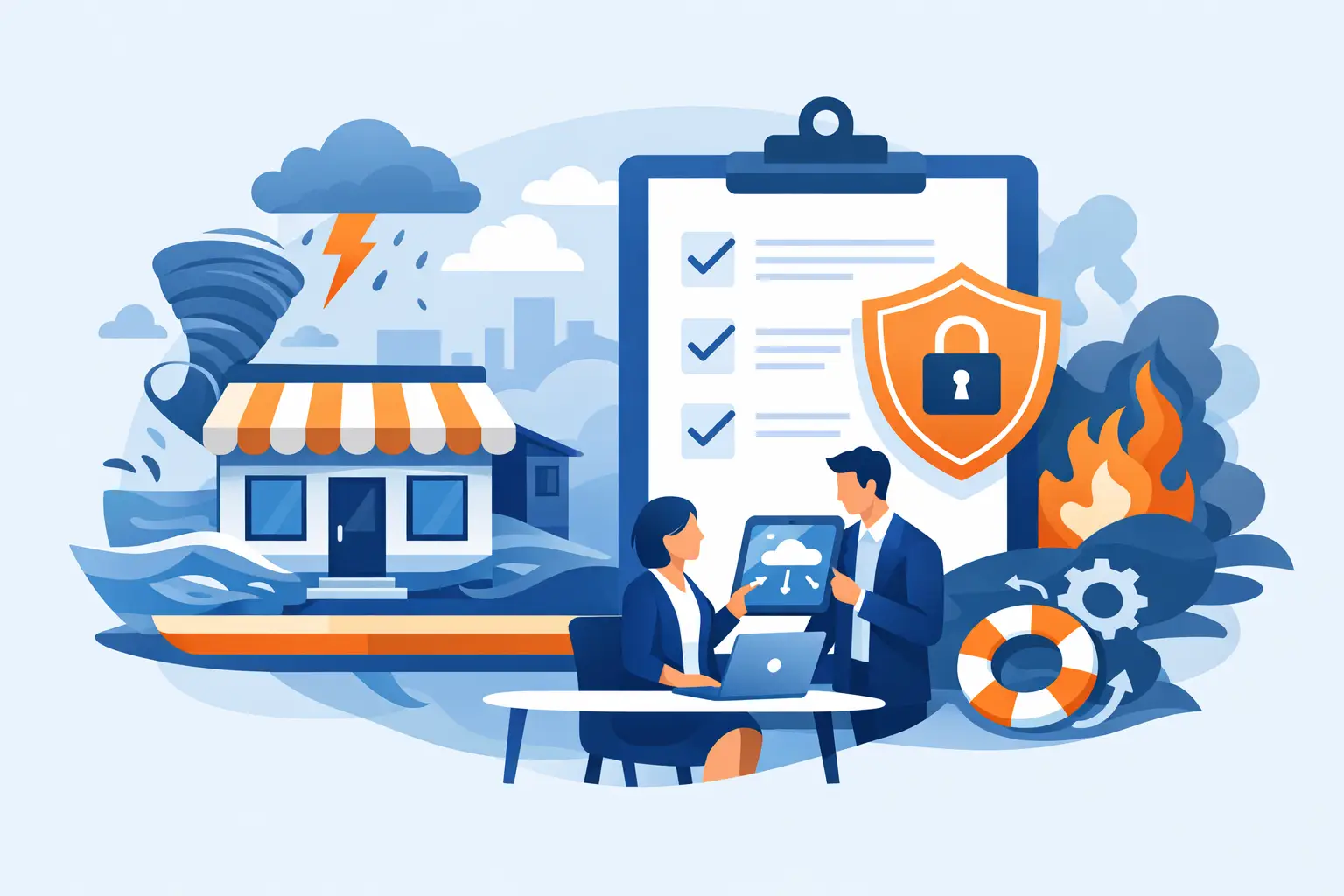

A server fails at 9.10 on a Monday. Staff cannot access files, phones start dropping calls, and customers are left waiting for answers. At that point, a small business disaster recovery plan stops being an IT document and becomes the difference between a short disruption and a very expensive week.
For most SMEs, the real risk is not only a major fire or flood. It is the quieter, more common disruption: ransomware, accidental deletion, internet failure, power loss, failed hardware, or a key cloud service going offline. Recovery planning is about deciding in advance how your business keeps operating, who does what, what gets restored first, and how quickly you can return to normal.
What a small business disaster recovery plan actually covers
A disaster recovery plan is a practical playbook for restoring systems, data, communications and access after an incident. It sits within the wider business continuity picture, but its focus is more specific. Where continuity asks how the business keeps serving customers, disaster recovery deals with the technology and operational steps needed to bring systems back.
That distinction matters. A business may have staff willing to work, but if files are unavailable, phones are down and Microsoft 365 access is interrupted, productivity drops quickly. A useful plan connects business priorities to technical recovery actions. It should be clear enough that people can follow it under pressure, not so technical that it only makes sense on a calm day.
Start with impact, not infrastructure
Many businesses begin by listing servers, laptops and software. That is understandable, but it is the wrong starting point. First decide what the business must keep doing if something breaks.
For one company, that may be taking customer calls and accessing a CRM system. For another, it may be processing orders, retrieving finance records, or keeping remote staff connected. Once those priorities are clear, you can define which systems support them and what recovery looks like in real terms.
This is where two measures become useful. Recovery Time Objective, or RTO, is how long a system can be unavailable before the business feels serious damage. Recovery Point Objective, or RPO, is how much data loss you can tolerate. Some businesses can cope with losing a few hours of data on a non-critical system. Most cannot say the same for accounts, customer records or shared documents.
There is always a trade-off here. Faster recovery and tighter backup intervals usually require more investment. That is why a realistic plan prioritises the systems that genuinely affect revenue, service delivery and compliance first.
The essential parts of a small business disaster recovery plan
A workable small business disaster recovery plan should cover people, systems, suppliers and decision-making. It does not need to be bloated, but it does need to answer the questions people will ask during an incident.
The first part is scope. Define which locations, systems, cloud services, devices and communications platforms are included. If your business relies on broadband, hosted telephony, Microsoft 365, line-of-business applications and shared drives, those should all appear clearly.
The second part is roles and responsibilities. Someone needs authority to declare an incident. Someone needs to contact your IT provider, internet provider, phone supplier, key managers and staff. Someone needs to handle internal updates and customer communications. If these responsibilities are vague, valuable time gets lost.
The third part is your asset and dependency map. This is simply a record of what depends on what. For example, staff may need internet access, VPN, multi-factor authentication and a cloud application to serve customers. If one element fails, the whole workflow can stop. Understanding those links helps you avoid restoring systems in the wrong order.
The fourth part is backup and recovery detail. This should include where backups are stored, how often they run, how they are protected, and how restoration is carried out. Backup alone is not recovery. If no one has tested restore times, account permissions or application integrity, the business is still exposed.
The fifth part is fallback procedures. If systems are unavailable, how will staff continue basic operations? That might include call forwarding, temporary remote working arrangements, manual order logging, alternative internet access or priority access to certain devices.
Common gaps that leave SMEs exposed
The most common problem is assuming that cloud software removes the need for recovery planning. Cloud platforms improve resilience, but they do not remove the risk of deletion, account compromise, misconfiguration or local connectivity issues. If your team cannot log in, cannot reach the internet, or cannot recover deleted information, operations still stop.
Another gap is undocumented change. A business adds a new cloud application, changes internet providers, moves office, or replaces telephony, but the recovery plan stays untouched. Over time, the document becomes less useful just when it is needed most.
There is also the issue of over-reliance on one person. Many SMEs have an office manager, administrator or trusted IT contact who knows where everything is. That works until they are unavailable during an incident. A dependable plan reduces single points of failure in knowledge as well as technology.
How to make the plan practical
The best plans are short enough to use and detailed enough to guide action. In practice, that means writing for a pressured reader. Use plain language. Include key contacts, system priorities, recovery steps and escalation points. Store the document securely, but make sure authorised people can still reach it if your main systems are down.
It also helps to separate the plan into stages. The first stage is incident response: identify the issue, contain damage, notify key people and decide whether recovery procedures need to start. The second is restoration: recover the most critical systems first, validate access and check data integrity. The third is stabilisation: monitor performance, confirm staff can work normally and record what changed.
This is where an experienced managed IT partner can add real value. Many SMEs do not need a thick policy document. They need a plan tied to their actual infrastructure, cloud estate, communications setup and security controls, with clear support when something goes wrong.
Testing your disaster recovery plan
If a plan has never been tested, it is still only an assumption. Testing does not need to be dramatic. Start with a tabletop exercise where decision-makers walk through a likely scenario such as ransomware, internet loss or a failed server. Ask simple questions. Who gets called first? Which systems must come back within four hours? How do staff communicate if email is down?
Then move to technical testing. Restore a file. Restore a mailbox. Recover a virtual machine. Test remote access. Confirm backups are complete and usable. Check that credentials, licensing and security controls do not block recovery.
Testing often reveals awkward truths. Recovery may take longer than expected. Key contact details may be out of date. A backup may exist, but not in a format that supports fast restoration. That is exactly why testing matters. It is better to find those problems on a planned afternoon than during a live outage.
Cyber incidents need special attention
A modern small business disaster recovery plan must account for cyber threats, especially ransomware and account compromise. Recovery is not only about restoring data. It is also about making sure the threat has been contained before systems go back online.
That may involve isolating affected devices, resetting accounts, reviewing privileged access, checking for persistence mechanisms and confirming that restored data is clean. In some cases, restoring too quickly can reintroduce the same problem.
This is one area where backup, security and managed support need to work together. Recovery planning is stronger when endpoint protection, monitoring, access controls and backup systems are coordinated rather than handled separately by different suppliers.
Keep it current as the business changes
A disaster recovery plan is not a one-off project. It should be reviewed when the business moves office, adds staff, adopts new software, changes telecoms, migrates to cloud platforms or takes on compliance obligations. Even a small operational change can affect recovery priorities.
For SMEs, an annual review is a sensible minimum, with extra checks after major IT changes. The aim is not paperwork for its own sake. It is making sure that when disruption happens, your plan still reflects how the business actually works.
Host-It works with businesses that want that planning to be practical rather than theoretical – reducing downtime, protecting systems and giving teams a clear route back to normal operations when issues hit.
A good recovery plan does more than restore technology. It gives your team confidence, protects customer trust and turns a stressful event into a managed response instead of a scramble.