
A Monday morning outage rarely looks dramatic at first. A few staff cannot log in, the phones are patchy, shared files will not open, and suddenly half the office is waiting for someone to fix it. That is exactly why learning how to reduce office downtime matters. For most SMEs, the cost is not only technical. It shows up in missed calls, delayed invoices, frustrated staff and customers who start to lose confidence.
Downtime is often treated as a one-off problem when it is usually the result of several small weaknesses lining up at the wrong time. An ageing firewall, no clear backup check, poor Wi-Fi coverage, unsupported laptops, or nobody knowing who to call when systems fail. The businesses that stay productive are not necessarily the ones with the biggest IT budgets. They are the ones that prepare properly, standardise what they can and respond quickly when something goes wrong.
How to reduce office downtime starts with the real causes
If you want to cut disruption, begin by looking past the headline incident. A printer failure is irritating, but it rarely stops the business. A failed broadband line, expired Microsoft licence, ransomware infection or server storage issue can bring a day to a halt. Office downtime usually sits in four areas: infrastructure, connectivity, cyber security and human process.
Infrastructure problems include outdated devices, unsupported operating systems, failing hard drives and patching that has been postponed for too long. These issues tend to build quietly. Everything appears fine until performance drops or a machine fails outright.
Connectivity problems are just as common. If your internet connection is a single point of failure, or your office Wi-Fi was never designed for the number of users and devices now relying on it, then disruption is only a matter of time. The same applies to business telephony. If calls are central to sales or service, your phone system needs resilience rather than basic functionality.
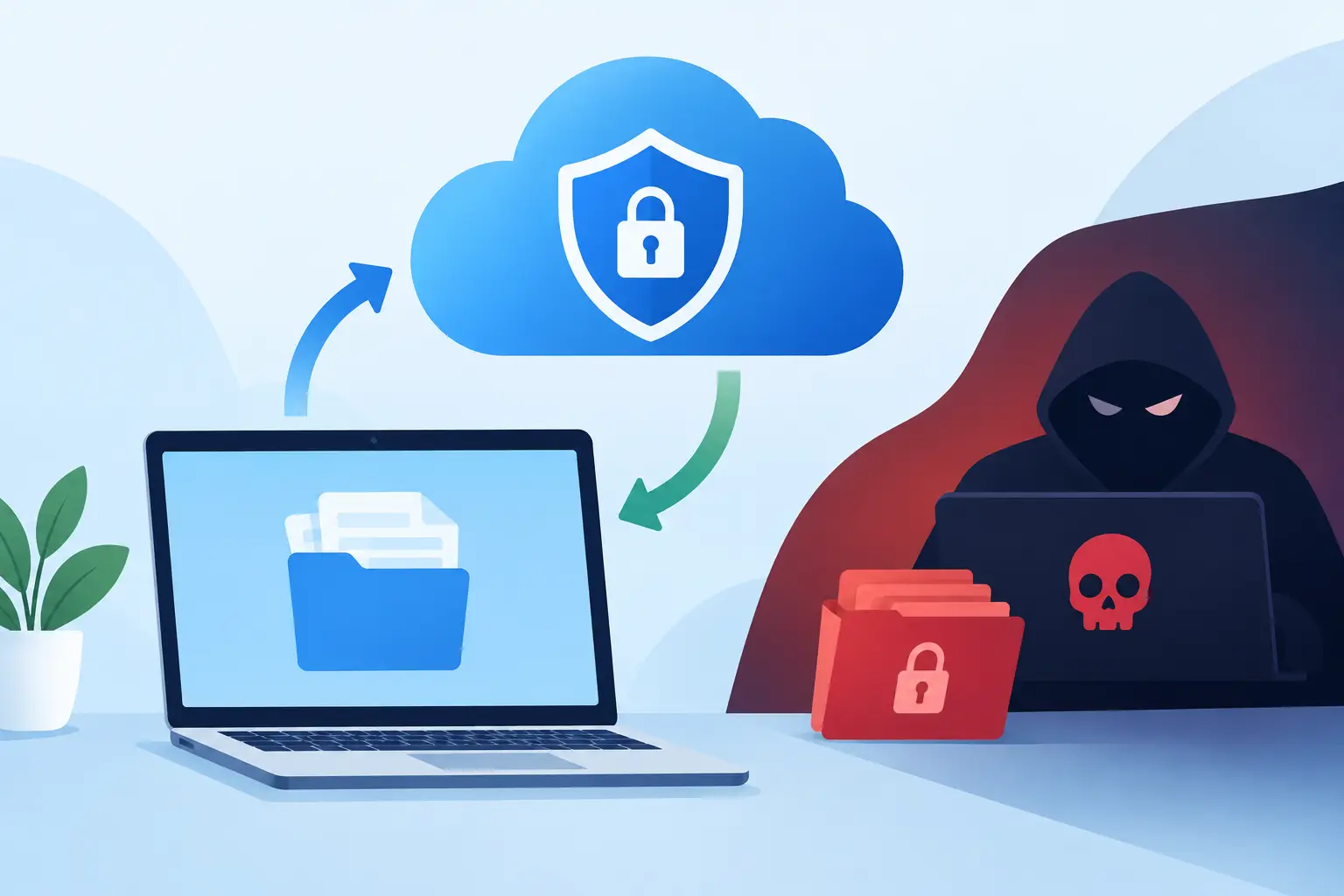
Cyber security is another major source of downtime. Many businesses think of cyber attacks mainly in terms of data loss, but the first impact is often operational. Staff cannot access systems, files are encrypted, or email becomes unsafe to use. Recovery can take far longer than prevention would have.
Then there is process. Downtime gets worse when there is confusion. Who approves a fix? Where are the admin passwords kept? Which systems are critical and which can wait? Without documented procedures, even a manageable incident becomes expensive.
Build resilience before you need it
The most effective way to reduce downtime is to stop relying on luck. That means treating your office technology as business infrastructure, not background equipment.
Start with an honest audit of what you depend on every day. For most SMEs, that includes internet access, Microsoft 365, line-of-business applications, shared files, telephony, laptops, printers, Wi-Fi and remote access. Once you know what is critical, you can decide what level of protection each system needs. Not every tool deserves the same investment, and that is where sensible planning matters.
For example, a design firm that works from large shared files may need stronger storage performance and backup controls than a small consultancy that lives mainly in email and cloud documents. A customer service team may need resilient VoIP and internet failover more urgently than upgraded meeting room screens. Reducing downtime is not about buying everything. It is about protecting what genuinely keeps the business moving.
Patching and lifecycle management are often overlooked because they are not visible projects. Yet they make a major difference. Devices and software should be kept current, and old equipment should be replaced before failure becomes likely. Waiting until a machine dies is usually the most expensive way to manage IT.
Backups and recovery must be tested, not assumed
Ask most businesses if they have backups and the answer is yes. Ask when they last tested a recovery and the room goes quiet.
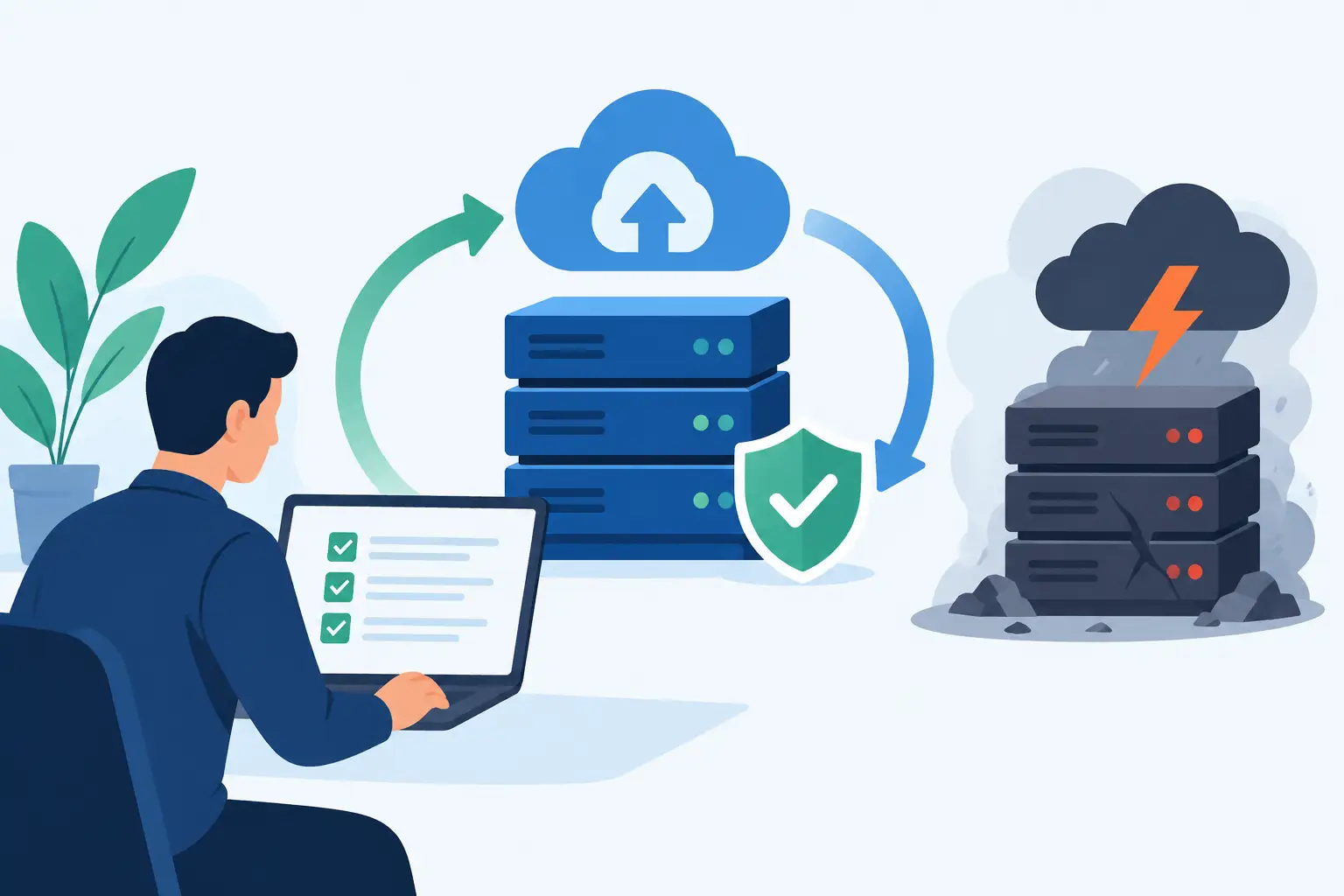
Reliable backups are one of the clearest answers to how to reduce office downtime, but only if they are designed around recovery time. If a key file server fails at 10am, can you restore access in an hour, half a day, or two days? That difference matters more than whether a backup technically exists.
A sensible backup approach covers both local and cloud-based data where needed, protects Microsoft 365 content if that is business-critical, and keeps copies isolated from the systems they are protecting. Recovery testing should be scheduled, documented and taken seriously. You do not want to discover during an incident that permissions were missed, file versions are incomplete, or the restore process depends on one person who is on annual leave.
There is also a business continuity question here. In some cases, restoring data is not enough. If your office loses power or cannot be accessed, can staff still work remotely? Can calls be redirected? Can critical teams continue operating from cloud systems? The right answer depends on the business, but the planning should happen before disruption, not during it.
How to reduce office downtime with better support and monitoring
Many outages do not arrive without warning. Storage fills up. Endpoint protection flags repeated issues. Broadband performance degrades. A failing switch drops connections intermittently. The problem is not always the lack of data. It is the lack of monitoring and ownership.
Proactive IT support changes that. When systems are monitored properly, small faults can be fixed before staff notice them. Failed backups are investigated immediately, not weeks later. Security patches are applied on schedule. Capacity issues are spotted before performance becomes a complaint.
For SMEs, this is often where external managed support offers real value. It gives the business a defined response model, broader technical coverage and a single point of responsibility across infrastructure, cloud, cyber security and communications. That matters when time is tight. During an incident, the fastest route to recovery is usually clear accountability.
There is a trade-off, of course. Some businesses prefer to handle ad hoc IT issues as they arise, especially when budgets are under pressure. The difficulty is that reactive support often costs more in lost productivity than it saves in monthly fees. If your staff are idle while someone starts diagnosing a preventable problem, the true cost is already much higher than the invoice.
Reduce the risk of people-related downtime
Not all office downtime starts with hardware or software. Staff can trigger disruption accidentally through weak passwords, unsafe email habits, poor file management or simple uncertainty during an issue.
Basic cyber awareness training is one of the most practical defences available. It will not stop every attack, but it reduces the chance of a user opening the wrong attachment or handing over credentials to a convincing phishing email. Multi-factor authentication should be standard for key systems, especially email, remote access and cloud platforms.
Clear internal processes help too. Staff should know how to report a suspected problem, what information to provide and what not to do while they wait. A rushed restart or improvised fix can make recovery harder. The aim is not to turn employees into technicians. It is to give them enough guidance to avoid making a bad situation worse.
Documentation is another quiet win. Keep records of devices, suppliers, licences, network details and admin access in a secure but accessible format. When an incident happens, every missing detail adds delay.
Focus on single points of failure
If one device, one internet line, one user account or one person can stop the business, that is where to look next.
Single points of failure are common in growing businesses because systems often evolve in stages. A broadband line that once served ten people may now support forty. A server installed years ago may still run a critical application with no practical fallback. One member of staff may be the only person who knows how the phones, backups or accounts are configured.
You do not need enterprise-scale duplication everywhere, but you do need proportionate resilience. That could mean broadband failover, cloud migration for key workloads, spare hardware for priority roles, a better VoIP setup, or simply documented handover procedures. Host-It often sees the biggest improvements where businesses remove one or two fragile dependencies that have been tolerated for years.
Make downtime reduction part of operations
Office downtime should be reviewed like any other business risk. If systems fail repeatedly, the answer is not to work around them indefinitely. Track incidents, identify patterns and decide which issues justify investment.
A short monthly review can be enough. Look at recurring tickets, device age, failed backups, internet reliability, security alerts and user complaints. This creates a clearer picture of where disruption is building. It also helps with budgeting because upgrades become planned decisions rather than emergency purchases.
The strongest SMEs are rarely the ones that never have technical issues. They are the ones that recover quickly because they prepared well, chose dependable support and treated continuity as part of day-to-day management. If you want fewer interruptions, start with the systems your staff cannot work without and build outward from there. A calmer office usually begins with better foundations.