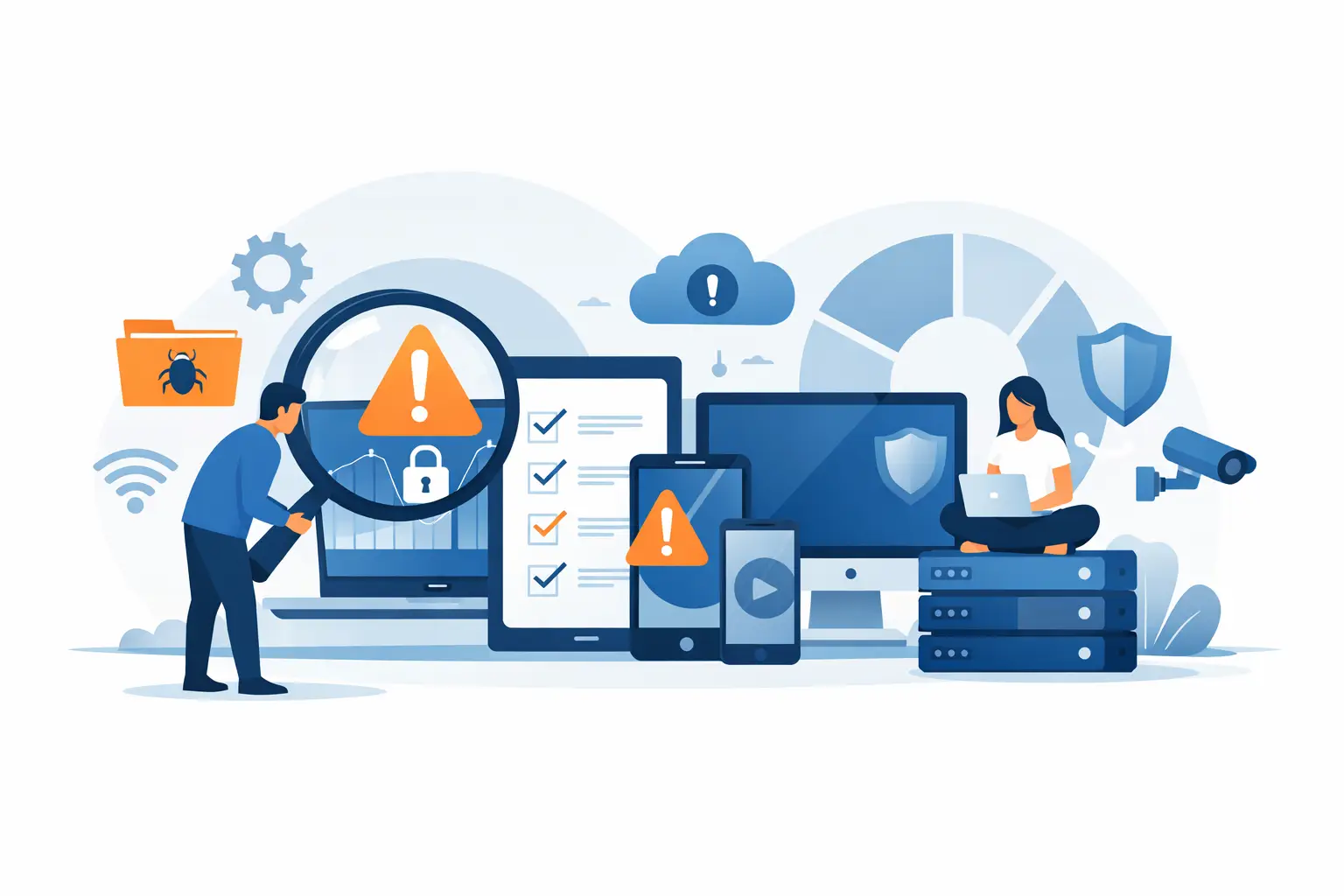

A laptop goes missing, a member of staff leaves, or a cyber insurer asks for an asset list. That is often when a business discovers it cannot say with confidence which devices it owns, who uses them, or whether they are protected. Knowing how to audit business devices turns that uncertainty into a practical record of your technology, its risks and the action required to keep people productive.
For SMEs, a device audit is not simply an exercise for the finance team. It supports cybersecurity, business continuity, budgeting and day-to-day IT support. A complete, current device register means less time chasing serial numbers during an urgent incident and fewer unpleasant surprises when ageing equipment starts to fail.
Start with the purpose of the audit
Before opening a spreadsheet or deploying an asset-management tool, decide what the audit needs to achieve. The scope will vary. A business preparing for a move may focus on physical equipment and connectivity, while a company responding to a security review may need closer detail on operating systems, patching and user access.
Most organisations should aim to answer four questions: what devices do we have, where are they, who is responsible for them, and are they secure and fit for purpose? Those questions apply to more than desktop PCs. Include laptops, monitors, mobile phones, tablets, printers, servers, network switches, firewalls, Wi-Fi access points, backup appliances and any specialist equipment that connects to the business network.
Do not overlook home workers. A laptop issued two years ago and used mainly outside the office still handles company data and can still become a route into your systems. Personally owned devices used for work should also be recorded, even if your policy limits what data or applications they can access.
How to audit business devices step by step
Build a single asset register
Create one central register that becomes the source of truth. It can begin as a controlled spreadsheet, although dedicated asset-management software is preferable as the number of devices grows. The important point is ownership: someone must be accountable for keeping it current.
For every device, record the make and model, serial number or asset tag, device type, purchase date, warranty end date, assigned user, department and usual location. Also capture the operating system, version, encryption status and whether the device is managed by your IT platform.
For network equipment, document the model, serial number, physical location, management IP address, support contract and its role. A switch serving a small meeting room may not be as business-critical as a firewall or core switch, but both need to be identifiable when support is required.
It helps to give each physical item a clear asset tag. Tags make spot checks quicker and reduce confusion where several machines have similar names. They also create a simple handover trail when staff change roles or leave the business.
Compare your records with the real world
A register built from purchase orders alone will be incomplete. Devices are replaced, moved, loaned to staff and occasionally left in storage cupboards long after their useful life. Carry out a physical check of office equipment and compare it with information from your network, endpoint management and mobile device management systems.
Network discovery can reveal machines that have connected without being recorded. This is useful for finding old laptops, unauthorised personal devices and equipment installed by a previous supplier. However, automated discovery is not perfect. A switched-off laptop or a device used remotely may not appear, so combine it with manager checks and direct confirmation from staff.
Treat discrepancies as findings, not failures. If you find ten devices that were not on the list, the priority is to identify them, establish who owns them and determine whether they should remain connected. If the register shows equipment that cannot be located, mark it for investigation immediately, particularly if it may contain business data.
Check security and management status
An asset audit should establish whether every device meets your minimum security standard. The exact standard depends on your risk profile, but it normally covers supported software, current patches, endpoint protection, full-disk encryption, screen lock settings and secure backup where applicable.
A modern laptop with no encryption can present a greater risk than an older, fully managed device. Likewise, a printer may not hold much data itself, but an unsecured administrator password or outdated firmware can expose the wider network. Assess each device according to what it can access and the consequences if it is lost, compromised or unavailable.
Check that departed employees no longer have active device access, shared administrator passwords have been changed, and mobile devices can be remotely locked or wiped where company data is stored. For devices that cannot support current security updates, record the limitation and set a replacement or isolation plan. Continuing to use legacy equipment may be necessary in some specialist environments, but it should be a conscious, documented decision rather than an accident.
Identify lifecycle, warranty and replacement risks
A useful audit does not stop at a list of devices. It shows where operational risk is building. Review device age, warranty status, battery condition, repair history, storage capacity and performance complaints. A three-year-old laptop may be perfectly adequate for email and cloud applications, while a designer’s workstation or an office server may need earlier replacement because its workload is heavier.
Look for single points of failure. If one ageing firewall supports all internet access, or a key member of staff is using the only laptop able to run essential software, the business has a continuity concern. The right response could be a spare device, a supported replacement, cloud migration or a documented recovery process. It depends on the cost of downtime and the importance of the service.
Use the findings to plan expenditure rather than reacting to failures. Group replacement dates by quarter or financial year, allowing the business to budget for equipment before warranties expire or performance affects productivity.
Review software, licences and access
Devices and software are closely connected, so include a high-level software review in the audit. Record key applications, licence assignments, renewal dates and any software that is no longer supported. This can uncover duplicate subscriptions, unused licences and applications installed without approval.
Pay particular attention to local administrator rights. Staff often need flexibility, but unrestricted installation rights increase the chance of unapproved software, malware and configuration changes that are difficult to support. A sensible approach is to provide standard access by default and approve exceptions where there is a genuine business need.
Also check whether device ownership matches account ownership. Shared laptops, reception PCs and meeting-room systems need a named business owner even if several people use them. Without this, essential updates and renewals can be missed because everyone assumes someone else is responsible.
Turn findings into an action plan
Once the audit is complete, categorise the results by urgency. Critical issues include missing devices that may contain company data, unsupported operating systems exposed to the internet, inactive staff accounts with access, and equipment that creates a single point of failure. Address these first.
Next, schedule improvements such as warranty renewals, device replacements, improved Wi-Fi coverage or clearer handover processes. Not every finding needs immediate spend. A monitor nearing the end of its expected life is a planning issue; an unencrypted laptop used for customer records is a security priority.
Assign an owner and target date to each action. A device register that identifies problems but has no follow-through soon becomes another document that nobody uses. Operations, finance and IT should be able to see what is planned, why it matters and what decision is required.
Make device auditing part of normal operations
A full audit is valuable annually, but the register should be updated throughout the year. Build simple checkpoints into normal processes: when a new starter receives equipment, when a device is repaired or replaced, when staff leave, and when an office is moved or reconfigured.
For growing businesses, managed monitoring and asset-management tools can reduce manual effort by reporting hardware details, software versions, patch status and devices that have fallen out of compliance. They do not replace good process, but they make it far easier to maintain an accurate picture between formal reviews.
Host-It supports Dublin businesses with managed IT, cybersecurity and continuity planning, helping teams maintain clear visibility of the equipment their operations depend on. The goal is not to create paperwork for its own sake. It is to ensure that, when a device fails, a colleague leaves or a security question arises, your business already has the answers and a practical route forward.