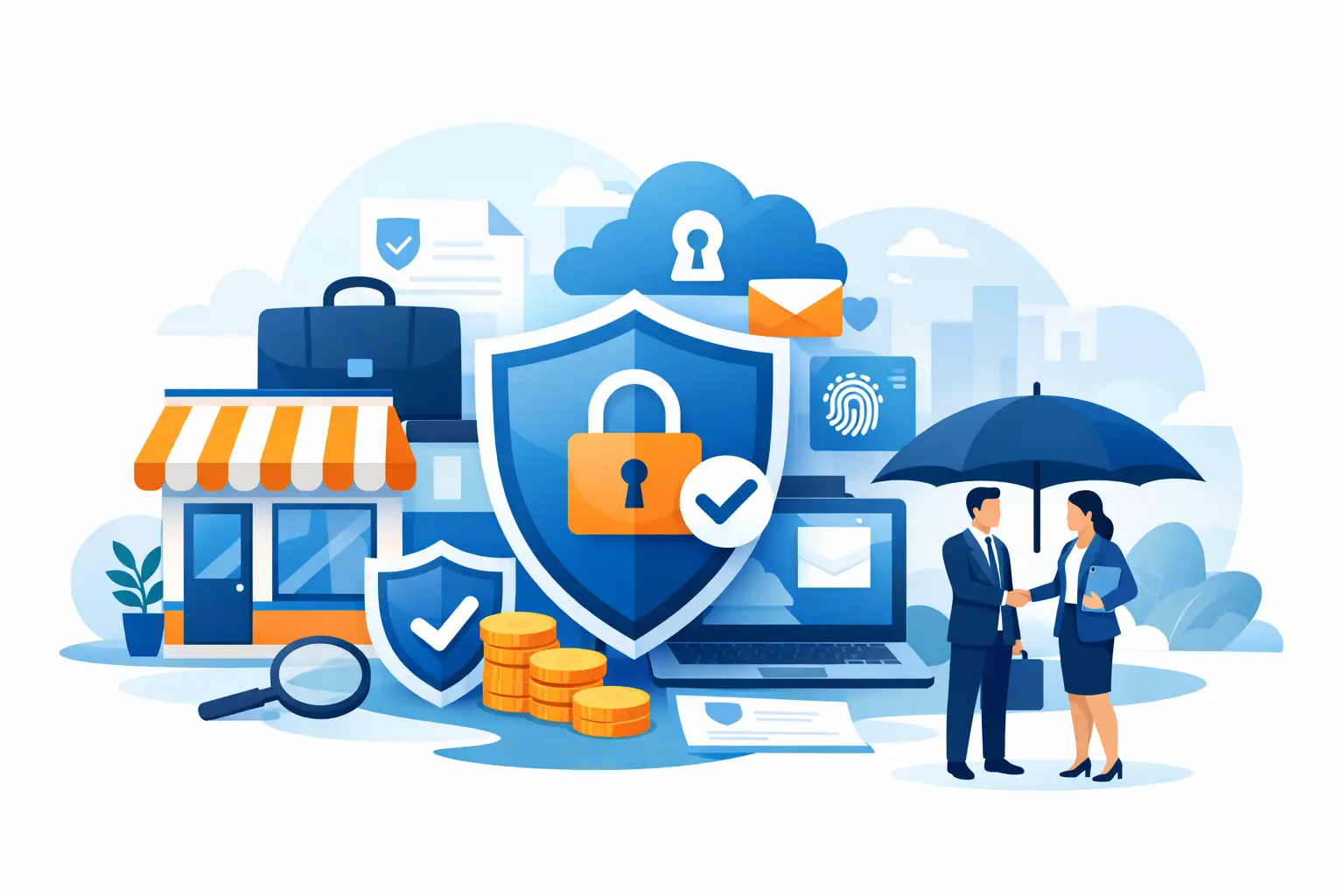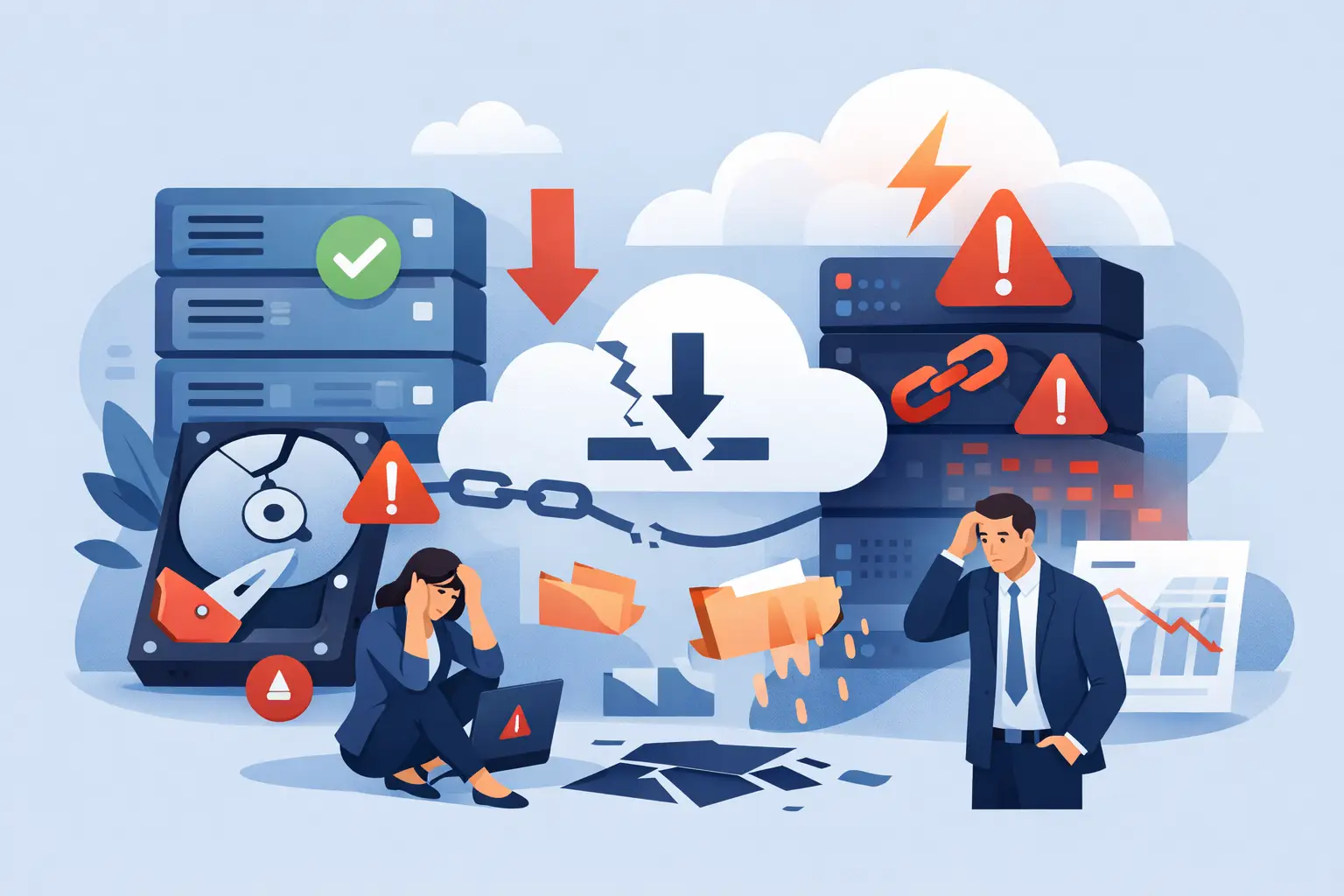

A single compromised Microsoft 365 account can do more than leak a few emails. For a small or medium-sized business, it can interrupt invoicing, expose client data, lock staff out of shared files, and create days of disruption. That is why Office 365 security hardening should be treated as a business continuity measure, not just an IT tidy-up.
Most SME environments are not insecure because somebody ignored security entirely. They are insecure because Microsoft 365 grows over time. A business starts with email and Teams, then adds SharePoint, OneDrive, mobile access, third-party apps, guest users, and new staff accounts. If those changes are not reviewed regularly, risk builds quietly in the background.
What Office 365 security hardening actually means
In practical terms, Office 365 security hardening means reducing the number of ways an attacker can gain access, move through your environment, or extract data. It is about setting sensible controls around identity, devices, data sharing, and user behaviour so your business is harder to compromise and quicker to recover.
That does not always mean switching on every possible restriction. Good hardening balances protection with day-to-day usability. If security controls are so heavy that staff bypass them, the business is not safer. The right setup depends on your size, your sector, the sensitivity of your data, and how your team works.
Start with identity because that is where most attacks begin
For most SMEs, the biggest Microsoft 365 risk is still account compromise. Phishing, password reuse, weak sign-in policies, and old accounts left behind after staff changes are common entry points. That makes identity the first area to fix.
Multi-factor authentication should be standard across all users, especially administrators, finance staff, and anyone handling sensitive data. If MFA is only enabled for some users, attackers will target the rest. The same applies to admin accounts. A global administrator without proper protection is an open door to your entire tenancy.
Password policy also matters, but not in the old way many businesses assume. Forcing frequent password changes can lead to weaker habits, such as predictable variations or passwords written down. A better approach is to require strong passwords, block known weak ones, and combine that with MFA and suspicious sign-in monitoring.
You should also review legacy authentication. Older protocols can bypass modern sign-in protections and are often left enabled because an old printer, scanner, or application still relies on them. If you still need one of these exceptions, it should be documented, limited, and reviewed. In many cases, it can be retired.
Admin rights need tightening
Too many Microsoft 365 environments have more administrators than they need. Admin access should be restricted to named individuals with a clear business reason. Users should not have elevated rights simply because it is convenient.
Separate admin accounts from day-to-day user accounts wherever possible. That way, even if a user’s normal account is phished, the attacker does not automatically inherit administrative access. For SMEs, this is one of the simplest changes with the biggest security benefit.
Secure email first, because it is still the main attack route
Email remains the easiest route into a business. Attackers know it is where people are busiest, least suspicious, and most likely to click quickly. Hardening Microsoft 365 therefore needs a strong email security layer.
Anti-phishing, anti-malware, and spam filtering should be tuned to your business rather than left at basic defaults. Safe attachments and safe links settings can reduce exposure, but they work best when combined with user awareness. Staff do not need long technical lectures. They need clear guidance on suspicious invoices, password reset prompts, file sharing requests, and unexpected messages from senior colleagues.
Authentication controls for your domain are equally important. SPF, DKIM, and DMARC help reduce spoofing, which is especially relevant for businesses that rely on customer trust and supplier relationships. If someone can impersonate your domain convincingly, the damage is not only technical. It is commercial.
Review sharing and file access before it becomes a data leak
Many SMEs adopt SharePoint and OneDrive for the right reasons. They improve collaboration, support hybrid working, and make file access far easier than older on-premises systems. The risk appears when sharing grows faster than governance.
External sharing should be reviewed carefully. Some businesses need broad collaboration with clients, suppliers, or contractors. Others do not. The mistake is allowing open sharing settings by default and assuming users will apply judgement consistently.
Office 365 security hardening for SharePoint and OneDrive
A stronger setup limits anonymous links, applies sensible expiry settings, and ensures access is granted to the right people for the right period. Permissions should follow business roles rather than informal requests. It is also worth checking whether former staff, old projects, or third-party contacts still retain access to data they no longer need.
Sensitivity labels and data loss prevention policies can add another layer, especially where businesses handle financial data, HR records, client files, or regulated information. These controls need planning. If they are too broad, they frustrate staff. If they are too loose, they provide little protection. The right policy is usually phased in, tested, and adjusted.
Devices and remote access cannot be ignored
Microsoft 365 security is not only about cloud settings. The device connecting to your tenant matters just as much. An unmanaged laptop on public Wi-Fi creates a very different level of risk from a company-managed device with encryption, patching, and endpoint protection.
Conditional access is particularly valuable here. It allows businesses to apply rules based on user, device, location, and risk level. For example, you may allow normal access from managed devices in Ireland or the UK, while blocking unknown devices or requiring extra verification for unusual sign-ins. This is one of the clearest examples of security that supports the business rather than slowing it down.
For smaller firms, the challenge is often consistency. A few staff use company laptops, some use personal mobiles, and a director may still have access from an old home PC. Those exceptions build up risk over time. A proper review should identify what is connecting, whether it is protected, and whether it still needs access at all.
Logging, alerts, and response planning matter more than most businesses think
Hardening is not only about prevention. It is also about spotting problems early and responding quickly. Many organisations discover suspicious activity only after a mailbox has been used for fraud or a large number of files have been downloaded.
Audit logging, alerting, and review of risky sign-ins should be part of normal operations. That does not mean your team needs to watch dashboards all day. It means someone should be responsible for monitoring the warning signs and acting when they appear.
This is where SMEs often benefit from a managed approach. The technical controls are only part of the job. Somebody still needs to review changes, investigate anomalies, remove stale accounts, and check whether policies still match how the business operates. Security drift is common when nobody owns the process.
Hardening is not one project
A lot of businesses treat Microsoft 365 security as a one-off setup. They enable MFA, tick a few boxes, and move on. Six months later there are new users, new apps, changed permissions, and fresh risks.
Good security hardening is ongoing. It should be reviewed when staff join or leave, when the business adopts new services, when remote working changes, and when suppliers or project teams need access. It should also be revisited after incidents, near misses, or audit findings.
For regulated sectors, client-facing firms, and businesses with lean internal IT resources, that regular review can make a real difference. It reduces the chance of downtime, lowers the impact of human error, and gives decision-makers better visibility over what is actually happening in their Microsoft 365 estate.
A sensible Office 365 security hardening plan does not need to be complicated. It needs to be deliberate. Start with identities, tighten admin access, secure email, review sharing, control devices, and make sure somebody is watching the environment over time. That is how SMEs stay productive without leaving the door open. If your setup has grown faster than your controls, now is the right time to bring them back into line.