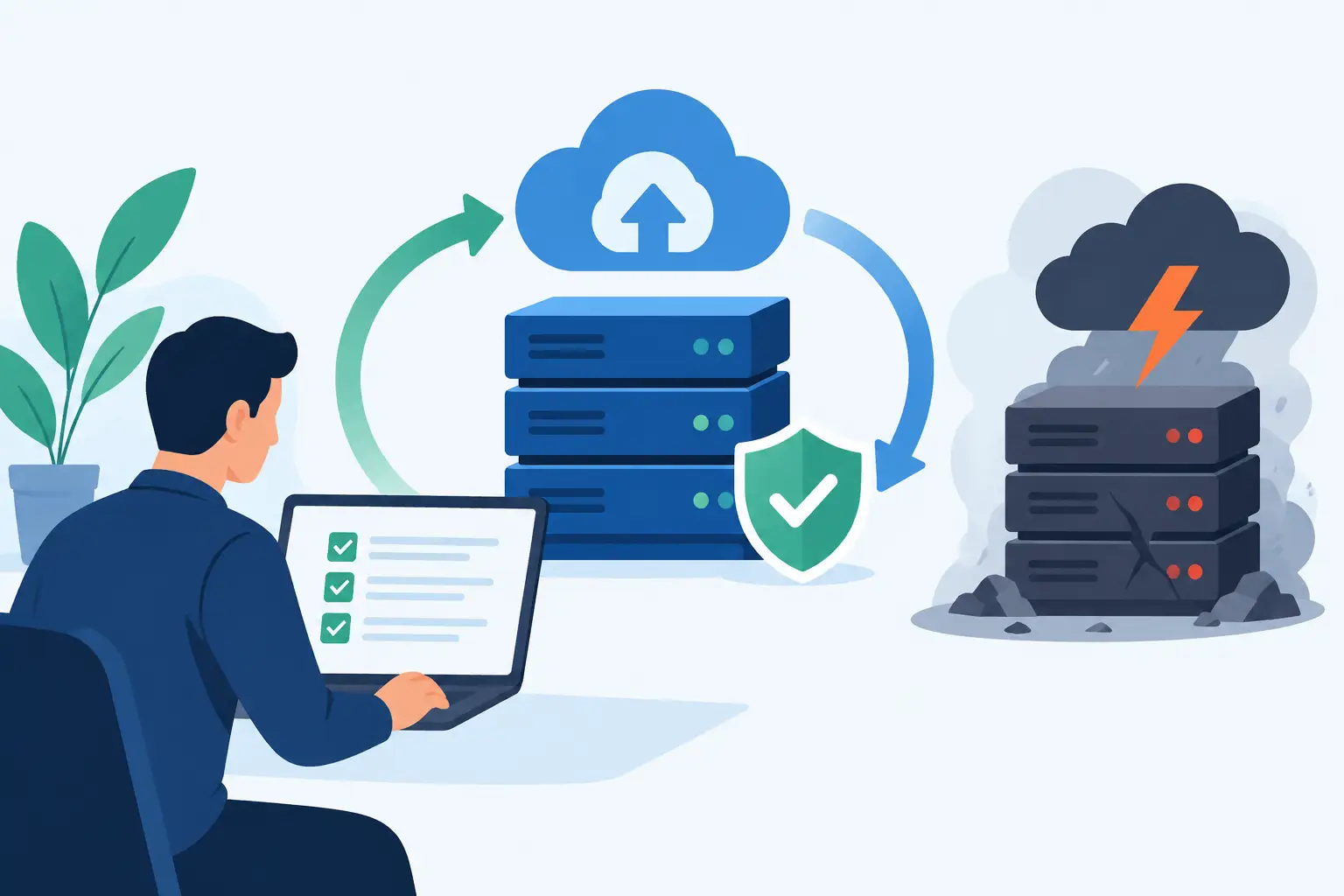

If your server is ageing, remote access feels patchy, or backup confidence depends on crossed fingers, the cloud stops being a future project and becomes an operational issue. That is where an azure migration roadmap matters. For SMEs, it is not just a technical plan for moving workloads. It is a way to reduce disruption, protect data, and make sure the move supports the business rather than distracting from it.
Too many cloud projects start with a platform decision and end with avoidable problems. Costs rise because old systems are copied across without review. Performance suffers because dependencies were missed. Security gaps appear because access controls were bolted on later. A sound roadmap prevents that. It gives decision-makers a clear sequence, realistic priorities, and a way to balance speed against risk.
What an azure migration roadmap should achieve
A good roadmap does more than list tasks. It connects the migration to business outcomes such as lower downtime, better resilience, easier remote working, and more predictable support. For an SME, that often means focusing on the systems people rely on every day – file storage, line-of-business applications, email, identity, backup, and secure access.
The roadmap should also answer three practical questions early. What are we moving? Why are we moving it? What does success look like when the work is done? If those answers are vague, the project usually drifts into unnecessary complexity.
There is also a trade-off to manage. Moving everything quickly can reduce the burden of running old infrastructure, but speed can increase risk if applications are poorly documented or heavily customised. Taking a phased approach is often safer for smaller businesses, especially where internal IT resources are limited.
Start with discovery, not assumptions
Before any migration plan is agreed, you need a proper picture of the current estate. That means identifying servers, applications, data stores, user groups, integrations, licences, and security controls. In SMEs, this stage often reveals informal workarounds that are not documented anywhere but still matter to the business.
An accounts package may export reports to a local folder that only one person knows about. A warehouse system may depend on an older database version. A director may rely on a remote desktop setup that has never been reviewed. These details affect migration choices, timelines, and testing.
Discovery is also where you separate what should move from what should be retired. Not every workload deserves a new home in Azure. If a system is outdated, unsupported, rarely used, or better replaced by a cloud-native service, lifting it into a new environment may simply preserve an old problem at a higher monthly cost.
Build the roadmap around business priorities
Once the environment is understood, the migration roadmap should be shaped around business criticality. This is where SMEs benefit from a practical rather than theoretical approach. The question is not which system is most interesting technically. It is which system causes the most disruption if it fails.
For many businesses, identity and access come first because they affect every user. File services and collaboration tools follow closely, especially where teams work across home, office, and mobile locations. Core applications then need to be grouped by risk, dependency, and business value.
A sensible roadmap usually breaks the work into waves. Low-risk services can move first to prove the approach and expose any gaps in governance or support. Higher-risk systems can follow once monitoring, backup, access policies, and support processes are established. This reduces the chance of a major interruption at the point when confidence is still developing.
The main migration options and when each fits
An azure migration roadmap is not one fixed route. Different workloads may need different treatments.
Rehosting, often called lift-and-shift, is usually the fastest way to move a server-based application into Azure. It can work well where the application is stable, the business needs to exit on-premises infrastructure quickly, and there is little appetite for immediate redesign. The drawback is that it may carry inefficiencies into the new environment.
Replatforming makes selective improvements without rebuilding the application entirely. You might move a database to a managed service, improve resilience, or modernise storage while keeping the application broadly intact. This can improve performance and reduce admin overhead, but it requires more planning and testing.
Refactoring is the deeper option. It involves redesigning the application to make better use of cloud services. This can deliver stronger scalability and resilience, but it is not usually the first step for an SME unless there is a clear commercial case.
In practice, most smaller businesses use a mix. Critical legacy systems may be rehosted first, while newer or customer-facing services are replatformed over time.
Security and governance cannot wait until later
One of the most common mistakes in cloud migration is treating security as a final checklist item. In reality, it should shape the roadmap from the beginning. Access controls, multi-factor authentication, device management, encryption, backup policy, and logging all need to be planned before production workloads move.
This matters even more for SMEs because cloud adoption can unintentionally broaden exposure if permissions are loose or old accounts remain active. The cloud does not remove security responsibility. It changes how that responsibility is managed.
Governance is just as important. Naming standards, role allocation, cost controls, retention settings, and recovery objectives might sound administrative, but they directly affect service quality and accountability. If nobody agrees who owns each workload, who approves changes, or how incidents are escalated, support becomes slower at the point it needs to be quickest.
Testing is where confidence is built
No roadmap is complete without a proper testing phase. That means more than checking whether a server powers on in Azure. Users need to confirm that applications behave as expected, reports generate correctly, permissions work, integrations hold, and performance is acceptable during normal business activity.
Testing should include failure scenarios as well. Can data be restored within the required timeframe? What happens if internet connectivity drops? Are staff clear on how to access systems after the cutover? These are operational questions, not just technical ones, and they often determine whether the migration feels successful to the business.
Where possible, cutovers should be planned around quieter trading periods, with rollback options clearly defined. For Dublin-based SMEs with fixed office hours or customer service windows, timing can make a major difference to the user experience.
Cost planning needs realism
Cloud spend can be efficient, but only if the environment is sized, monitored, and reviewed properly. One reason businesses become frustrated with Azure is that they expect an automatic saving simply from moving off local hardware. Sometimes that happens. Sometimes it does not.
If underused servers are migrated unchanged, if storage grows without policy, or if backup and security services are added without visibility, monthly costs can creep up. On the other hand, comparing Azure only to the cost of a single server misses the wider picture. Power, warranties, downtime risk, patching effort, disaster recovery, and hardware replacement all carry costs too.
A realistic roadmap includes ongoing cost management from the start. That means rightsizing workloads, setting budgets, reviewing usage, and avoiding the habit of keeping everything switched on because it feels safer.
Why post-migration support matters as much as the move
The migration itself is only one stage. Once workloads are live, they need patching, monitoring, security review, backup validation, and user support. That is where many businesses discover the difference between buying cloud services and running them properly.
A well-supported Azure environment should improve day-to-day operations, not create a new layer of complexity. Staff should know how to get help. Alerts should lead to action. Backups should be tested, not just reported. Security settings should be reviewed as the business changes.
For SMEs without a large internal IT team, ongoing managed support is often what makes the roadmap workable. It provides continuity after the project team steps away and helps the business keep control of risk as systems evolve.
A practical azure migration roadmap in sequence
For most SMEs, the right sequence is straightforward. Start with discovery and dependency mapping. Then define business priorities, risk levels, and success measures. Choose the right migration method for each workload rather than forcing one approach onto everything. Build security, backup, and governance into the design. Test properly with users, not just technicians. Cut over in phases where practical. Then support, review, and optimise the environment once it is live.
That may sound methodical because it is. The point of a roadmap is not to make the project look ambitious. It is to make the outcome dependable.
If you are considering Azure, the best first step is often not a quote or a licence conversation. It is a clear assessment of what you have now, what the business actually needs, and how much disruption you can tolerate during change. A good migration plan should leave your team more secure, more productive, and less exposed to the kind of IT problems that pull attention away from running the business.