
Monday morning is a bad time to discover your server has become a single point of failure. For many growing firms, that realisation is what turns cloud planning from a future project into an immediate business need. This SME cloud migration strategy guide is built for decision-makers who want to reduce disruption, protect data and move with a clear plan rather than a rushed fix.
Why an SME cloud migration strategy guide matters
Cloud migration is often described as a technical upgrade, but for most SMEs it is really an operational decision. The question is not just where your systems will sit. It is whether your team can keep working, whether your data stays protected, and whether the move improves resilience rather than introducing fresh problems.
That is where many smaller businesses run into difficulty. They move email but leave file permissions in a mess. They shift data without checking line-of-business software. They cut over too quickly and create avoidable downtime. A good migration strategy keeps the business outcome in view from the start.
For SMEs, the cloud can bring better flexibility, easier remote access, stronger backup options and less dependency on ageing on-site hardware. But those benefits are not automatic. Costs can rise if services are poorly scoped, security can weaken if access controls are rushed, and staff frustration can grow if new systems are unfamiliar.
Start with the business, not the platform
The most effective cloud projects begin with a simple question: what problem are we solving? In some firms, the issue is unreliable hardware. In others, it is poor remote access, weak disaster recovery, rising support costs or difficulty scaling as the company grows.
If you start by comparing platforms before defining the business need, you risk choosing tools that look impressive but do not fit the way your team works. A service-led approach starts by identifying critical systems, current pain points and acceptable levels of downtime.
That usually means looking at a few practical areas. Which applications are essential every day? Which files or databases must be available without delay? Which departments would be hit hardest by an outage? How much interruption can the business tolerate during migration? Clear answers here shape every decision that follows.
Assess what you have before you move anything
A proper audit saves time and money later. Many SMEs have more complexity than they think, especially if systems have grown in stages over several years. There may be old shared drives, duplicate user accounts, unsupported software, local devices storing key documents, or backup routines that look fine on paper but are rarely tested.
Before migration, you need a realistic picture of your current estate. That includes infrastructure, software, user access, data volumes, internet connectivity, security controls and dependencies between systems. It also includes the habits of the business. If staff rely on desktop shortcuts, legacy folders or unofficial workarounds, those things need to be understood before cutover.
This stage often reveals what should not be migrated. Not every old application belongs in a modern cloud environment. Some systems should be replaced, some archived, and some retained temporarily while a wider upgrade is planned.
Choose the right cloud model for your SME
There is no single best answer for every business. Some SMEs benefit from a full move to cloud-based productivity, storage and hosted infrastructure. Others need a hybrid setup because a specialist application still depends on local hardware or a particular network configuration.
A full cloud model can reduce reliance on office-based servers and improve accessibility for distributed teams. It can also simplify updates and recovery planning when managed correctly. On the other hand, hybrid environments can make sense where compliance, bandwidth, equipment lifecycle or software compatibility need a more gradual transition.
The key is not to force a complete move if the business is not ready for it. A phased approach is often safer. Email and collaboration tools may move first, followed by file storage, then business applications, then backup and continuity services. That spreads risk and gives staff time to adapt.
Build security into the migration plan
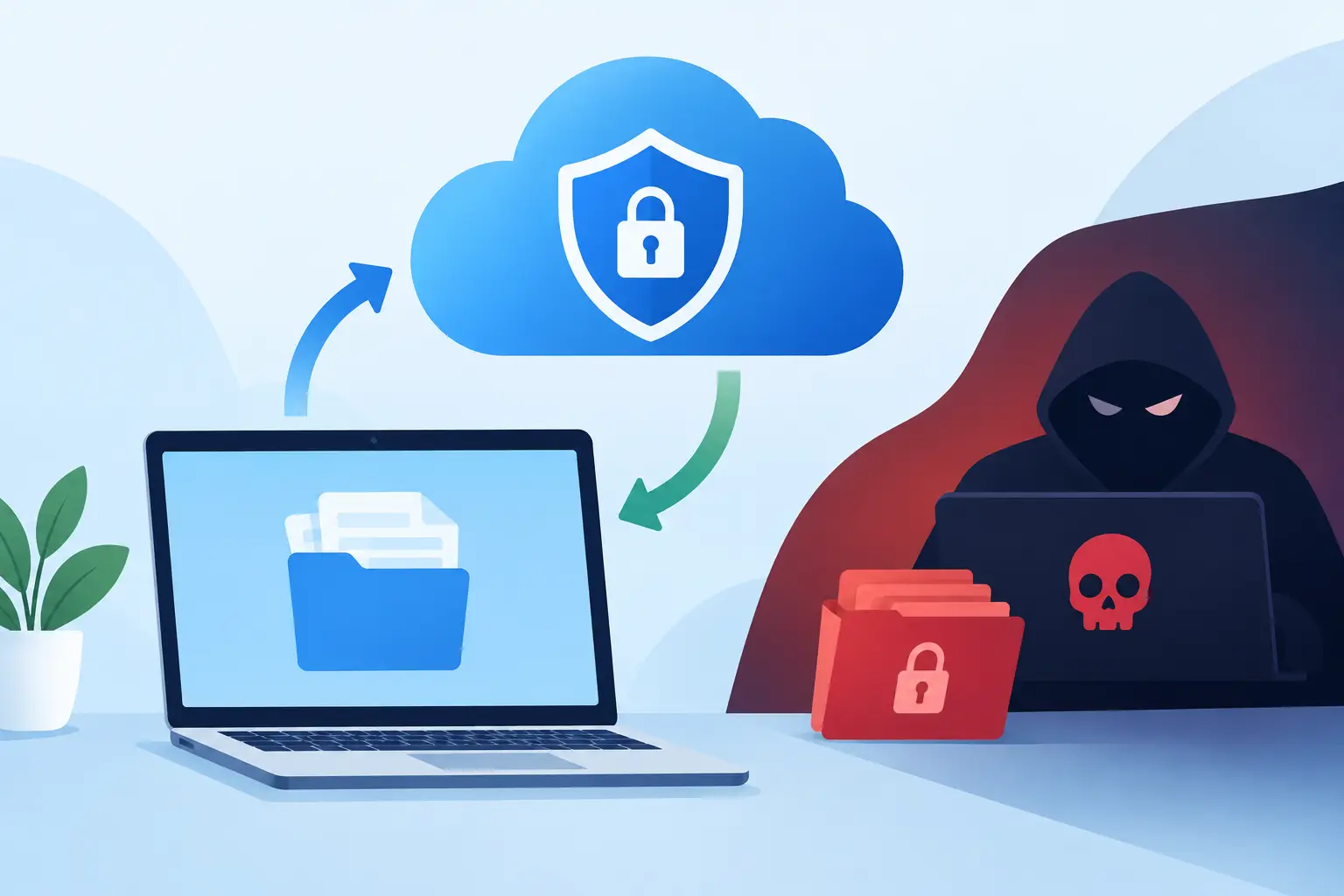
Security should not be bolted on after the move. In many cases, migration is the best opportunity an SME will have to tidy access controls, improve monitoring and remove risky legacy practices.
At a minimum, the migration plan should address multi-factor authentication, role-based permissions, secure device access, data encryption, backup policies and account lifecycle management. If your current setup has broad shared access, dormant users or inconsistent password standards, moving to the cloud without fixing those issues simply transfers the risk elsewhere.
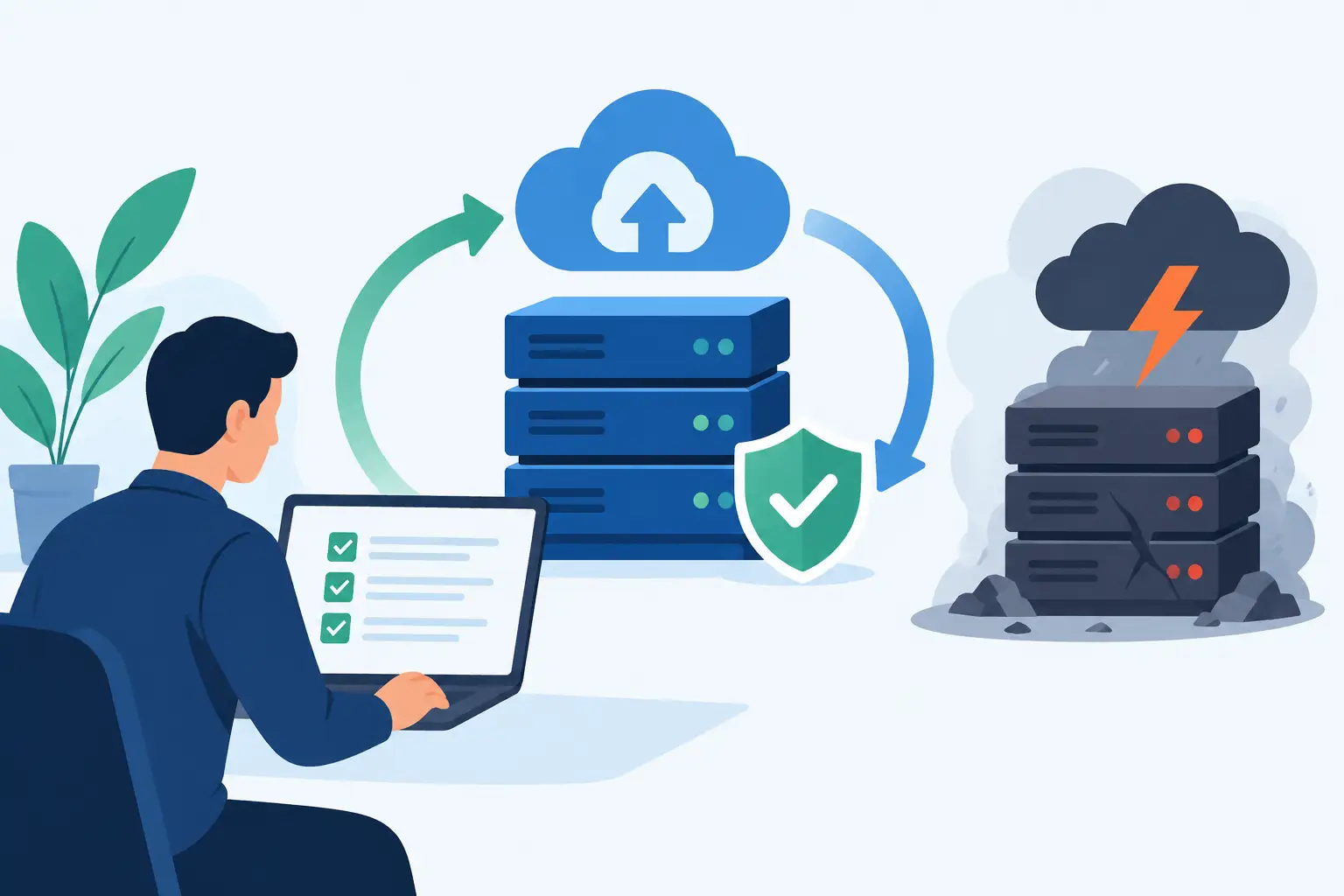
It is also worth looking at how the business will respond if something goes wrong during or after migration. Backups should be verified before changes begin. Recovery points and rollback options should be clear. If a platform change affects customer service, finance or operations, the business needs agreed contingency steps in place.
For SMEs, this is where an experienced managed provider adds real value. Migration is not only about technical delivery. It is about protecting continuity while reducing exposure.
Plan around downtime, not around convenience
A migration timetable should reflect how the business actually operates. That sounds obvious, yet many projects fail because cutover is planned around IT availability rather than operational impact.
If your busiest period is month-end, avoid major changes then. If teams depend on shared documents first thing every morning, do not schedule a file migration that leaves permissions unresolved overnight. If directors need uninterrupted access while travelling, make sure authentication and mobile access are tested in advance.
A sensible migration plan includes pilot users, staged moves, communication to staff and a clear support window once systems go live. It should also define who signs off each stage. Smaller businesses sometimes skip formal approvals because teams are close-knit, but even in a compact organisation, accountability matters.
Prepare your people as carefully as your systems
Technology projects often stall because users are the last to hear about them. Staff do not need every technical detail, but they do need to know what is changing, when it is changing and how it affects their day-to-day work.
That means giving practical guidance in plain language. If file access is moving, explain where documents will live and how permissions work. If email security is changing, explain what staff will see when multi-factor authentication is enabled. If collaboration tools are being introduced, provide a short, realistic training session rather than expecting teams to work it out under pressure.
Well-managed change reduces support calls and helps the business realise the value of the migration more quickly. It also lowers the temptation for staff to create unofficial workarounds that weaken security or confuse document control.
Measure success beyond the go-live date
A cloud migration is not finished when the final data sync completes. The real test comes in the weeks after launch. Are staff working more efficiently? Has downtime reduced? Are backups running as expected? Have support tickets increased in one department? Are costs tracking against the original plan?
This is the stage where businesses should review performance, user experience and security posture together. Sometimes the migration itself is technically sound, but permissions need refinement, storage needs better structure or teams need extra support to use the platform well.
A good provider stays involved after go-live. That matters for SMEs because internal IT capacity is often limited. Ongoing monitoring, policy reviews and user support help the cloud environment remain stable instead of drifting into the same patchwork state as the legacy setup it replaced.
Common mistakes this SME cloud migration strategy guide can help you avoid
The most common mistake is treating migration as a simple lift-and-shift exercise. Moving everything as it is may feel quicker, but it often carries old inefficiencies and risks into the new environment. Another is underestimating the importance of permissions and governance. Staff need access, but they also need clear boundaries.
Cost assumptions can also cause problems. Cloud services can be cost-effective, but only when licensing, storage, support and backup are sized properly. A rushed migration may look cheaper at first and then become harder to manage six months later.
Finally, many SMEs fail to test enough. A backup that has not been restored is only a theory. An application that has not been checked under real working conditions is still a risk.
What a good migration partner should bring
An SME should not have to coordinate five separate suppliers to move email, files, security, backup and connectivity. A dependable partner brings planning, technical delivery, risk management and post-migration support together.
That means clear scoping, honest advice on what should and should not move, practical scheduling around your business, and support that continues after launch. For businesses in Dublin and beyond, that local responsiveness can make a real difference when timing is tight and the cost of downtime is high.
The right cloud move should leave your business better protected, easier to support and less vulnerable to the kind of disruption that turns a normal working day into a crisis. If your current systems are holding the business back, the best next step is not to move everything at once. It is to make a plan that fits how your business actually runs.