
A single shared spreadsheet of passwords can turn a routine staff change, lost laptop or phishing incident into a serious security problem. The best business password managers give SMEs control over who can access business systems, without forcing staff to remember dozens of complex logins or share credentials through email and chat.
For an Irish SME, the right choice is rarely the platform with the longest feature list. It is the one your people will use, your administrator can manage confidently and your wider security arrangements can support. That means looking beyond the browser extension to ownership, offboarding, multi-factor authentication and recovery processes.
What a business password manager should solve
A consumer password vault stores individual credentials. A business password manager must do more. It should let the business provision and remove users, apply security policies, share access without revealing passwords where possible, and retain control of company accounts when an employee leaves.
This matters most with shared services: bank portals, social media accounts, domain registrars, cloud administration consoles, supplier systems and line-of-business applications. If one person owns the login in their personal vault, the business has a continuity risk even when that person is trusted.
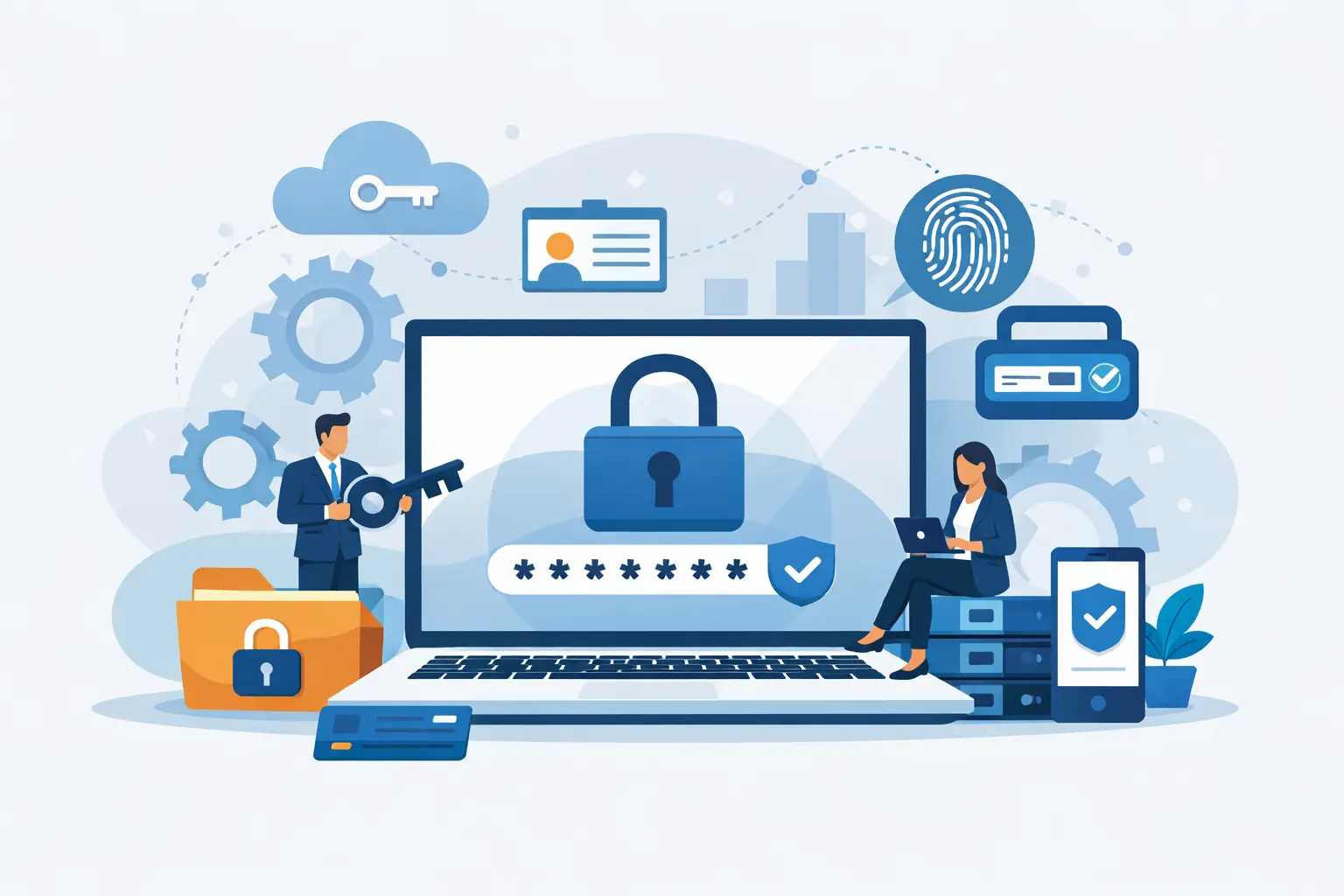
Look for support for single sign-on where it makes sense, multi-factor authentication for vault access, role-based permissions, activity reporting and secure shared vaults. Emergency access, device management and directory integration may also be valuable as the business grows. Not every SME needs every advanced feature, but every SME needs a clear answer to one question: who controls access when a member of staff is unavailable or leaves?
7 best business password managers for SMEs
1Password Business
1Password Business is a strong all-round option for organisations that place a high value on staff experience. Its interface is approachable, which can help reduce resistance during rollout, while shared vaults, guest access and administration tools support practical business use.
It is particularly well suited to teams using a mixture of Windows, macOS, mobile devices and browsers. Travel Mode can also be relevant for staff who travel with sensitive information. The trade-off is cost: it is commonly positioned as a premium product, so it may not be the best fit for a very small team with straightforward needs.
Bitwarden Business
Bitwarden is often a sensible choice for SMEs that want transparent security, flexible deployment options and good value. It supports secure organisations and collections for sharing credentials, alongside administrative controls and multi-factor authentication options.
Its open-source approach will appeal to technically informed businesses, and self-hosting may be relevant where a company has specific control or data-handling requirements. However, self-hosting introduces another system to patch, monitor and back up. For many SMEs, the hosted service is the more practical route unless there is a clear operational reason to manage it internally.
Keeper Business
Keeper Business is well suited to companies that want strong administrative control and may need to mature their wider privileged-access practices over time. It offers granular sharing, policy controls, reporting and additional modules that can support more demanding security requirements.
That breadth is useful for a growing organisation or one handling sensitive client data. It can also make product selection more complicated, as some capabilities may be packaged separately. Assess the total requirement before comparing prices, rather than selecting a low entry price and adding essential functions later.
Dashlane Business
Dashlane Business combines a clean user experience with business administration features and can be a good choice for organisations that need to get staff using the system quickly. It provides controlled sharing, password health information and support for modern authentication practices.
Its user-friendly design is a genuine advantage when an office manager or operations lead is coordinating adoption without a large internal IT team. Check that its administrative functions and integration options match your current identity platform, particularly if Microsoft 365 or Google Workspace is central to your business.
NordPass Business
NordPass Business is a practical option for smaller teams looking for a straightforward, cloud-based password manager. It focuses on the essentials: encrypted credential storage, secure sharing, central administration and security reporting.
It may be a better fit than a larger enterprise platform when ease of use and a predictable rollout are the priority. Businesses with complex access structures, substantial developer teams or strict privileged-account workflows should compare its advanced controls closely with alternatives before deciding.
Proton Pass Business
Proton Pass Business may appeal to organisations that place particular emphasis on privacy and encrypted communications. It provides encrypted password storage and sharing features within a broader privacy-focused ecosystem.
It is worth considering where the company already uses related services or has clients with high confidentiality expectations. As with any newer or evolving business offering, confirm that its current admin controls, reporting and integrations cover your operational requirements rather than assuming feature parity with longer-established products.
LastPass Business
LastPass remains familiar to many businesses and provides the core functions expected of a commercial password manager, including central administration, shared access and policy management. Familiarity can make migration and training easier where employees have used the platform before.
However, security incidents involving a provider should form part of a serious procurement conversation. This is not a reason to rely on headlines alone or to dismiss any product automatically. It is a reason to review the provider’s current security model, independent assurance, incident response record and the safeguards available to your own organisation. A password manager is not a set-and-forget purchase.
How to choose between password managers
Start with your access map, not a software comparison table. Identify the applications that keep the business running, who currently owns each account and which credentials are shared. You may find that the immediate priority is not replacing every personal password, but securing administrator accounts, finance systems, domains and cloud platforms first.
Then consider how staff authenticate. A business already using Microsoft 365, Entra ID or Google Workspace should check whether the password manager integrates with its identity provider and supports automated user provisioning. This reduces manual administration and makes joiners, movers and leavers easier to manage.
Security controls should be proportionate to the risk. At a minimum, require a unique master password, multi-factor authentication and device-level protection. Use role-based access so people receive only the credentials they need. Shared vaults should be organised by function or department, rather than giving every user access to every business login.
Also test the everyday experience. Can a non-technical employee save a credential correctly? Can a manager share access without sending a password in plain text? Can an administrator remove a departed employee and verify that their access has ended? A short pilot with different staff roles will reveal more than a vendor demonstration.
Roll out the password manager without disrupting work
A rushed migration can create the very disruption the tool is meant to prevent. Begin with a small group that includes an administrator, a finance user, a manager and a typical office-based employee. Agree naming conventions for shared vaults, establish who approves access, and document a recovery process before importing credentials at scale.
Prioritise accounts that could cause the greatest operational or financial harm: email administration, cloud platforms, domain registration, banking, accounting, backup systems and remote access. Change weak or reused passwords as they are imported. Where an application supports multi-factor authentication, enable it and store recovery codes only in a tightly controlled business vault.
Training should be brief and specific. Staff need to understand that the password manager is not optional extra software and that sharing a vault is different from sending a password. They should also know how to report suspicious prompts, accidental shares or a lost device promptly.
Finally, include the platform in your offboarding process. Remove the user, revoke sessions where available, review vault membership and rotate any credentials that may have been exposed. This should sit alongside disabling email, remote access and other business systems.
Password management is part of business continuity
A password manager reduces risk, but it does not replace wider security controls. Devices still need patching, email needs phishing protection, data needs tested backups and privileged access needs regular review. The most effective approach connects these controls so that a security incident does not become prolonged downtime.
For SMEs without a dedicated security team, an external IT partner can help turn password management from an app purchase into a managed process. Host-It can support the wider access, endpoint and continuity measures that keep essential systems available when staff, devices or threats create pressure.
The best choice is the password manager that gives your business clear ownership of its accounts and makes secure behaviour the easiest behaviour for staff. Put that control in place before the next urgent resignation, compromised inbox or forgotten administrator login tests it.