
A staff member clicks a convincing invoice attachment at 9.15am. A former employee’s account is still active. A backup has completed every night, but no one has checked whether the files can be restored. These are the kinds of everyday issues a network security assessment review is designed to uncover before they become a costly interruption to the business.
For SMEs, security is not simply about buying another product or passing an annual compliance check. It is about knowing whether the technology people rely on to work – internet connections, email, devices, cloud services, Wi-Fi and backups – is protected in the ways that matter. A well-run review turns uncertainty into a clear, prioritised plan.
Why a network security assessment review matters
Most security failures are not caused by a single spectacular technical mistake. They tend to develop through small gaps: an unpatched firewall, overly broad access rights, an unsupported laptop, a shared password, or a remote access service exposed to the internet without the right controls.
Those gaps can be difficult to spot from inside a busy business. Internal teams and office managers are focused on keeping users productive, solving immediate issues and supporting day-to-day operations. Meanwhile, systems change. New staff join, software is added, people work remotely, and older equipment remains in service longer than intended.
A security assessment provides an independent view of the environment and its business risks. It identifies where an attacker could gain access, move through systems, steal data or disrupt operations. Just as importantly, it considers the practical impact: which weaknesses could stop staff working, affect customers, expose confidential information or make recovery harder after an incident.
The result should not be a lengthy technical document that sits unread in a folder. It should give decision-makers a sensible order of action, separating urgent risks from improvements that can be planned into a wider IT roadmap.
What a network security assessment review should cover
The scope depends on the size and complexity of the business, but the review should look beyond the office firewall. A modern network often extends across cloud platforms, staff home networks, mobile devices and third-party services. Reviewing only the physical office network can leave significant blind spots.
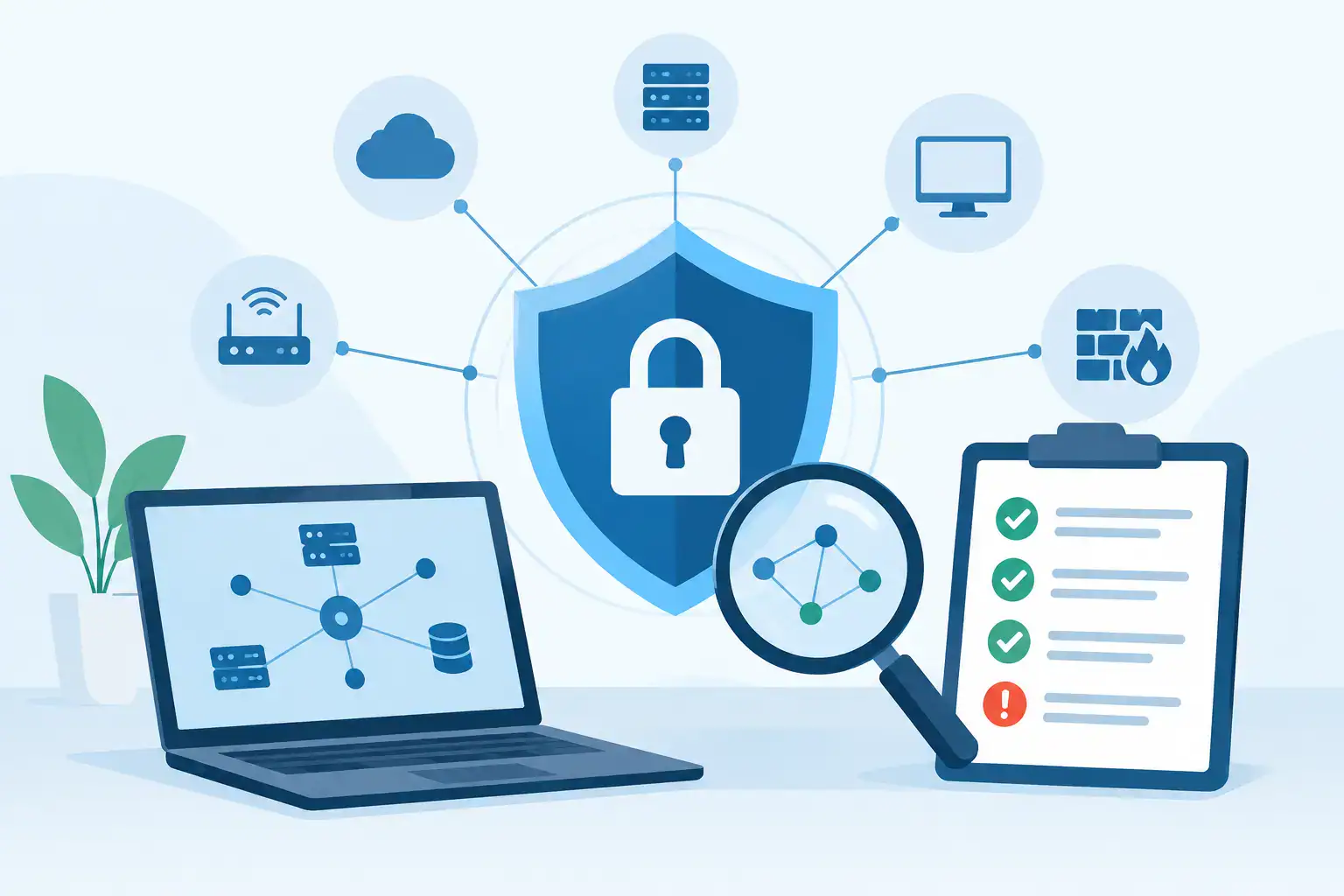
A useful assessment begins with an asset view. That means identifying the devices, servers, network equipment, business applications and cloud services that support daily work. Unknown or unmanaged assets are a concern because they may not receive updates, monitoring or backup protection.
It should then examine how users and systems gain access. This includes administrator accounts, remote working tools, email accounts, wireless networks, guest access and connections between sites or cloud environments. Multi-factor authentication, strong password controls and the principle of least privilege are particularly important. Staff should have the access they need to do their jobs, but not unrestricted access simply because it is convenient.
The review should also assess the controls around prevention, detection and recovery. Firewalls and endpoint security help prevent attacks. Monitoring and alerting help identify suspicious activity. Tested backups, documented recovery procedures and clear incident responsibilities help the organisation recover when prevention does not work as intended.
Configuration and patching
Security products only provide value when they are configured and maintained properly. A review checks whether firewalls, switches, wireless access points, servers and workstations are running supported software and receiving critical updates in a timely way.
This is not always a case of applying every update immediately. Some systems support specialist software, production equipment or older line-of-business applications that need careful change control. The assessment should identify those exceptions, explain their risk and recommend compensating controls where an immediate upgrade is not realistic.
Email, identity and endpoint protection
Email remains one of the most common routes into a business. The review should assess spam filtering, phishing protection, mailbox permissions, forwarding rules and account recovery settings. It should also check whether users are protected by multi-factor authentication, especially for Microsoft 365, remote access and administrator accounts.
Endpoints deserve the same attention. Laptops can be lost, used on public Wi-Fi or taken home. Encryption, centrally managed antivirus or endpoint detection, screen-lock policies and the ability to remove access from a missing device all reduce the impact of a problem.
Network segmentation and Wi-Fi
A flat network makes life easier for an attacker. If a compromised device can communicate freely with every server, printer and workstation, a small incident can quickly become a wider outage.
Segmentation separates systems according to their purpose and risk. For example, guest Wi-Fi should not have access to internal business resources, and finance systems may need tighter controls than general office devices. The right design depends on the business, but the principle is consistent: limit unnecessary pathways and reduce the spread of an incident.
Turning technical findings into business priorities
A vulnerability scan can be helpful, but it is not the same as a full assessment. Scans identify known technical weaknesses. A network security assessment review puts those findings into context by considering the affected system, the likelihood of exploitation, existing controls and the potential business impact.
For example, a missing update on an isolated test device may be less urgent than a poorly secured administrator account with remote access to financial data. Both should be addressed, but not necessarily on the same timetable.
A clear report should group findings by severity and explain them in plain language. It should set out what was found, why it matters, what could happen if it is ignored and the recommended next step. Decision-makers need enough technical evidence to have confidence in the advice, without being expected to interpret every security term themselves.
The most effective remediation plans usually combine quick improvements with longer-term work. Immediate actions might include removing inactive accounts, enabling multi-factor authentication, fixing exposed remote access or addressing critical patches. Longer-term work may involve replacing unsupported equipment, redesigning the network, improving backup resilience or introducing continuous monitoring.
How often should an assessment take place?
For many SMEs, an annual assessment is a sensible baseline. However, a review should also be considered after meaningful change: an office move, a cloud migration, a merger, a serious security alert, the introduction of remote working tools or a major change in the way customer data is handled.
The more quickly the IT environment changes, the more frequently it should be reviewed. A business with a stable, tightly managed environment may need a different schedule from one that regularly adds users, sites, applications and third-party integrations.
Continuous managed monitoring does not replace periodic assessment. Monitoring helps identify activity as it happens. An assessment asks a different question: are the underlying systems, configurations and processes still appropriate for the risks the business faces?
Choosing the right support for the review
The value of an assessment depends on what happens after the findings are delivered. A provider should be able to explain risks clearly, work around operational constraints and help implement improvements without creating unnecessary disruption.
For Dublin businesses with limited in-house IT resources, a managed partner can bring the benefit of specialist security expertise alongside practical knowledge of the existing network, communications and backup environment. Host-It approaches security as part of business continuity, recognising that the goal is not only to prevent attacks but to keep the organisation working when problems arise.
Ask whether the assessment includes a clear scope, documented findings, prioritised recommendations and a realistic remediation plan. It is also worth confirming who will own each action, how progress will be tracked and how urgent issues will be escalated. Security work loses momentum when responsibilities are unclear.
What to do once the review is complete
Start by agreeing ownership and timescales for high-risk issues. Some actions can be completed quickly by an IT provider, while others may require budget approval, supplier involvement or staff communication. Record the decision made for every finding, including risks that are accepted temporarily, so nothing disappears between meetings.
Then use the assessment to improve routine IT management. Establish a patching schedule, regularly review user access, test recovery procedures and keep an accurate record of devices and services. Staff awareness should be part of this routine too. Technical controls are essential, but employees need to recognise suspicious requests and know how to report them without delay.
Security is never a one-off project with a final tick box. A focused review gives your business a practical starting point: fix what creates the greatest risk, build stronger habits into everyday IT management, and keep checking that the systems supporting your people can be relied upon when it matters most.