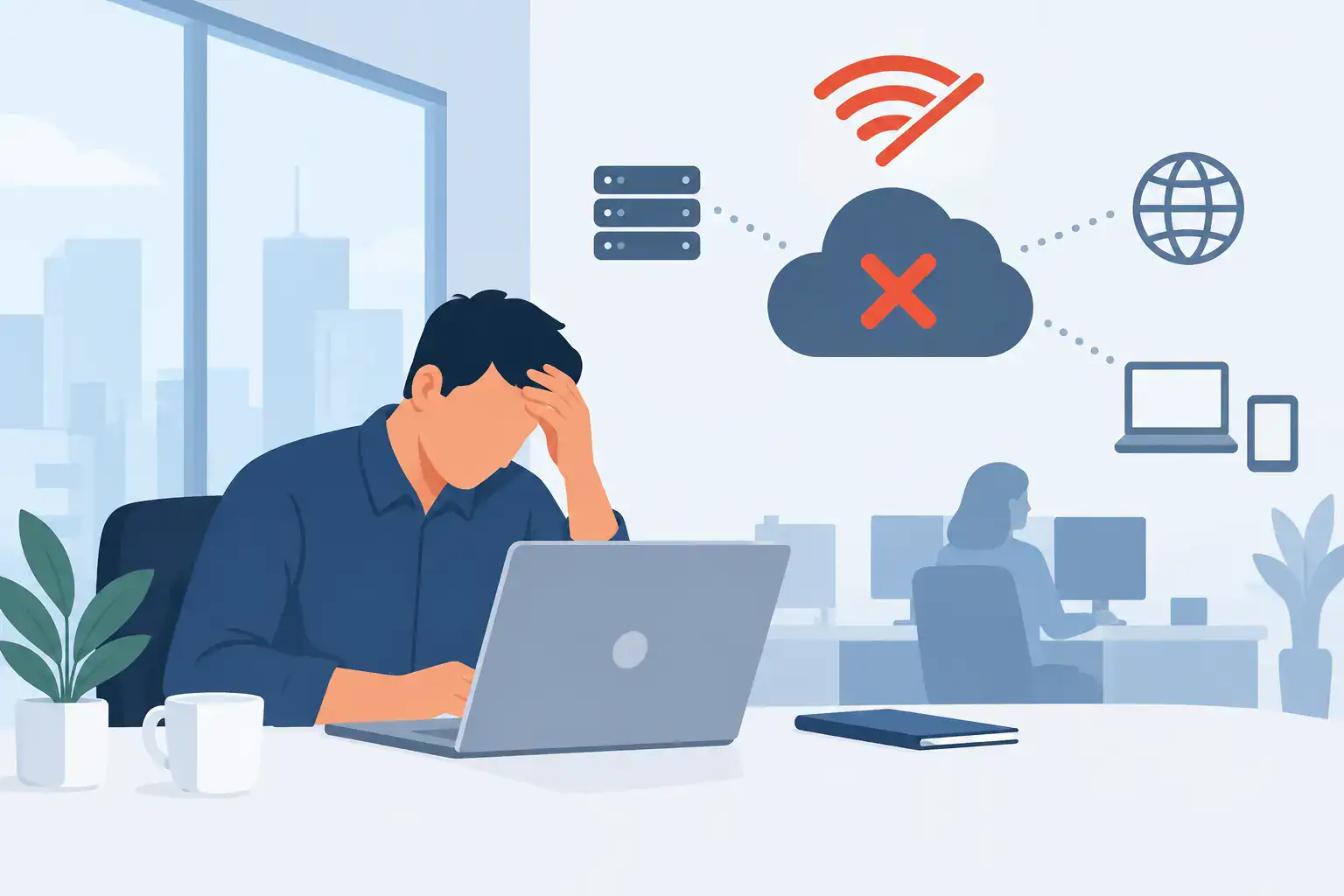

A network outage rarely starts with a dramatic warning. For most SMEs, it begins with a team member unable to open a cloud file, a card terminal that stops processing payments, or a VoIP call that repeatedly drops. Understanding what causes business network outages helps leaders move beyond firefighting and make practical decisions that protect productivity, customer service and revenue.
The cause is not always the internet connection itself. A business network relies on several connected layers: power, cabling, switches, wireless access points, firewalls, internet providers, cloud platforms and the devices people use each day. A fault in any one of them can make the whole operation feel offline.
What Causes Business Network Outages?
Most outages fall into a handful of familiar categories. The difficult part is that symptoms can look similar. A failed Wi-Fi access point, an expired security certificate and a broadband supplier fault may all be reported as “the internet is down”, even though each requires a very different response.
Internet service provider faults
A fault with the broadband, fibre or leased-line provider is an obvious possibility, particularly when every device in the office loses internet access at once. Damage to external cabling, local exchange issues, planned engineering work or a provider routing problem can all interrupt service.
For a small office with one connection, this is a single point of failure. The network inside the building may be operating perfectly, but staff cannot reach cloud applications, websites, hosted phones or off-site systems. Mobile data can provide a temporary workaround for a few users, but it is not a dependable continuity plan for a busy business.
A secondary connection, such as a different fixed-line provider or managed 4G/5G failover, can keep essential services available during a primary line failure. The right option depends on the number of users, the applications involved and whether fixed IP addresses, voice services or secure remote access are required.
Hardware failure and ageing equipment
Firewalls, routers, switches and wireless access points work continuously. Like any equipment, they can fail. A power supply may burn out, a network port may become unreliable, or a firewall may freeze following a software issue. Older equipment is more likely to create intermittent faults that are hard to trace and easy to dismiss until they become a full outage.
Cabling matters too. A damaged cable beneath a desk may affect one user; a poorly terminated uplink cable between network cabinets can take down an entire floor. In offices that have expanded gradually, undocumented cables and unsuitable consumer-grade equipment often create weak points.
Hardware resilience needs to be proportionate. Not every SME needs duplicate versions of every device, but critical equipment should be supported by a clear replacement plan, current configuration backups and appropriate warranties. For businesses where a network outage stops trading, a spare firewall or switch may be a sensible investment.
Power disruption
Network equipment cannot operate without power, even when the internet provider is working normally. A local power cut, a tripped circuit, a failed power adaptor or an overloaded extension lead can remove connectivity from part or all of the office.
Short power interruptions can be just as disruptive as a longer outage. Network devices may restart in the wrong order, a switch may not recover cleanly, or a firewall may need intervention before services resume. Uninterruptible power supplies can bridge brief interruptions and allow essential equipment to shut down safely during a longer cut. They also reduce the risk of abrupt power loss damaging equipment or corrupting configurations.
Configuration errors and change-related faults
Many business network outages happen after a change that was intended to improve something. A firewall rule is updated, a new internet line is installed, a Wi-Fi network is reconfigured, or a member of staff changes a setting to solve an immediate problem. One incorrect entry can prevent devices from receiving IP addresses, block access to business applications or disconnect remote workers.
Changes are not inherently risky. Uncontrolled changes are. Before modifying a critical network setting, there should be a recent configuration backup, a defined maintenance window where appropriate, and a rollback plan if the result is not as expected. This is particularly important where one provider manages connectivity, another manages cloud services and internal staff manage office devices. Without ownership and documentation, troubleshooting takes longer than it should.
Capacity problems and poor network design
A network can be online but still unusable. This often happens when demand exceeds available capacity. Video meetings, cloud backups, large file synchronisation, guest Wi-Fi and VoIP calls all compete for bandwidth. At busy times, users may experience slow systems, distorted calls and dropped connections that feel like an outage.
Wireless design is a frequent issue. One access point may be expected to cover too large an area, while walls, meeting rooms and neighbouring networks interfere with the signal. Adding more access points is not always the answer. If they are placed badly or use overlapping channels, they can make performance worse.
Network segmentation can also make a material difference. Business devices, guest Wi-Fi, CCTV, phones and smart equipment should not necessarily share the same network segment. Separating traffic improves security and helps prevent one poorly behaving device or bandwidth-heavy service from affecting everyone else.
Cyber attacks and security controls
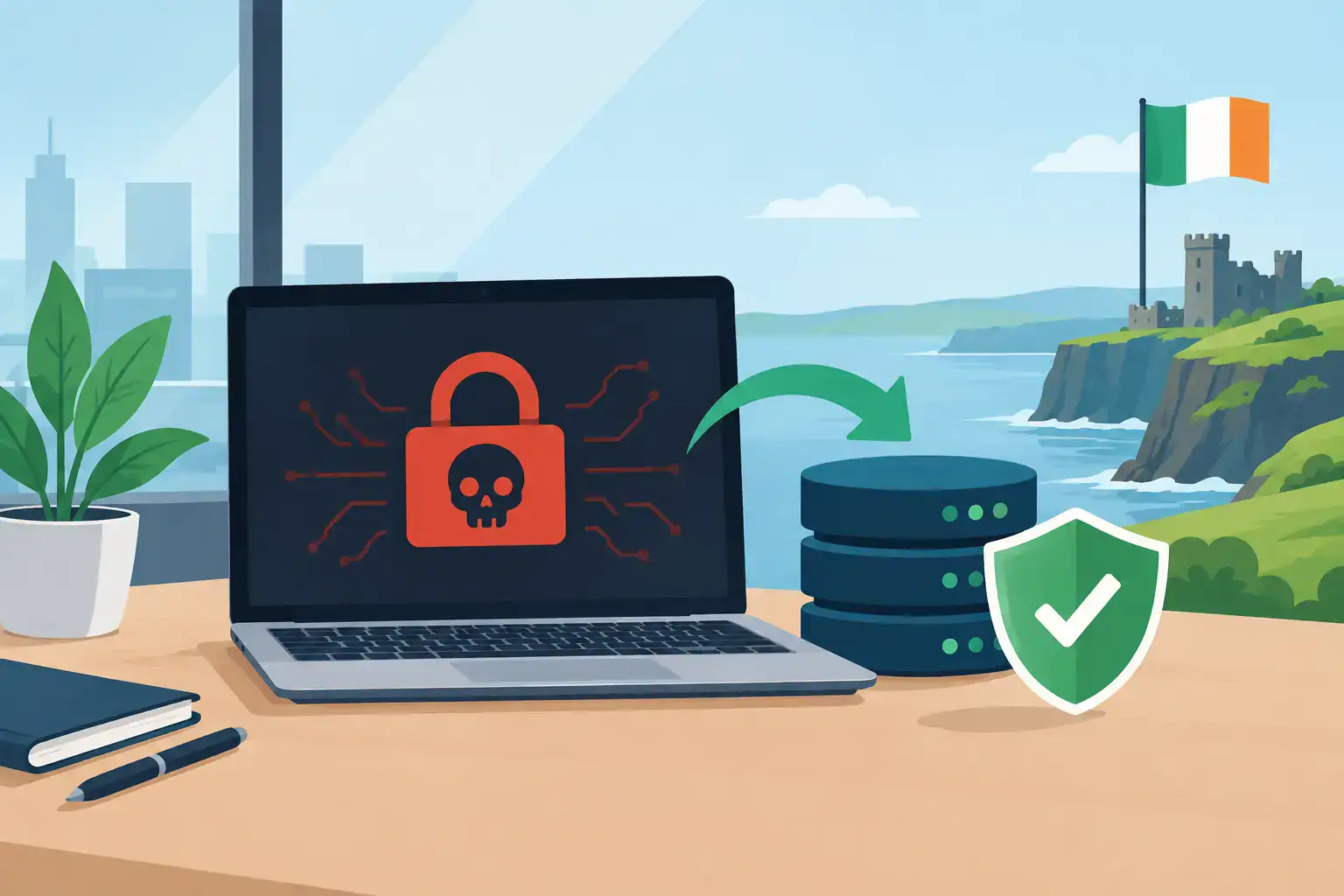
Cyber incidents are a growing cause of network disruption. Ransomware can make servers and shared data unavailable. A distributed denial-of-service attack can overwhelm an internet connection or hosted service. Compromised credentials may be used to change network settings, while malware can generate abnormal traffic that slows the network to a halt.
Security tools can also interrupt operations when they are poorly configured. An overly restrictive firewall rule, web filter or endpoint policy may block a legitimate service after an update. That does not mean security should be weakened. It means controls need professional configuration, monitoring and a process for investigating genuine business impact quickly.
The trade-off is clear: open access can reduce short-term friction but raises risk; strict controls without careful management can frustrate users. A managed approach balances protection with the way the business actually works.
DNS, cloud and third-party service failures
Staff may have a functioning internet connection but still be unable to access a critical platform. DNS problems are a common example. DNS translates a web address into the destination systems need to reach. If it fails, websites, cloud applications and email services may appear unavailable even though the underlying connection is active.
Third-party platforms can also experience outages. Microsoft 365, accounting software, payment systems, hosted phone platforms and line-of-business applications all sit outside the office network to some degree. Businesses cannot prevent every supplier incident, but they can understand their dependencies and prepare alternative ways to communicate or continue essential work.
This is why outage diagnosis should begin with scope. Is one person affected, one department, the entire site, remote staff, or customers as well? Is the issue limited to Wi-Fi, or does it affect wired devices too? These answers quickly separate a local fault from a provider or platform issue.
Reducing the Impact of Business Network Outages
The goal is not to promise that outages will never happen. Even well-managed environments are affected by supplier failures, power events and unexpected equipment faults. The goal is to reduce both the likelihood of disruption and the time it takes to recover.
Start with visibility. Keep an accurate record of network equipment, internet services, Wi-Fi locations, key suppliers and support contacts. Maintain secure backups of firewall and switch configurations. Monitor critical devices and connections so that warning signs, such as a failing internet line or a full network port, are identified before staff report a problem.
Then focus on the services that matter most. A professional services firm may need secure access to cloud files and client systems. A retailer may prioritise card payments, guest Wi-Fi and phones. A business with remote staff may need resilient VPN access and cloud calling. Business continuity should reflect the real cost of downtime, rather than applying the same solution to every organisation.
Testing is where plans become dependable. Failover internet connections, backup power and recovery procedures should be tested periodically, not assumed to work because they were installed years ago. Staff should know who to contact and what information to provide when an issue occurs. Clear reporting can save hours of investigation.
For Dublin SMEs without a large internal IT team, a managed IT partner can provide the monitoring, documentation and responsive support that makes this practical. Host-It helps businesses manage connectivity, security and recovery as connected parts of one operational service, rather than separate problems addressed only after downtime occurs.
The most useful question after an outage is not simply, “How do we get back online?” It is, “What would let us recover faster next time?” That question turns an unavoidable disruption into a practical improvement to the business.