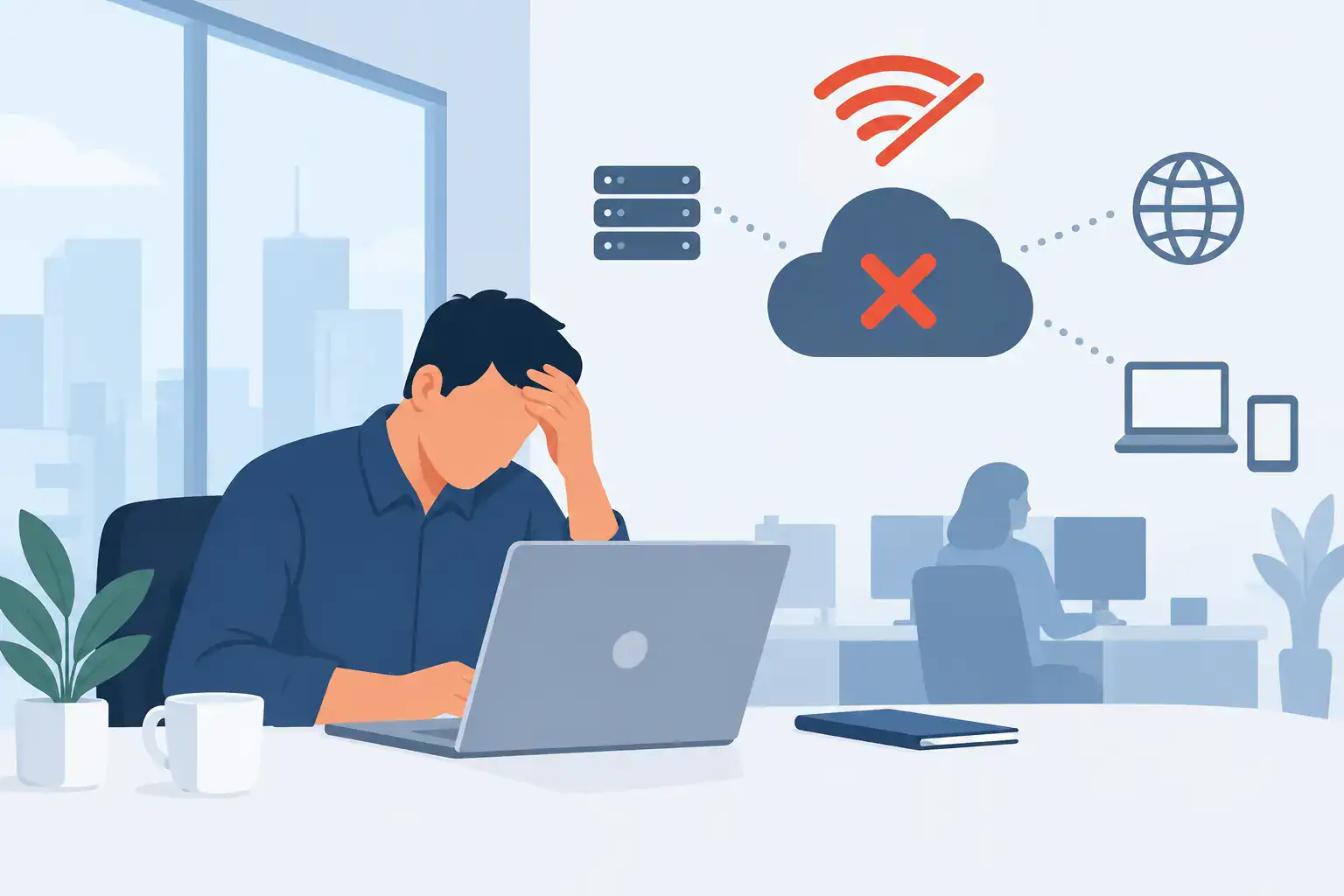

At 8.35am on a busy Monday, an inaccessible server, locked user accounts or failed phone system can stop an SME before the team has finished their first coffee. The best business continuity tools are not simply products to buy after a problem. They are connected safeguards that keep staff productive, customers informed and business data recoverable when disruption occurs.
For most small and medium-sized businesses, continuity is not about building an expensive secondary data centre. It is about making sensible decisions around backup, security, communications, access and recovery responsibilities. The right mix depends on how your business operates, how much downtime it can tolerate and which systems are essential to serving customers.
What business continuity tools need to achieve
A continuity tool should support a clear business outcome: prevent an incident where possible, limit its impact when it happens, and help the business recover in a predictable timeframe. That means looking beyond a single backup application or antivirus licence.
Start by identifying your critical services. For one business, this may be its accounting platform, shared files and email. For another, it may be a line-of-business application, cloud phone system, customer records and remote access. Each service needs a recovery time objective – how quickly it must be restored – and a recovery point objective – how much recent data the business can afford to lose.
A system that can be restored eventually is not necessarily a continuity solution. If restoring it takes three days and your operations cannot function for more than four hours, there is a serious gap.
The 8 best business continuity tools for SMEs
1. Managed backup and recovery
A managed backup platform is the foundation of most continuity plans. It should protect servers, endpoints and critical cloud data, with encrypted copies stored separately from the primary environment. The key word is recoverable. Backups must be monitored, retained appropriately and tested, rather than assumed to be working because a scheduled job reports success.
Look for versioning and immutable backup options, which help protect copies from ransomware or accidental deletion. A practical approach often follows the 3-2-1 principle: keep multiple copies of data, on different media, with one copy held away from the main environment.
2. Cloud productivity and file collaboration
Cloud-based email, document storage and collaboration tools can reduce dependence on a single office server or location. Staff can continue working from home, a temporary site or another branch when travel, building access or local hardware becomes a problem.
However, cloud adoption does not remove the need for backup or security. Deleted files, compromised accounts and incorrect permissions can still disrupt operations. Cloud services should be configured with multi-factor authentication, controlled access and a separate backup policy for important business data.
3. Endpoint detection and response
Traditional antivirus alone is no longer enough for businesses handling a steady flow of phishing emails, malicious attachments and stolen credentials. Endpoint detection and response tools monitor laptops, desktops and servers for suspicious behaviour, enabling threats to be isolated before they spread.
For SMEs, the strongest option is usually a monitored service rather than software left for an internal administrator to review occasionally. Alerts at 2am do not protect the business unless someone has a clear responsibility to investigate and act.
4. Multi-factor authentication and identity management
A large proportion of serious incidents begin with a compromised password. Multi-factor authentication adds another check before a user can access email, cloud applications, remote desktop services or sensitive systems. It is one of the most cost-effective ways to reduce the risk of account takeover.
Identity management tools also make it easier to apply least-privilege access. Employees should have the access required for their role, not permanent access to every shared folder, finance system or administration console. When someone leaves, their access should be removed promptly and consistently.
5. Secure remote access
When an office is unavailable, staff need a safe way to reach the systems required for their role. A properly configured virtual private network, secure remote desktop environment or cloud workspace can support this without exposing internal systems directly to the internet.
The trade-off is usability. Overly complicated access controls can encourage workarounds, while overly permissive settings create security risk. The right solution balances secure authentication, suitable device policies and a straightforward experience for employees who need to work elsewhere.
6. VoIP and resilient business communications
Customers need to be able to reach your business even if the office is closed or a local connection fails. Cloud VoIP systems allow calls to be routed to mobiles, alternate locations or available team members. Features such as call groups, voicemail-to-email and automated messages can keep customer communication moving during an incident.
This is often overlooked in continuity planning. Yet a business may restore its systems quickly and still lose confidence if customers hear a dead line, cannot contact support or receive no explanation of a service interruption.
7. Network monitoring and resilient connectivity
Internet access is now essential to email, cloud applications, card payments, phones and remote support. Network monitoring tools can spot faults, unusual traffic and performance issues before they become full outages. For businesses with a low tolerance for downtime, a secondary broadband or mobile connection can provide a useful failover route.
Not every SME needs dual connectivity at every site. A small office that can work temporarily from mobile hotspots has different requirements from a firm processing customer transactions all day. The decision should be based on the real cost of an outage, not just the monthly price of a second line.
8. Incident response and continuity management software
The final tool is often a documented, accessible plan supported by a simple incident management platform. It should record who makes decisions, who contacts suppliers, how staff are informed, which systems are restored first and where recovery instructions are held.
A plan stored only on an unavailable network drive is of limited use during a major incident. Keep essential contact details, recovery procedures and communications templates available securely outside the primary environment. Run short exercises so people understand their role before pressure is high.
Choosing the right continuity stack
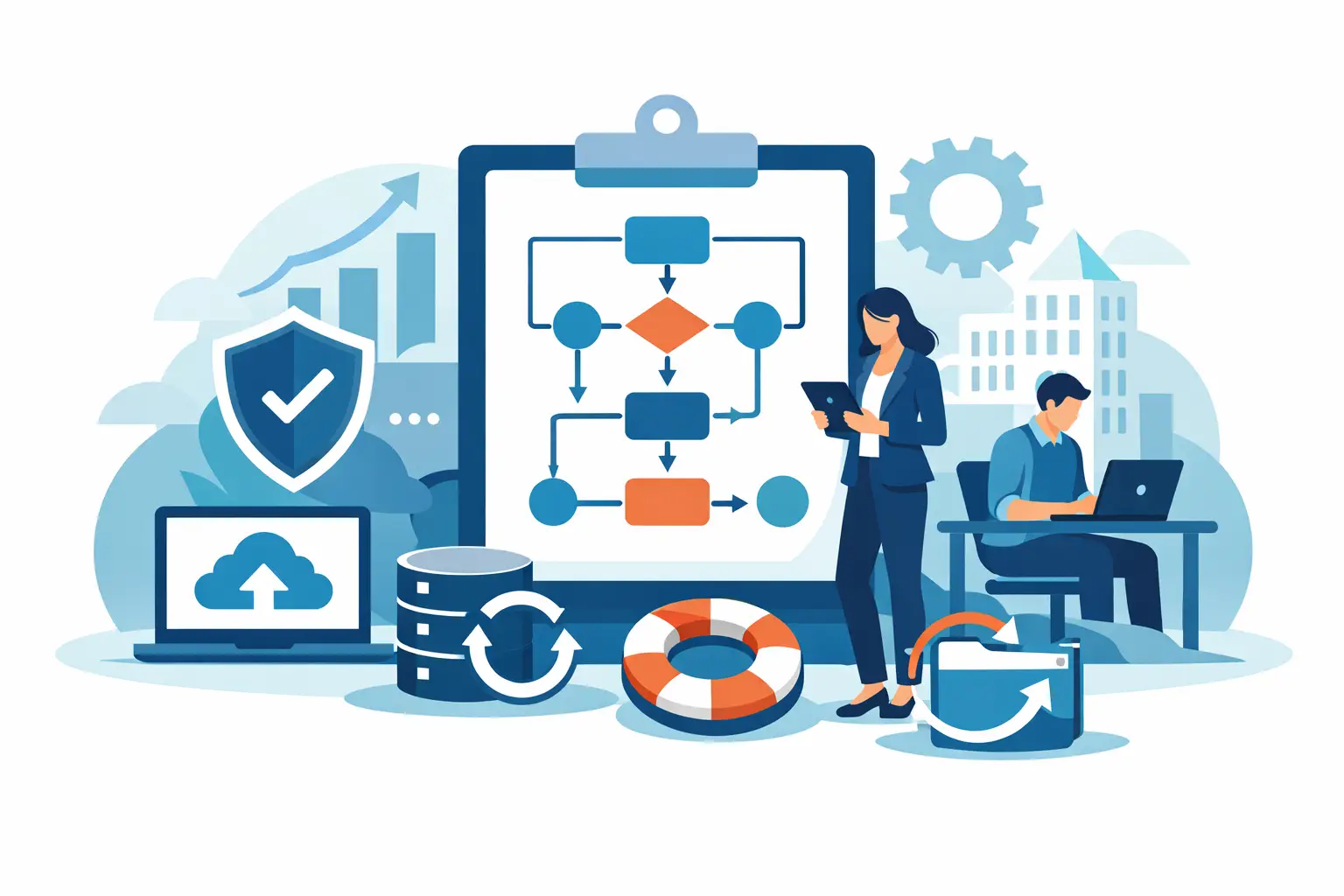
The best business continuity tools work as a system. Backup protects data, endpoint security reduces the chance of an attack, identity controls limit account misuse, and cloud communications help the team stay connected. Buying each service separately without a clear owner can create blind spots between providers.
Assess your current position with a few direct questions. Which systems would stop revenue or customer service if unavailable? Are backups tested through a real restore? Could staff work safely if they could not enter the office tomorrow? Who would respond to a suspected ransomware incident, and how quickly?
Then prioritise the gaps with the greatest operational impact. A business with poor backups should fix that before adding advanced monitoring features. A company with a well-managed cloud environment but no alternate phone routing may need to focus on communications resilience. There is no universal shopping list, and the most expensive tool is not always the best fit.
It is also worth considering management capacity. Continuity technology needs regular review: new starters must be given correct access, departing staff must be removed, backup alerts need attention and recovery plans must reflect changes to systems and suppliers. For SMEs without a dedicated IT team, managed support can turn a collection of licences into an accountable continuity service.
Turn tools into a recovery capability
Technology is only one part of staying operational. Clear ownership, tested procedures and responsive support determine whether a business recovers calmly or loses valuable time deciding what to do next. An experienced IT partner can help map critical services, set recovery priorities and maintain the tools behind the plan.
For Dublin SMEs, Host-It brings backup, cybersecurity, cloud, connectivity and communications into one managed approach, reducing the risk of gaps between separate suppliers. The objective is straightforward: protect the systems your business relies on and give your team a practical route back to work when disruption tests the plan.
A continuity plan earns its value long before an emergency. Start with the service your business could least afford to lose, test how it would be restored, and let that answer shape the next improvement.