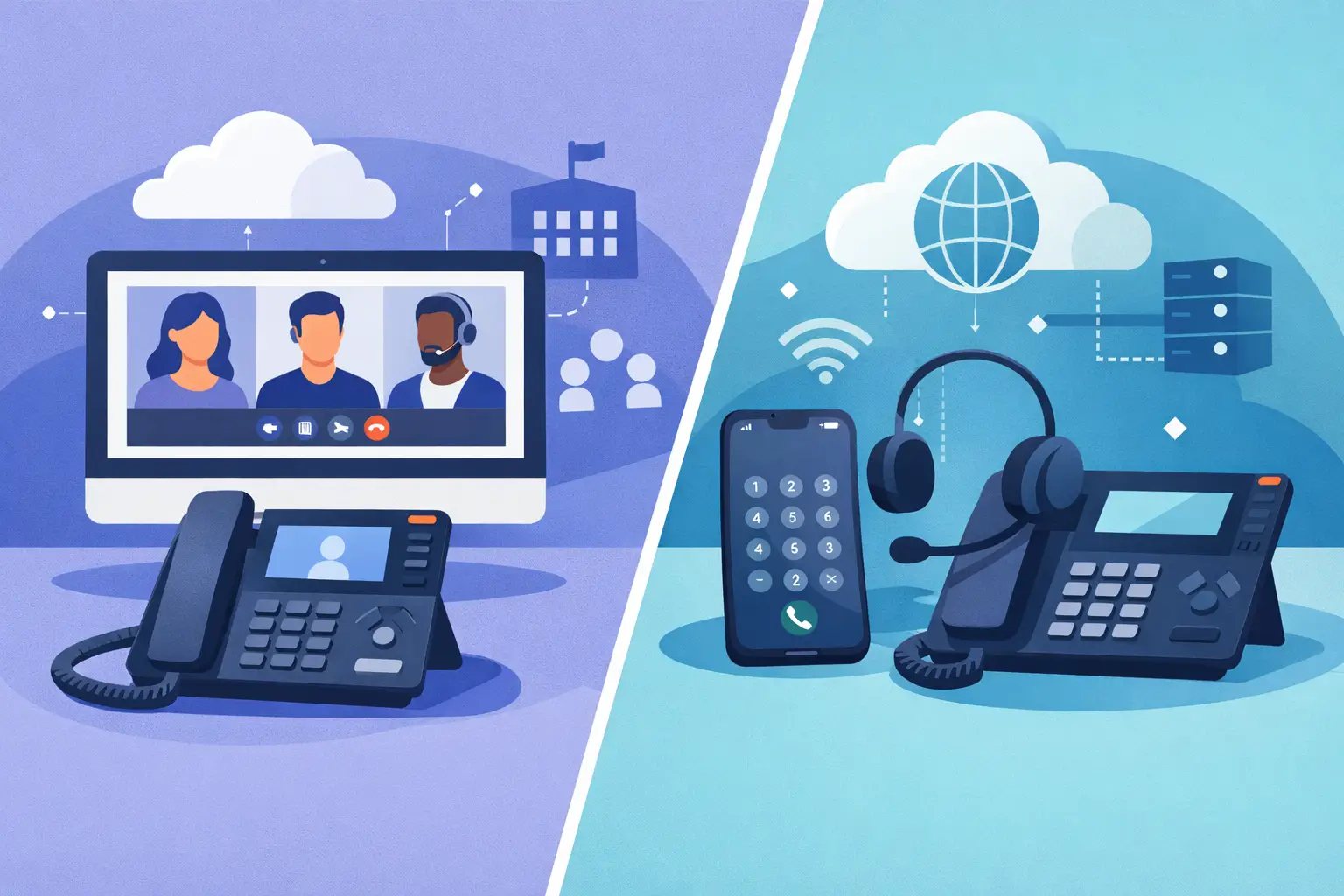

A missed customer call during a broadband outage, a receptionist tied to an ageing desk phone, or staff using personal mobiles because office extensions no longer suit hybrid work – these are operational problems, not simply telecoms issues. The Microsoft Teams phone versus VoIP decision can shape how reliably your people communicate, how easily they work across locations, and how quickly your business can recover from disruption.
There is one point worth clarifying from the outset: Microsoft Teams Phone is itself a form of VoIP. It carries calls over an internet connection rather than traditional telephone lines. In practice, the comparison usually means Microsoft Teams Phone with external calling versus a dedicated cloud VoIP phone system. The right choice depends less on features alone and more on how your staff already work, what continuity risks you need to manage, and how much support your business requires.
What Microsoft Teams Phone Actually Provides
Microsoft Teams Phone adds business calling capabilities to the Teams environment. It allows staff to make and receive external calls using their business number from the Teams app, whether they are on a laptop, mobile, headset or compatible desk phone. For organisations already using Microsoft 365 and Teams for meetings and internal messages, this can bring calling into a familiar workspace.
A Teams Phone deployment normally requires the appropriate Microsoft licensing, a calling plan or a separate way to connect to the public telephone network, and configuration of numbers, call policies and routing. That final element matters. A business phone system is not ready simply because users can place calls. It needs sensible call flows, voicemail handling, permissions, emergency calling details and a plan for what happens when a user or site is unavailable.
For a hybrid team that lives in Teams, the appeal is clear. A colleague can see a customer call, transfer it, check availability and continue a conversation without swapping between separate applications. It can reduce application clutter and help remote staff maintain a consistent business identity.
Microsoft Teams Phone Versus VoIP: The Real Difference
A dedicated VoIP platform is designed primarily around business telephony. It may include desktop and mobile apps, desk phones, auto-attendants, call queues, reporting, call recording options and integrations with CRM or contact centre tools. Teams Phone, by contrast, is designed to make external calling a natural extension of the Microsoft collaboration environment.
Neither approach is automatically better. The difference comes down to the centre of gravity in your business.
If most employees spend their day in Microsoft Teams, and your calling requirements are relatively straightforward, Teams Phone can be a logical fit. It gives users one familiar interface and supports flexible working without requiring everyone to learn another communications platform.
If your business relies heavily on reception, high volumes of inbound calls, complex departmental routing, detailed call analytics or specialist contact centre functions, a dedicated VoIP system may offer greater telephony depth. This is common in service businesses where callers need to reach the right person quickly and every missed call can mean lost revenue.
The most useful question is not, which system has the longest feature list? Ask instead: how do customers reach us, how do our employees answer, and where would a failure cause the most disruption?
Consider the Day-to-Day User Experience
For employees, simplicity drives adoption. Teams Phone is familiar to organisations that already use Teams daily. Calls, chats, meetings and presence sit in the same place, which can make it easier to work between the office, home and client sites. Staff can use a headset at their desk and then take the same business number on a mobile device when travelling.
A standalone VoIP system can be equally straightforward, particularly when teams value a dedicated phone application or physical handsets. Reception and customer-facing teams often prefer the immediate visibility of call queues, parked calls and line status that a telephony-focused interface can provide.
Physical handsets are not obsolete, but they should be chosen based on working patterns rather than habit. A busy reception desk may benefit from a purpose-built handset. A consultant who moves between home, office and client premises may be better served by a laptop and certified headset. A good solution supports both without creating separate phone identities for the same person.
Cost Is More Than a Monthly Licence
Comparing licence prices alone can give a misleading picture. Teams Phone may look efficient where your organisation already has the right Microsoft 365 subscription and intends to retain it. However, businesses should account for calling charges or provider connectivity, number porting, desk phones, headsets, implementation time and ongoing administration.
Dedicated VoIP services usually package telephony functions and call connectivity more clearly, but costs vary with the number of users, call volumes, international requirements, optional recording and advanced queue features. There may also be hardware costs where desk phones are required.
The more significant cost is often operational. A cheaper platform can become expensive if calls are incorrectly routed, staff cannot manage basic changes, or support is difficult to access during an outage. For SMEs, the value of a managed service is often found in proactive configuration, responsive support and one accountable partner when something goes wrong.
Reliability Depends on the Whole Setup
Both Teams Phone and cloud VoIP depend on connectivity. That does not make them unreliable, but it means business continuity needs to be designed rather than assumed. Call quality is affected by broadband capacity, Wi-Fi coverage, network congestion, firewall configuration and the quality of headsets or handsets.
A resilient deployment considers more than the phone platform. It should include a suitably specified internet connection, prioritisation of voice traffic where appropriate, secure network configuration and a backup connectivity option for a critical site. For many Dublin SMEs, a secondary connection or mobile failover can be the difference between a short inconvenience and an afternoon of missed calls.
Call continuity also needs attention. Decide where calls should go if the office is inaccessible, a queue is overloaded or a key employee is absent. Calls can be redirected to another team member, a mobile device or an alternative location, but those routes must be set up and tested before an incident occurs.
Security and Governance Need a Place in the Decision
Phone systems are often treated as separate from IT security, which creates avoidable risk. VoIP accounts can be targeted through weak passwords, poor access controls and fraudulent calling activity. Teams Phone sits within the wider Microsoft identity environment, which can make governance more consistent when multi-factor authentication, conditional access and user lifecycle processes are properly managed.
A dedicated VoIP system also can be well secured, but it should be included in the same security standards as the rest of your business technology. Access should be restricted by role, former employees should be removed promptly, and administrators should be able to review unusual activity. If calls involve sensitive customer details, clarify how recordings, voicemail and reporting data are retained and accessed.
For regulated or client-sensitive businesses, this governance can carry as much weight as convenience. A communications platform should help staff work productively without creating an unmanaged route into business information.
When Teams Phone Is Likely to Be the Better Fit
Teams Phone often suits a business where Microsoft Teams is already the established collaboration hub, users are comfortable working through headsets and apps, and calling is important but not highly specialised. It is particularly useful for organisations with mobile or hybrid staff who need the same business number across devices.
It can also simplify support by reducing the number of separate tools employees use. That benefit is strongest when the underlying Microsoft environment is already well managed, licences are appropriate and the phone configuration is designed around real workflows rather than copied from an old PBX system.
When Dedicated VoIP May Be the Better Choice
A dedicated VoIP platform may be the stronger option when telephony is central to how the business operates. Think of a busy reception function, sales team, service desk or organisation with detailed requirements for call queue management and reporting. It can provide a more natural experience for people whose primary job involves handling calls all day.
It may also be the practical answer for businesses that do not rely on Microsoft Teams, want less dependence on a single collaboration suite, or need a phone system that can be managed independently of Microsoft licensing decisions.
Make the Decision Around Continuity, Not Just Features
Before choosing a platform, map a normal customer call from the first ring to resolution. Identify who answers, where the call goes if they are unavailable, what information the team needs, and what should happen if the office or primary internet connection fails. This exercise exposes the requirements that product comparison tables tend to miss.
Then assess your wider IT environment. A phone system should work with your network, security policies, backup connectivity and support arrangements. The best communications choice is the one your staff can use confidently and your business can depend on when conditions are not perfect.
A short review of call flows, connectivity and user needs now can prevent a much harder conversation after customers have started hearing an unanswered ringtone.