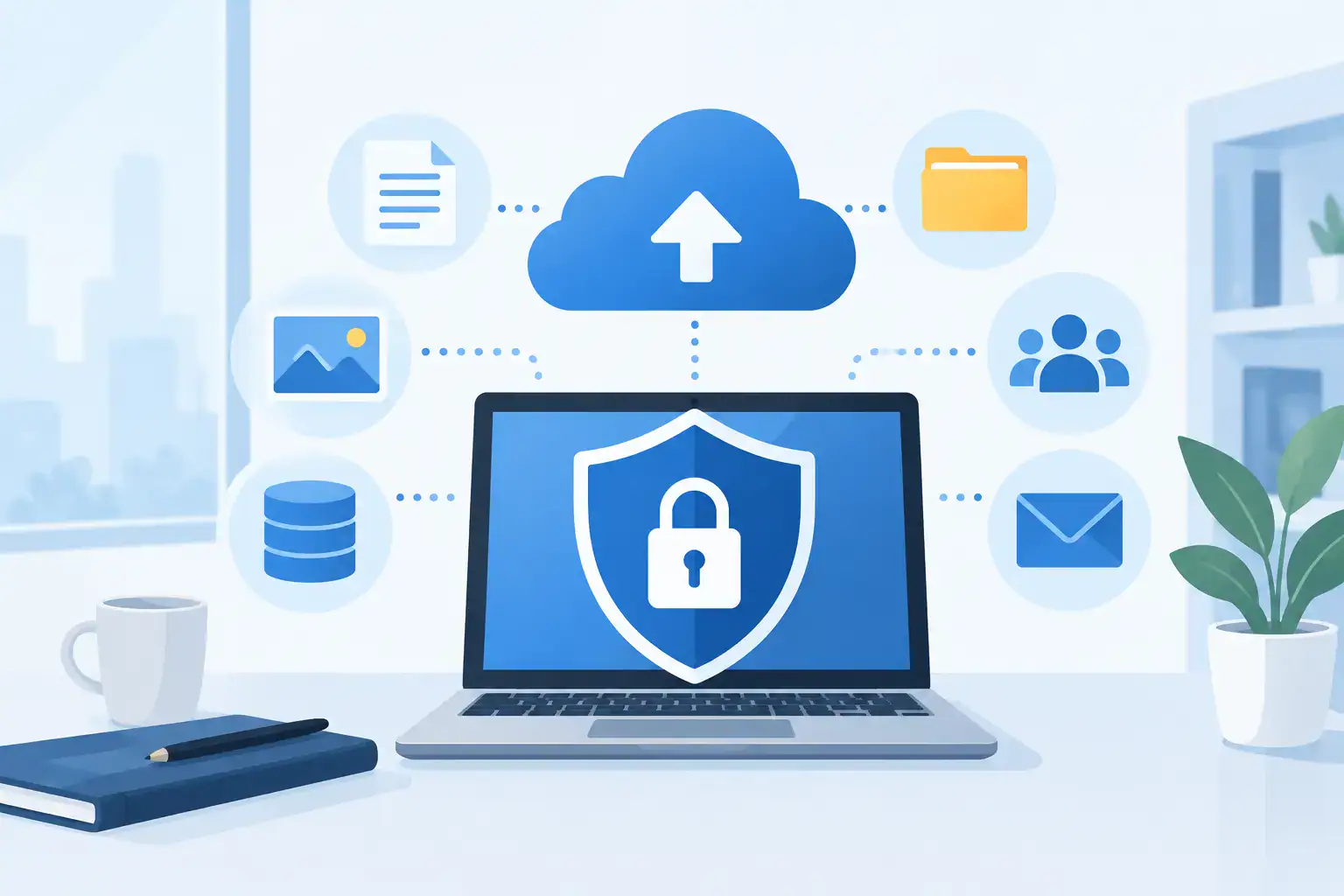

A lost laptop, compromised Microsoft 365 account or ransomware incident can expose far more than the files staff use every day. When asking which data needs encrypted backups, the practical answer for most SMEs is: any information that could harm customers, employees or the business if it were accessed, altered or unavailable.
Encryption protects backup data from being read by someone who should not have it. That matters because backups are often copied to cloud platforms, held off-site or accessed during a high-pressure recovery. A usable backup is essential, but it must also remain private and under your control.
Which data needs encrypted backups first?
Start with the data that would create the greatest operational, financial or legal consequences if it were exposed. For a typical business, customer and employee records are at the top of the list. This includes names, contact details, addresses, account information, identification documents, HR files, payroll records and any information that can identify an individual.
Under UK GDPR principles and, for Irish businesses, GDPR requirements, organisations must take appropriate measures to protect personal data. Encrypted backups are not the only control required, but they are a sensible part of demonstrating that sensitive information is protected when stored outside primary systems.
Financial and commercial records also need encryption. Think invoices, bank details, payment records, tax information, budgets, forecasts, supplier contracts and pricing models. A criminal who obtains these files may use them for fraud, impersonation or targeted phishing. A competitor gaining access could also undermine years of commercial work.
Then consider the data that keeps the business operating. Databases behind line-of-business applications, stock systems, production records, project files, shared drives, CRM platforms and configuration data may not all contain personal information, but losing them can still stop work. Encryption protects their confidentiality; reliable backup and recovery protects their availability. You need both.
Do not overlook the less obvious data
SMEs often protect the obvious folders while leaving valuable information scattered across cloud services and user devices. Sales teams may store prospect notes in a CRM, directors may keep confidential plans in email, and an office manager may hold employee documents in a secure cloud folder. Backup scope should reflect how people actually work, not just what sits on a central server.
Particular attention should be given to email. Mailboxes frequently contain contracts, customer queries, attachments, password reset messages, financial discussions and internal decisions. If a mailbox is deleted, compromised or retained for a legal matter, a separate encrypted backup can be the difference between a controlled recovery and a serious disruption.
The same applies to Microsoft 365 and other software-as-a-service platforms. These services have strong infrastructure protections, but native retention features are not always a complete business backup strategy. Accidental deletion, synchronisation errors, malicious changes and account compromise can affect data held in the platform. The right approach depends on your licences, retention requirements and the applications your teams rely on.
Do not forget system and network configuration. Firewall settings, server configurations, Wi-Fi settings, VoIP configurations, application keys and device management policies can be difficult to recreate accurately. They may not look like conventional business documents, but their loss can extend downtime significantly after an incident.
A straightforward way to decide what to protect
Rather than attempting to classify every file perfectly, assess each data set against four questions:
- Does it contain personal, financial, health, legal or confidential business information?
- Would its loss stop staff serving customers or completing essential work?
- Would its exposure damage trust, create a reporting obligation or cause financial loss?
- Would rebuilding it take more time or money than maintaining an encrypted backup?
If the answer to any one of these is yes, the data should normally be included in your encrypted backup plan. This includes information held by third parties where your business remains responsible for the outcome.
Not every file needs the same retention period or recovery speed. A live finance database may need frequent backups and rapid restoration, while archived project material may be backed up less often and retained for longer. This is where a data inventory becomes useful. It lets you match backup frequency, retention and protection levels to the real impact on the business.
Encryption must not make recovery harder
Encryption is valuable only when authorised people can recover data quickly when they need it. The trade-off is key management. If encryption keys are poorly managed, stored alongside the backup without protection, or known only to a former employee, encrypted backup data can become inaccessible at the worst possible moment.
A sound arrangement uses strong encryption for data at rest and protects it while it travels between your systems and the backup location. Access should be restricted through named accounts, multi-factor authentication and role-based permissions. Recovery credentials and encryption keys should be documented securely, with more than one authorised person able to access the process.
It is also worth separating backup administration from day-to-day user accounts where possible. Ransomware operators often target administrator credentials first, then delete or encrypt backups to remove the victim’s recovery options. Separate credentials, multi-factor authentication and protected backup storage reduce that risk.
For especially critical systems, consider immutable backups. These are designed to prevent backup copies being changed or deleted for a defined period. They do not replace encryption, and they need careful retention planning, but they offer an additional layer of protection against ransomware and malicious deletion.
Protect against loss, exposure and failed recovery
An encrypted backup strategy should address three different problems. The first is data loss, such as hardware failure, accidental deletion or a failed software update. The second is data exposure, where an unauthorised person obtains a backup file or accesses a backup account. The third is recoverability: whether the business can restore clean, complete information within a useful timeframe.
That is why one copy in one location is rarely enough. A practical approach follows the principle of keeping multiple copies, using separate storage types, with one copy held away from the main environment. For many SMEs, this could mean local recovery capability for speed alongside encrypted off-site or cloud backup for resilience.
However, copying data to the cloud does not automatically make it safe. You still need to know where data is stored, who can access it, how long it is retained, whether it is encrypted, and how restoration works. A backup service should provide clear answers rather than vague assurances.
Testing is equally important. Businesses sometimes discover that their backup is incomplete, the required application is unavailable, or restoring a large data set takes longer than expected. Regular restore tests should cover more than a single file. Test a mailbox, a shared folder, a key database or a server recovery according to the systems that matter most.
Set retention around business and compliance needs
Retaining backups indefinitely may sound cautious, but it can increase storage costs, complicate privacy obligations and preserve information that no longer has a business purpose. Retention should be deliberate. Financial records, contractual information and HR documentation may have different retention requirements, while operational data might only need short-term recovery points.
A sensible policy defines what is backed up, how often it is backed up, how long copies are retained, who can restore them and how exceptions are handled. It should also account for staff leavers, deleted accounts, office moves, new applications and changes to how your business handles customer data.
For Dublin SMEs with limited internal IT resource, this is often where an experienced managed IT partner adds value. Host-It can help map critical data, put encryption and recovery controls in place, and test that recovery works before an incident forces the issue.
The best next step is not to buy more storage blindly. Take one essential business process – taking orders, processing payroll, supporting customers or accessing project records – and trace the data it relies on. That exercise quickly reveals what needs encrypted backups, what can wait, and where a small gap could become a major interruption.