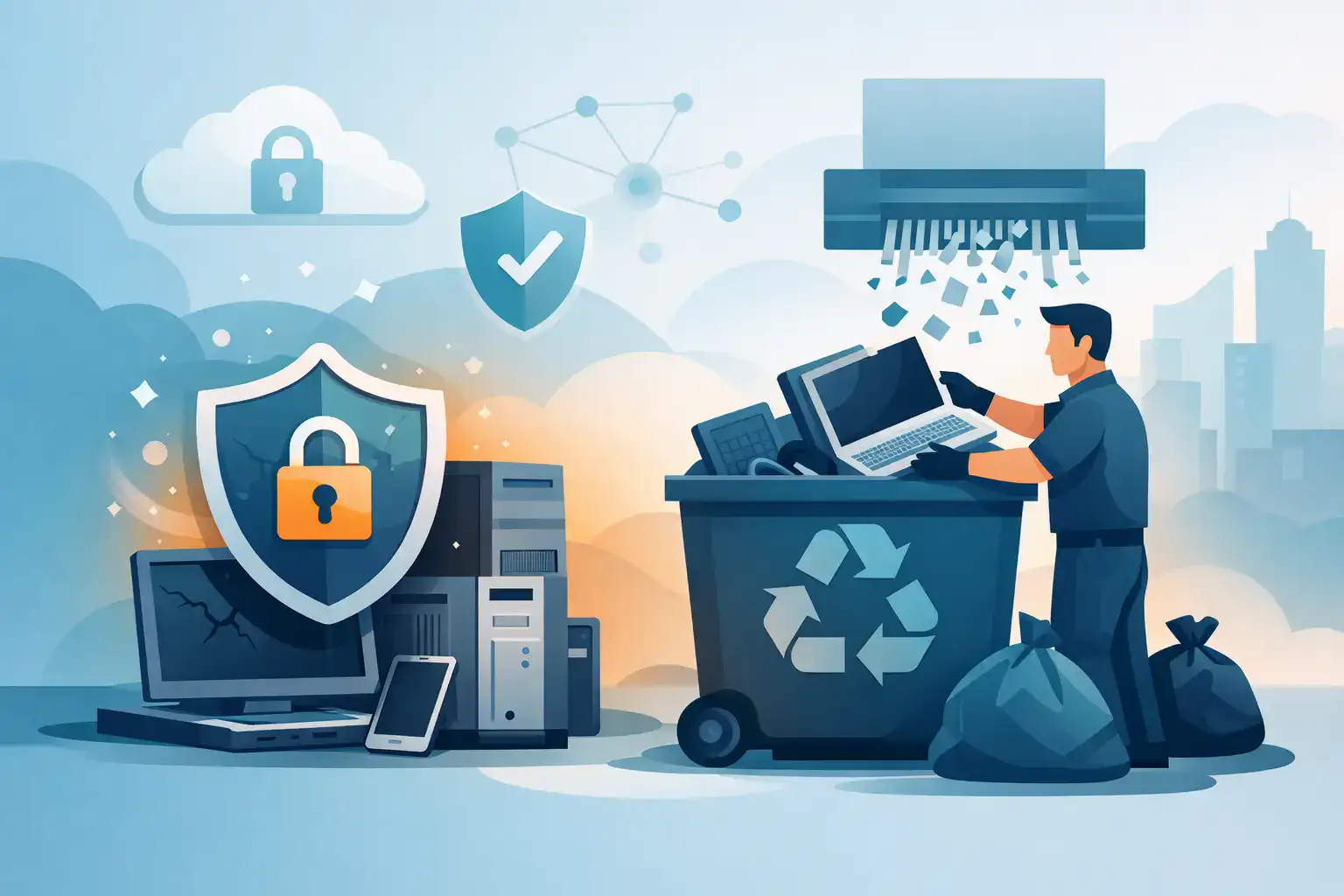

That pile of retired laptops in the comms room is not harmless. For most businesses, old devices still hold email archives, saved passwords, finance files, customer records and access tokens long after staff stop using them. If you are working out how to dispose of old computers securely, the real issue is not getting rid of hardware. It is making sure business data, user access and compliance risks are dealt with properly before anything leaves the building.
For SMEs, this matters more than many teams realise. A decommissioned PC can still create serious exposure if a drive is readable, a device is resold without checks, or disposal is handled informally by a well-meaning staff member. The cost of getting it wrong is rarely the value of the hardware. It is the cost of a data breach, an audit issue or unnecessary operational disruption.
Why secure disposal is a business process, not a tidy-up job
Computers are often retired during office moves, hardware refreshes, leaver processes or cloud migrations. In busy periods, disposal becomes an afterthought. Devices get stacked in storage, passed to another department or sent off without a clear chain of custody.
That is where risk creeps in. A machine that looks obsolete may still contain locally stored spreadsheets, browser data, cached credentials or synced files from Microsoft 365 and other platforms. Even where most information is in the cloud, endpoints often retain enough data to create a security problem.
There is also a practical business angle. Holding onto dead or unsupported equipment clutters offices, complicates asset tracking and leaves uncertainty around what has actually been retired. Good disposal is part of business continuity. It helps you stay organised, reduces security gaps and keeps your IT estate accurate.
How to dispose of old computers securely in the right order
The safest approach is to treat disposal as a controlled workflow. The sequence matters.
Start with an asset check
Before anything is wiped or moved, confirm exactly what the device is, who used it and whether it is still needed for operational, legal or compliance reasons. That includes the device type, serial number, assigned user and whether it contains storage media.
This step sounds administrative, but it prevents common mistakes. Businesses sometimes dispose of machines that were meant to be reassigned, still form part of a software audit trail or hold records needed for retention purposes. If a laptop belonged to finance, HR or senior leadership, the sensitivity level is likely higher and disposal should be handled accordingly.
Protect the data before you remove the device
If there is any chance useful business information remains on the machine, make sure it has been backed up or migrated first. This is especially relevant when older desktops have been used outside formal file storage rules. Staff often save documents locally for years without anyone realising.
At this stage, user access should also be reviewed. If the device is tied to active accounts, remove it from management systems, revoke unnecessary access and update your records. Disposal is not just about the hard drive. It is about making sure the endpoint no longer sits quietly inside your wider environment.
Decide whether the device will be reused, resold or destroyed
Not every old computer needs physical destruction. Some devices can be securely wiped and redeployed internally. Others may have resale value if data is properly sanitised and the equipment is still fit for purpose.
The trade-off is straightforward. Reuse and resale can recover some value, but they demand a higher level of confidence in the wiping process and tighter documentation. If a machine is too old, damaged or contains highly sensitive information, destruction is often the cleaner and lower-risk option.
Data wiping versus physical destruction
This is where many disposal plans become vague. Deleting files or reformatting a drive is not secure disposal. It removes easy access to data, but it does not reliably prevent recovery.
When secure wiping makes sense
Certified data erasure is suitable where devices are being reused or remarketed. The process should overwrite the storage media using recognised methods and produce a record showing what was wiped, when and on which device.
This can work well for standard business laptops and desktops that are still serviceable. It is efficient and more sustainable than destroying every asset by default. But it depends on the condition of the drive and the quality of the process. If the drive is faulty, incomplete wiping may not be possible.
When physical destruction is the safer choice
For failed drives, heavily outdated equipment or devices used for sensitive workloads, physical destruction is often the better answer. Crushing or shredding storage media reduces the chance of data recovery and removes ambiguity.
This is particularly relevant where businesses need strong assurance for internal governance, insurance expectations or regulated data handling. In practice, many organisations use a mix of both methods depending on the asset type and data profile.
What compliant disposal looks like
Secure disposal is not only a security issue. It also touches data protection, environmental obligations and internal governance.
If your business handles personal data, you need to be able to show that old devices were disposed of appropriately. That means having a documented process, maintaining disposal records and using providers who can demonstrate secure handling. A verbal assurance is not enough if questions are raised later.
There is also the environmental side. Computers, monitors and related hardware should be processed through appropriate electronic waste channels rather than being sent to general waste. Responsible recycling and secure data destruction should sit together, not as separate decisions.
For many SMEs, the practical standard is simple. You should know what was disposed of, how the data was dealt with, who handled it and when the process was completed. If you cannot answer those points quickly, your disposal process needs tightening.
Choosing a provider for secure computer disposal
If disposal is handled by a third party, due diligence matters. The cheapest collection service is not always the safest one.
Look for a provider that can explain its chain of custody clearly, confirm whether assets are wiped or destroyed, and issue documentation such as asset reports or certificates of destruction where appropriate. If equipment is being transported off-site, ask how it is secured in transit and what happens if an item is damaged or found to contain a failed drive.
It is also worth checking whether the provider understands business IT environments rather than simply waste collection. Disposal is easier and safer when the same process considers user offboarding, asset registers, backup status and security controls. For Dublin SMEs with limited internal IT capacity, working with a managed partner that can coordinate these steps reduces room for error.
Common mistakes businesses make
The most frequent mistake is assuming an unused device is a safe device. It is not. If it still contains data or still appears in your environment, it remains a risk.
Another issue is informal disposal. A manager takes an old laptop home, a staff member donates a desktop, or a local clear-out happens without IT oversight. These decisions are usually made for convenience, not negligence, but they break the chain of control.
Storage is another hidden problem. Many businesses postpone disposal for months or years because they are unsure what to do next. During that time, equipment sits in unlocked cupboards or spare rooms with no inventory and no clear ownership. That is not secure retention. It is unmanaged risk.
Build disposal into your wider IT lifecycle
The strongest approach is to stop treating disposal as a one-off event. It should sit inside your normal IT lifecycle, alongside procurement, onboarding, support, patching and replacement planning.
When a device reaches end of life, there should already be a clear route for backup checks, user offboarding, data sanitisation, asset updates and final disposal. That makes refresh projects cleaner and avoids the last-minute scramble that causes mistakes.
For growing SMEs, this is where external support can make a real difference. A managed IT partner can help standardise the process, keep records consistent and make sure old devices do not become a weak point in an otherwise well-run environment.
A retired computer should leave your business with the same level of control as any live system. If you handle disposal with care, you protect your data, reduce avoidable risk and keep your operations far easier to manage when the next refresh comes around.