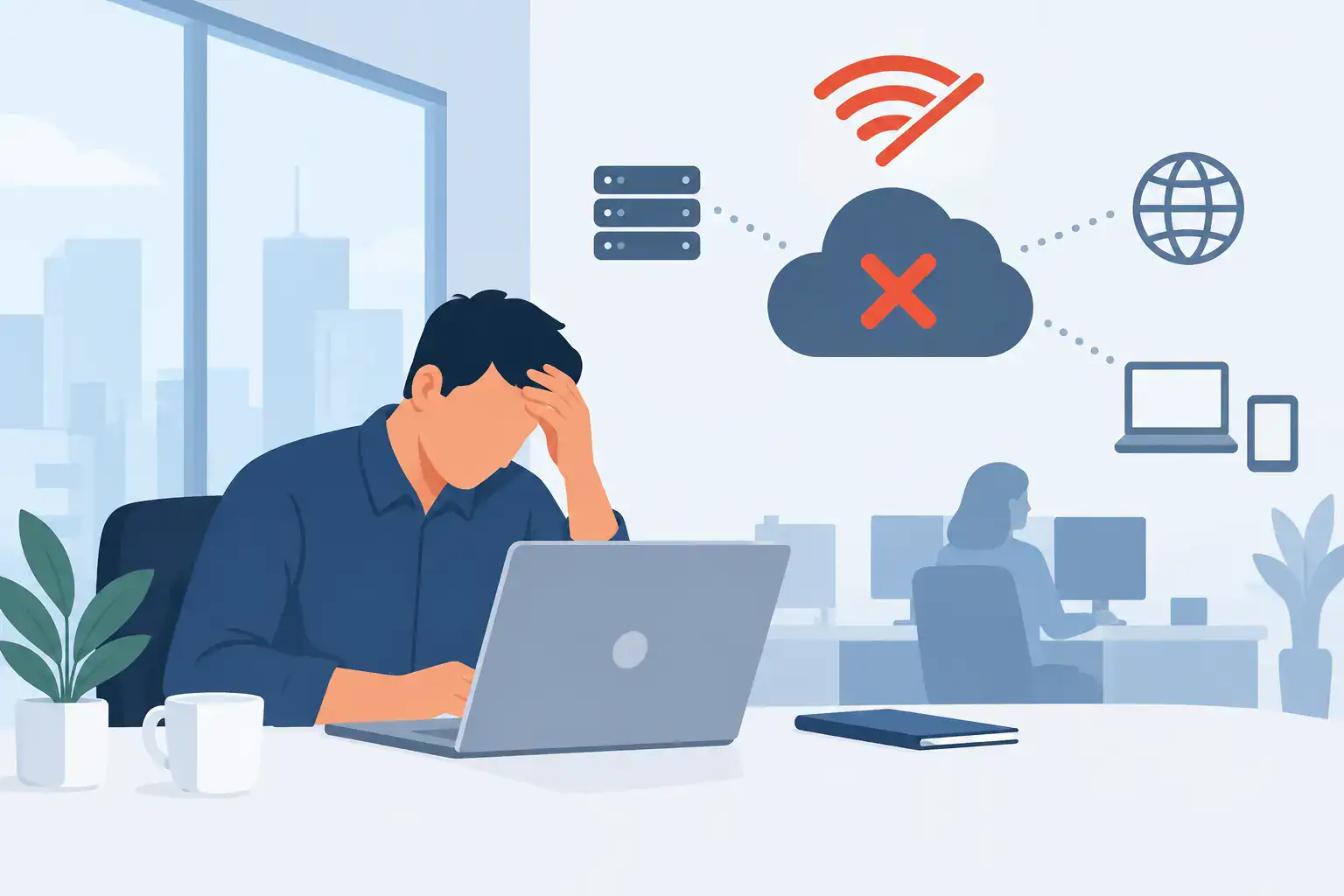

A single suspicious attachment can stop a small office far more quickly than most owners expect. Files become inaccessible, staff lose access to email, customers wait for updates and valuable time is spent working out what happened. The best antivirus for small offices is not simply the product with the longest feature list. It is the one that protects every business device, is actively managed and supports a fast recovery when something goes wrong.
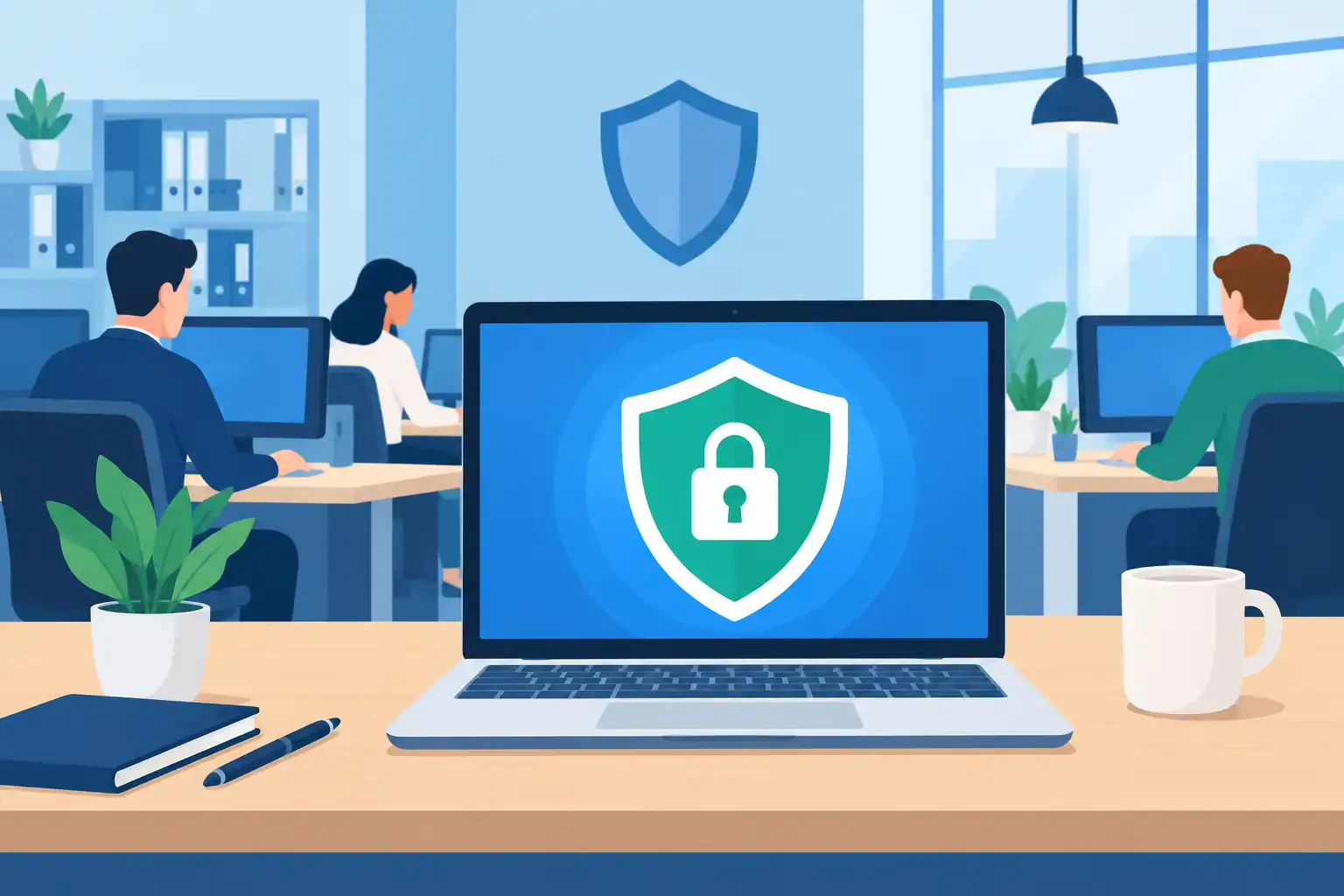
For SMEs, antivirus should be part of a wider security plan rather than a box ticked during a computer setup. Good protection reduces the chance of malware spreading, but it also helps your business spot suspicious activity early, isolate affected devices and keep day-to-day work moving.
What makes the best antivirus for small offices?
Consumer antivirus software may be suitable for a home laptop, but it is rarely enough for an office. Small businesses need visibility across company laptops, desktop PCs and, where applicable, mobile devices. They also need consistent security settings, protection when staff are working remotely and clear accountability when an alert appears.
The strongest business antivirus platforms combine traditional malware detection with endpoint protection. This means they look beyond known viruses and assess behaviour that may indicate ransomware, credential theft or an unauthorised attempt to access company data. If a device starts encrypting large numbers of files, for example, behavioural protection can respond before the damage spreads across shared folders.
Management matters just as much as detection. A central console allows an administrator or managed IT partner to confirm that devices are protected, identify machines that have missed updates and investigate alerts without visiting every desk. For a small office with no dedicated IT team, this can be the difference between containing an incident quickly and discovering it after several days.
The right choice also depends on your existing systems. A business already using Microsoft 365 may benefit from security that works closely with its Microsoft identity, email and device management tools. An office with mixed operating systems, specialist applications or a larger remote workforce may prioritise broader platform support and more detailed policy controls.
Four business antivirus options worth considering
There is no universal winner because budgets, device numbers and internal IT capability vary. However, the following platforms are regularly considered by small and medium-sized businesses for different reasons.
Microsoft Defender for Business
Microsoft Defender for Business is a sensible choice for organisations built around Microsoft 365, particularly those using Microsoft 365 Business Premium. It provides endpoint protection, threat detection and centralised security management across Windows, macOS and mobile devices. Its close connection with Microsoft identity and cloud services can make it easier to investigate a security event affecting email, user accounts and laptops.
The main advantage is value where the business already pays for the relevant Microsoft licensing. The trade-off is that its settings and alerts still need informed oversight. Switching it on is not the same as having someone review incidents, tune policies and act when a device needs isolating.
Bitdefender GravityZone
Bitdefender GravityZone is often a strong fit for smaller organisations that want capable protection without an overly complicated experience. It offers centrally managed endpoint security, ransomware defences, web filtering and reporting, with options that can scale as the business grows.
It is particularly useful where an office has a mixture of Windows and Mac devices or needs clear control over web access and removable media. As with many security products, the licence tier matters. A lower-cost package may cover core antivirus needs, while advanced investigation and response features can require a higher level of subscription.
Sophos Intercept X
Sophos Intercept X is well regarded for its focus on ransomware protection and endpoint detection and response capabilities. It can be a good option for businesses that handle sensitive information, have compliance concerns or want more detailed visibility into suspicious activity.
Its depth is valuable, but it can be more than a very small office needs if nobody is available to manage the alerts. Sophos is often at its best when supported by an experienced IT provider that can interpret events and respond promptly, rather than leaving an office manager to decide whether an alert is serious.
ESET PROTECT
ESET PROTECT is another practical option for SMEs looking for flexible endpoint security and straightforward central management. It is known for relatively light system impact, which can matter in offices using older PCs or resource-intensive business software. Its product range allows businesses to add server, mail security and more advanced detection capabilities where required.
The consideration here is planning. ESET can be tailored effectively, but the business should be clear about which devices, servers and cloud services need protection before selecting a package.
Do not choose on price alone
The cheapest per-device licence may look attractive, especially for a five or ten-person office. However, the real cost of antivirus is revealed during an incident. If the software does not protect remote staff, if expired devices remain unmanaged, or if nobody sees a critical alert until the next working day, the apparent saving disappears quickly.
When comparing products, ask whether the subscription includes central management, ransomware protection, web and phishing controls, automatic updates, mobile device coverage and support for your operating systems. Also check whether protection extends to servers and whether those servers need a separate licence.
It is worth looking carefully at alert handling. Some providers sell excellent technology but assume that your team will monitor a dashboard and investigate threats. That may be realistic for a business with an internal IT manager. It is less realistic for an operations lead who is also responsible for suppliers, staff and customer service.
Antivirus is only one layer of business protection
Antivirus can block many threats, but it cannot compensate for weak passwords, unpatched software, poor backup arrangements or an employee entering credentials into a convincing fake Microsoft 365 sign-in page. Cybersecurity works best as a set of connected controls.
Multi-factor authentication should protect email, cloud systems and remote access. Devices should receive operating system and application updates promptly. Staff need practical awareness training that helps them question unusual payment requests, unexpected links and password reset messages. Access should be removed quickly when employees leave, and users should only have the permissions they need for their role.
Backups are equally important. Ransomware protection reduces the likelihood of an attack succeeding, but recovery planning determines how quickly the business can return to normal if it does. Keep protected, tested backups of essential data and systems, and know who is responsible for starting the recovery process. A backup that has never been tested is an assumption, not a plan.
Managed antivirus support changes the outcome
For many small offices, the best arrangement is not a standalone antivirus licence but a managed endpoint security service. This provides the technology alongside ongoing patching, monitoring, policy management and a defined route for incident response. It gives decision-makers a clearer view of their risk without adding another specialist task to an already busy team.
A managed provider can also make sure protection remains consistent when new starters join, laptops are replaced or staff begin working from home. These routine changes are common points of weakness. Security is more dependable when it is built into the way devices are purchased, configured and supported.
For Dublin businesses that need a practical, hands-on approach, Host-It can help assess existing protection, identify gaps and put managed security in place as part of a wider IT support and business continuity plan.
The right antivirus should make security quieter, not create another system for your team to worry about. Choose a platform that fits your environment, make sure somebody is accountable for managing it and pair it with tested backups and sensible access controls. That is how a small office stays protected while keeping people productive.