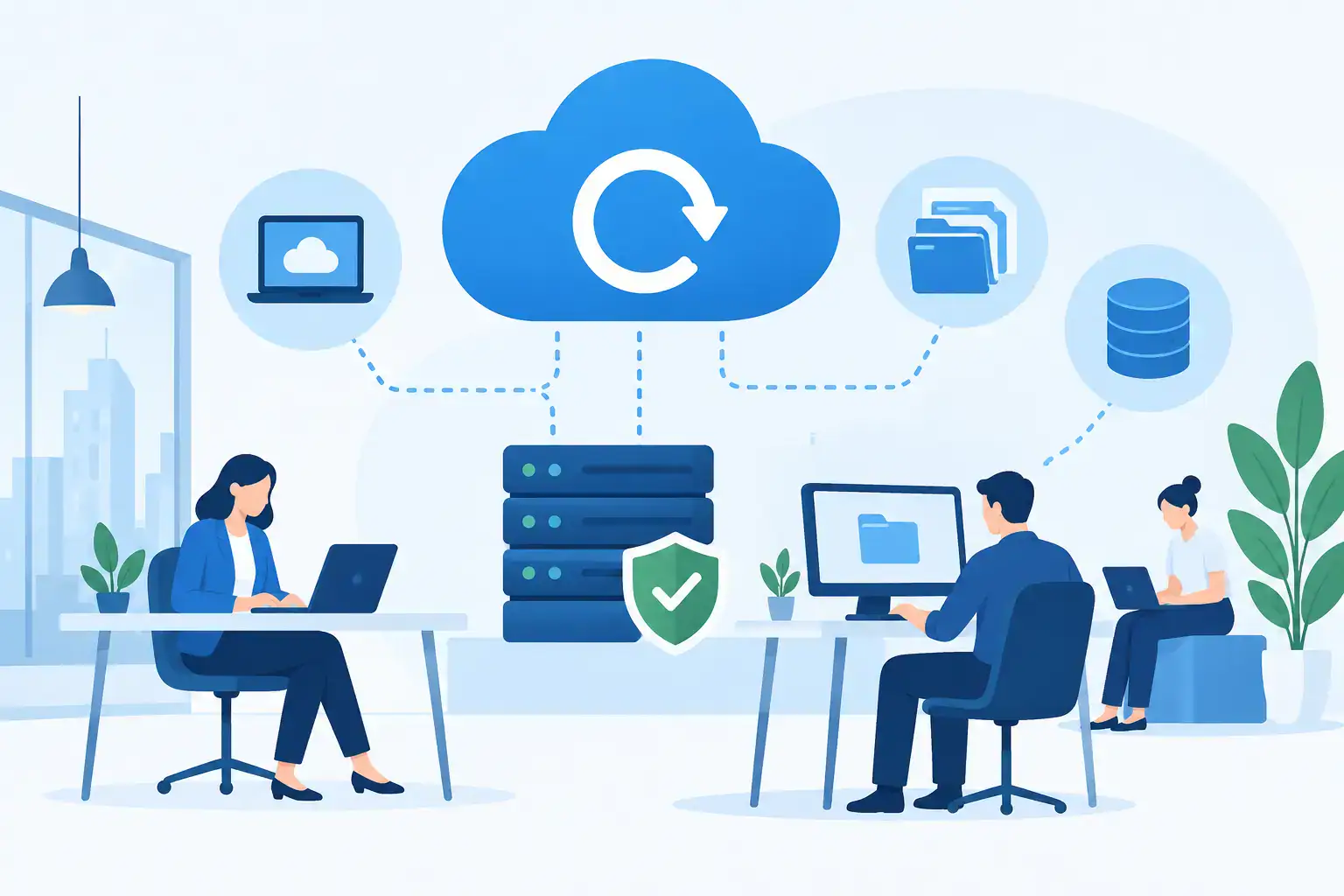

A deleted folder, a compromised Microsoft 365 account or a failed server can stop a business far faster than most teams expect. Cloud backup services give SMEs a separate, recoverable copy of essential information, so an everyday mistake or serious incident does not become prolonged downtime.
For a growing business, backup is not simply an IT task. It is a business continuity decision. The real question is whether staff can continue serving customers, processing orders, accessing records and communicating when a key system is unavailable.
What cloud backup services should protect
A useful backup plan starts with the data and systems your business could not operate without. That commonly includes file servers, virtual machines, laptops, accounting systems, databases and Microsoft 365 or Google Workspace data. Email, SharePoint, Teams files and OneDrive documents are often particularly critical because they support day-to-day collaboration.
Many businesses assume that cloud-based applications are automatically fully backed up. They are protected against infrastructure failure by the platform provider, but that is different from retaining an independent, recoverable copy of your own data. If a user accidentally deletes files, an account is compromised or data is overwritten, the available recovery options may be limited by retention settings and timing.
The right scope depends on how your team works. A small office relying entirely on cloud applications has different needs from a business running on-site servers, specialist software and large databases. In both cases, the aim is the same: identify what matters, copy it securely and make recovery dependable.
Backup is only valuable if recovery works
A backup can appear successful every night and still disappoint when it is needed. Files may be missing, the copy may be too old, restore permissions may be unclear, or recovering a full server may take longer than the business can tolerate. That is why a recovery-focused approach is more valuable than simply checking a green tick on a backup report.
Two measures help bring clarity. The recovery point objective, or RPO, is the maximum amount of data your business can afford to lose. If your RPO is four hours, backups need to capture changes at least that often. The recovery time objective, or RTO, is how quickly a system must be back in service.
These targets should reflect commercial reality. Losing half a day of documents may be manageable for one business but unacceptable for another processing live orders or supporting field teams. Likewise, recovering a single file within minutes is very different from restoring an entire server environment. Faster recovery normally requires more planning, capacity and investment, so it is worth protecting the systems that have the greatest operational impact first.
The 3-2-1 principle still matters
Cloud storage alone is not a complete backup strategy. A sound approach follows the 3-2-1 principle: keep at least three copies of data, on two different types of storage, with one copy held off-site. Cloud backup provides that off-site element and protects against local risks such as hardware failure, theft, fire or flooding.
For stronger resilience, consider an additional immutable copy. Immutable backups cannot be changed or deleted for a defined period, including by an attacker who has obtained administrator credentials. This is a significant defence against ransomware, which often targets backup systems before encrypting production data.
Immutability is not a substitute for good security. Multi-factor authentication, separate administrator accounts, least-privilege access and monitoring remain essential. The goal is to prevent an incident where the production environment and every available recovery option are affected at the same time.
Choosing cloud backup services for an SME
The best choice is rarely the service with the lowest storage price. Storage is only one part of the cost. A cheaper offering may leave your team responsible for configuration, alert handling, testing and complex restores. That can be suitable for a business with experienced internal IT staff, but it creates risk where those responsibilities have no clear owner.
When reviewing cloud backup services, ask practical questions about the service rather than focusing only on capacity. You need to know which workloads are covered, how often data is captured, where it is stored, how long versions are retained and whether data is encrypted in transit and at rest. Also establish who receives alerts and who is responsible for acting on a failed backup.
Recovery capabilities deserve the same attention. Can individual emails and files be restored without disruption? Can a complete virtual machine or server be recovered? Is there a documented process for restoring critical applications in the right order? If a major incident occurs outside office hours, is support available to help coordinate the response?
For Irish SMEs, data location, contractual terms and compliance obligations may also influence the decision. Businesses handling personal information need to understand their responsibilities under data protection law, as well as the supplier’s approach to access controls, retention and secure deletion. A provider should be able to explain this clearly, without making vague claims about compliance.
Common gaps that leave businesses exposed
The most damaging backup weaknesses are often ordinary rather than technical. A company may back up its server but overlook staff laptops. It may protect Microsoft 365 files but not mailboxes, or retain copies for such a short period that an issue discovered months later cannot be corrected.
Configuration changes are another frequent gap. New shared folders, cloud applications and employees appear as a business grows, but the backup policy stays exactly as it was. The result is a plan that looks complete on paper while leaving newer data outside protection.
There is also a tendency to confuse synchronisation with backup. Sync tools replicate changes between locations, which is useful for collaboration. However, they may replicate a deletion, corrupted file or ransomware-encrypted version just as efficiently. Proper backup retains recoverable versions over time and allows you to choose the right point from which to restore.
A further issue is the absence of documented recovery roles. During an outage, someone needs authority to decide what is restored first, communicate with staff and customers, and verify that business systems are working correctly. Technical recovery is quicker and calmer when those decisions have been considered in advance.
Testing turns a backup into a continuity plan
Testing should not mean waiting for a real incident. Schedule routine restore tests for a selection of files, mailboxes and critical applications. Confirm that data opens correctly, permissions are preserved and the recovery meets your agreed RTO and RPO targets.
At least periodically, run a wider recovery exercise based on a realistic scenario. For example, consider what would happen if a server became unavailable on a busy Monday morning or if a senior employee’s Microsoft 365 account were compromised. The exercise often reveals dependencies that are not obvious, such as licence details, application credentials, network access or the order in which systems must be restored.
Document the results and act on failures. A test that exposes a problem has done its job. It is far better to correct a retention setting or missing workload during a planned review than during a ransomware event.
Managed backup support reduces the burden
For many SMEs, the challenge is not recognising the need for backup. It is finding the time and specialist knowledge to manage it consistently while keeping staff productive. A managed IT partner can design protection around your systems, monitor backup activity, investigate failures and support recovery when it matters.
This is particularly valuable where technology is spread across on-site infrastructure, cloud platforms and remote devices. One accountable partner can connect backup planning with cybersecurity, user support and wider disaster recovery arrangements, rather than treating each as a separate project. Host-It helps Dublin businesses take that joined-up approach, with protection shaped around real operational priorities.
The most effective backup plan is one your business can rely on under pressure. Start by identifying the data, applications and communications your team needs to keep working tomorrow morning. Then make sure there is a protected copy, a tested route back and a clear person to call when time matters.