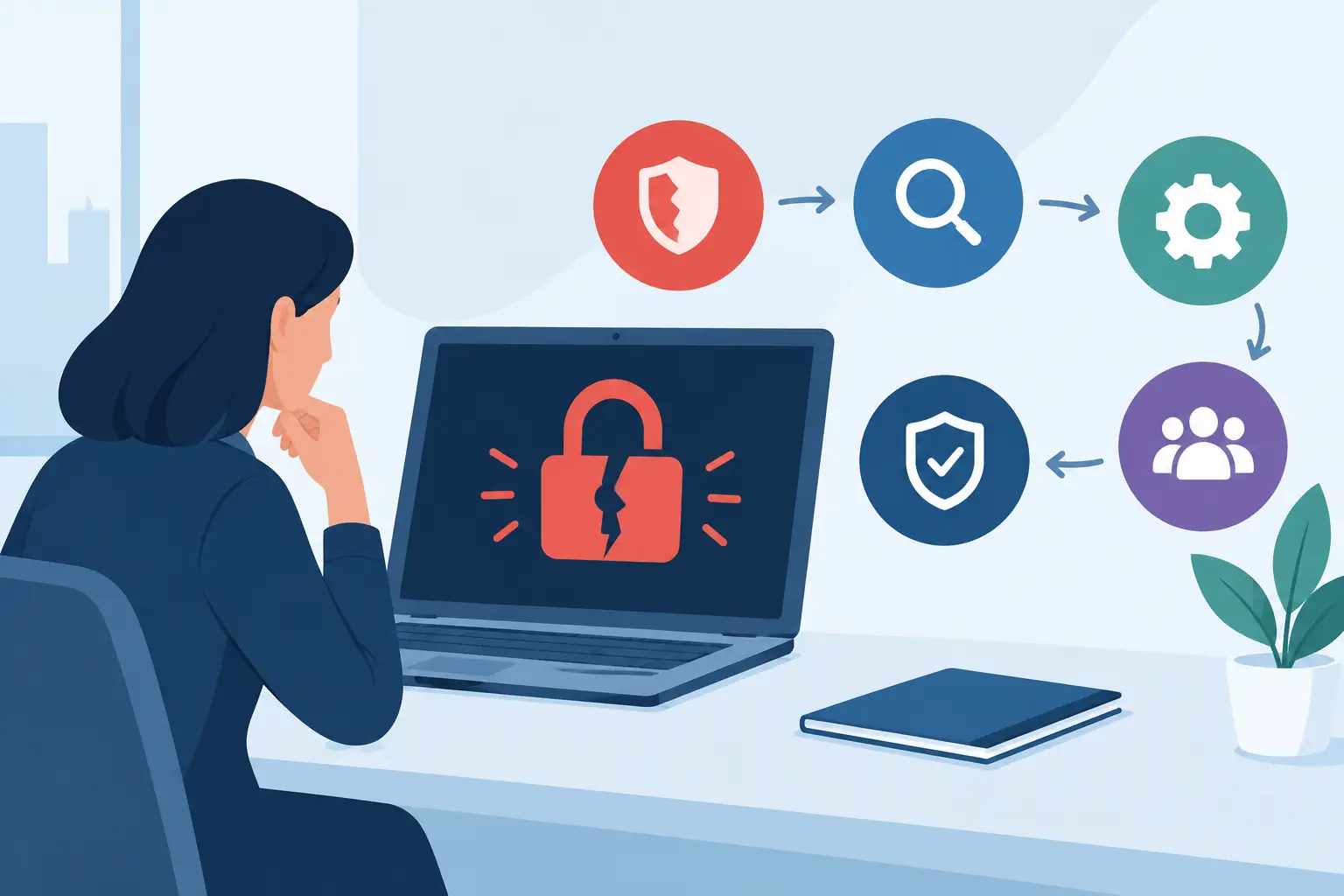

A compromised Microsoft 365 account can now cause as much disruption as a failed server once did. One convincing phishing email, an approved fraudulent payment, or a shared file exposed to the wrong person can stop work quickly and damage customer trust. That is why cloud security trends matter to SMEs: the cloud is no longer a separate IT project. It is where people communicate, store information, manage customers and keep daily operations moving.
For many businesses, cloud services have reduced the cost and complexity of running technology. Staff can work from the office, home or client sites without relying on a single physical location. The trade-off is that security boundaries have changed. Protecting a building and a company network is not enough when identities, applications and data move across multiple cloud platforms.
The most useful response is not to chase every new security product. It is to understand where risk is changing, then put practical controls around the systems your business relies on most.
Cloud security trends are shifting towards identity
The clearest trend is the focus on identity. Attackers do not always need to break into a network when they can persuade a user to sign in to a fake page, approve a multi-factor authentication prompt or reveal information during a convincing phone call.
Once an attacker has access to a genuine account, their activity can look legitimate. They may read email conversations, alter bank details on an invoice, search for confidential files or send fraudulent messages from a trusted address. This is particularly serious for SMEs because a small finance or administration team may have limited capacity to spot subtle warning signs during a busy day.
Multi-factor authentication remains essential, but it should not be treated as the finish line. Number matching, phishing-resistant sign-in methods and conditional access policies can provide stronger protection than a simple code sent by text message. Access should also reflect the risk involved. A member of staff signing in from a recognised device in Dublin during normal working hours presents a different risk from an unfamiliar sign-in attempt from another country.
Good identity security also means removing access promptly when someone leaves, reviewing administrator permissions and avoiding shared user accounts. Shared logins may feel convenient, but they make accountability difficult and can leave former staff with access long after their role has ended.
Email remains a key route into cloud systems
Email is still the starting point for many attacks because it reaches staff directly and can be tailored using publicly available information. Criminals increasingly use stolen email threads, supplier names and AI-written messages to make their requests sound credible.
Technical filtering is vital, but staff need a clear process too. Payment detail changes, requests for sensitive data and unexpected sign-in prompts should be verified through a known contact method. A short phone call to an established number can prevent a costly mistake. The goal is not to make staff fearful of email. It is to make it normal to pause when a request carries financial, operational or security consequences.
AI is improving attacks as well as defence
Artificial intelligence is helping security teams identify unusual activity and prioritise large volumes of alerts. For an SME without a large in-house security operation, this can be valuable. Managed monitoring tools can flag suspicious sign-ins, unusual file activity or devices that need attention before the issue becomes a major incident.
However, AI is also lowering the effort needed to create persuasive phishing emails, fake documents and impersonation attempts. Poor grammar is no longer a dependable clue. Voice cloning adds another concern where callers can imitate senior staff or suppliers, particularly when a request is urgent.
The practical lesson is to rely less on instinct alone and more on verification. Clear approval processes, separate payment controls and staff awareness training remain effective because they address the behaviour an attacker is trying to exploit. Technology should support those controls, not replace them.
Data protection is becoming more deliberate
Cloud storage makes collaboration easier, but it can also create years of unmanaged sharing. Folders are copied, external links remain active and confidential data can end up accessible to more people than intended. As businesses adopt more cloud applications, understanding where data sits becomes just as important as securing the application itself.
A sensible approach starts by identifying the information that would cause the greatest harm if lost or disclosed. This may include customer records, payroll information, financial reports, contracts, intellectual property and backup data. Those categories should have clear ownership, restricted access and retention rules.
Data loss prevention tools can help prevent sensitive information being sent outside the organisation or copied to unsuitable locations. They need careful configuration, though. Controls that block everyday legitimate work will be bypassed or ignored. Start with the most sensitive data and the clearest risks, then refine policies as staff workflows become better understood.
Encryption matters too, both while data is being transferred and while it is stored. Yet encryption alone does not solve an access problem. If a compromised account has permission to open a file, the data is still exposed. This brings the issue back to identity, permissions and regular review.
Cloud backups are returning to the boardroom agenda
A common misconception is that cloud data is automatically recoverable in every scenario. Cloud providers protect the availability of their platforms, but businesses still need to consider accidental deletion, malicious changes, ransomware and retention requirements. The exact responsibilities depend on the service, licence and configuration in use.
A backup strategy should answer practical questions: Can you restore a deleted mailbox? Can you recover a SharePoint library after malicious encryption? How quickly can critical information be restored, and who has authority to start that process?
Backups should be protected from the same attack that affects live systems. If an attacker can access both production data and the backup administration account, recovery options may be limited. Separate credentials, multi-factor authentication, immutable copies where appropriate and regular restore testing all reduce that risk.
Testing is the part businesses most often postpone. A backup that has never been restored is an assumption, not a recovery plan. Testing does not need to be disruptive, but it should confirm that data is complete, accessible and recoverable within an acceptable timeframe.
Visibility across cloud services is now a business requirement
Most SMEs do not use one cloud service. They may have Microsoft 365, a line-of-business system, a hosted phone platform, online accounting software, file-sharing tools and specialist applications managed by different suppliers. This creates gaps when no one has a complete view of who has access, which devices are connected and where alerts are being monitored.
Security visibility is not about collecting more dashboards. It is about having useful answers when something happens. Which account was affected? What information was accessed? Is the device compliant? Has the password been reset? Are backups available? Who is coordinating the response?
Centralised logging and monitoring can make these questions easier to answer, particularly when supported by a managed IT partner that understands the business environment. For smaller organisations, this is often more realistic than trying to maintain specialist security expertise internally around the clock.
A proportionate plan beats a perfect-looking policy
The right controls depend on the business. A professional services firm handling confidential client records has different priorities from a construction company with mobile teams and site-based devices. Regulation, customer contracts, remote working arrangements and the value of the data all influence the appropriate level of protection.
That said, most businesses benefit from the same foundation: strong multi-factor authentication, managed devices, prompt patching, least-privilege access, reliable backups, email protection and a tested incident response process. These controls reduce the likelihood of common incidents and limit the damage if one occurs.
Host-It helps Dublin SMEs bring these pieces together across cloud, security, connectivity and recovery. The value is not simply installing another tool. It is having clear ownership, ongoing support and a plan that keeps staff productive while reducing avoidable risk.
The cloud will continue to change, and so will the threats around it. The businesses best placed to respond are not those with the longest security checklist, but those that know their critical systems, practise recovery and have dependable support ready when an issue needs immediate attention.