
At 08:10 on a Monday, a clinic team could access neither its appointment schedule nor the patient records needed for the day’s consultations. The clinical system was still visible on the network, but files were encrypted and a ransom message had replaced the usual log-in screen. This clinic data recovery case study uses an anonymised, representative scenario to show what determines whether an incident becomes a short operational disruption or a prolonged business-critical event.
For a clinic, recovery is not simply about getting files back. It is about restoring the right systems in the right order, protecting sensitive patient information and enabling staff to continue delivering care safely. A rushed recovery can create further problems if restored data is incomplete, infected or out of date.
The incident: when patient services stop
The clinic had a small on-site server supporting its practice management system, shared documents and user accounts. Staff accessed cloud email and used a separate VoIP platform for calls. Overnight, a compromised user account had been used to gain access to the local environment. Malware spread through shared folders and encrypted the server data before the team arrived.
The immediate effect was operational. Reception could not confirm appointments or retrieve contact details through the usual system. Clinicians had limited access to records. The team could still answer phones, but could not confidently make changes to bookings or patient information without risking duplicate or inaccurate entries.
The practice did not pay a ransom. That decision depended on one critical factor: it had recoverable backups that were separated from the affected network. Without them, the decision would have been far more difficult, with no guarantee that payment would lead to a usable decryption key or prevent stolen information from being misused.
Clinic data recovery case study: the first four hours
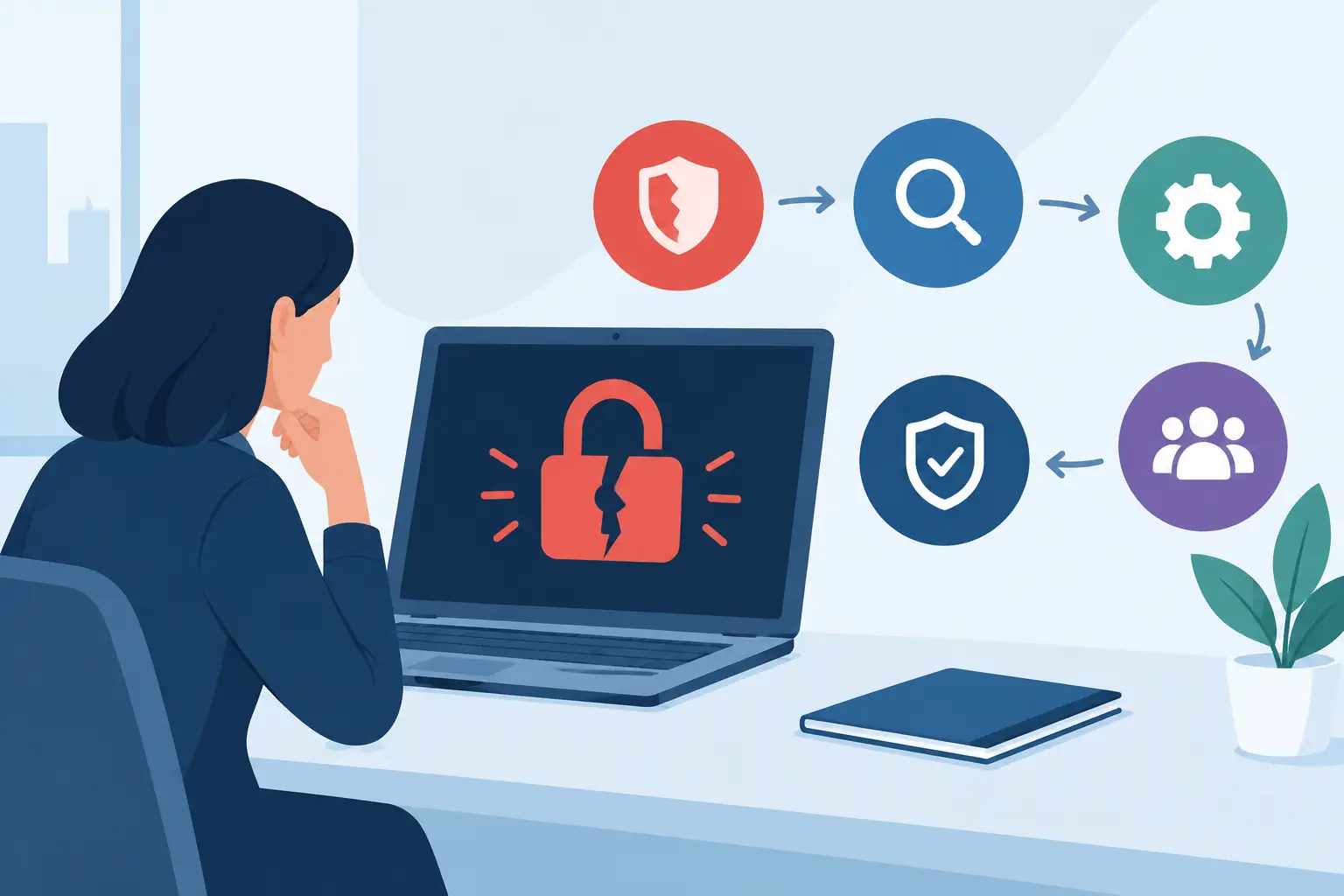
The recovery process began with containment, not restoration. The affected server was isolated from the network, and access to shared drives was stopped. This limited the risk of malware spreading to remaining devices or reaching backup repositories.
The IT response then established three facts: what had been affected, when encryption began and whether patient data had been accessed or removed. Those questions shaped every next step. Restoring the most recent backup immediately may sound sensible, but it can reintroduce malware if the compromise happened before the backup was taken.
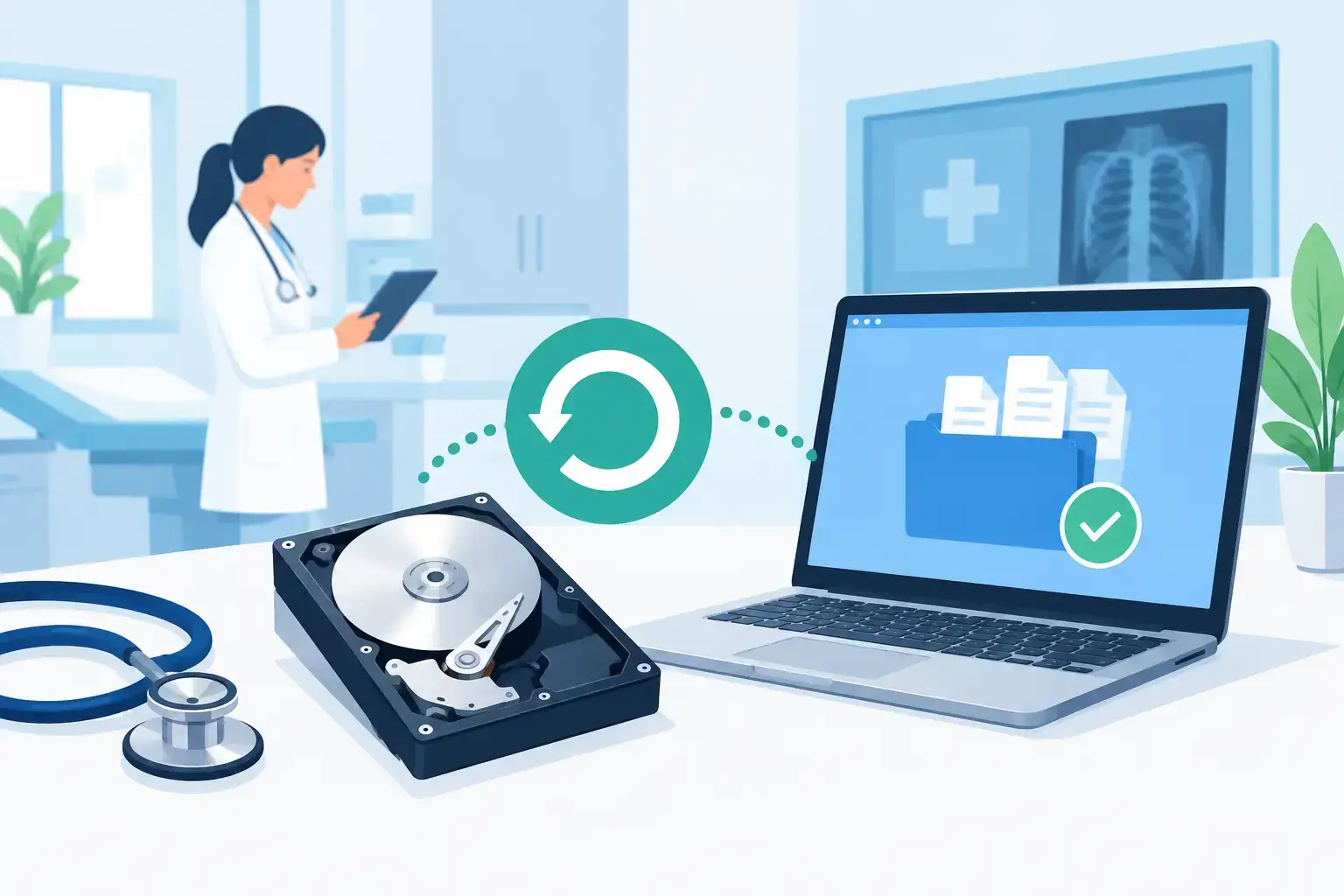
A clean recovery point from the previous evening was identified after backup logs and security events were reviewed. The backup had completed successfully, was retained separately from the main network and could be verified before use. That verification mattered. A backup that exists but cannot be restored is not a recovery plan.
While technical checks continued, the clinic activated a basic continuity process. Reception recorded calls and appointment changes using an agreed temporary method. Clinicians prioritised urgent appointments and used approved alternative access arrangements where appropriate. The objective was not to recreate every normal workflow manually. It was to keep the clinic organised, protect confidentiality and avoid losing information that would need to be entered later.
Restoring services in the right order
The server was not simply switched back on. A clean environment was prepared first, with patched systems, new administrative credentials and tighter access controls. The practice management application and its database were restored before non-essential shared folders, because appointments and records were the immediate priority.
The recovery sequence was planned around business impact:
- patient scheduling, clinical records and authorised user access;
- secure communications needed to contact patients and suppliers;
- shared operational documents and departmental folders;
- lower-priority archived data and local device files.
This order reduced downtime where it counted. It also gave the response team time to test each restored service before opening it to all users. Staff could log in, locate records, create appointments and print required documents in a controlled way before normal operations resumed.
By early afternoon, the clinic had restored core services. The remainder of the day was used to reconcile the temporary appointment notes and updates made during the outage. That process was carefully managed by authorised staff so that changes were attributed correctly and patient records remained accurate.
Why the backup worked when it was needed
The clinic’s recovery succeeded because several controls worked together. Backup software alone was not the answer.
First, backups were run frequently enough to limit data loss to a manageable period. The right frequency depends on how often records, bookings and financial information change. A clinic that updates schedules throughout the day may need more frequent protection than a business whose documents change only occasionally.
Second, at least one backup copy was isolated from the live environment. Attackers increasingly target backup systems because they know recovery removes their leverage. Immutable storage, offline copies or protected cloud repositories can provide separation, but the right approach depends on the systems involved, budget and recovery objectives.
Third, restore testing had been carried out. The clinic knew the recovery process, had current access details and understood which applications depended on which services. During an incident, time is often lost not because data is unavailable, but because nobody knows the order in which systems need to be rebuilt.
Finally, the clinic had a defined escalation path. Staff knew who could authorise decisions, who would communicate with suppliers and what information the IT provider needed. Clear roles prevented several people making conflicting changes under pressure.
The trade-offs clinics need to address
No two recovery plans are identical. A smaller clinic may choose a simpler server-and-cloud backup arrangement, while a multi-site practice may need replicated systems and faster failover. The decision should be based on two practical targets: recovery point objective and recovery time objective.
The recovery point objective defines how much data the clinic can afford to lose. If the accepted limit is four hours, backups must be frequent enough to meet that threshold. The recovery time objective defines how long systems can be unavailable before patient service, revenue or compliance risk becomes unacceptable.
Faster recovery usually costs more. It may require higher-performance backup storage, virtual recovery capability, additional licensing or a standby environment. However, the cost of a solution should be compared with the cost of cancelled appointments, staff downtime, reputational damage and the disruption caused by rebuilding records manually.
Cloud applications also need specific attention. Many organisations assume that data held in Microsoft 365 or another cloud platform is automatically protected against every scenario. Platform resilience is valuable, but it does not necessarily provide the retention, point-in-time recovery or protection from accidental deletion and malicious changes that a business requires.
What should change after a data recovery event
A successful restore is the start of improvement, not the end of the incident. The clinic in this scenario should review how access was compromised, whether multi-factor authentication was enforced, which permissions were excessive and whether endpoint protection detected suspicious activity early enough.
It should also review the human side. Staff do not need to become cybersecurity specialists, but they should know how to report a suspicious email, unexpected log-in prompt or unusual system behaviour quickly. A short, practical awareness programme is more useful than an annual tick-box exercise that people forget.
Documentation must be updated as well. Recovery contacts, supplier details, system inventories, administrator access, backup locations and incident responsibilities need to be current. An office move, software upgrade or change in staff can quietly undermine a plan that was sound six months earlier.
For Dublin clinics relying on a small internal team, a managed IT partner can provide ongoing monitoring, backup oversight and a tested recovery process without the cost of building those capabilities in-house. Host-It supports businesses that need one accountable partner for daily IT operations, security and continuity planning.
The most useful question for any clinic is not whether it has a backup. It is whether the team can restore clean patient systems, within an agreed timeframe, when normal access is no longer available. Testing that answer before an incident is one of the clearest ways to protect patients, staff and the continuity of care.