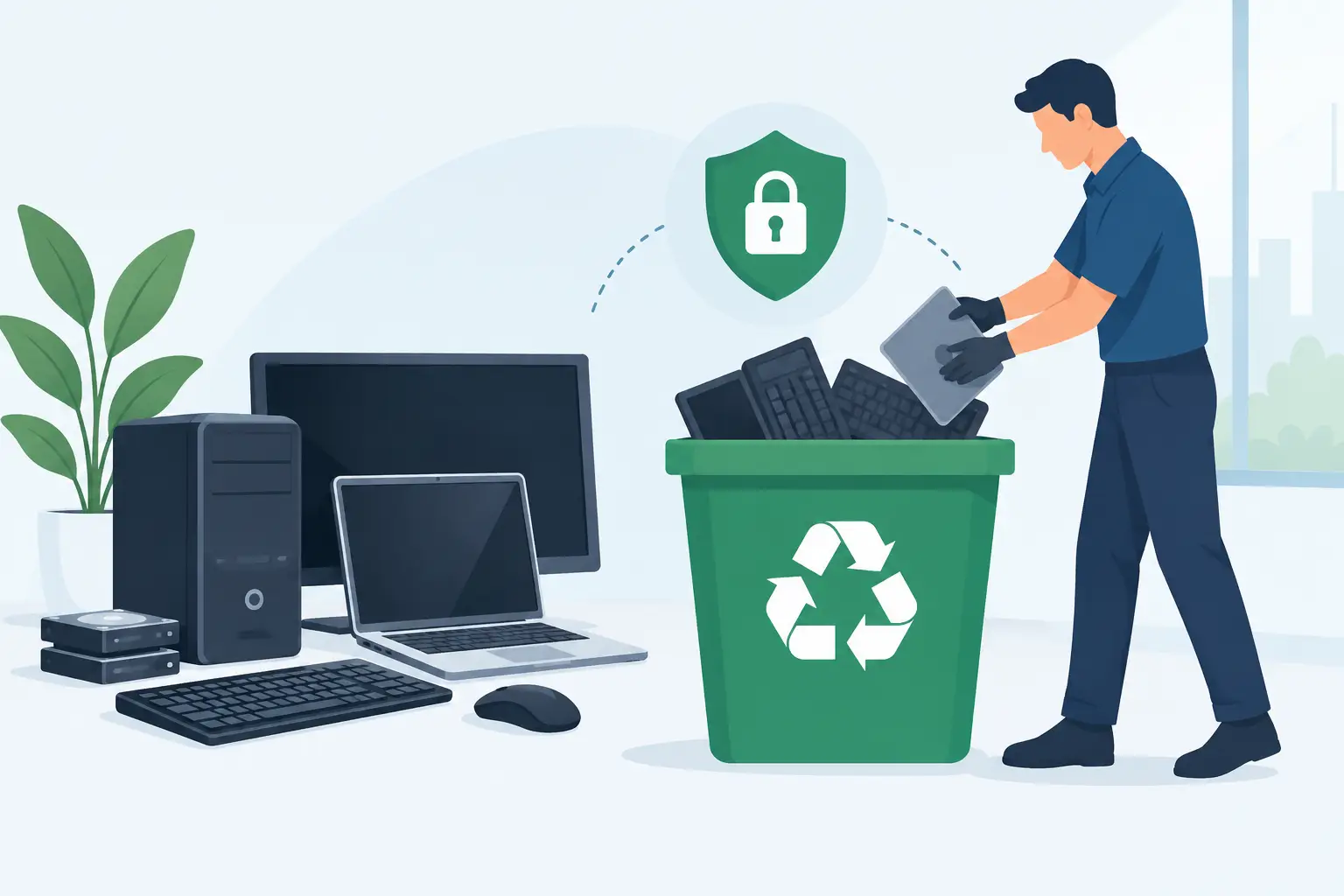

An old laptop in a store cupboard can hold far more business risk than its appearance suggests. Saved passwords, customer records, finance exports, browser sessions and copies of cloud files may all remain on equipment that has been replaced. Knowing how to dispose of IT equipment properly is therefore not simply an environmental task. It is a data protection, business continuity and reputation issue.
For SMEs, the safest approach is a planned process that records every asset, removes access to business systems, sanitises or destroys data-bearing components, and sends equipment through an appropriate reuse or recycling route. The right method depends on the device, the sensitivity of the information it held and whether it still has useful life left.
Start with an asset and data review
Before any equipment leaves your premises, identify exactly what it is and who has responsibility for it. A clear asset register should include the device type, make and model, serial number, assigned user, location and its final disposal status. This creates accountability and avoids a familiar problem: a box of retired devices is collected, but nobody can later confirm what was in it.
The review must go beyond laptops and desktop PCs. Servers, network switches, firewalls, mobile phones, tablets, VoIP handsets, external drives, USB devices, printers and multifunction copiers can all contain data or security settings. A printer may retain scanned documents and print jobs. A firewall can hold VPN credentials, network configurations and administrator accounts. An old access point may reveal wireless settings that should no longer be trusted.
At this stage, classify the data risk. Equipment used by finance, HR, directors or teams processing customer information deserves particular scrutiny. If a device has been used for sensitive work, a casual clear-out is not an acceptable disposal method.
Remove access before equipment is retired
Retiring a device should be part of an offboarding process, not an isolated task for whoever has time at the end of the week. First, confirm that all required business data has been transferred, backed up and tested. Do not erase a device until you know its current files are safely available elsewhere.
Next, remove the device from your management and security platforms. This may include Microsoft 365 or Google Workspace, mobile device management, endpoint protection, remote monitoring, backup software, VPN access, password managers and cloud storage synchronisation. Revoke active sessions and remove device certificates where relevant.
Also check for equipment-specific configurations. Network devices should have administrator passwords changed, configuration backups secured and VPN certificates revoked. For phones and tablets, remove eSIMs or SIM cards and disconnect the device from business accounts before performing a factory reset. These actions reduce the chance that a retired asset remains an unnoticed route into your systems.
Choose the right route: reuse, erase or destroy
There is no single answer to how to dispose IT equipment because different assets call for different controls. A three-year-old business laptop in good condition may be suitable for secure reuse, resale or donation. A failed server drive containing confidential information may require physical destruction instead.
Secure data erasure for reusable devices
If equipment is going to be reused, the data must be securely erased using a recognised method that is appropriate for the storage type. A quick deletion, factory reset or reformat is not enough on its own. Those actions can leave recoverable data behind.
Modern SSDs, encrypted drives and traditional hard disks behave differently, so a suitable sanitisation method matters. In some cases, cryptographic erasure is effective where encryption has been implemented correctly and the keys can be securely destroyed. In other cases, verified overwriting or specialist sanitisation software may be appropriate. The process should produce evidence that the erase was completed successfully for each device.
Reuse is often the most sustainable option, but it should not compromise protection. If you cannot verify that data has been removed, or the device has a fault that prevents reliable erasure, do not pass it on.
Physical destruction for high-risk storage
Physical destruction is often the right choice for failed, damaged or highly sensitive storage media. This may involve specialist shredding or crushing of hard drives, SSDs and other removable media. It is especially useful where a drive cannot be powered on, where its condition is uncertain or where your risk policy requires destruction.
Be precise about what is being destroyed. Removing the hard drive from a laptop does not automatically make the laptop safe to dispose of if it has soldered storage, embedded flash memory or a separate recovery partition. Similarly, a photocopier or printer may contain an internal hard drive that is easy to overlook.
A reputable service should provide a certificate of destruction listing the relevant serial numbers or asset identifiers. This gives your business an auditable record rather than a verbal assurance.
Keep a documented chain of custody
The period between removal from service and final destruction or recycling is where many businesses lose control. Devices may sit in an unlocked cupboard, be left in a corridor during an office move or be handed to an unknown collector without a record. That creates unnecessary exposure.
Store retired assets in a restricted area and record every handover. Your disposal record should show when the equipment was collected, by whom, how it was transported, the data sanitisation or destruction method used, and the final outcome. For larger collections, reconcile the collection list against your asset register before signing it off.
This documentation supports good governance and can be vital if a question later arises about missing equipment or a data incident. Under UK and Irish-style data protection expectations, organisations remain accountable for the personal data they control. Handing a device to another party does not remove the responsibility to manage that data securely.
Use an authorised e-waste route
IT equipment is electrical and electronic waste, not general rubbish. Batteries, circuit boards, screens and cables can contain materials that need specialist treatment. Disposal through an appropriate WEEE route helps prevent hazardous materials entering landfill and allows valuable components to be recovered.
For Irish businesses, confirm that your chosen provider is equipped to handle commercial e-waste lawfully and can evidence what happens to assets after collection. Ask whether equipment is reused, recycled or destroyed, where processing takes place, and what reports or certificates you will receive. A low-cost collection offer is not good value if it leaves you without proof of data destruction or compliant final treatment.
Be particularly careful with lithium batteries. Swollen, damaged or loose batteries present a fire risk and should be handled separately by trained personnel. Do not place them in mixed waste or pack them loosely with other equipment.
Avoid common disposal shortcuts
Several shortcuts create more risk than they save. Giving old laptops to staff or charities without verified erasure can expose company and personal data. Selling equipment online without removing management controls can leave the buyer with access to corporate systems. Putting drives in a general waste bin is never acceptable.
Another common issue is treating cloud migration as if it removes all local data. It does not. Cached files, offline mailboxes, synced folders, local backups and browser data may remain long after the core system has moved to the cloud. A device needs its own retirement process.
Office moves and technology refreshes are the best time to plan disposal in advance. Build asset retirement into the project schedule, rather than leaving old equipment until after staff have moved or new systems are live. This keeps the workplace clear, protects productivity and prevents retired devices becoming an unmanaged security problem.
For Dublin SMEs managing a refresh, relocation or post-incident clean-up, Host-It can coordinate secure asset destruction alongside the wider IT work. The aim is straightforward: keep useful equipment in circulation where appropriate, ensure data-bearing media is properly controlled, and leave your business with clear evidence of what happened to every asset.
The best time to decide how a device will be disposed of is before it reaches the end of its working life. Put the process in place now, and the next equipment change becomes a controlled handover rather than a last-minute risk.