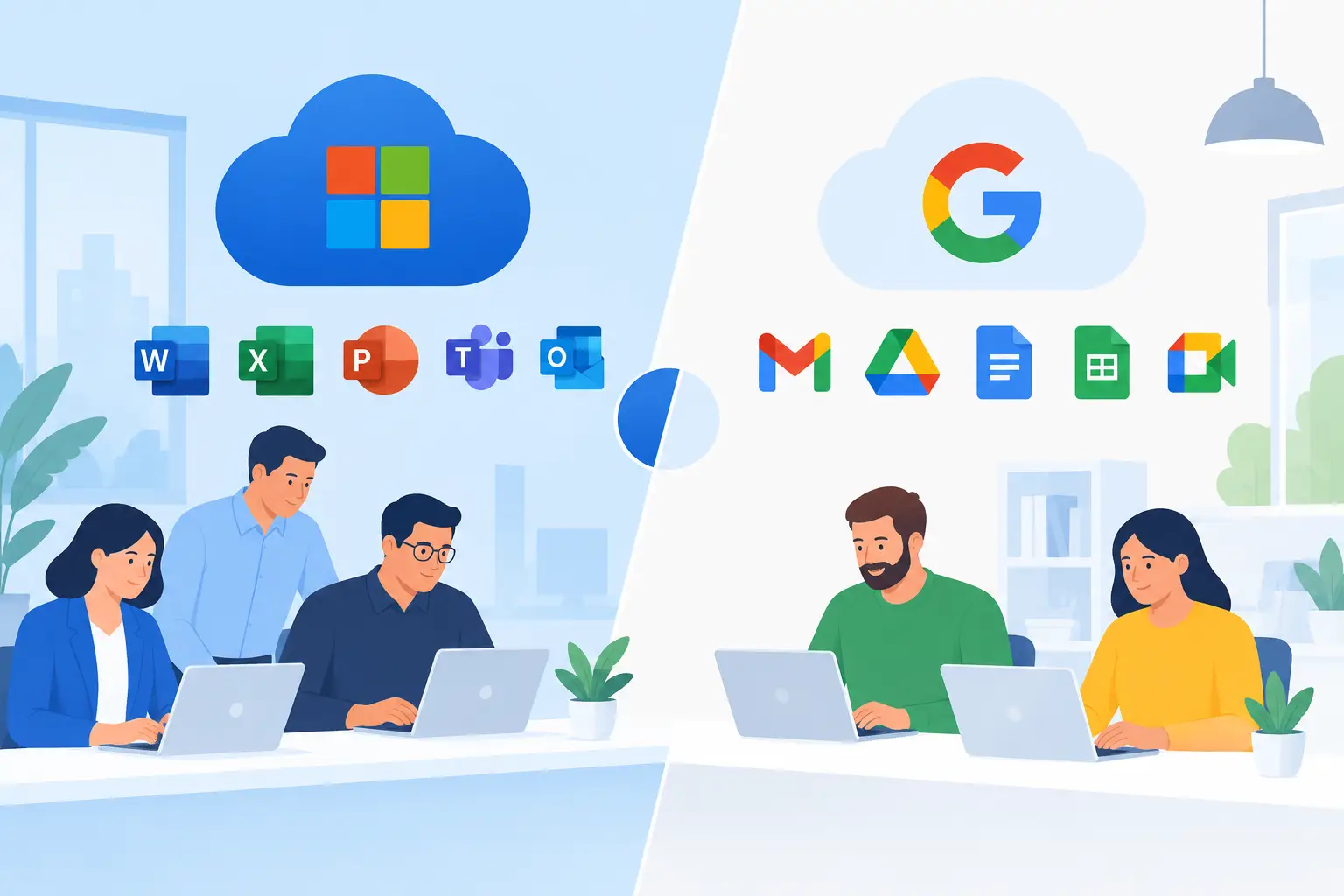

A productivity platform decision can shape far more than how staff write documents. It affects where business data sits, how quickly teams can respond to customers, how easily new starters are onboarded, and how confidently you can recover after an account compromise. When comparing Microsoft 365 vs Google Workspace, the right choice is usually the one that fits your people, existing systems and security requirements – not simply the lowest monthly licence cost.
For many small and medium-sized businesses, both platforms can provide professional email, cloud file storage, video meetings and office applications. The differences become clearer once you look at the way your team works day to day and the level of control your business needs as it grows.
Microsoft 365 vs Google Workspace: the practical difference
Microsoft 365 is built around familiar desktop applications including Outlook, Word, Excel and PowerPoint, alongside cloud services such as Teams, OneDrive and SharePoint. It is often the natural fit for organisations already using Windows PCs, Excel-heavy processes or Microsoft-based line-of-business software.
Google Workspace centres on browser-based tools including Gmail, Google Drive, Docs, Sheets, Slides and Google Meet. Its strength is simple, real-time collaboration: several people can work in the same document at once without worrying about which version has been saved locally.
Neither approach is automatically better. A business with detailed spreadsheets, complex document formatting and established Outlook workflows may get more value from Microsoft 365. A mobile-first team that mostly creates straightforward documents and collaborates across locations may find Google Workspace quicker to adopt.
The key question is not which suite has the longest feature list. It is whether the platform removes friction from the work your staff actually perform.
Email, meetings and everyday collaboration
Email is still at the centre of most SME operations. Microsoft 365 uses Exchange Online and Outlook, while Google Workspace uses Gmail with a business domain. Both are reliable business-grade services when properly configured, and both support shared mailboxes, calendars and mobile access.
Outlook and Exchange can be particularly effective where staff manage busy shared calendars, departmental mailboxes or structured contact lists. Teams also provides chat, meetings, calling integrations and channels in one environment. This can reduce app switching, but Teams needs sensible governance. Without clear naming, ownership and retention rules, it is easy for files and conversations to become difficult to find.
Google Workspace generally feels lighter for businesses that prefer working in a web browser. Google Meet is straightforward to join, and shared files are easy to access from a link. Google Chat and shared drives can support team communication and document storage, although businesses moving from traditional network folders may need support to establish a logical structure.
For either platform, the technology only works well when staff know where to communicate, where to save files and how to share information securely. Otherwise, important documents can end up scattered across personal drives, email attachments and unapproved file-sharing tools.
Documents and spreadsheets: familiarity matters
This is often the deciding factor. Microsoft’s desktop Office applications remain the stronger choice for advanced Excel work, complex Word layouts, large presentations and documents exchanged regularly with customers, suppliers or professional advisers using Microsoft formats.
Google Docs and Sheets are highly capable for everyday work and make simultaneous editing remarkably simple. They are less suitable when teams depend on complex macros, specialist Excel models, highly formatted tender documents or detailed reporting packs. File conversion between the two suites is possible, but it can introduce formatting changes or feature limitations.
Before committing, identify the five documents your business cannot afford to break. This might include a finance workbook, a quoting template, a board report, a construction estimate or a compliance form. Test them with the people who use them, rather than making the decision from a feature comparison alone.
Security and data protection need active management
A cloud productivity suite improves resilience, but it is not a set-and-forget security solution. Both Microsoft 365 and Google Workspace offer strong security controls, including multi-factor authentication, device management options, audit information and policies to help prevent unauthorised sharing. The controls available depend on the licence level and how the environment is configured.
Microsoft 365 is often attractive to SMEs that need deeper integration with endpoint security, Windows device management and identity controls. With the right licences and setup, businesses can apply conditional access rules, manage devices and connect security information across the Microsoft estate. It can be powerful, but the range of settings means poor configuration can leave gaps.
Google Workspace provides effective security features too, particularly for browser-led and cloud-native teams. Administrators can control sharing, enforce multi-factor authentication, manage access and monitor activity. Its simpler operating model may be easier for a smaller business to understand, although it still requires regular review.
Whichever service you choose, put the basics in place from day one:
- Enforce multi-factor authentication for every account, especially administrators.
- Remove access promptly when someone leaves or changes role.
- Use least-privilege permissions rather than giving everyone full access.
- Set clear external sharing rules for sensitive documents.
- Maintain an independent backup and recovery plan for critical data.
The final point deserves attention. Cloud providers protect the underlying service, but businesses remain responsible for their users, permissions and data. Accidental deletion, malicious activity or a compromised account can still cause disruption. Tested backups and a documented recovery process help protect continuity.
Cost is more than the licence price
At entry level, Microsoft 365 and Google Workspace pricing can appear broadly comparable. The total cost depends on the plan selected, the number of users, storage needs, security add-ons, calling requirements and support required to manage the platform properly.
Microsoft 365 may reduce cost where your business already pays for desktop Office software or needs Windows and security management capabilities that align with Microsoft licensing. Google Workspace can be a cost-effective choice for teams that do not need full desktop applications and prefer browser-based working.
However, a cheaper licence can become expensive if staff lose time wrestling with incompatible documents, unmanaged devices or poorly designed file structures. Equally, buying advanced security features without configuring and monitoring them is not meaningful protection. Budget for implementation, user training, ongoing administration and backup rather than looking only at the monthly per-user figure.
Migration and management are where risk appears
Moving email and files is not simply a technical copy-and-paste exercise. A successful migration needs a clear inventory of mailboxes, shared addresses, files, permissions, devices and third-party applications. It also needs a plan for the first working day after the change.
Common problems include old email addresses still receiving customer enquiries, staff retaining access after leaving, duplicate versions of shared files and mobile devices that are not enrolled in security policies. These are operational risks, not minor housekeeping issues.
For Dublin SMEs without a large internal IT department, a managed IT partner can assess the current environment, recommend a suitable licence mix, plan the migration and provide day-to-day support afterwards. Host-It takes this practical approach so that the platform supports productivity without creating another burden for office managers or business owners.
How to make the right choice for your business
Choose Microsoft 365 when your team relies on advanced Office applications, works heavily in Excel, uses Windows devices, needs Teams as a central collaboration hub or has existing Microsoft-based systems to consider. It is also a strong option where you want security and device management closely connected across the business.
Choose Google Workspace when fast browser-based collaboration is the priority, staff are comfortable working online, document requirements are relatively straightforward and your team values the simplicity of Google’s interface. It can be particularly effective for distributed teams that mainly work from shared documents rather than complex desktop files.
Some businesses can make either option work well. In those cases, the deciding factors are usually existing workflows, staff confidence and how much management capacity is available. Avoid running both platforms indefinitely unless there is a clear business reason. Duplicate file stores and split email or calendar systems create unnecessary cost, confusion and security exposure.
The best productivity suite is the one your team can use consistently, your business can secure properly and your support partner can maintain without disruption. Start with your critical workflows, protect the accounts and data that keep the business moving, and select the platform that makes everyday work more dependable.