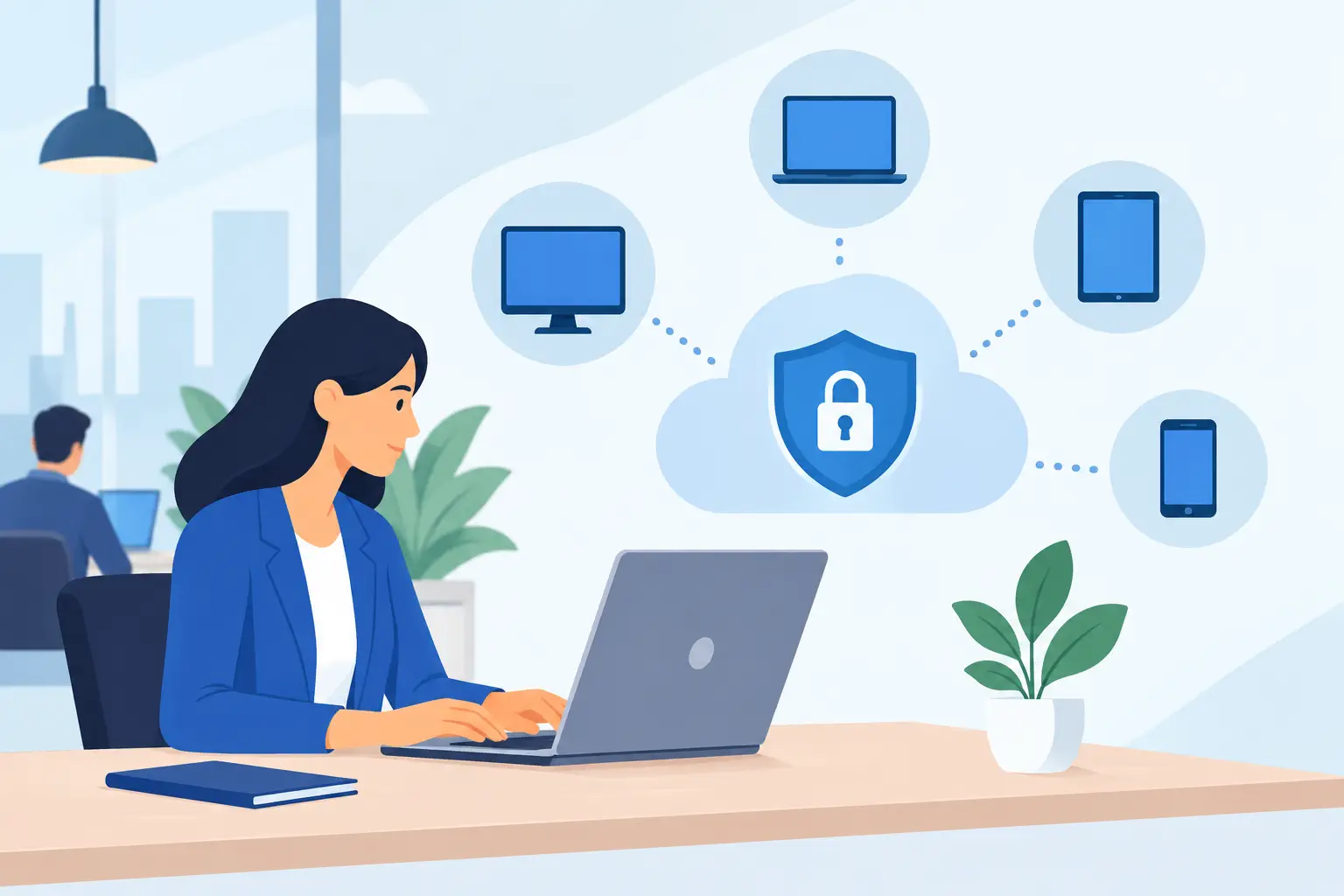

A laptop missing a critical security update, a former employee’s active account or an unencrypted mobile phone can create a business-wide problem from one overlooked device. An endpoint management review gives SMEs a clear view of the computers, mobiles, tablets and other connected equipment accessing business systems – and whether they are properly protected, maintained and controlled.
For many businesses, endpoint management develops gradually. Devices are purchased as staff join, applications are added to solve immediate needs, and flexible working expands the number of locations from which people access company data. That can work for a time. But without consistent oversight, small gaps become operational and security risks that are difficult to spot until something goes wrong.
What endpoint management means for an SME
An endpoint is any device that connects to your business network, cloud services or company data. This includes desktop PCs, laptops, smartphones, tablets, servers, shared meeting-room equipment and, in some cases, specialist devices such as scanners or point-of-sale terminals.
Endpoint management is the practical process of keeping those devices secure, usable and accountable throughout their working life. It covers software updates, antivirus and endpoint protection, user access, encryption, backups, device configuration and replacement planning. It should also answer a basic question quickly: who is using each device, what can it access and is it compliant with company policy?
This is not simply an IT housekeeping exercise. A poorly managed device can interrupt work, expose client information or provide a route into wider business systems. For SMEs without a large internal IT department, central management is often the difference between reacting to individual faults and preventing recurring problems.
Why an endpoint management review matters
A review establishes the current position before a security incident, failed audit or serious outage forces the issue. It identifies devices that have fallen outside normal support processes, accounts with unnecessary permissions and software that is no longer patched or licensed.
It also helps businesses make sensible decisions about investment. Not every endpoint needs the same level of control. A shared desktop used for basic administration has different requirements from a director’s laptop carrying sensitive financial documents, or a mobile device accessing email and cloud files while travelling. The objective is proportionate protection based on risk, rather than adding technology for its own sake.
A thorough review can also improve day-to-day productivity. Staff lose time when devices run slowly, updates interrupt key work, passwords are reset manually or remote access fails unexpectedly. Central visibility allows support teams to resolve many issues before they disrupt the working day and to apply standard settings consistently across the business.
The cost of unmanaged devices
The most obvious cost is a cyber incident, particularly where a device is unpatched, lost or compromised through phishing. Ransomware and account takeover often begin at the endpoint. If access controls are weak, an isolated problem can spread to shared files, cloud platforms and backups.
There are quieter costs too. Unsupported operating systems, duplicate licences, old devices sitting in drawers and unclear ownership all create unnecessary expense. When an employee leaves, delayed account removal can expose data. When a laptop fails unexpectedly, the absence of a replacement plan can leave a key member of staff unable to work.
For businesses handling customer, financial or employee information, endpoint control also supports wider data protection responsibilities. A review cannot replace legal or compliance advice, but it can show whether technical safeguards match the sensitivity of the data being handled.
What a good endpoint management review should examine
The starting point is an accurate device inventory. Many SMEs are surprised by how incomplete their records are. A useful inventory records the device owner, serial number, operating system, location, age, installed security tools and connection to business services. It should distinguish active equipment from devices awaiting disposal, repair or reassignment.
From there, the review should assess whether updates are applied promptly and consistently. Operating system and application patching should be planned, monitored and tested where necessary. There is a trade-off here: forcing updates at the wrong time can interrupt work, while delaying them indefinitely leaves known weaknesses open. A managed approach schedules updates around business operations while prioritising urgent security fixes.
Device security is the next area. This normally includes supported antivirus or endpoint detection tools, firewall settings, disk encryption, screen-lock policies and the ability to locate, lock or wipe mobile devices where appropriate. Encryption is especially relevant for laptops that leave the office. If a device is stolen, encrypted data is far less likely to be readable by whoever finds it.
Access management deserves equal attention. Users should have the permissions they need to do their jobs, but no more. Multi-factor authentication, strong password practices and timely removal of leavers’ accounts reduce the likelihood that a compromised credential becomes a serious breach. Shared accounts should be avoided wherever possible because they make accountability difficult.
Finally, the review should consider resilience. Endpoint protection cannot guarantee that hardware will never fail or that a user will never make a mistake. Critical files need appropriate backup arrangements, and staff need a clear route to request help when they suspect a device or account has been compromised.
Questions that expose common gaps
Business leaders do not need to become technical specialists to test whether endpoint management is under control. The following questions usually reveal where attention is required:
- Can you identify every device that can access company email, files or systems?
- Are all business laptops and mobiles protected by supported security software and encryption?
- Do you know which devices are no longer receiving manufacturer security updates?
- Can access be removed quickly when a member of staff leaves or loses a device?
- Are software updates, licences and replacement dates monitored centrally?
A “no” or “not sure” does not automatically mean the business is exposed to immediate danger. It does, however, point to an area that needs clarification. The priority will depend on the device, the data it can reach and the impact of an outage.
Turning findings into a practical plan
The value of a review lies in the actions that follow it. A long technical report is of limited use if it does not establish ownership, priorities and realistic deadlines. The first actions should normally address urgent risks, such as unsupported devices handling sensitive data, missing endpoint protection, inactive leavers’ accounts or administrators with excessive access.
The next stage is standardisation. Agree approved device types, operating systems, security settings and software. This makes onboarding quicker, simplifies support and prevents a patchwork of configurations that are difficult to secure. Standardisation does not mean every employee must use identical equipment. It means exceptions are understood, approved and managed rather than accidental.
A replacement cycle should be part of the plan. Keeping hardware beyond its useful life may appear economical, but ageing devices are more likely to fail, perform poorly and lose software support. Replacing equipment in planned phases is usually easier to budget for than responding to an unexpected failure.
Policies also matter, but only when staff can follow them. A short, clear policy covering acceptable use, personal devices, password management, reporting lost equipment and remote working is more useful than a lengthy document no one reads. Training should explain why controls exist and what staff should do when something looks unusual.
Managed support versus internal ownership
Some SMEs can manage endpoints internally, particularly where they have a capable IT administrator and a small, stable device estate. Others benefit from a managed service that provides monitoring, patching, security oversight and a responsive support desk. The right choice depends on internal skills, the number of devices, regulatory needs and how costly downtime would be.
The key is accountability. Whether the work is handled in-house or by a provider, someone must own the process, review exceptions and report on the health of the device estate. Technology alone does not create control.
For Dublin businesses balancing growth with limited internal IT resources, Host-It can help turn endpoint management into an ongoing service rather than a periodic clean-up. Regular oversight gives decision-makers a clearer picture of risk while keeping staff equipped to work without unnecessary interruption.
Review endpoints regularly, not only after an incident
Endpoint management changes whenever someone joins, leaves, changes role, receives a new device or starts using a new cloud service. A formal review should therefore be repeated at sensible intervals and after major changes such as an office move, acquisition, shift to hybrid working or security incident.
The goal is not to create friction for staff. It is to make secure working the normal, dependable way of working. Start by establishing a trustworthy device inventory, address the risks that could cause real disruption, and give one person or partner clear responsibility for keeping standards in place. That is how a small issue on one endpoint stays small.