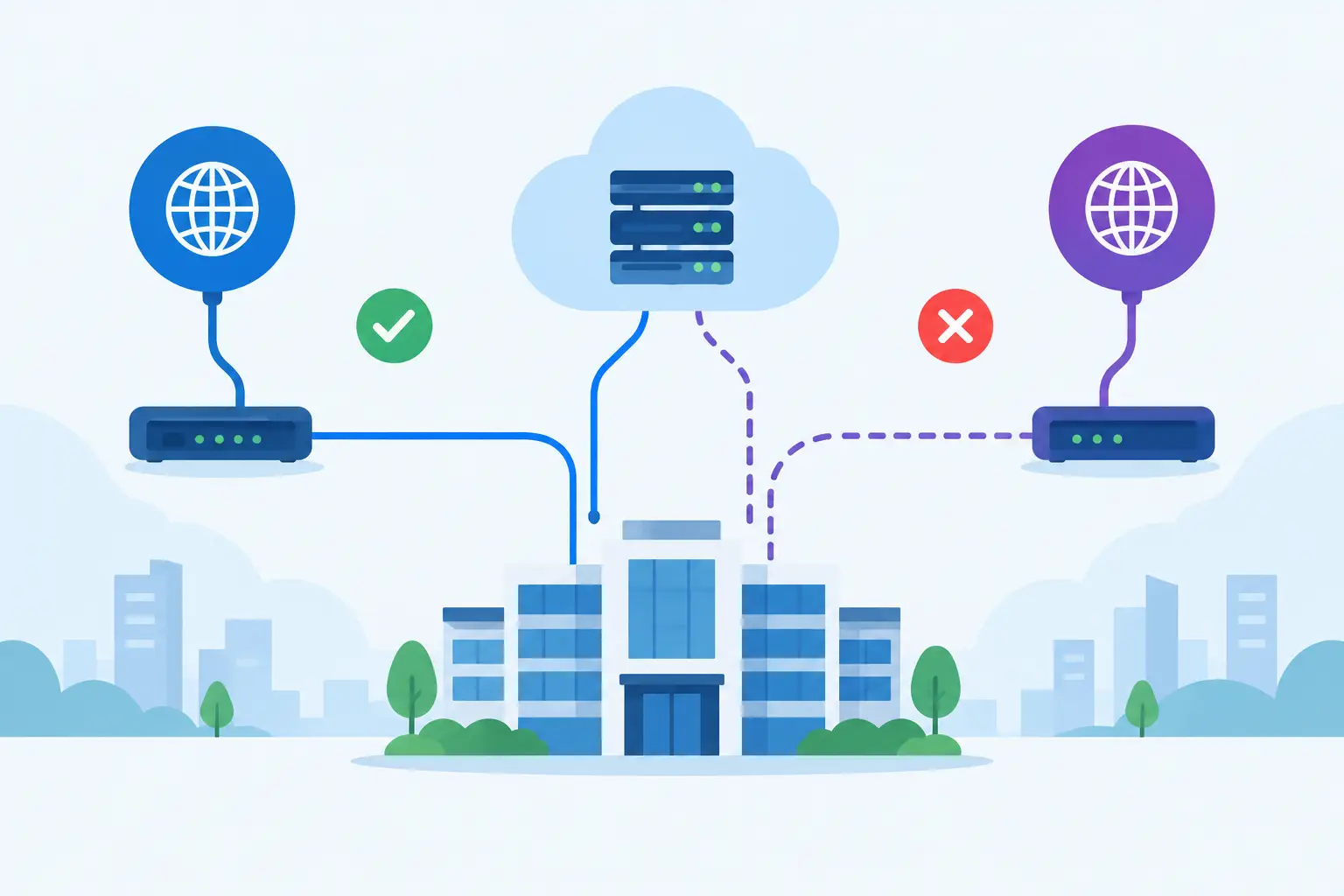

A fibre outage rarely arrives at a convenient time. It can stop card payments, cut off cloud applications, prevent staff from taking calls and leave customers unable to reach your business. Knowing how to plan fibre failover means treating internet connectivity as a business-critical service, not simply another utility bill.
For most SMEs, the goal is not to build an expensive duplicate network. It is to make sure essential operations continue when the primary connection fails, while giving staff and customers clear expectations about what will still work. A well-designed failover arrangement can keep your organisation productive through a local fault, damaged cable, provider outage or planned maintenance.
Start with the impact of losing connectivity
Before choosing a secondary line, identify what an internet outage would actually interrupt. Many businesses assume they only need connectivity for email and browsing, then discover that their phones, finance platform, CCTV, door access, cloud backups and remote staff all depend on the same fibre circuit.
Speak with the people who run key functions day to day. Ask which systems must remain available, which can operate in a reduced mode and how long the business can tolerate disruption. A sales team may be able to work from mobiles for an hour, for example, but an online booking system or payment terminal may need a near-immediate connection.
This exercise establishes two practical targets. The first is recovery time objective: how quickly connectivity needs to be restored. The second is acceptable performance during an outage. A backup connection that supports email, cloud software and VoIP may be sufficient, even if it cannot provide the same bandwidth as your primary fibre line.
How to plan fibre failover around real risks
Failover is only useful when it is independent enough from the connection it protects. Two fibre services ordered from different suppliers may still enter the building through the same duct, use the same street cabinet or rely on the same local exchange infrastructure. If that route is damaged, both services can fail together.
Ask potential providers about route diversity, not just service availability. Where possible, your secondary service should have a physically separate entry point and network path. This may be a second fibre circuit delivered through a different carrier, but it could also be business-grade 4G or 5G, fixed wireless, or another suitable connectivity option.
The right choice depends on the site and the applications involved. A second fibre connection can offer higher capacity and predictable performance, but it may take longer to install and may not provide genuine physical diversity at every address. Mobile failover is quick to deploy and can be highly effective, particularly for smaller offices, but signal quality, data allowances and network contention need careful consideration.
For many Dublin businesses, the strongest approach is a primary fibre line paired with a mobile or wireless backup. The different technologies reduce the chance that one local fault removes both connections at once.
Design the failover setup, not just the backup line
Ordering a second connection is only part of the job. Your firewall or router must be configured to recognise a failure and direct traffic to the backup service automatically. Manual failover can work for a low-priority site, but it relies on someone being present, identifying the issue correctly and making the change under pressure.
Automatic failover should be based on meaningful health checks. A device that only checks whether its own internet port is active may miss a wider provider fault. Better configurations test reliable external destinations and move traffic when those checks fail consistently. They should also avoid switching back and forth because of a brief drop in connectivity.
Your plan should define whether the system fails back automatically once the primary circuit returns. Automatic failback is convenient, but it can cause another interruption if the original line is unstable. In some environments, it is better for an IT partner to confirm that the primary service is healthy before moving business traffic back.
Size backup capacity for priority services
A failover connection does not need to mirror primary bandwidth in every case. It does need to support the services you have decided are essential. Estimate demand for cloud applications, calls, payment processing, remote access and any data synchronisation that might continue during an outage.
VoIP is a frequent concern. A small number of calls uses relatively little bandwidth, but call quality suffers quickly when the backup connection is congested. Configure quality of service where appropriate so voice traffic, payment terminals and core business applications take priority over streaming, large downloads and non-essential updates.
It is also sensible to set rules for bandwidth-heavy activity. Cloud backup jobs, operating system updates and file synchronisation may need to pause or slow down while the business is operating on mobile failover. This protects the experience of staff and customers when capacity is limited.
Check public IP, VPN and cloud dependencies
Some services are more sensitive to a connection change than others. Remote-access VPNs, site-to-site VPNs, whitelisted supplier platforms, hosted phone systems and security systems may rely on a fixed public IP address. When traffic moves to a different connection, those services can lose their trusted route even though general web access still works.
Document every system with an external dependency and test it through the backup connection. You may need a firewall configuration that supports dynamic VPN failover, an alternative authentication method, or a provider that can maintain the same public IP arrangement. Do not assume that a working laptop browser proves the whole business is operational.
Protect the equipment that makes failover possible
Connectivity resilience includes the equipment in your comms cabinet. If the router, firewall, network switch or mobile modem loses power, a secondary line cannot help. A suitable uninterruptible power supply can keep core networking equipment running during short power cuts and give staff time to save work or follow a wider continuity plan.
Review physical placement as well. A mobile backup device needs dependable signal where it is installed, not by a window at the other end of the office. External antennas can improve reliability in difficult locations, but they should be installed and tested properly. Keep configuration records, SIM details and support contacts securely documented so recovery does not depend on one person’s memory.
Security must remain in place during failover. The backup route should still pass through your managed firewall and retain the same web filtering, threat protection, network segmentation and access controls expected on the main connection. Connecting devices directly to an unmanaged mobile router may restore access quickly, but it can create a new security weakness at exactly the wrong moment.
Test the plan under controlled conditions
A failover design is not complete until it has been tested. Schedule an out-of-hours or low-impact test by disconnecting or disabling the primary connection in a controlled way. Measure how long automatic failover takes and check the applications that matter most.
Test more than email. Make calls, process a test payment where appropriate, connect remote users, access key cloud systems, review CCTV or alarm connectivity and confirm that VPN tunnels behave as expected. Then restore the primary circuit and observe failback. Record any failures, delays or poor performance and update the configuration before a real incident exposes the gap.
Testing should be repeated after major changes, including an office move, firewall replacement, new phone system, cloud migration or significant growth in headcount. A plan written two years ago may no longer reflect the way your business operates.
Build ownership and a clear response process
During an outage, people need to know who contacts the provider, who informs staff and who decides whether to move to contingency arrangements. Give one person or managed IT partner responsibility for monitoring the connection and escalating faults, while ensuring a second contact can act if they are unavailable.
Your response process should state what users can expect during failover. For example, staff may be asked to avoid video meetings, postpone large uploads and use priority systems only. Clear communication prevents frustration and preserves limited backup capacity for the work that keeps the business moving.
A managed provider can monitor both connections, maintain the firewall configuration and coordinate with carriers when faults occur. This is particularly valuable for SMEs that need enterprise-grade continuity without maintaining specialist networking expertise in-house.
The best time to review fibre failover is before the next outage turns into a business interruption. Start with the services your people cannot afford to lose, test the alternatives available at your site and make sure the changeover works when no one has time to troubleshoot it.