
A server failure at 10.15am is not just an IT problem. It can stop sales teams accessing customer records, prevent invoices being raised and leave staff unable to answer calls. The right continuity planning tools turn that disruption into a managed incident, with clear recovery steps, reliable data and a way for people to keep working.
For small and medium-sized businesses, continuity is not about building an expensive secondary data centre. It is about making sensible decisions on the systems that matter most, understanding how quickly each one needs to return, and putting tested technology and support behind the plan.
What continuity planning tools should do
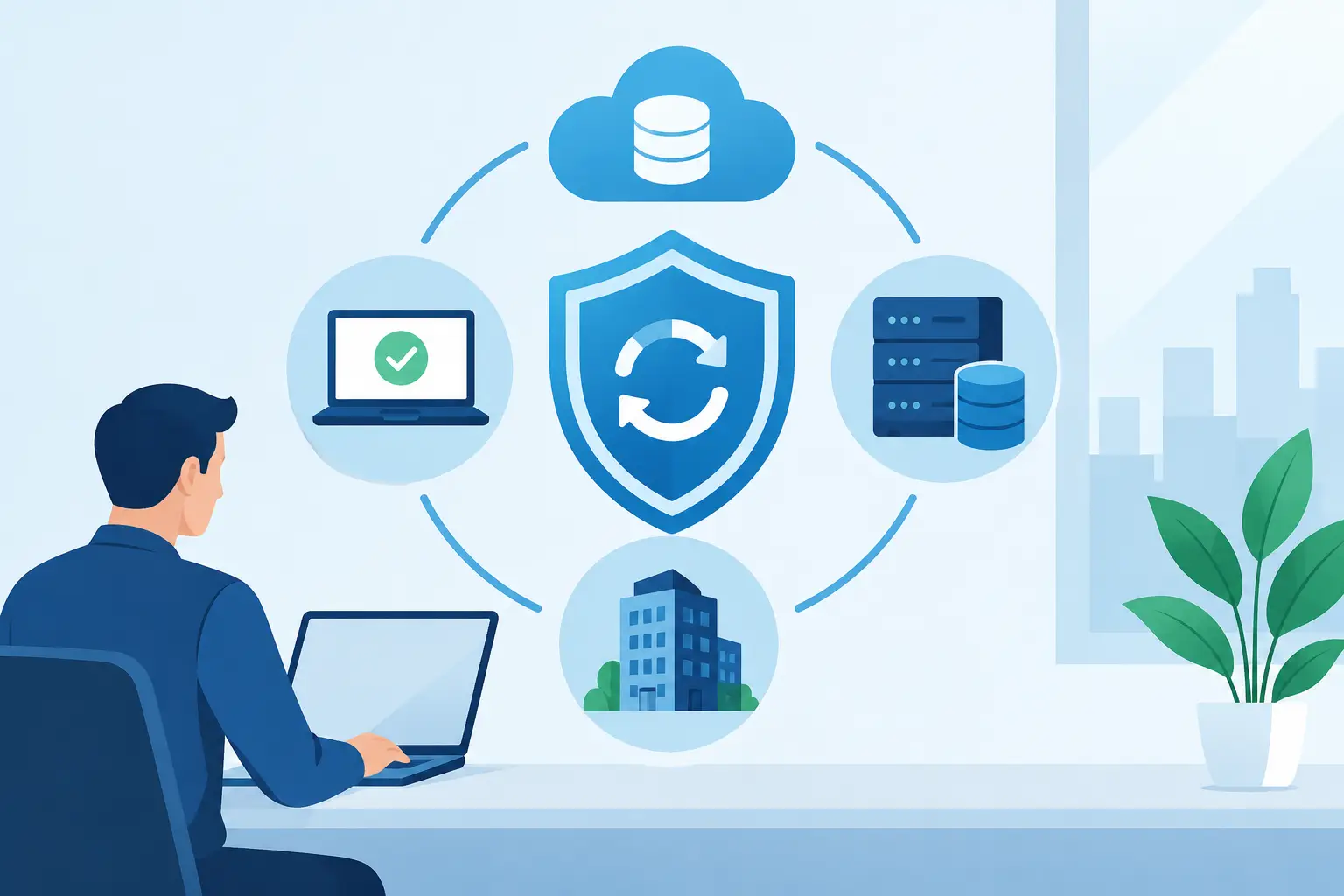
Business continuity tools work together to protect the services your organisation depends on before, during and after an incident. That incident may be a ransomware attack, hardware fault, power outage, connectivity failure, accidental deletion, office access issue or supplier outage.
A useful toolset should help you answer three practical questions: Is the business data safe? Can staff continue to communicate and work? Who knows what to do next?
The answer will vary between businesses. A professional services firm may prioritise client files, email and cloud applications. A business with on-site systems may need fast server recovery and replacement equipment. If your teams take customer calls all day, phone resilience may be just as important as file recovery.
Recovery objectives set the standard
Before choosing technology, agree two measures with the people responsible for the business. The recovery time objective sets the maximum acceptable period a system can be unavailable. The recovery point objective sets how much data you can afford to lose, measured from the last usable copy.
For example, losing a few hours of archived documents may be tolerable. Losing a morning of bookings, orders or financial entries may not be. These decisions prevent businesses from paying for instant recovery everywhere while under-protecting the services that genuinely drive revenue and customer service.
The core continuity planning tools for SMEs
Backup and recovery platforms
Backup is the foundation, but a backup that cannot be restored quickly is only a partial safeguard. A suitable platform should create regular protected copies of servers, laptops, cloud data and critical application information. It should also support a controlled restoration when a file, mailbox, system or whole server needs to be recovered.
The widely used 3-2-1 principle remains a sensible starting point: keep three copies of important data, on two types of storage, with one copy held separately from the main environment. For many SMEs, that means local recovery capability combined with encrypted off-site or cloud backup.
Ransomware has made immutability especially valuable. Immutable copies cannot be altered or deleted for a defined retention period, reducing the chance that an attacker can destroy both production data and its backup. This does not remove the need for security controls, but it gives recovery a stronger foundation.
Cloud productivity and collaboration resilience
Microsoft 365 and similar platforms have changed how businesses operate, but cloud access still depends on identity security, internet connectivity and properly managed data. Native retention features are useful, yet they are not always a replacement for an independent backup policy, particularly where deleted mail, SharePoint files or Teams content must be recovered after a longer period.
Continuity planning should also consider how staff will work if the office is unavailable. Secure cloud file access, correctly configured device management and multi-factor authentication can allow a team to operate from another location without creating a security gap. The trade-off is that remote access must be planned and tested in advance. Trying to configure it under pressure commonly leads to delays or risky shortcuts.
Cybersecurity monitoring and incident response
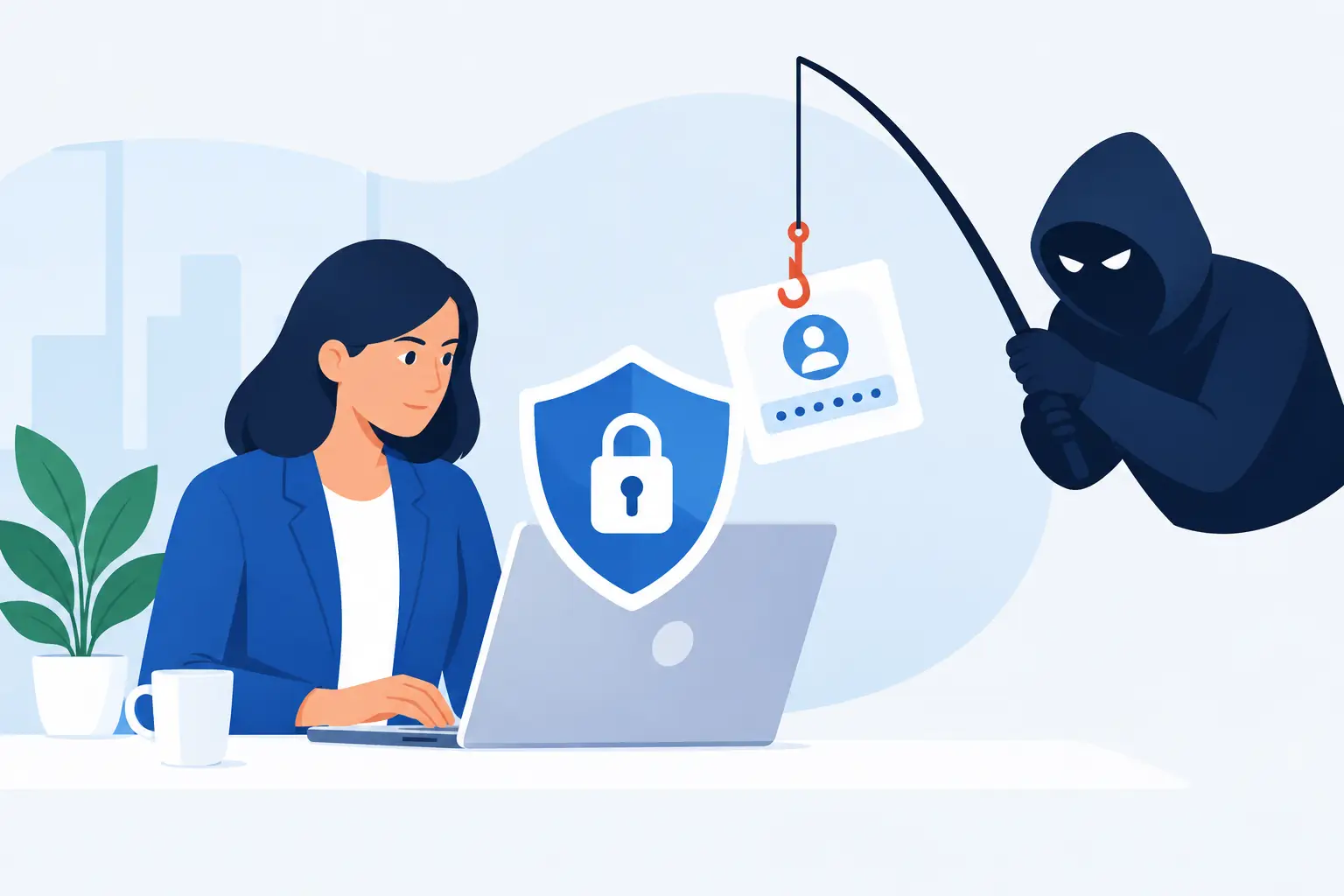
Cybersecurity and continuity are closely connected. The quicker a suspicious login, malicious attachment or unauthorised change is identified, the more likely the business can contain the problem before recovery becomes necessary.
Endpoint protection, email filtering, vulnerability management and monitored security alerts each have a role. For many SMEs, the challenge is not buying another security product. It is ensuring somebody reviews alerts, acts on critical findings and can isolate affected devices when required.
An incident response playbook is a continuity tool in its own right. It should state who can make decisions, how to contact your IT partner, which systems must be disconnected, and who communicates with staff, customers and insurers. Keep a current copy available outside the main network. If staff cannot access the shared drive during an incident, the plan must still be reachable.
Resilient communications
When systems fail, communication becomes operational infrastructure. Cloud phone systems can allow calls to be routed to mobiles, alternate sites or remote staff if an office loses connectivity. Clear call-routing rules are particularly useful for customer-facing teams that cannot simply go quiet for a day.
Businesses should also define an alternative communication channel for internal updates. This may be a pre-agreed mobile group, an external status page or another secure method. The objective is straightforward: staff need to know whether they should keep working, move location, avoid a system or wait for further instruction.
Documentation and asset management
Good documentation rarely feels urgent until the moment it is needed. An accurate record of hardware, software licences, user access, network diagrams, suppliers, renewal dates and system dependencies makes recovery quicker and less dependent on one person’s memory.
Asset management also helps identify risks before they become outages. Unsupported laptops, ageing firewalls, expiring warranties and unmanaged mobile devices are not minor housekeeping issues. They can create avoidable recovery delays when a device fails or a security incident occurs.
Build a toolset around business priorities
Buying individual products without a continuity plan can create a false sense of security. A business might have excellent backups but no documented restoration process, or secure remote access but no way to redirect incoming calls. The most effective approach is to map the people, systems and suppliers needed to deliver your essential services.
Start with a short business impact discussion. Identify the activities that would cause the greatest financial, operational or reputational damage if unavailable for a day. Then work backwards to establish the applications, data, connectivity and devices they require.
When assessing continuity planning tools, ask these questions:
- Which business service does this protect, and what happens if it is unavailable?
- How quickly can it be recovered in a realistic incident, not just in a product demonstration?
- Where are the backup copies held, and are they protected from deletion or encryption?
- Who receives alerts and has authority to act outside normal office hours?
- Has the recovery process been tested with the staff and systems that will rely on it?
The final question is often the difference between a plan on paper and a plan that works. Testing does not always require a full shutdown. A scheduled file restore, mailbox recovery, failover exercise or remote-working test can reveal missing permissions, unclear instructions and overlooked dependencies without disrupting normal operations.
Avoid the common gaps
One common gap is concentrating only on servers. Laptops hold business data, staff use cloud applications and critical processes may sit with third-party providers. Your plan needs to account for the whole working environment.
Another is assuming an IT supplier alone owns continuity. A managed IT partner can provide monitoring, recovery expertise and technical controls, but business leaders must decide priorities, acceptable downtime and customer communication. Continuity works best when those responsibilities are agreed before an incident.
Finally, do not let a plan become static. New starters, office moves, acquisitions, new software and changing cyber threats all affect recovery. Review the plan at least annually, and after a significant technology or business change.
Make continuity part of everyday IT support
Continuity is most dependable when it is built into everyday operations: backups are checked, patches are applied, access is reviewed, devices are managed and documentation remains current. This reduces the chance of disruption and makes the business easier to recover when an unexpected event does occur.
For Dublin SMEs without a large internal IT department, a single managed partner can make this far more practical by bringing backup, security, cloud, communications and support into one accountable service. Host-It helps businesses turn separate technical measures into an operational plan focused on keeping people productive and systems protected.
The useful next step is not to buy every available product. Choose one critical business service, define how long it can be unavailable, and test whether your current people, process and technology can meet that target. The gaps you find will give your continuity investment a clear purpose.