
A server migration can look straightforward on a project plan: move applications and data, point users to the new environment, then retire the old equipment. For an SME, the reality is less forgiving. One missed dependency, incorrect DNS record or untested backup can stop staff from accessing the systems they need to serve customers. Knowing how to migrate servers safely means treating the work as a business continuity exercise, not simply an infrastructure upgrade.
The objective is not just to get systems running in a new location. It is to protect data, maintain security controls, give staff a clear plan and retain a reliable route back if something does not perform as expected. That requires preparation, controlled testing and accountable support before, during and after the change.
Start with business impact, not the server list
Before selecting a new host, cloud platform or replacement server, establish what each system does for the business. A file server used by everyone has a different risk profile from an internal test application. Likewise, an accounts system may only be used by a small team but be critical at month end.
Map the services that sit behind each server, including applications, databases, shared folders, printers, user authentication, remote access, integrations and scheduled tasks. Record the people who rely on them, when they use them and what happens if access is unavailable. This reveals dependencies that are often missed when a migration begins with technical inventory alone.
For example, an application may appear self-contained until it fails because it depends on a legacy SQL database, a mapped network drive or an external supplier connection. Identifying this early gives the business a choice: migrate the dependency, replace it, or redesign the process around it.
Agree a realistic outage window with department leads. Some migrations can be completed with minimal interruption, while others require a planned period of downtime. Promising zero downtime where the environment has not been designed for it creates unnecessary risk. The better approach is to define what interruption is acceptable, communicate it clearly and build the migration plan around it.
Build a complete migration plan
A safe migration has named owners, decision points and a documented fallback route. The plan should state exactly what will move, in what order, how success will be checked and when the team should stop rather than continue with a failing cutover.
At a minimum, document the current environment, target architecture, migration method, change window, communications plan and rollback procedure. Include technical details such as IP addressing, firewall rules, licences, DNS records, service accounts, encryption certificates and backup locations. These can be small details until they prevent an application from starting on the new server.
Choose the right migration method
The best method depends on the workload and the required availability. A simple file server may be copied in stages, with a final synchronisation completed during an agreed out-of-hours window. A database-driven line-of-business system may need a more controlled export, restore and validation process. Virtual servers can sometimes be replicated to a new platform before cutover, reducing the final outage.
A cloud migration brings further choices. Rehosting an existing virtual machine may be quicker, but it can also carry forward operating system issues and unnecessary costs. Rebuilding a workload in a supported cloud service can improve resilience and management, though it takes more planning and testing. There is no single right answer. The decision should reflect the age of the system, supplier support, performance needs, security requirements and budget.
Prove that backups and recovery work
A backup is not a rollback plan unless it can be restored within the time the business can tolerate. Before any server move, take verified backups of the affected servers, applications and databases. Keep at least one protected copy separate from the environment being changed, so that a failed migration, hardware fault or cyber incident cannot compromise both the live data and its recovery point.
Test a restore before migration day. This is particularly important for databases, virtual machines and systems with complex permissions. A successful backup job only proves that data was written somewhere. A test restore proves that it can be recovered, opened and used.
Document the recovery order as well. Restoring a business application before its database, authentication service or file share may not help. Your recovery process should prioritise the systems required to bring people back to productive work, not simply the servers that are easiest to restore.
Prepare the target environment securely
A new server or cloud environment should not inherit weak settings simply because they existed on the old one. Apply current security standards before data and users are moved. This includes patching operating systems and applications, using supported software versions, restricting administrator access and configuring endpoint protection, monitoring and encrypted backups.
Review user permissions during the move. Server migrations are a useful opportunity to remove former staff accounts, outdated shared access and broad administrator rights that have accumulated over time. Do this carefully, however. Permission changes should be assessed separately from the core migration where possible, as combining too many changes makes faults harder to diagnose.
Network security needs the same attention. Confirm firewall rules, remote access controls, multi-factor authentication, VPN settings and secure connectivity between offices or cloud services. If systems exchange data with third parties, test those connections in advance rather than discovering a blocked port after the cutover.
Test with real business scenarios
Technical checks are essential, but a server can pass a basic health check while still failing the people who use it. Build a test plan around normal working tasks. Can a member of staff sign in, open the application, retrieve a file, print a document, process a transaction and access the system remotely if required?
Use a small group of informed users to test the migrated environment before it becomes the live service. They will often identify practical issues that monitoring tools do not see, such as missing templates, slow searches, incorrect permissions or integrations that only run at a certain time of day.
Testing should cover performance as well as access. A system that technically works but takes three times longer to respond can create a serious productivity problem. Compare response times, storage capacity and resource usage against the current environment and the expected demand.
Run the cutover with control
On migration day, use a written runbook rather than relying on memory. Freeze non-essential changes to the affected systems beforehand, as last-minute updates make it harder to confirm which version of data is authoritative. Tell staff what is changing, when access may be affected and who to contact if they experience a problem.
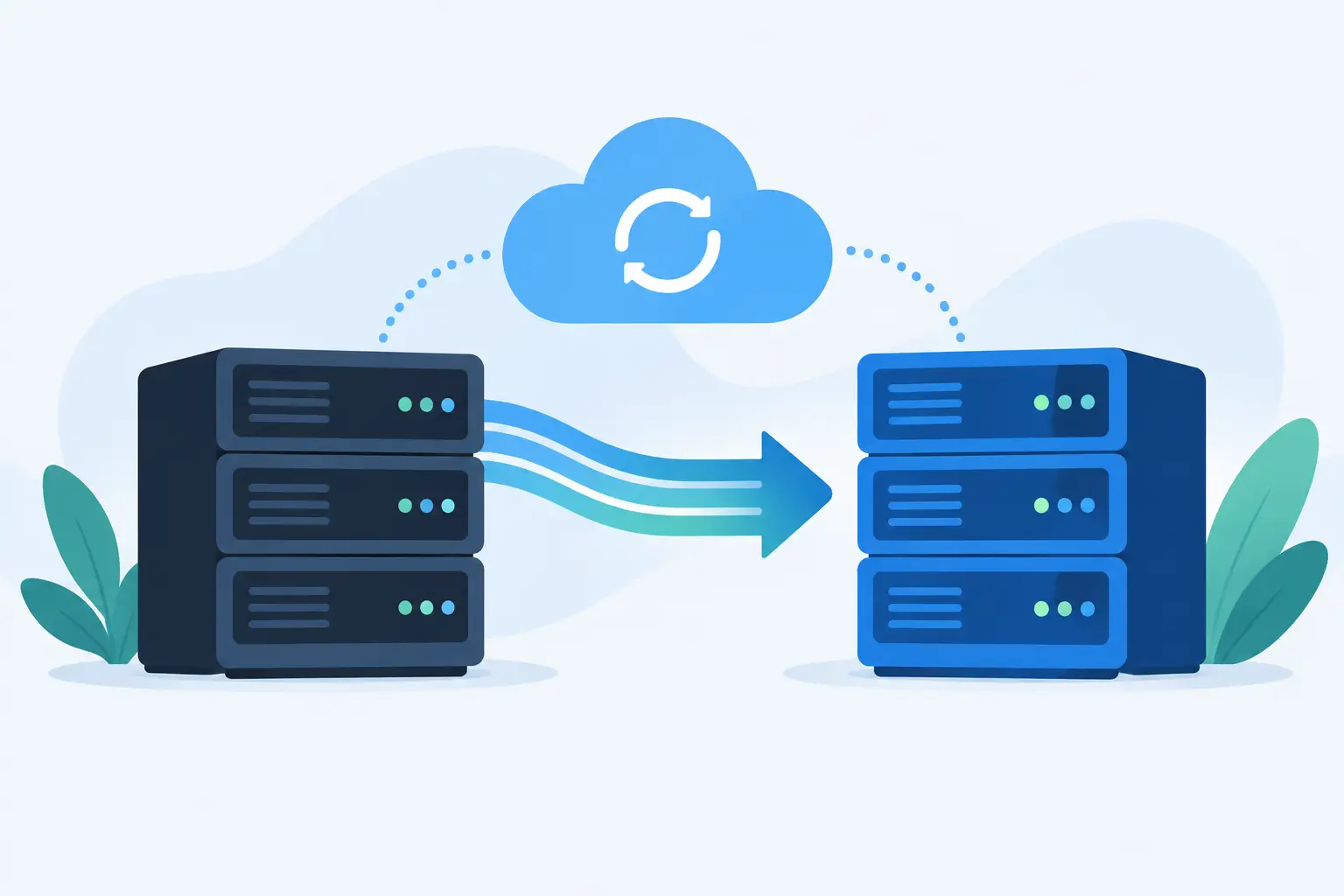
The cutover should follow a controlled sequence: complete the final data synchronisation, switch services to the target environment, update DNS or network routes where needed, and validate the priority business functions. Keep the old environment available but isolated where possible until the new service has been accepted. This protects the rollback option without creating a risk of users entering different data in two places.
Set clear go/no-go criteria. If core checks fail, or data integrity cannot be confirmed, roll back while the agreed window still allows it. Pressing on because the work is nearly finished can turn a contained issue into an extended outage.
Monitor closely after the move
The first few days after a migration matter as much as the cutover itself. Monitor server health, storage, backups, failed logins, application errors and unusual network activity. Ask department contacts whether their key processes are working as expected, rather than assuming silence means success.
Keep a short period of enhanced support in place, especially after moving systems that underpin finance, operations or customer service. Issues may only appear when scheduled reports run, a remote worker connects, or a less common process is used. Capture each issue, identify whether it is a migration defect or an existing problem, and resolve it without losing sight of the wider business impact.
Once the environment is stable, update documentation, asset records, disaster recovery procedures and supplier information. Only then should the old server be securely decommissioned. Data must be retained or destroyed in line with business, legal and security requirements, not left on an unused device in a cupboard.
When specialist support reduces risk
Server migrations place pressure on small internal teams because they require technical knowledge, project discipline and availability outside normal working hours. An experienced managed IT partner can provide the assessment, design, testing and on-site or remote support needed to keep the project controlled. For Dublin businesses, Host-It can also coordinate the wider picture, from secure connectivity and cloud services to backup, recovery and ongoing support.
The safest server migration is one your staff barely notice because the preparation was thorough. Give the project the time to understand dependencies, test recovery and verify real working tasks, and you will protect both your systems and the people who rely on them.