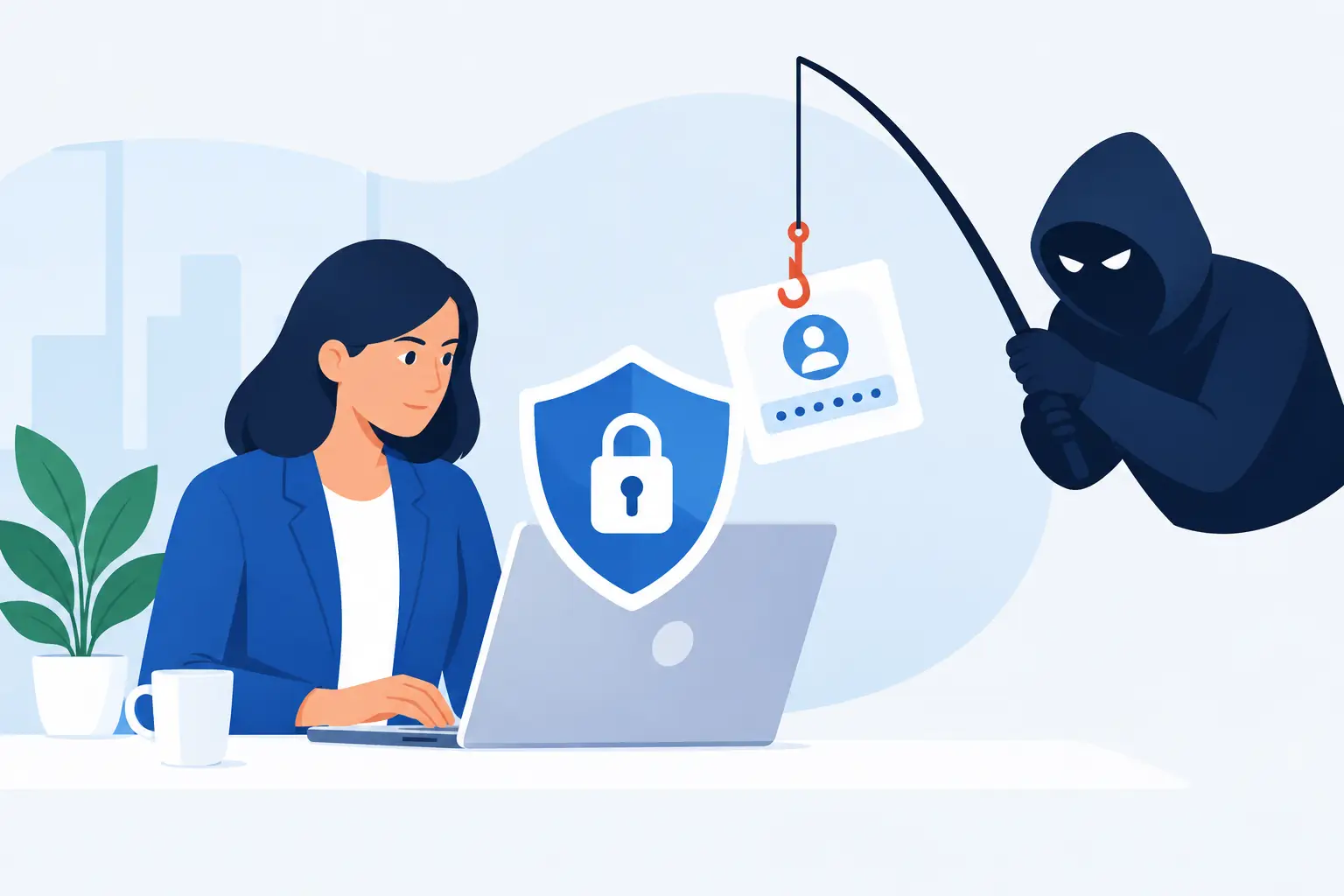

A convincing supplier invoice can reach an employee’s inbox, be approved and paid before anyone spots the altered bank details. That is the business risk behind an email security gateway review. For SMEs, the question is not simply whether a product blocks spam. It is whether it reduces the chance of fraud, malware and account compromise without preventing staff from doing their jobs.
Email remains the route into many cyber incidents because it reaches people directly. Attackers can impersonate suppliers, send harmful attachments, steal Microsoft 365 credentials or exploit a rushed finance process. A suitable gateway adds a focused layer of protection between the public internet and your mail platform, but its value depends on how well it fits your users, systems and support model.
What an email security gateway should do
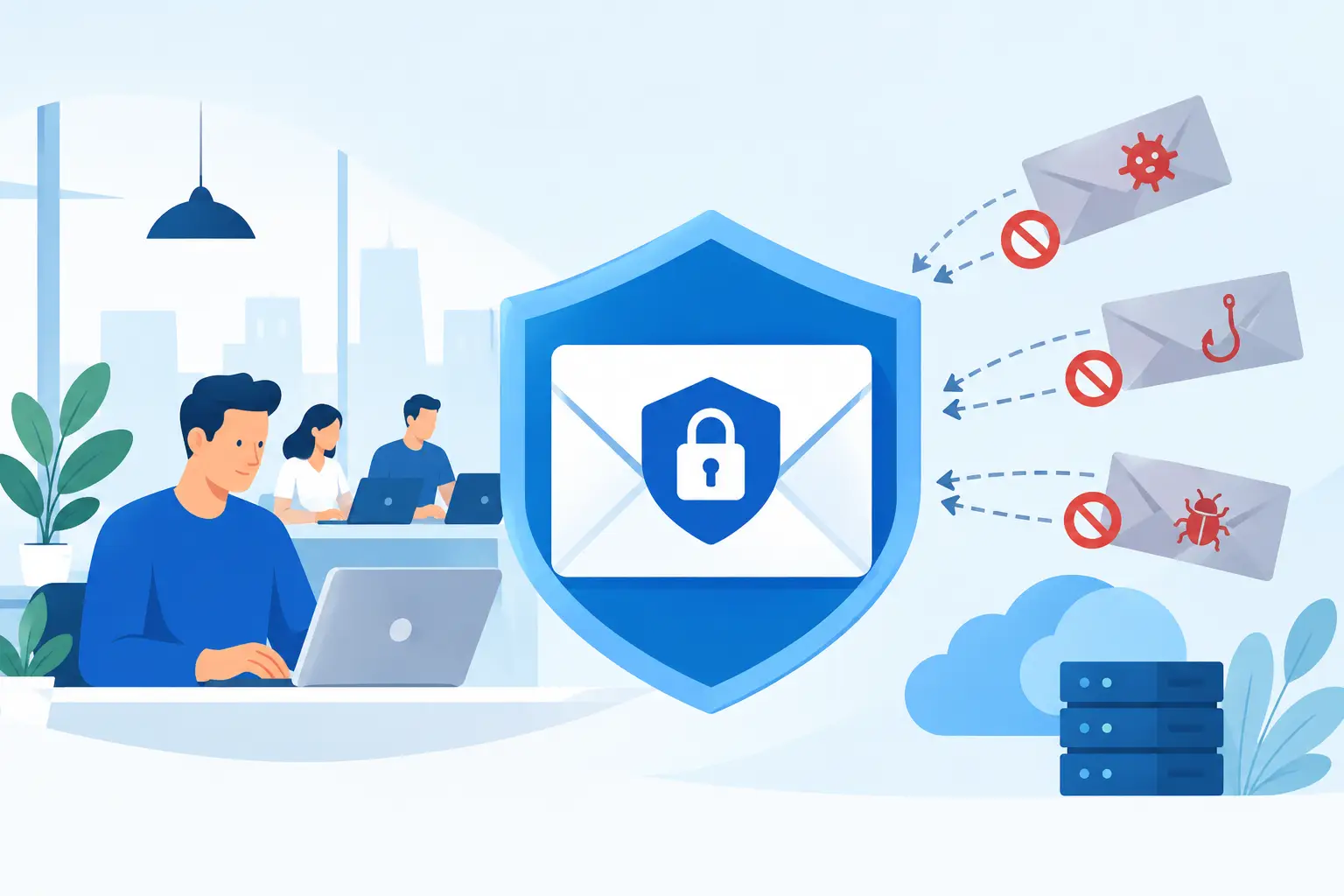
An email security gateway examines messages before they are delivered to a mailbox. It looks at the sender, the wording, URLs, attachments and technical signals associated with the message. Based on the result, it can deliver, quarantine, tag, hold or block the email.
Basic filtering for unwanted post is only the starting point. A worthwhile service should help identify phishing attempts, harmful attachments, impersonation and business email compromise. It should also scan outbound mail where appropriate, helping to prevent sensitive information leaving the business by mistake or an internally compromised account sending malicious messages to customers.
The gateway should verify sender authenticity through controls such as SPF, DKIM and DMARC. These standards make it harder for criminals to send messages that appear to come from your own domain. They do not stop every impersonation attempt, particularly where an attacker uses a lookalike domain, but they provide an essential technical foundation.
Many platforms also inspect web links at the point a user clicks them. This matters because a legitimate website can be compromised after an email has been delivered. Attachment sandboxing is another useful control: suspicious files are opened in an isolated environment so their behaviour can be assessed before they reach staff.
No gateway makes email risk disappear. It cannot fully judge the context of a genuine-looking request from a director, and it cannot correct a payment process with no independent verification. The strongest results come from combining email filtering with multi-factor authentication, staff awareness, device protection and clear financial controls.
Email security gateway review: the criteria that matter
A good review should begin with your risks, not a vendor feature list. A professional services firm handling client information may prioritise data controls and audit trails. A construction business processing frequent supplier invoices may place greater weight on impersonation detection and payment-fraud protection. A busy office with limited internal IT resource needs effective protection that does not create a daily queue of messages for someone to release.
Detection quality and false positives
Ask how the service identifies phishing beyond known malicious addresses. Modern attacks often use newly created domains, compromised legitimate accounts and carefully worded messages that do not resemble traditional spam. Look for multiple detection methods, including reputation checks, behavioural analysis, link inspection and attachment analysis.
Detection has a trade-off. An overly aggressive gateway can hold genuine customer orders, tender invitations or time-sensitive documents. That causes disruption and encourages staff to find unsafe workarounds. During an evaluation, measure not only how much malicious mail is caught but also how easily users and administrators can find and release legitimate messages.
Quarantine notifications need to be clear enough for employees to use safely. Users should be able to see why a message was held without being encouraged to release a suspicious email simply because it looks urgent. Sensitive release permissions should remain with an administrator or managed IT partner.
Protection against impersonation and account takeover
Business email compromise is often more damaging than a high volume of spam. Criminals may pose as a supplier, senior manager or colleague and ask for a bank-detail change, payment or password reset. Review whether the gateway detects display-name impersonation, lookalike domains and unusual sender relationships.
Also consider what happens after a Microsoft 365 account is compromised. The gateway may identify suspicious outbound mail or unusual forwarding behaviour, but identity controls do much of the heavy lifting. Multi-factor authentication, conditional access policies and prompt account monitoring should sit alongside the gateway. A supplier presenting email security as a standalone answer is overlooking a major part of the risk.
Integration with your email environment
Most SMEs use Microsoft 365, sometimes alongside shared mailboxes, scanning devices, business applications and external email relay services. Confirm that the gateway supports your configuration without creating delivery problems for these legitimate senders.
The implementation should cover mail routing, domain verification, user synchronisation and policy design. It should also clarify responsibility for ongoing changes, such as adding a new domain, acquiring another business or introducing a cloud application that sends automated messages. These are common points where security controls are accidentally weakened.
Microsoft 365 includes useful email protection, and for some lower-risk organisations it may be sufficient when configured and managed well. A dedicated gateway can add advanced detection, more detailed controls and independent continuity options. The right choice depends on the value of the data you handle, the fraud risk you face and the capacity available to manage the platform properly.
Continuity when email is unavailable
Email outages are operational problems, not merely IT inconveniences. Staff may be unable to receive customer enquiries, approve orders or communicate during a wider incident. Some email security services include continuity features that store incoming messages and provide temporary access while your main email platform is unavailable.
Do not assume every gateway offers this, or that it works in the same way. Ask how messages are retained, how users access them, how long the service can support an outage and what happens when normal service resumes. Test the process with the people who would need it, including staff working remotely and those using shared addresses.
Administration, reporting and support
A dashboard full of alerts does not equal security. SME decision-makers need reporting that answers practical questions: Which threats were stopped? Are phishing attempts increasing? Are messages being falsely held? Is our domain correctly protected? Can we demonstrate reasonable controls to a customer, insurer or auditor?
Evaluate how much specialist knowledge is needed to tune policies and investigate incidents. A low headline licence cost can become expensive if internal staff spend hours each week handling quarantines, delivery failures and rule changes. Conversely, a fully managed service may be better value where it includes active monitoring, responsive support and regular policy reviews.
For businesses in Dublin, local, accessible support can be especially valuable when a senior user cannot receive a critical email or a suspected fraud attempt needs urgent investigation. The quality of escalation should be tested before you commit, not discovered during an incident.
Look beyond the licence price
When comparing proposals, separate the platform cost from implementation, monitoring and support. Ask whether migration, mailbox configuration, policy creation, user training and incident assistance are included. Clarify contract terms, minimum user counts and charges for additional domains or continuity services.
Data handling also deserves close attention. The gateway will process the contents and metadata of business communications, potentially including personal and confidential information. Ensure the supplier can explain its data-processing arrangements, retention periods, access controls and support for your GDPR obligations.
A cheaper option may be appropriate for a small, low-risk team with straightforward email usage and capable internal administration. It becomes a false economy if it lacks the controls or support needed when an attack occurs. The aim is proportionate protection that keeps the business moving, rather than the longest possible feature checklist.
Test the service before making a decision
A trial or proof of concept should reflect normal business activity. Include typical supplier invoices, newsletters, large attachments, encrypted documents, application-generated messages and communications from key customers. Test how quickly mail arrives, whether legitimate messages are held and how the service responds to safe but unusual content.
Use the evaluation to work through incident scenarios with the provider:
- A finance employee receives a convincing request to change supplier bank details.
- A user clicks a link that is later found to lead to a credential-harvesting site.
- A trusted customer’s email account is compromised and sends malicious attachments.
- Microsoft 365 is temporarily unavailable during a busy working day.
The answers will reveal more than a product demonstration. You will see whether policies are practical, whether alerts are understandable and whether support teams can act at the pace your business requires.
Make email security part of business continuity
Email protection works best when it is treated as an operational control. Set clear ownership, review reports regularly and ensure staff know how to report suspicious messages without embarrassment. Finance teams should verify payment-detail changes through a known telephone number, not by replying to the original email chain.
Host-It can help SMEs assess their current email defences as part of a wider managed IT and cybersecurity approach, bringing identity security, endpoint protection, backup and continuity planning into the same conversation. The most useful gateway is the one that fits those wider controls and is actively maintained as your business changes.
Choose a service that gives your people room to work while making criminal email campaigns harder to succeed. When a suspicious message arrives, a clear process and dependable support are every bit as valuable as the technology that caught it.